
 v0.1.3
countdown_progress_indicator
Anpassbarer Countdown-Timer für Flutter mit Pause-/Fortsetzungssteuerungen.
43Likes 22030-Tage-Downloads160Pub-Punkte
AndroidiOSWebmacOSWindowsLinux
Anpassbarer Countdown-Timer für Flutter
Englischer Projektschnappschuss. Aktuelle Inhalte auf GitHub.
Customizable countdown timer for Flutter
To use this package, add countdown_progress_indicador as a dependency in your pubspec.yaml file.
dependencies:
	...
	countdown_progress_indicador: ^0.1.3
In your project add the following import:
import 'package:countdown_progress_indicator/countdown_progress_indicator.dart';
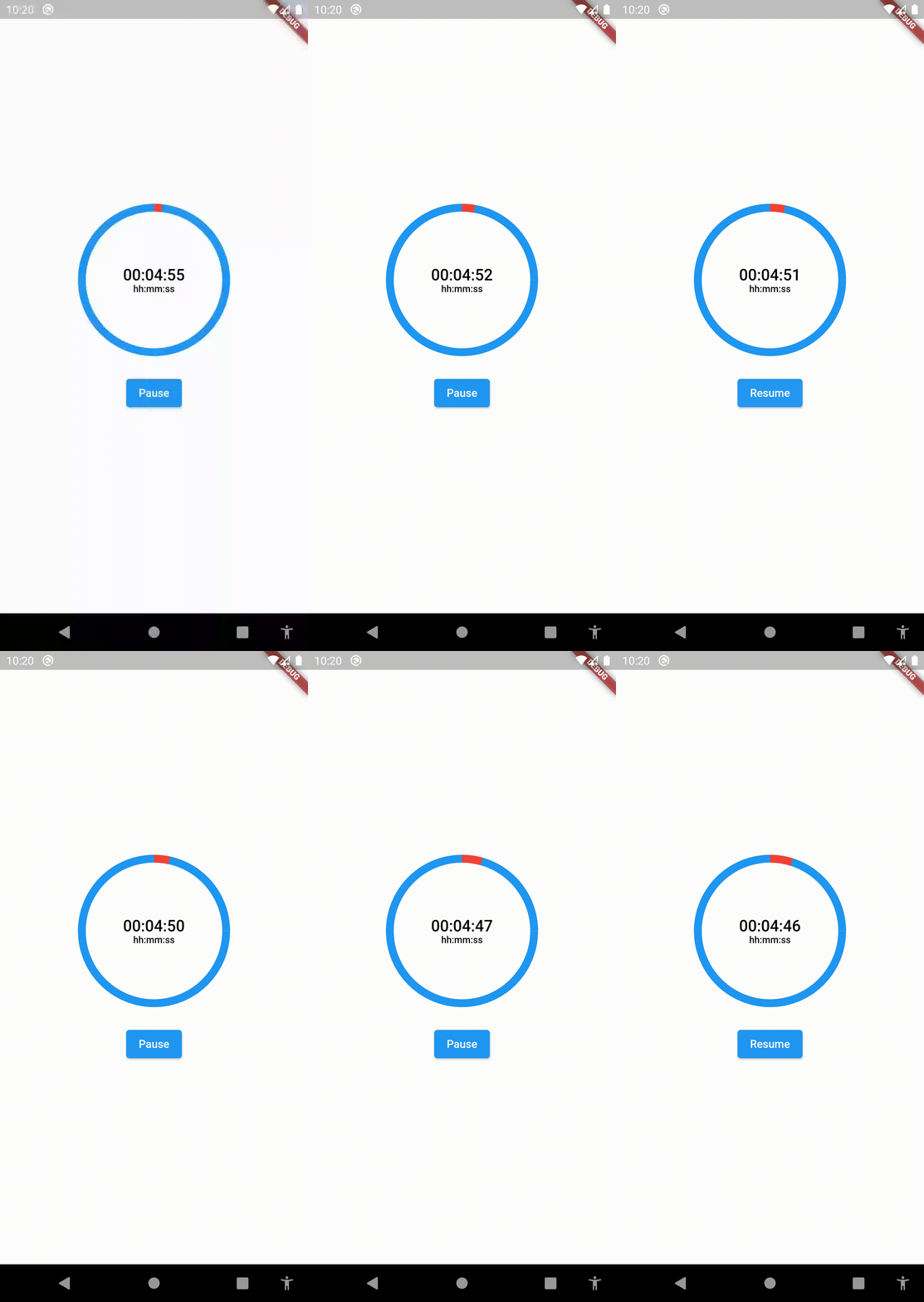
This widget starts the countdown automatically by default and supports pause and resume actions.
If you want to support these actions, implement a CountdownController as the example above:
SizedBox(
	height:  200,
	width:  200,
	child:  CountDownProgressIndicator(
		controller: _controller,
		valueColor:  Colors.red,
		backgroundColor:  Colors.blue,
		initialPosition:  0,
		duration:  20,
		text:  'SEC',
		onComplete: () =>  null,
	),
),
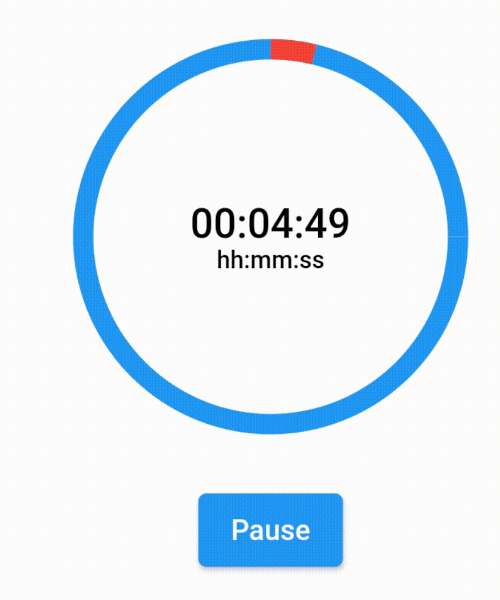
If you want to show a text different than the time in seconds, you can implement a custom time formatter.
CountDownProgressIndicator(
	controller: _controller,
	valueColor: Colors.red,
	backgroundColor: Colors.blue,
	initialPosition: 0,
	duration: 365,
	timeFormatter: (seconds) {
		return Duration(seconds: seconds)
			.toString()
			.split('.')[0]
			.padLeft(8, '0');
	},
	text: 'hh:mm:ss',
	onComplete: () => null,
),

Abhängigkeiten 3 Einträge
{"sdk":"flutter"}{"sdk":"flutter"}^4.0.0Nach Anwendungsfall filtern, Aktivität vergleichen und vor der Nutzung das Originalprojekt prüfen.
“A repository is the most basic element of GitHub.”
GitHub Docs — About repositories ↗