 v4.0.0
shimmer
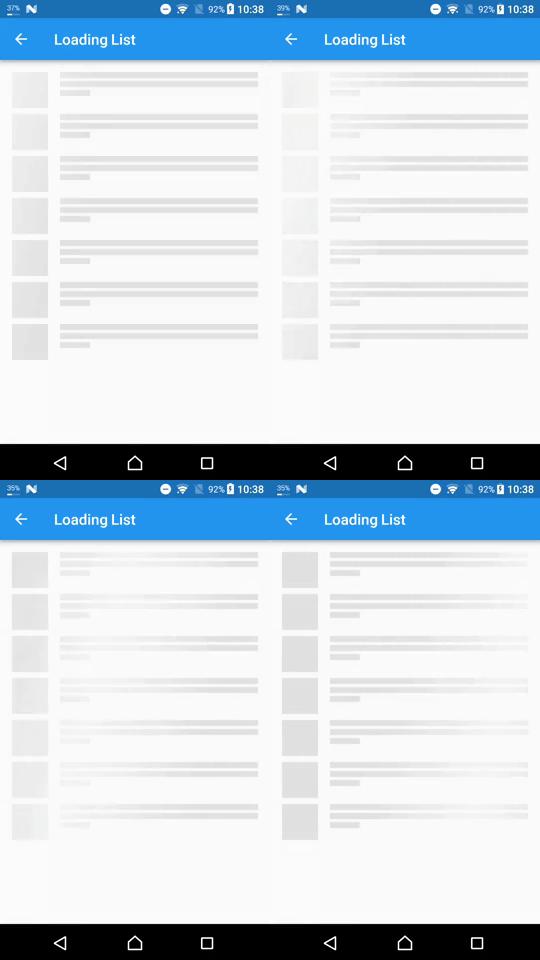
Ein Paket bietet eine einfache Möglichkeit, einen Shimmer-Effekt in einem Flutter-Projekt hinzuzufügen
5460Likes 1,7 Mio.30-Tage-Downloads160Pub-Punkte
AndroidiOSWebmacOSWindowsLinux
Wetter-App erstellt mit Flutter und Dart

Englischer Projektschnappschuss. Aktuelle Inhalte auf GitHub.
A simple weather App created using Flutter and Dart and using API from OpenWeatherMap
New Design Inspired by Rina Damayanti on Dribbble.
[!IMPORTANT] This project uses version 2.5 of the OpenWeatherMap API
API used in this project:
Sometimes after getting your OpenWeatherMap API key it won't work right away
To test if your API key is working or not copy and paste the following link to your browser
https://api.openweathermap.org/data/2.5/weather?lat=53.4794892&lon=-2.2451148&units=metric&appid=YOUR_API_KEY
Then replaceYOUR_API_KEYwith your own API key from OpenWeatherMap
git clone https://github.com/ArizArmeidi/FlutterWeather.git
flutter pub get
String apiKey = 'Paste Your API Key Here';
Distributed under the MIT License. See LICENSE for more information.
Ein Paket bietet eine einfache Möglichkeit, einen Shimmer-Effekt in einem Flutter-Projekt hinzuzufügen
Geolokations-Plugin für Flutter. Dieses Plugin bietet eine plattformübergreifende (iOS, Android) API für allgemeine Ortsfunktionen (GPS usw.).
Leistungsstarkes Paket, um in kurzer Zeit wunderschöne benutzerdefinierte Animationen zu erstellen.
Supercharged bringt allen Flutter-Entwicklern alle Komfortfunktionen aus Sprachen wie Kotlin.
Ein Flutter-Paket, um ein Land aus einer Liste von Ländern auszuwählen.
Implementierung von Phosphoricons für Flutter. 772 Symbole und mehr. Dünn, Licht, Normal, Fett, Voll.
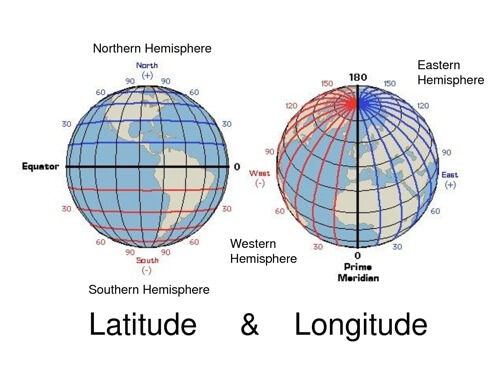
Leichte Bibliothek für gängige Berechnungen von Breite und Länge
Eine Flutter-Implementierung einer erweiterbaren und animierten schwebenden Suchleiste, auch bekannt als persistente Suche.
Abhängigkeiten 15 Einträge
{"sdk":"flutter"}^2.0.20^1.0.0^6.1.0^9.0.2^1.1.0^0.18.0^0.8.1^0.5.0^2.0.1^6.0.5^3.0.0^5.0.0+3^2.1.1{"sdk":"flutter"}Nach Anwendungsfall filtern, Aktivität vergleichen und vor der Nutzung das Originalprojekt prüfen.
“A repository is the most basic element of GitHub.”
GitHub Docs — About repositories ↗