camera
Ein Flutter-Plugin zum Steuern der Kamera. Unterstützt die Vorschau des Kamerabildes, das Erfassen von Bildern und Videos sowie das Streamen von Bilddatenpuffern nach Dart.
Offline-Passwort-Manager mit plattformübergreifender Synchronisierung
Ein Flutter-Plugin zum Steuern der Kamera. Unterstützt die Vorschau des Kamerabildes, das Erfassen von Bildern und Videos sowie das Streamen von Bilddatenpuffern nach Dart.
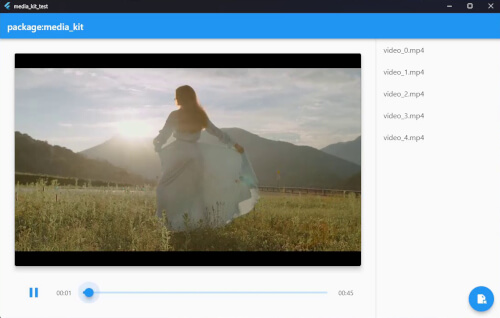
v1.2.6Ein plattformübergreifender Video- und Audioplayer für Flutter und Dart. Leistungsstark, stabil, funktionenreich und modular.
Native Implementierung für Videowiedergabe im Paket: media_kit.
Rufen Sie allgemeine Windows-APIs direkt aus Dart mit FFI auf.
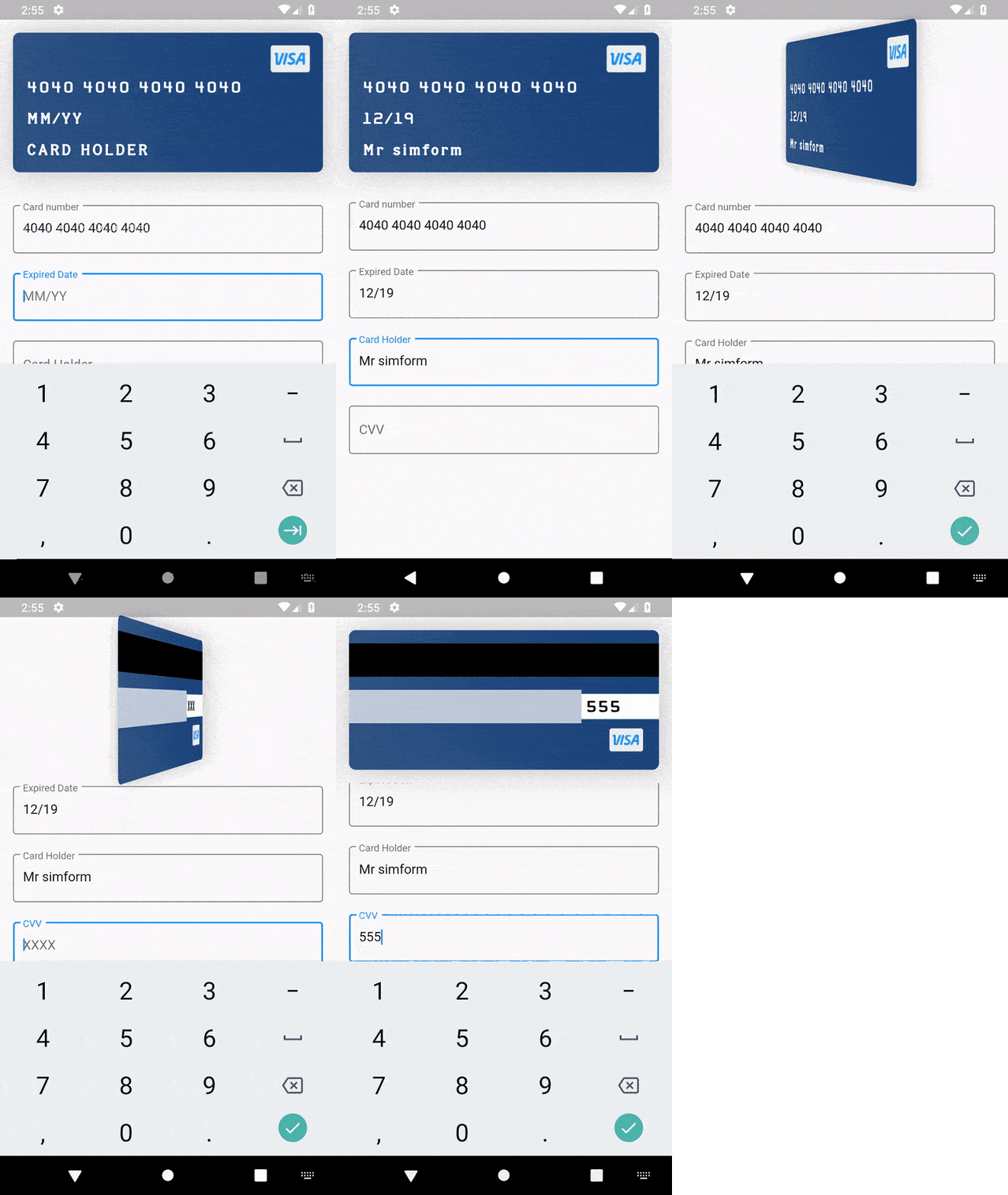
v4.1.0Ein Kreditkarten-Widget-Paket mit Unterstützung für die Eingabe von Karteninformationen und Animationen wie Kartenflip und Float.
Allgemeine Hilfsklassen für Zeichenketten, Daten, X509, PKCS, Kryptographie und mehr.
Ein Satz hochwertiger APIs über PointyCastle für die bidirektionale Kryptografie.
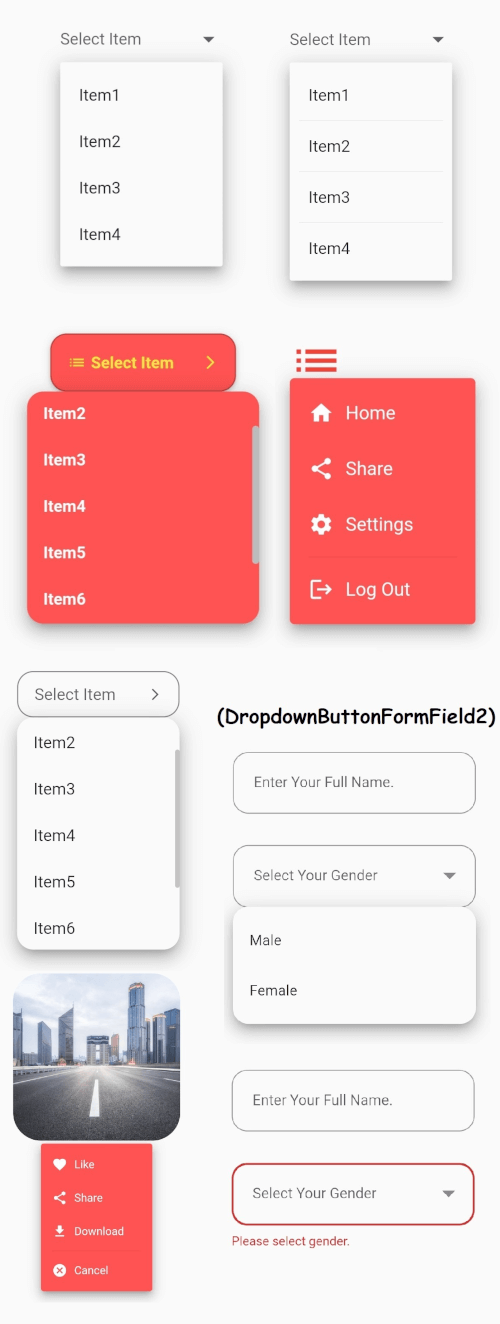
v3.1.0Das zentrale Dropdown-Button-Widget von Flutter mit einem stabilen Dropdown-Menü und vielen weiteren anpassbaren Optionen, die Ihren Bedürfnissen entsprechen.
pdfrx ist ein leistungsfähiger und schneller PDF-Anzeige- und Bearbeitungs-Plugin, der auf PDFium basiert. Unterstützt das Anzeigen, Bearbeiten und Kombinieren von PDFs unter Android, iOS, Windows, macOS, Linux und Web.
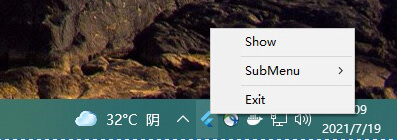
v2.0.3system_tray erleichtert die Anpassung der Taskleiste und die Arbeit mit Ihrer Flutter-Desktop-Anwendung.
Flutter-Paket für Tages-, Wochen-, Bereichs- und Monatsdatumsauswahl.
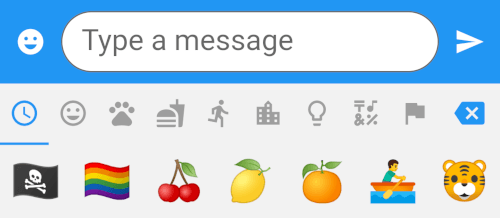
v4.5.4Ein Flutter-Paket, das ein Emoji-Auswahlwidget mit über 1500 Emojis in 8 Kategorien bereitstellt.
{"sdk":"flutter"}^1.0.2^3.0.0+5^3.0.1^5.0.1^4.8.0^2.0.9^3.0.2^4.0.0^10.3.10^0.17.3^2.1.2^3.3.1{"git":{"url":"https://github.com/SimformSolutionsPvtLtd/flutter_credit_card","ref":"7a754b0a44cd75d0689a3adfd778205da9c69f95"}}^0.4.3^3.0.0^1.0.3^0.11.3^0.21.0^6.0.20^1.0.2^0.2.3any{"sdk":"flutter"}^2.1.0^2.1.2^1.1.1^5.0.2^3.3.0^3.3.0{"git":{"url":"https://github.com/GlitterWare/dargon2.git","path":"dargon2","ref":"83c67239018b488512d9a553a93cf99d34ab2546"}}^1.1.1^1.0.0+1^1.0.2^0.2.2{"git":{"url":"https://github.com/authpass/kdbx.dart.git","ref":"90830e11bb0a6f177229a0644c559fbf2b088b03"}}^2.3.9^4.4.0^1.0.0^4.0.9^1.1.10+1^1.2.4^1.0.7^5.5.1^5.7.0{"git":{"url":"https://github.com/GlitterWare/chewie_media_kit","ref":"1720bb4c07aee96c1de3ad6753184265b91aaea7"}}^0.5.1^2.0.3^3.6.0^1.0.94^1.0.4^3.1.0{"sdk":"flutter"}2.13.16.13.0—^0.14.41.5.0^6.0.0^4.3.0Englischer Projektschnappschuss. Aktuelle Inhalte auf GitHub.
Passy is an offline password manager with cross-platfrom synchronization. 🔒
Github Latest Release F-Droid Latest Release Flathub Latest Release AUR Latest Release
Passy-<version>-Windows-Installer.exe;To update Passy, simply repeat same steps with a newer version.
Passy can be removed by running its uninstaller from Programs and Features in the Control Panel. Your data will remain in C:\Users\<username>\Documents\Passy.
Passy-<version>-Windows-Portable.zip.passy.exe inside the extracted folder to launch the app.For instructions on how to easily set up Passy using Ubuntu/Debian software app or Snap command-line, see https://github.com/GlitterWare/Passy/blob/dev/SNAP-STORE.md.
It's most comfortable to run AppImages with the AppImageLauncher installed. It automatically integrates AppImages and their .desktop files into your program launcher for best user experience.
You can run a Passy AppImage release as follows:
Passy-<version>-Linux-AppImage.zip..AppImage file to desired installation location..AppImage as a program.You can run a Passy bundle release as follows:
Passy-<version>-Linux-Bundle.zip.passy inside the extracted folder to launch the app.Backup & Restore.C:\Users\<username>\Documents.Passy, you can make a copy of it elsewhere to backup all accounts if you wish./home/<username>/Documents.Passy, you can make a copy of it elsewhere to backup all accounts if you wish.Passy is open-source, feel free to make modifications to it and build it yourself. We're always very glad to see people exploring our projects. 👥
flutter build [subcommand] to build passy for your system. Passy can be built to windows, linux, apk and aab.If you are building for Linux, getting started is easy:
libayatana-appindicator3-dev meson wget libasound2-dev.sudo apt install -y libayatana-appindicator3-dev meson wget libasound2-dev
./run script, which will automatically compile and inject all Passy dependencies into the script environment before running Flutter.build_linux.sh script../run, build_linux.sh or build_all.sh scripts, you do not need to install any extra packages, as they provide full hermetic builds of libmpv, as required by the media_kit plugin.Otherwise, you will need to install the libmpv-dev package.
On Ubuntu/Debian Linux, you can install it using apt:
sudo apt install -y libmpv-dev
At that point, you can run flutter build linux directly to build Passy for Linux.
Keep in mind that it is recommended that you remove the libmpv-dev package later if you decide to use the provided build scripts to compile Passy.
Build options are specified with --dart-define=<option name>=<option value> (without angle brackets) after the build command.
Available options:
UPDATES_POPUP_ENABLED - Default is true, if set to false, the update popup will never show up on the login screen.