
 v2.1.0
sleek_circular_slider
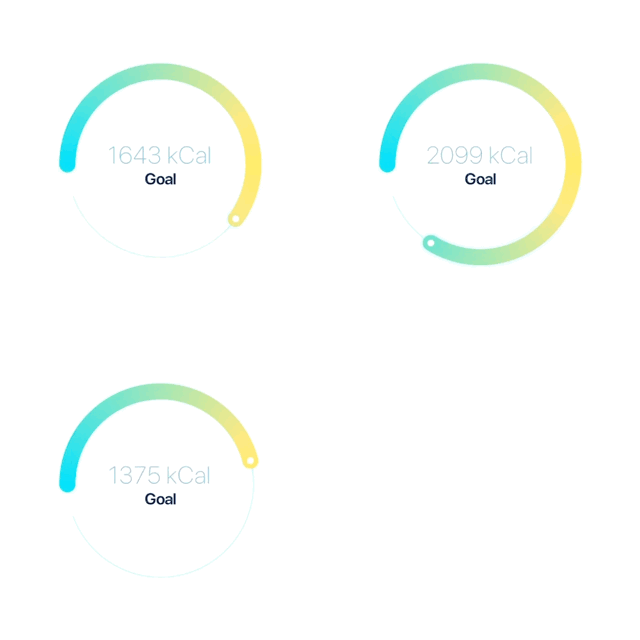
Ein hochgradig anpassbarer kreisförmiger Schieberegler / Fortschrittsbalken und Spinner für Flutter.
1380Likes 25.20030-Tage-Downloads150Pub-Punkte
AndroidiOSWebmacOSWindowsLinux
Ein benutzerfreundliches Fahrzeugsteuerungs-Dashboard, das mit Flutter erstellt und mit GetX für eine effiziente Zustandsverwaltung betrieben wird. Genießen Sie ein modernes und intuitives Design, das sich an verschiedene Bildschirmgrößen anpasst. Interagieren Sie mit dynamischen Fahrzeugsteuerungen, einschließlich Steuerung und Temperatur. Realistische Animationen erhöhen den visuellen Reiz.
 v2.1.0
Ein hochgradig anpassbarer kreisförmiger Schieberegler / Fortschrittsbalken und Spinner für Flutter.
 v0.0.1
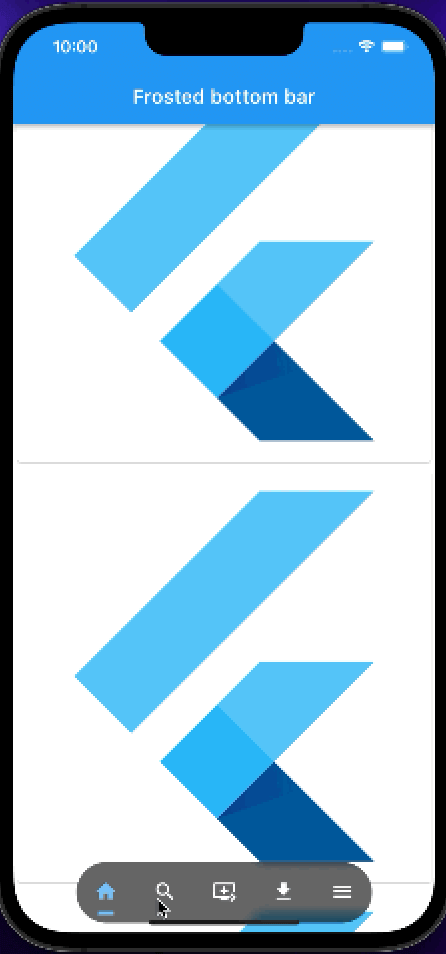
Die frosted Bottom Navigation Bar ermöglicht die Erstellung einer gefrorenen Unternavigation, die auch auf Scrollereignisse reagiert.
{"sdk":"flutter"}^1.0.2^1.0.0^2.0.1^4.6.5^0.0.1{"sdk":"flutter"}^2.0.0Englischer Projektschnappschuss. Aktuelle Inhalte auf GitHub.
Car Control Dashboard is a user-friendly mobile application built using Flutter and powered by GetX for efficient state management. Enjoy a modern and intuitive design that adapts to various screen sizes, providing a seamless experience for controlling your car's features. Interact with dynamic car controls, including speed, steering, and temperature. Realistic animations enhance the visual appeal, making it feel like you are controlling a real car!
User-friendly Interface: The app is designed to be intuitive and easy to use for all users, whether they are new to driving or experienced drivers.
Responsive Design: The app is built with responsiveness in mind, making it adapt perfectly to various screen sizes, from mobile phones to tablets.
Realistic Animations: Enjoy the experience of controlling a virtual car with realistic animations that enhance the visual appeal and provide a lifelike experience.
Efficient State Management: Powered by GetX, the app ensures efficient state management, leading to a smooth and lag-free experience.
To get started with the Car Control Dashboard app, follow these steps:
Prerequisites: Make sure you have Flutter installed on your system. If you don't have it yet, you can install it from the official Flutter website.
Clone the repository: Clone this repository to your local machine using the following command:
Install Dependencies: Navigate to the project directory and install the required dependencies:
Run the App: Now, you can run the app on your connected device or emulator:
The Car Control Dashboard app relies on the following dependencies:
We welcome contributions from the community! If you'd like to contribute to the Car Control Dashboard project, follow these steps:
Fork this repository.
Create a new branch for your feature or bug fix.
Make your changes and commit them with descriptive commit messages.
Push your changes to your forked repository.
Create a pull request to the main branch of this repository.
We'll review your pull request and merge it if everything looks good!
We would like to thank the Flutter and GetX communities for their valuable contributions and support.
If you have any questions or suggestions regarding the Car Control Dashboard app, feel free to contact us at rh676838@gmail.com.