v0.57.3
shadcn_ui
shadcn/ui in Flutter portiert. Erstaunliche UI-Komponenten für Flutter, vollständig anpassbar.
968Likes 91.10030-Tage-Downloads160Pub-Punkte
AndroidiOSWebmacOSWindowsLinux
Wandelt einfache Code-Ausschnitte in visuell ansprechende, teilenbare Bilder um und hilft Entwicklern, ihrem Werk kreative Akzente zu verleihen und es problemlos über Plattformen hinweg zu teilen.

Englischer Projektschnappschuss. Aktuelle Inhalte auf GitHub.


SnapInk is a tool that transforms your code into beautiful, print-ready images. It allows developers to easily customize, share, and showcase their code with style.
Whether you’re new to open source or a seasoned pro, your contributions can help bring SnapInk to the next level.
SnapInk is just getting started! Starring helps spread the word, and each contribution or feedback brings us closer to an even better tool. You can help shape SnapInk by suggesting features, fixing bugs, or refining its performance.
To run SnapInk locally using Flutter Web, follow these steps:
Clone the Repository
git clone https://github.com/ildysilva/SnapInk.git
cd SnapInk
Install Flutter Follow the instructions on the Flutter official website.
Get Dependencies
flutter pub get
Run the Project
flutter run -d chrome
git checkout -b my-feature-branch
git commit -m "Add a new feature"
git push origin my-feature-branch
Let SnapInk be part of your coding journey—don’t forget to star and share with your dev community!
shadcn/ui in Flutter portiert. Erstaunliche UI-Komponenten für Flutter, vollständig anpassbar.
Superkräfte für Dart. Sammlung nützlicher statischer Erweiterungsmethoden.
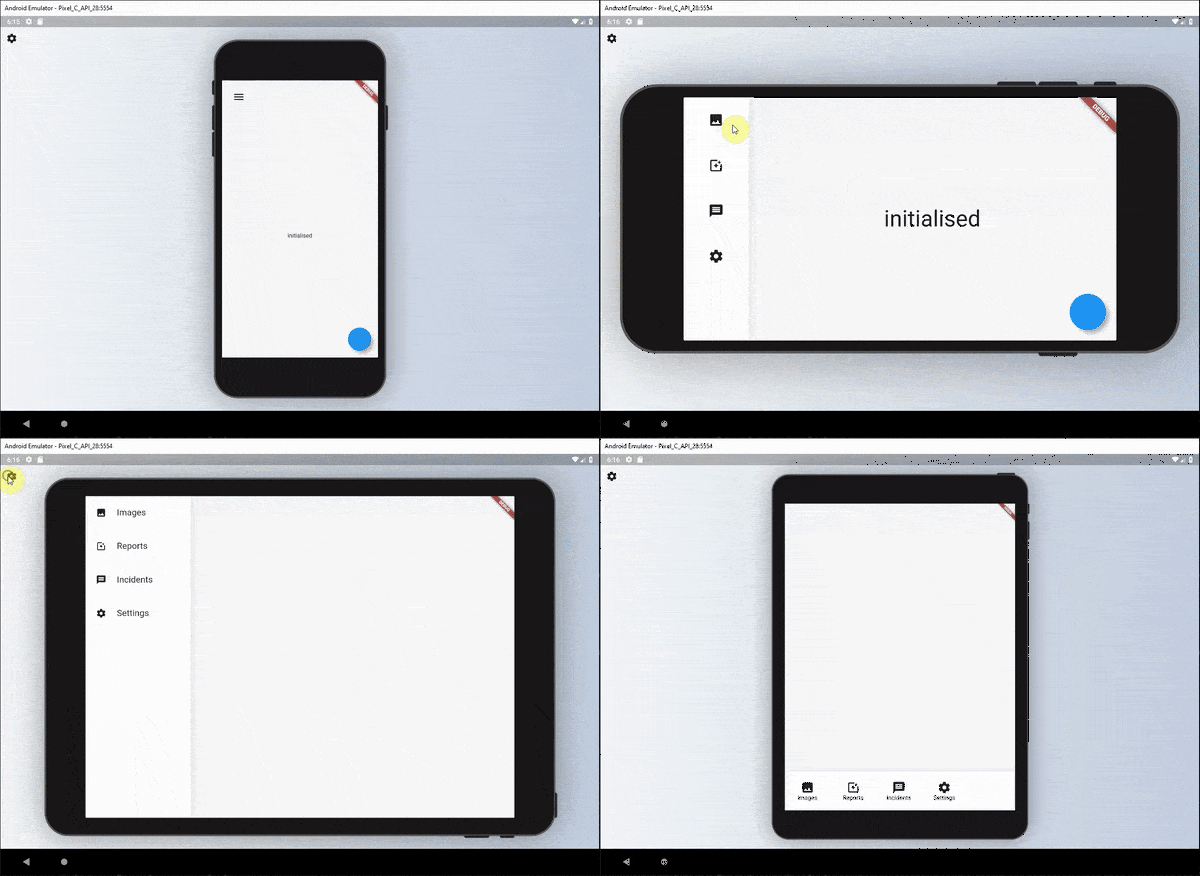
Eine Reihe von Widgets, die verwendet werden können, um eine lesbare responsive Benutzeroberfläche für Widgets zu definieren.
Ein Plugin, das Benutzern das Ziehen von Dateien in Ihre Flutter-Desktop-Anwendungen ermöglicht.
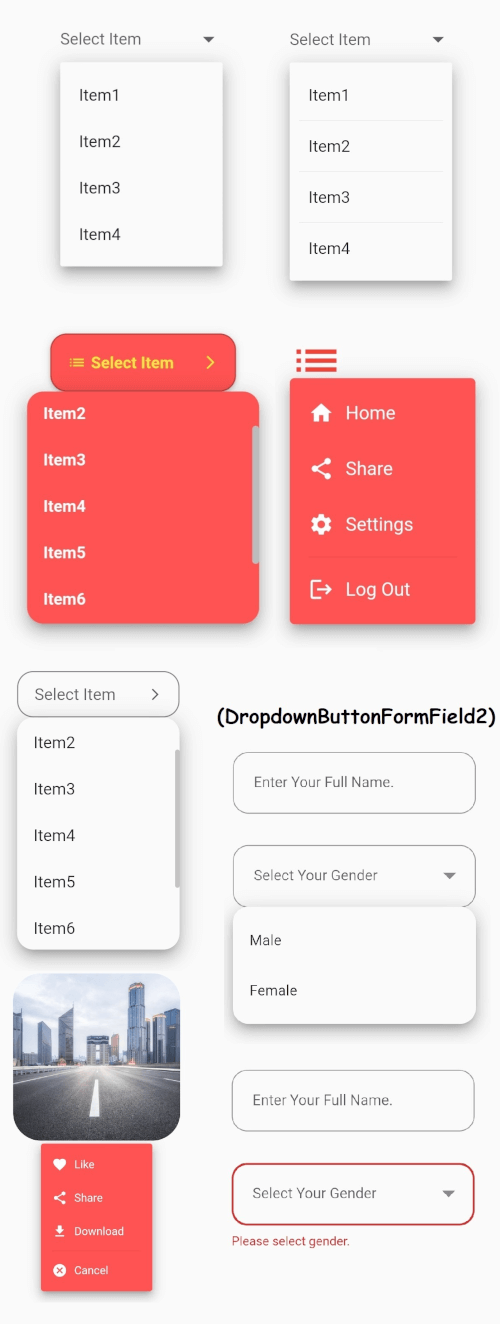
Das zentrale Dropdown-Button-Widget von Flutter mit einem stabilen Dropdown-Menü und vielen weiteren anpassbaren Optionen, die Ihren Bedürfnissen entsprechen.
Speichern Sie Dateien aus Bytes, Pfaden, Streams und URLs über Android, iOS, Web, Windows, macOS und Linux hinweg.
Zeichenfolgenersetzung mit Operationen, die Unicode-/Graphemcluster-bewusst sind.
Ein Auto-Vervollständigungs-Engine für Dart/Flutter, basierend auf einer optimierten Trie-Implementierung.
Icons Plus ist ein Paket mit vielen beliebten und einfach zu verwendenden Icon-Sets wie Bootstrap, Font Awesome, Eva Icons, Line Awesome, Ionicons und anderen.
Konstanten für ASCII- und häufige nicht-ASCII-Zeichen-Codes. Ganzzahlige Konstanten, die den Codepunkten einzelner Zeichen entsprechen.
Abhängigkeiten 25 Einträge
{"sdk":"flutter"}—^0.24.0^5.0.0^1.0.8any—^0.5.0^2.3.9^8.1.3^0.2.14—^2.0.0^1.2.1^1.3.1^1.17.2^2.0.5^1.2.0^1.9.1^1.0.1^0.3.5^2.0.1^6.1.8any{"sdk":"flutter"}Nach Anwendungsfall filtern, Aktivität vergleichen und vor der Nutzung das Originalprojekt prüfen.
“A repository is the most basic element of GitHub.”
GitHub Docs — About repositories ↗