
whatsapp_story_editor
Ein Flutter-Paket, um Story-Editierfunktionen hinzuzufügen, die denen von WhatsApp ähneln.

- Sterne
- 6
- Forks
- 14
- Letzter Push (UTC)
- 01.03.2024
- Projektstatus
- Aktiv
Original-README
Englischer Projektschnappschuss. Aktuelle Inhalte auf GitHub.
Flutter package to add story editing features similar to Whatsapp. Make Stories like whatsapp and add texts, stickers, painting on your photo along with basic features like crop, rotation, and also add captions to it.
How to Use
To use whatsapp_story_editor, follow the following steps:
Step1: Adding plugin dependency
add the plugin to your pubspec.yaml file:
whatsapp_story_editor: [latest_version]
Step2: Importing the package.
import the plugin in [your_file].dart
import 'package:whatsapp_story_editor/whatsapp_story_editor.dart';
Step3: Navigate to Whatsapp Story Editor Page
Navigate to WhatsappStortEditor Page on button click, you can find a whatsapp Camera button in the example file for reference. It will land you to the camera page which allows you to capture or select the photo from gallery upon your conscent.
 Navigator.push(
                context,
                MaterialPageRoute(builder: (context) => const WhatsappStoryEditor()),
);
this returns an Object containing the edited photo and caption as Future as:
  Navigator.push(
                context,
                MaterialPageRoute(
                      builder: (context) => const WhatsappStoryEditor()),
                ).then((whatsappStoryEditorResult) {
                  if (whatsappStoryEditorResult != null) {
                    Navigator.push(
                      context,
                      MaterialPageRoute(
                          builder: (context) => SavedImageView(
                                image: whatsappStoryEditorResult.image,
                                caption: whatsappStoryEditorResult.caption,
                              )),
                    );
                }
                });
);
Note that the whatsappStoryEditorResult could be null if the user dosnt makes any edit on the photo and leaves. SavedImageView is the page where you could show the edited photo and caption. You may change as you need it to be.
Example
Please refer to the example file for detailed usage and example here
Example Images:

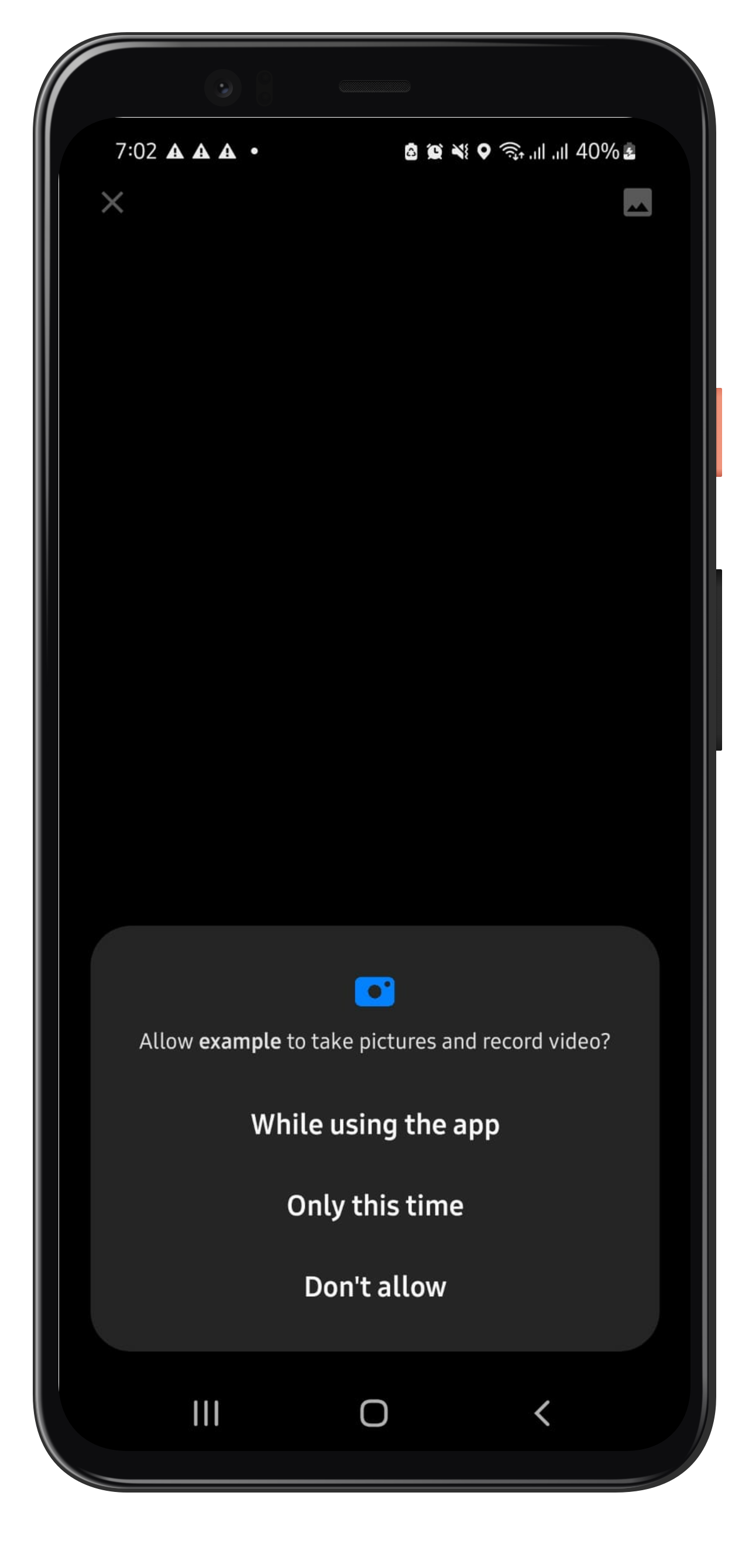
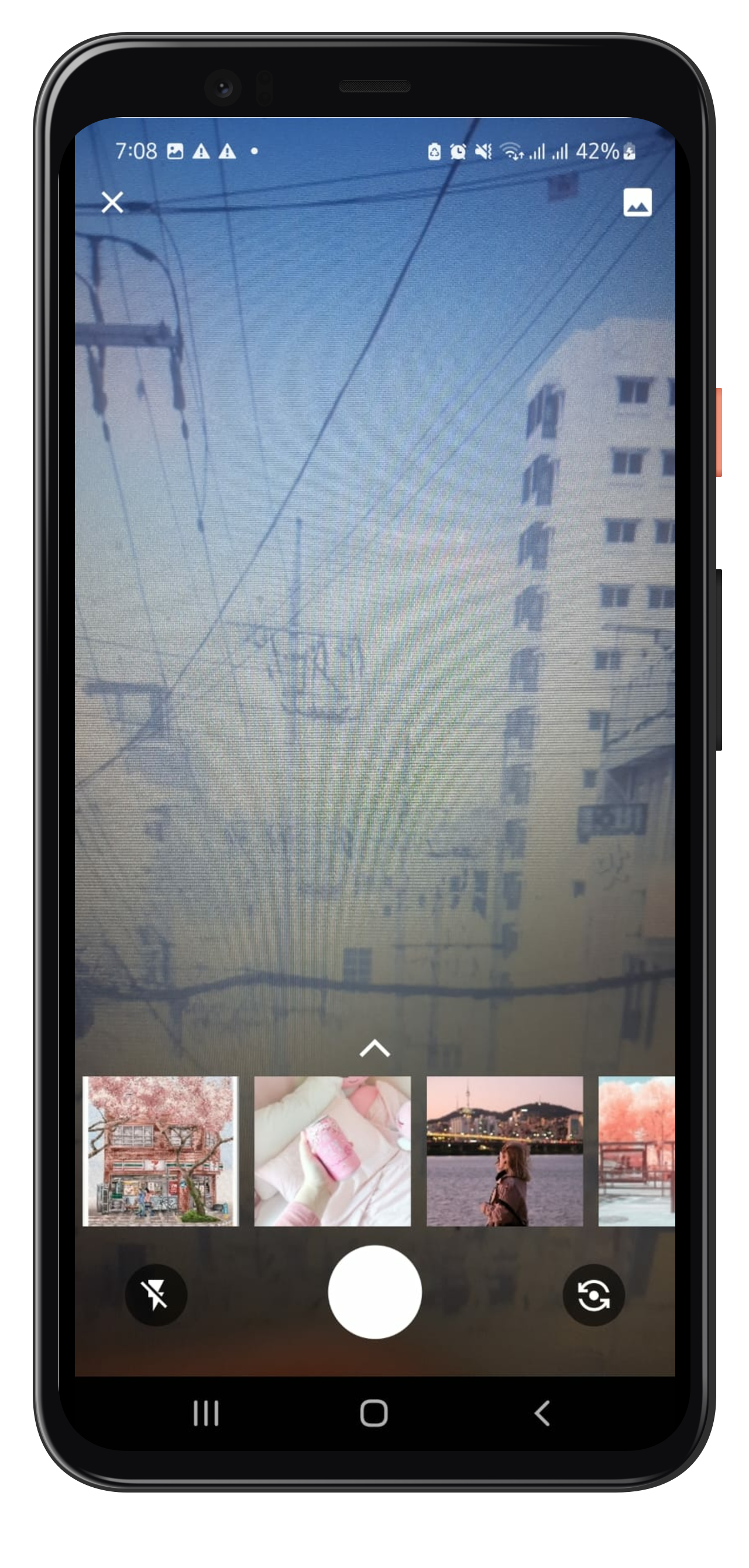


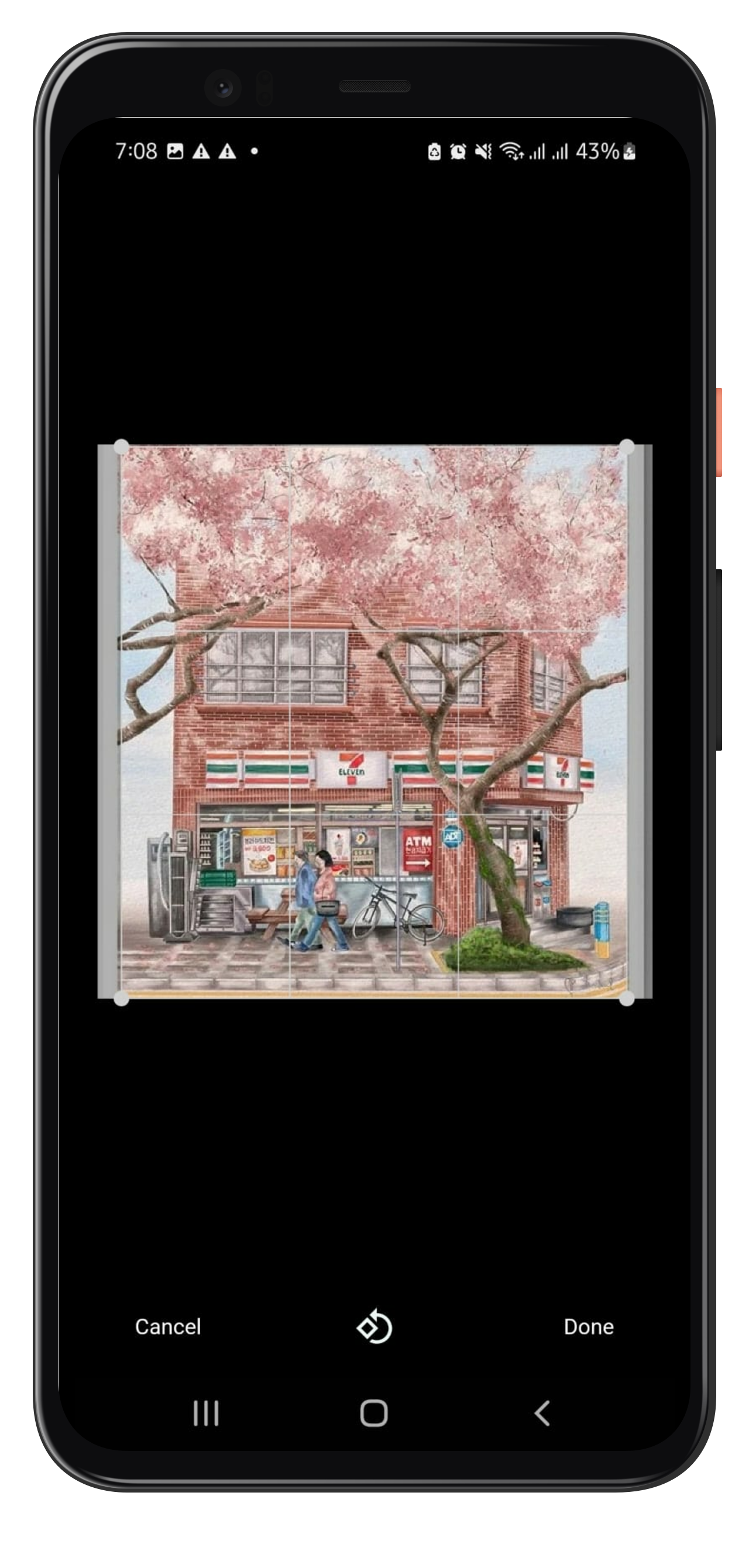
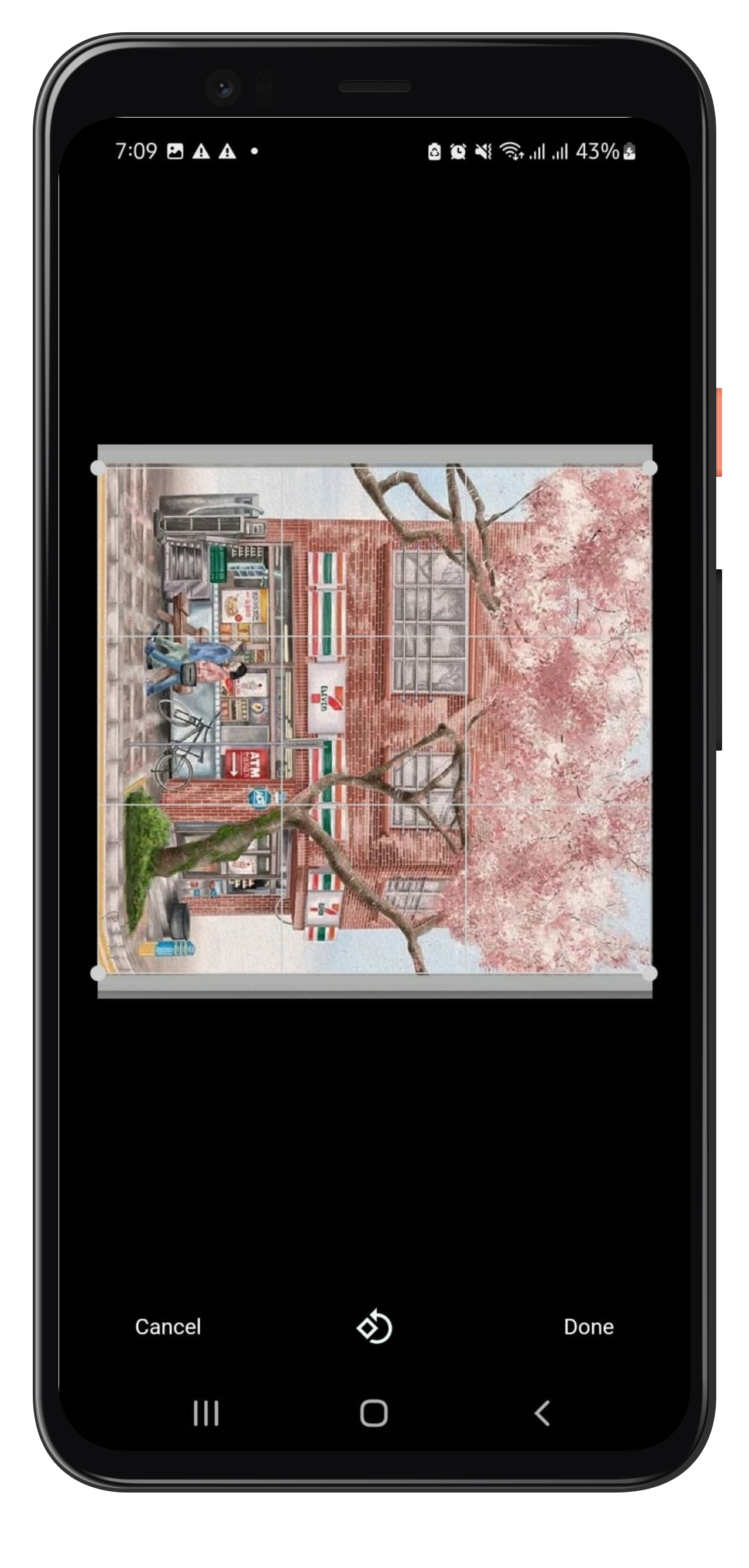
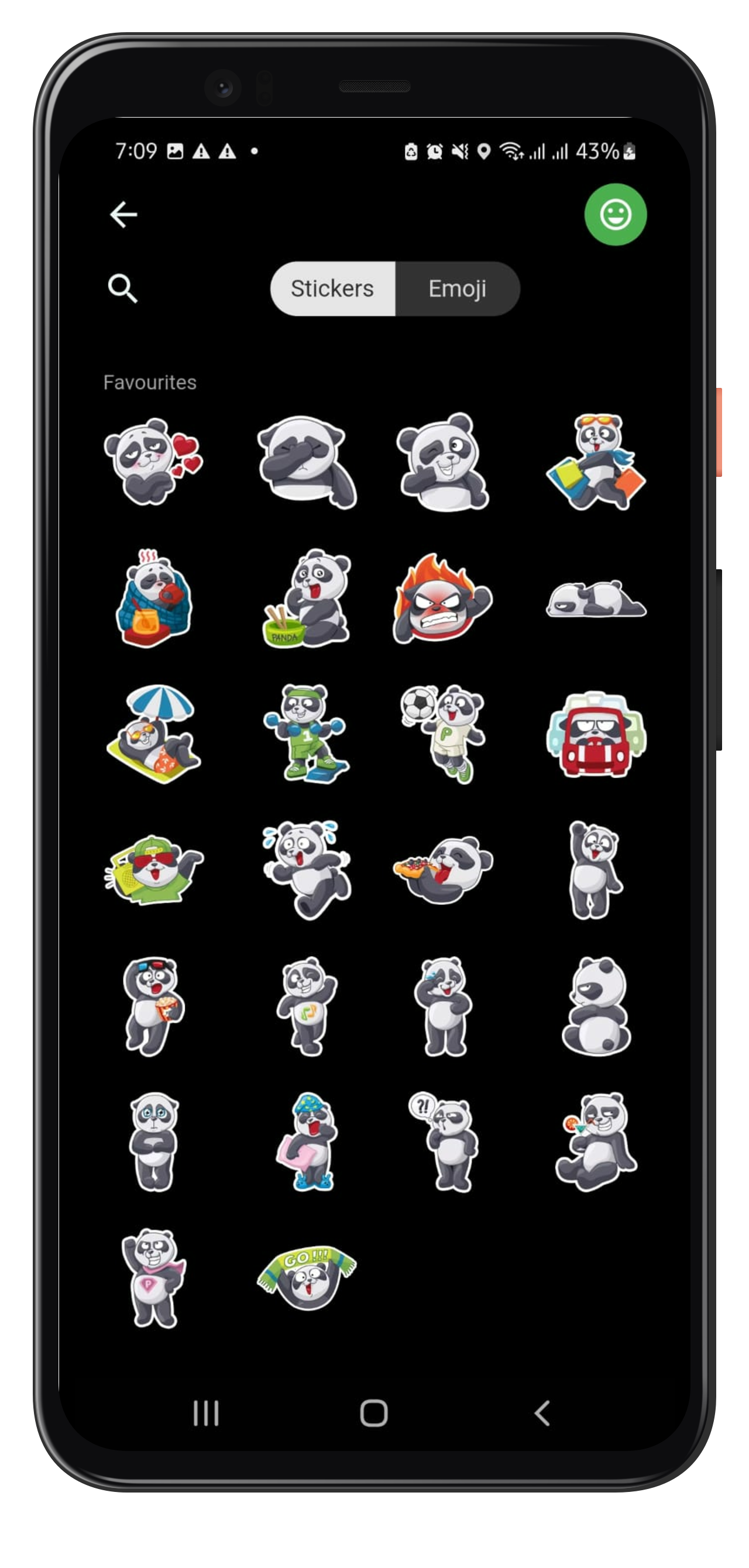

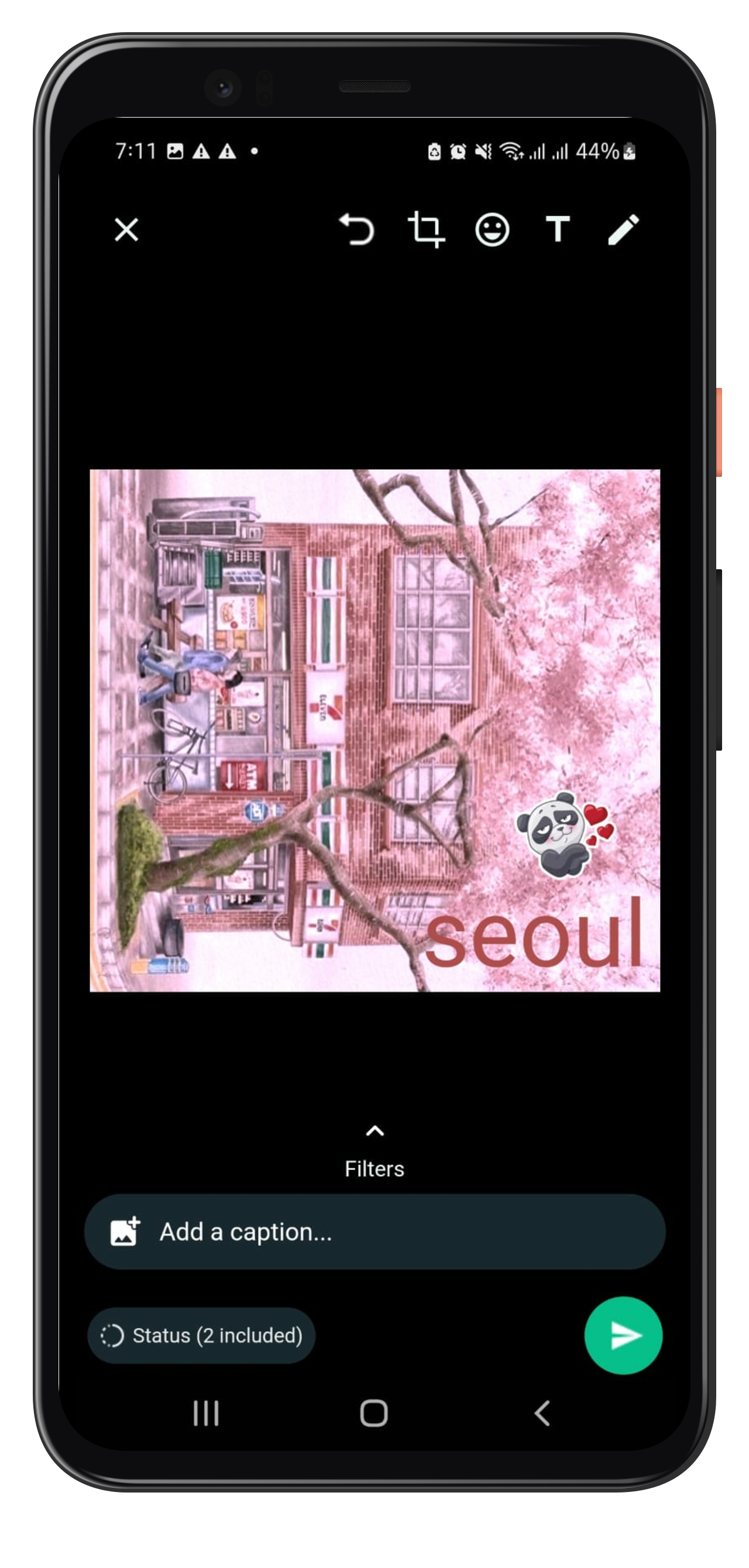
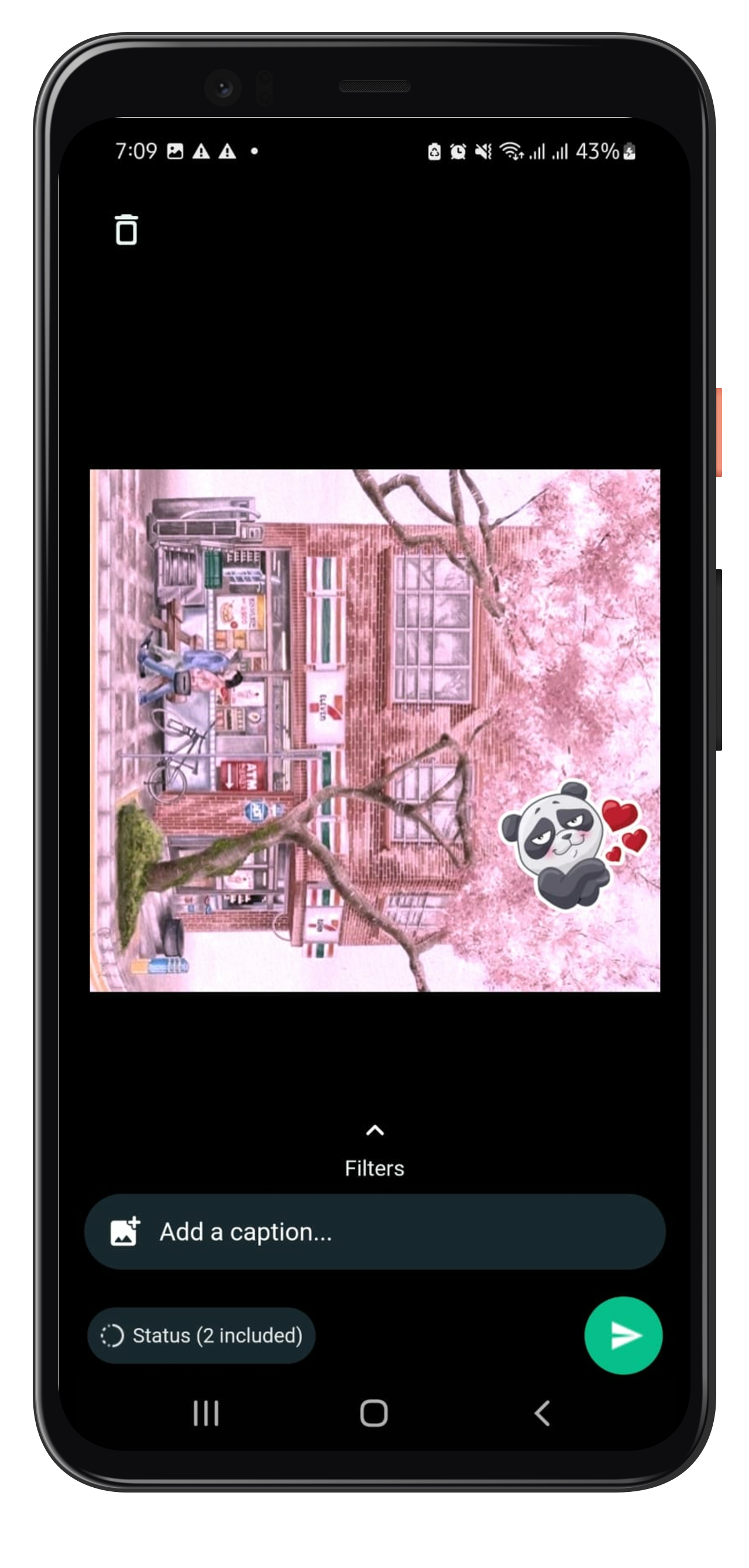
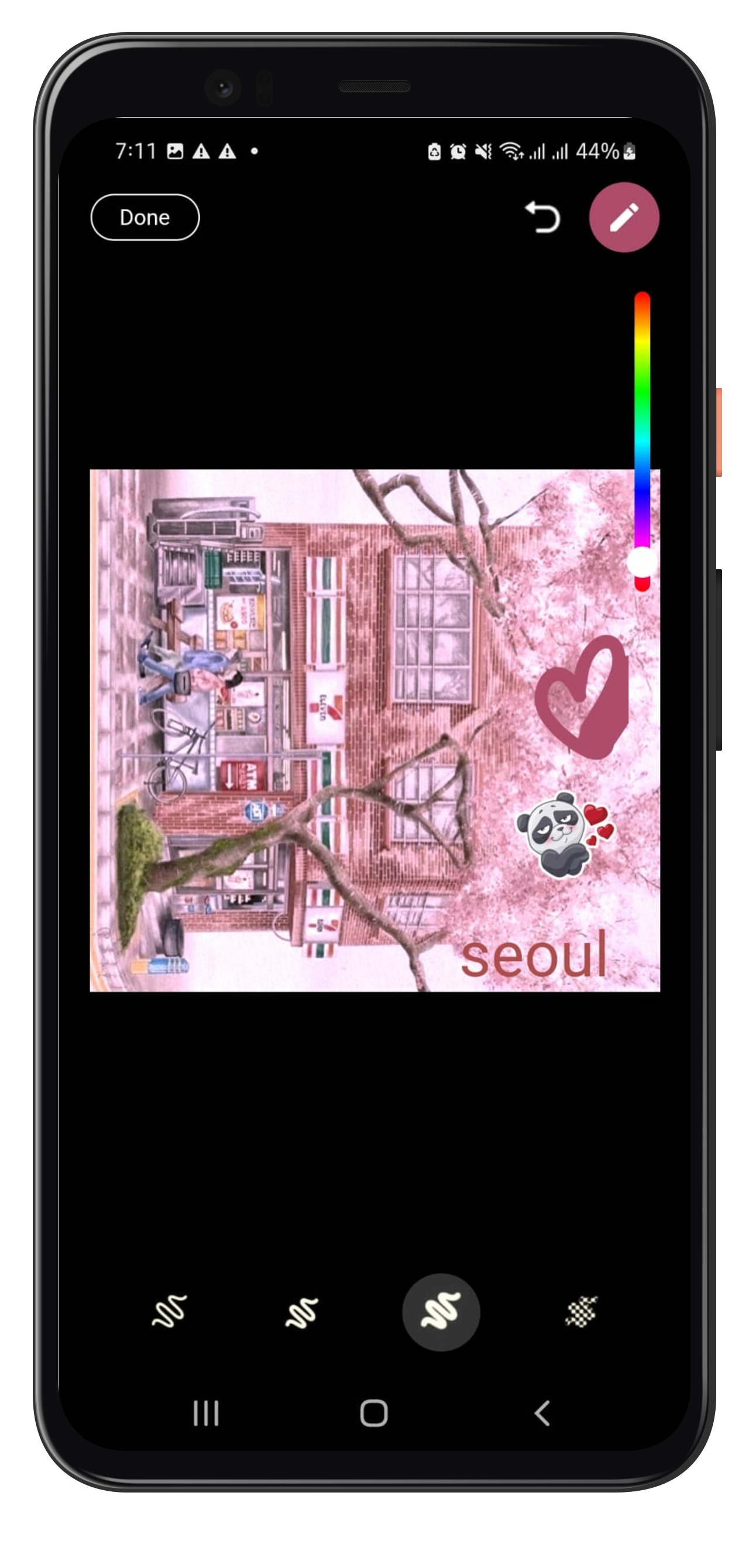
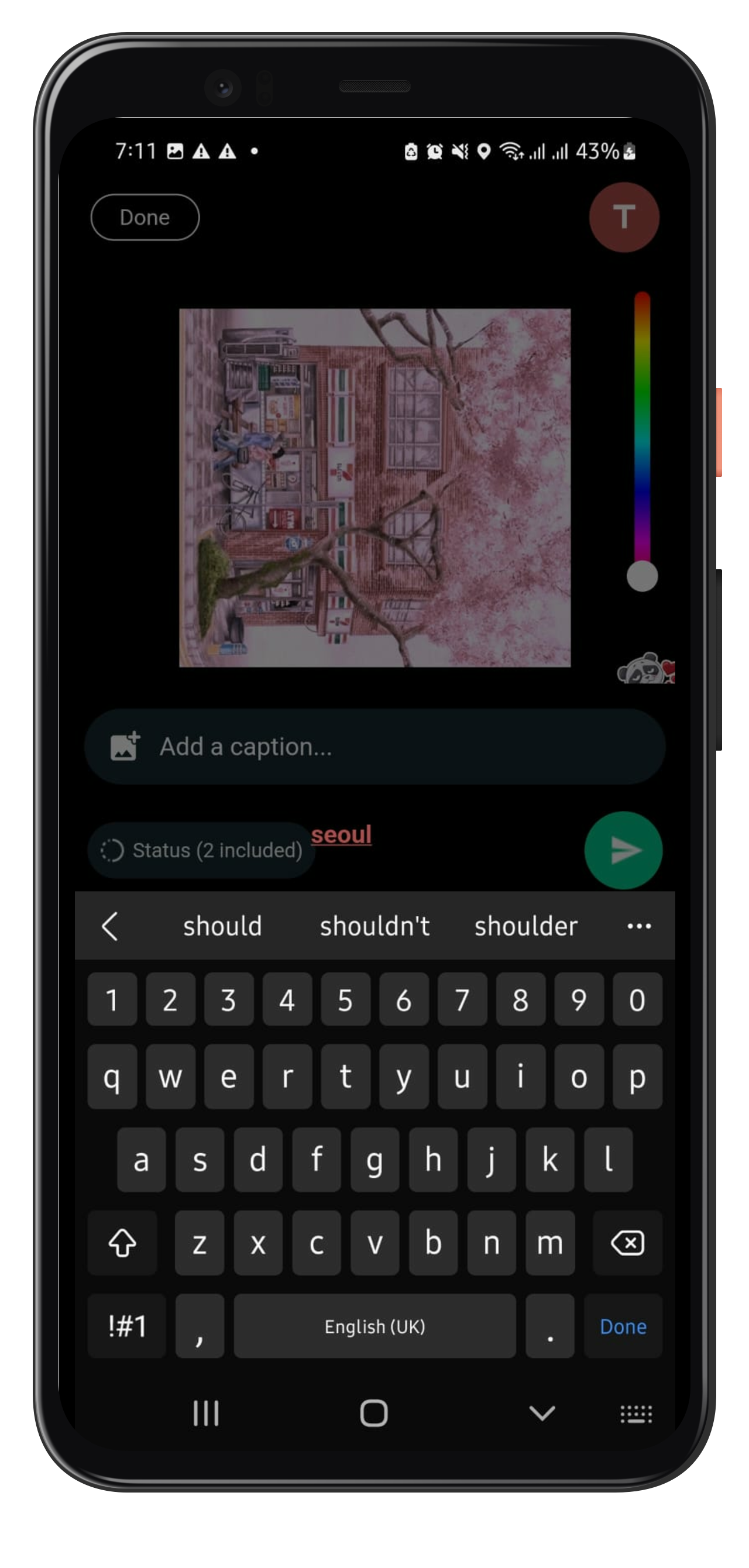
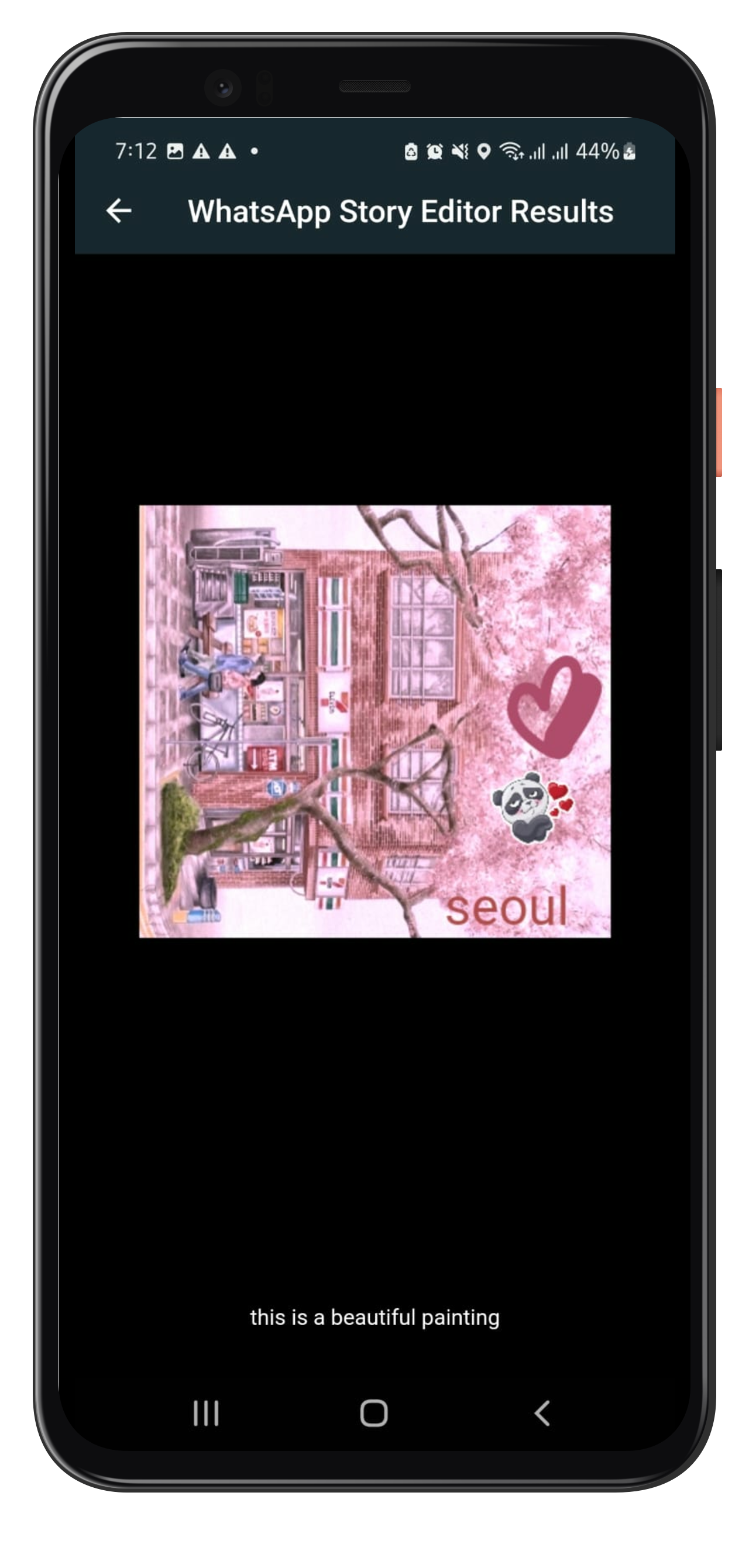
Created by Javeria Iffat
Future Work
For now, only one image editing capability is being handled by Whatsapp Story Editor in this version.
FAQ
In case you need: to add new feature or you get any error or any help, please contact me at javeriaiffat312@gmail.com or javeria.iffat@lums.edu.pk please be kind if you get any errors, text me I'll be more than happy to help you all.
THANK YOU!

JaveriaJR ↗
Verwendete Abhängigkeiten
Abhängigkeiten 14 Einträge
- flutter
{"sdk":"flutter"} - whatsapp_camera
^1.0.0 - photofilters
^3.0.1 - perfect_freehand
^1.0.4 - image_crop_plus_updated
^0.7.1 - hsv_color_pickers
^0.2.2 - get
^4.6.1 - path_provider
^2.0.12 - flutter_svg
^2.0.4 - dotted_border
^2.0.0+2 - image_cropper
^4.0.1 - image_picker
^0.8.7+5 - flutter_testEntwicklung
{"sdk":"flutter"} - flutter_lintsEntwicklung
^2.0.0
Wie wähle ich ein passendes Repository?
Nach Anwendungsfall filtern, Aktivität vergleichen und vor der Nutzung das Originalprojekt prüfen.
- Nach Name, Autor oder Beschreibung suchen und nach Thema eingrenzen.
- Sterne, Forks und letzte Pushes vergleichen. Sterne zeigen Interesse, garantieren aber keine Qualität.
- Vor der Nutzung README, Lizenz und Issues auf GitHub prüfen.
Quellen und Pflege
“A repository is the most basic element of GitHub.”
GitHub Docs — About repositories ↗
- JaveriaJR/whatsapp_story_editor · GitHub ↗
- GitHub Docs — Saving repositories with stars ↗
- Verzeichnis gepflegt von Ducafecat ↗