FLUTTER ECOSYSTEM

MattisBrizard/circular_countdown

Ein Paket, das eine kreisförmige Rückwärtszählung darstellt, die für jede Art von Einheiten (Tage, Stunden, Sekunden, Punkte, ...) verwendet werden kann.

Projektcover von circular_countdown
Stars
9
Forks
5
Letzter Push (UTC)
09.05.2021
Projektstatus
Aktiv
MattisBrizard GitHub avatar
GITHUB User

MattisBrizard ↗

Mobile app & tools developper in Flutter / Dart.

SprachenDartHTMLSwift

Von diesem Repository veröffentlichte Pakete

Verwendete Abhängigkeiten

Abhängigkeiten 2 Einträge
  • flutter{"sdk":"flutter"}
  • flutter_testEntwicklung{"sdk":"flutter"}

Original-README

Englischer Projektschnappschuss. Aktuelle Inhalte auf GitHub.

Projekt-README ein-/ausklappen

circular_countdown

A package that represents a circular countdown that you can use for every kind of units (days, hours, seconds, points, ...).

Demo

A web demo is available here : https://mattisbrizard.github.io/circular_countdown/#/

Build Status

Getting Started

In the pubspec.yaml of your flutter project, add the following dependency:

dependencies:
  ...
  circular_countdown: ^2.1.0

In your library add the following import:

import  'package:circular_countdown/circular_countdown.dart';

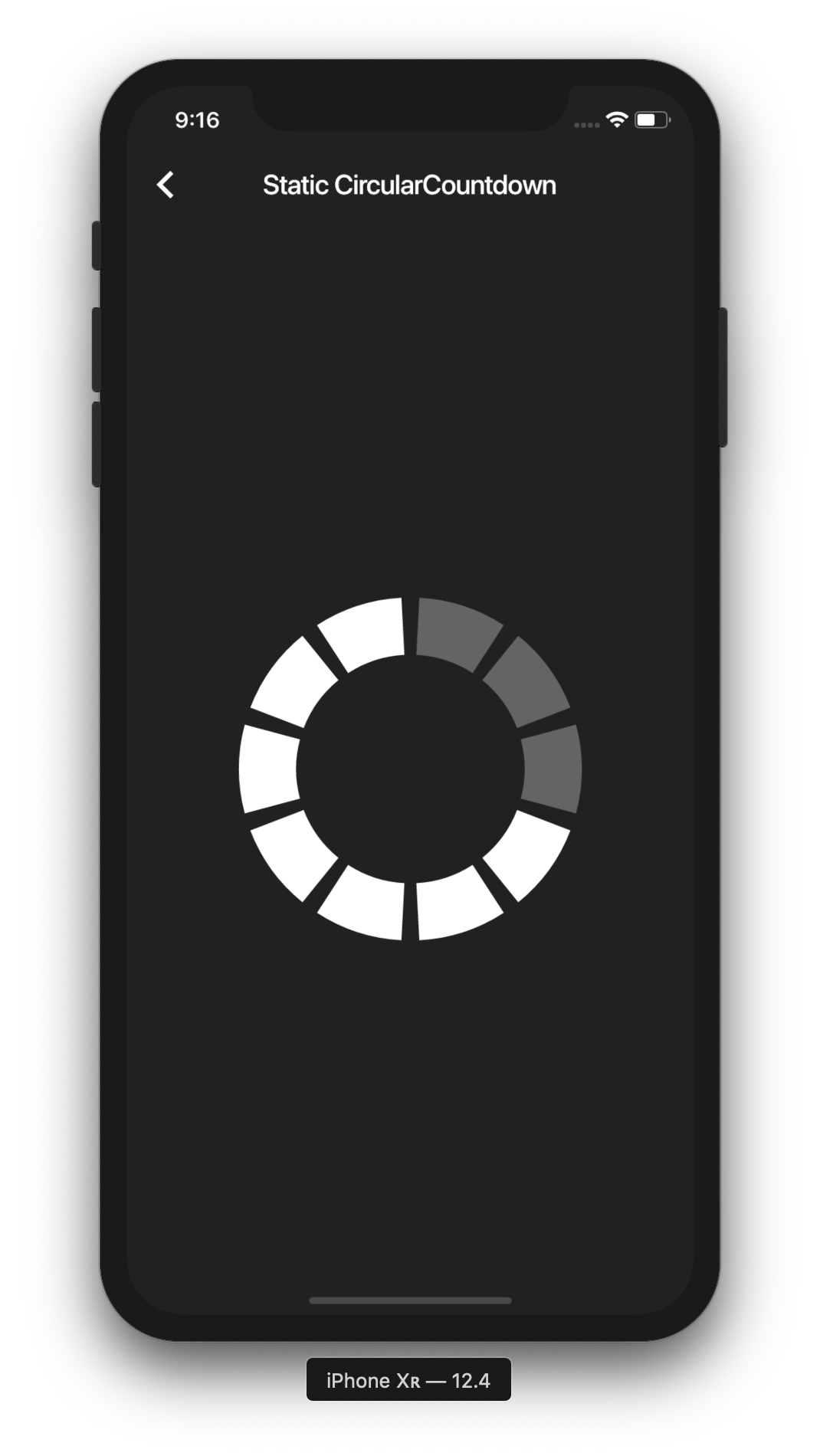
Static countdown

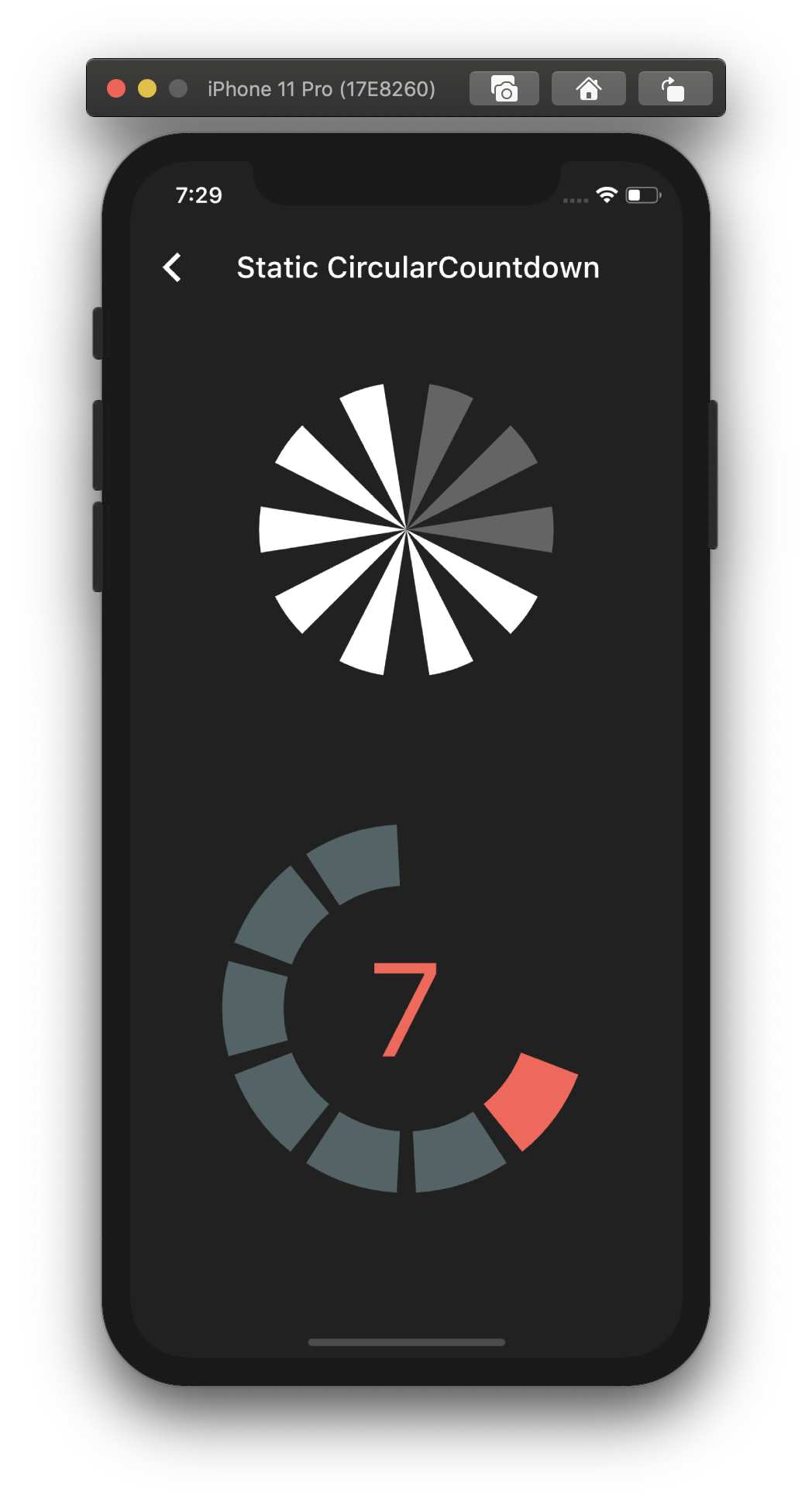
This is the way to create a simple static countdown.

import 'package:flutter/material.dart';
...
return CircularCountdown(
	countdownTotal:  10,
	countdownRemaining:  7,
);
...
https://raw.githubusercontent.com/MattisBrizard/circular_countdown/master/doc/images/static.png

By playing with the parameters, you can change the size, the colors, the size of the gaps, the strokeWidth and more to have more complex Countdowns.

https://raw.githubusercontent.com/MattisBrizard/circular_countdown/master/doc/images/complex.png

Timer countdown

If you want to have full control on the timer (start, pause, etc), please see the section Controlled countdown below.

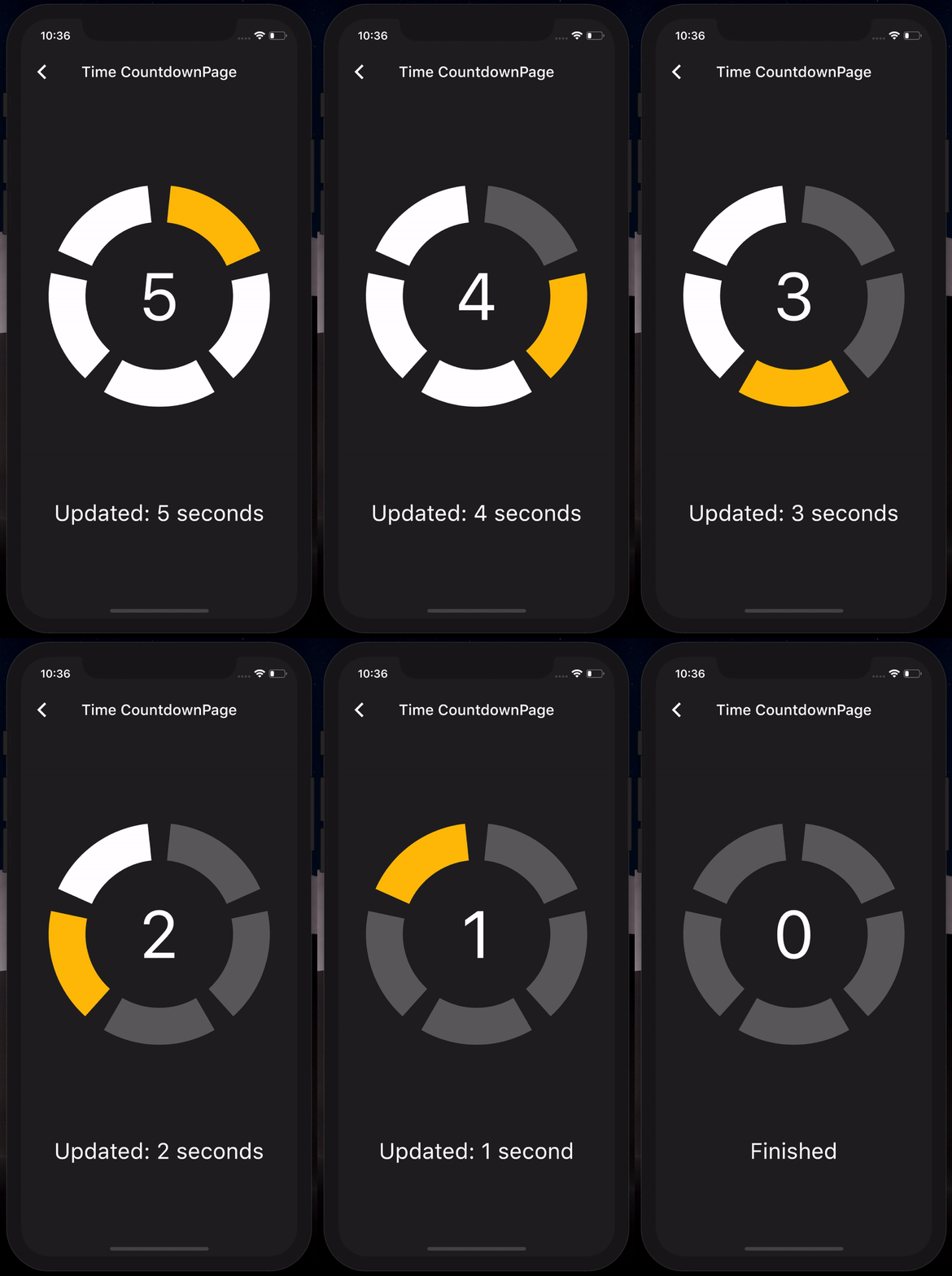
If you want to use the CircularCountdown widget as a Time Countdown, you can use the built-in TimeCircularCountdown that wraps the timer logic for you: (see how in example)

return TimeCircularCountdown(
    unit: CountdownUnit.seconds,
    countdownTotal: 30,
    onUpdated: (unit, remainingTime) => print('Updated'),
    onFinished: () => print('Countdown finished'),
);
https://raw.githubusercontent.com/MattisBrizard/circular_countdown/master/doc/gifs/timer.gif

You can repeat the timer when ended by using the repeat bool property.

Controlled countdown

To have full control on the timer (play, pause, reset, shared between mutliple screen, etc), you can use CircularCountdown with the timer_controller library.

You can see the code in the example app.

Contribution

If you find a bug or want a feature, but don't know how to fix/implement it, please fill an issue. If you fixed a bug or implemented a feature, please send a pull request.