
 v2.0.0
animated_rotation
Ein impliziter Animationswidget für Drehungen. Geben Sie einfach den Winkel an und das Widget dreht sich im Laufe der Zeit.
26Likes 82230-Tage-Downloads160Pub-Punkte
AndroidiOSWebmacOSWindowsLinux
Ein implizites Animationswidget für Rotation
Englischer Projektschnappschuss. Aktuelle Inhalte auf GitHub.

An implicitly animated version of RotationTransition which automatically transitions the rotation over time when the provided angle changes.
Check it out on DartPad
Get it from pub. Add the dependency to your pubspec.yaml
dependencies:
  animated_rotation: ^1.0.0
Run flutter pub get in your root folder after saving the pubspec.yaml file
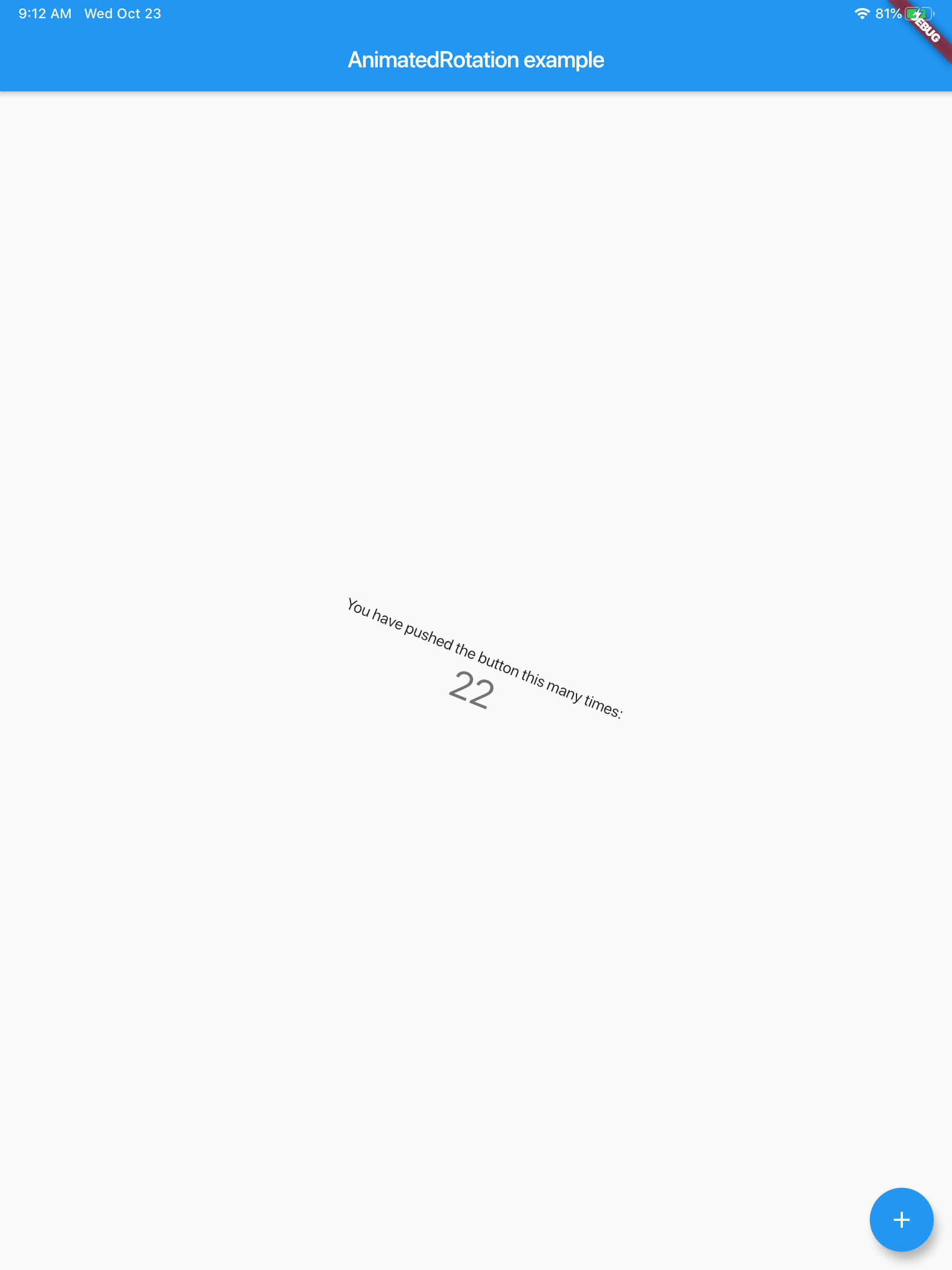
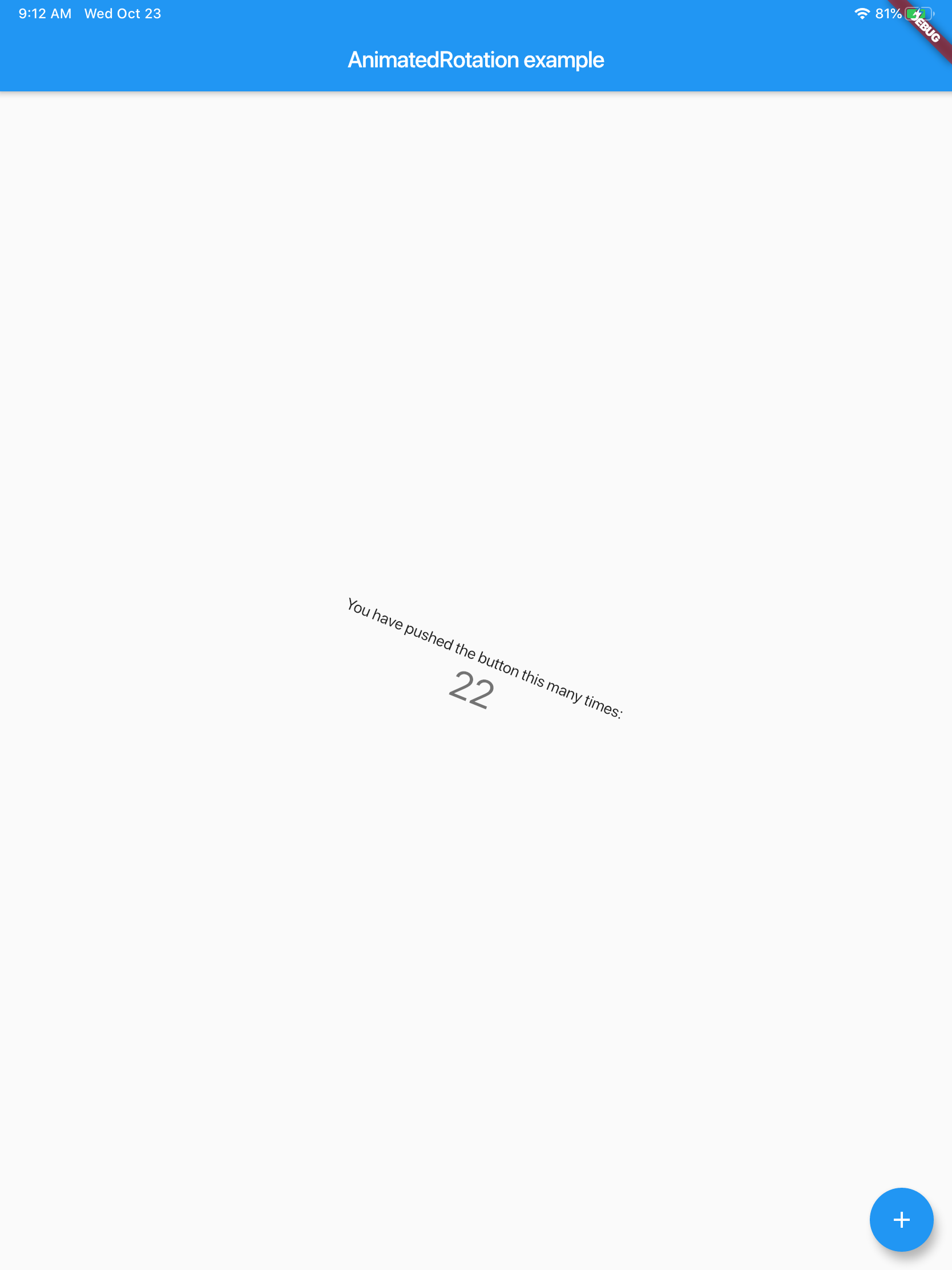
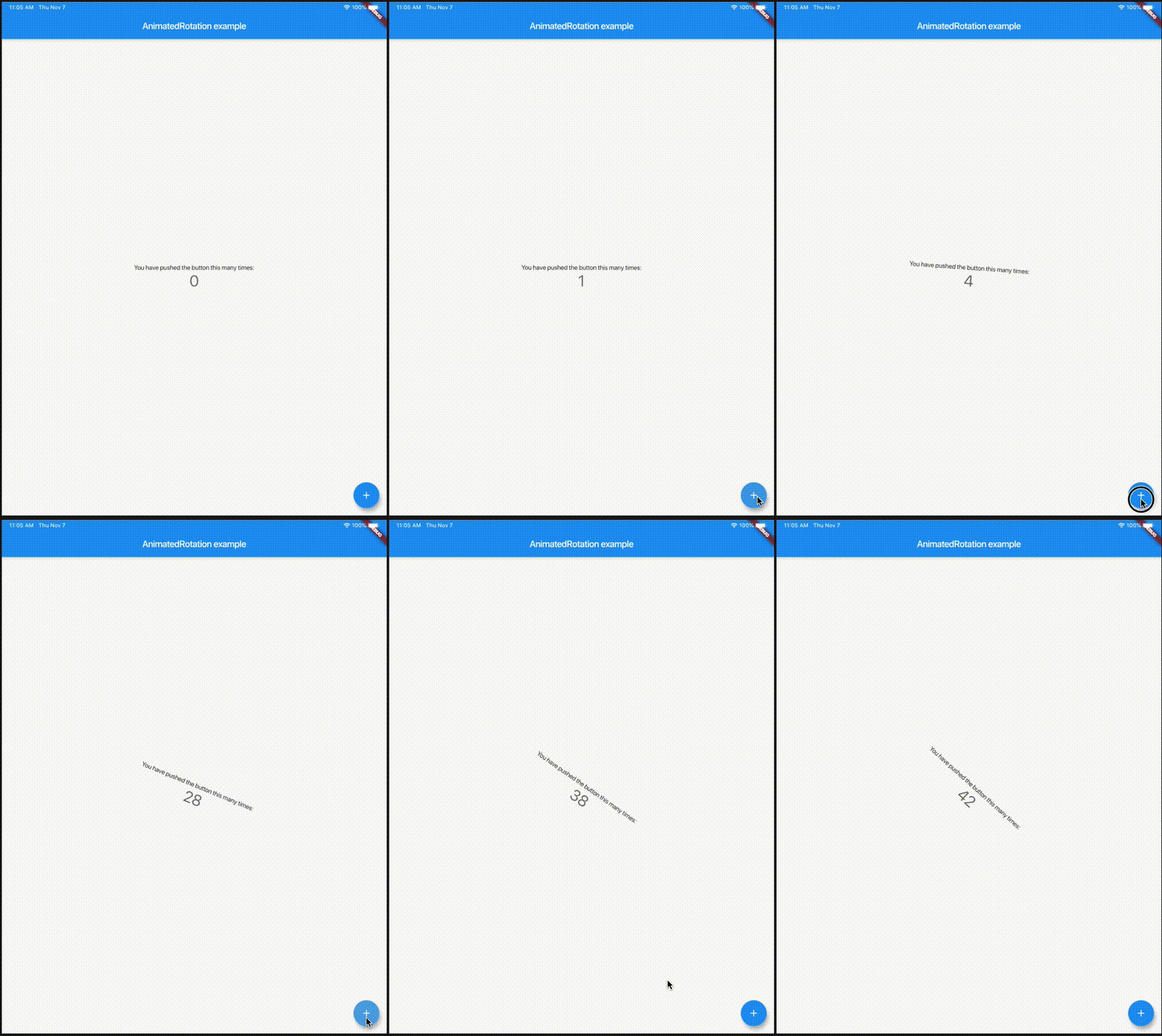
Here is an example of the counter app with text rotating based on the count
import 'package:animated_rotation/animated_rotation.dart';
import 'package:flutter/material.dart';

void main() => runApp(MyHomePage());

class MyHomePage extends StatefulWidget {
  @override
  _MyHomePageState createState() => _MyHomePageState();
}

class _MyHomePageState extends State<MyHomePage> {
  int _counter = 0;

  @override
  Widget build(BuildContext context) {
    return MaterialApp(
      home: Scaffold(
        appBar: AppBar(
          title: Text("AnimatedRotation example"),
        ),
        body: Center(
          child: AnimatedRotation(
            angle: _counter,
            child: Column(
              mainAxisAlignment: MainAxisAlignment.center,
              children: <Widget>[
                Text(
                  'You have pushed the button this many times:',
                ),
                Text(
                  '$_counter',
                  style: Theme.of(context).textTheme.display1,
                ),
              ],
            ),
          ),
        ),
        floatingActionButton: FloatingActionButton(
          onPressed: () {
            setState(() {
              _counter++;
            });
          },
          tooltip: 'Increment',
          child: Icon(Icons.add),
        ),
      ),
    );
  }
}

Abhängigkeiten 2 Einträge
{"sdk":"flutter"}{"sdk":"flutter"}Nach Anwendungsfall filtern, Aktivität vergleichen und vor der Nutzung das Originalprojekt prüfen.
“A repository is the most basic element of GitHub.”
GitHub Docs — About repositories ↗