Pakete, Repositories und App-Kategorien suchen

GitHub-RepositoryMohamedSayed9392/Game-Levels-Scrolling-Map

Spiel-Ebenen-Scrollkarte

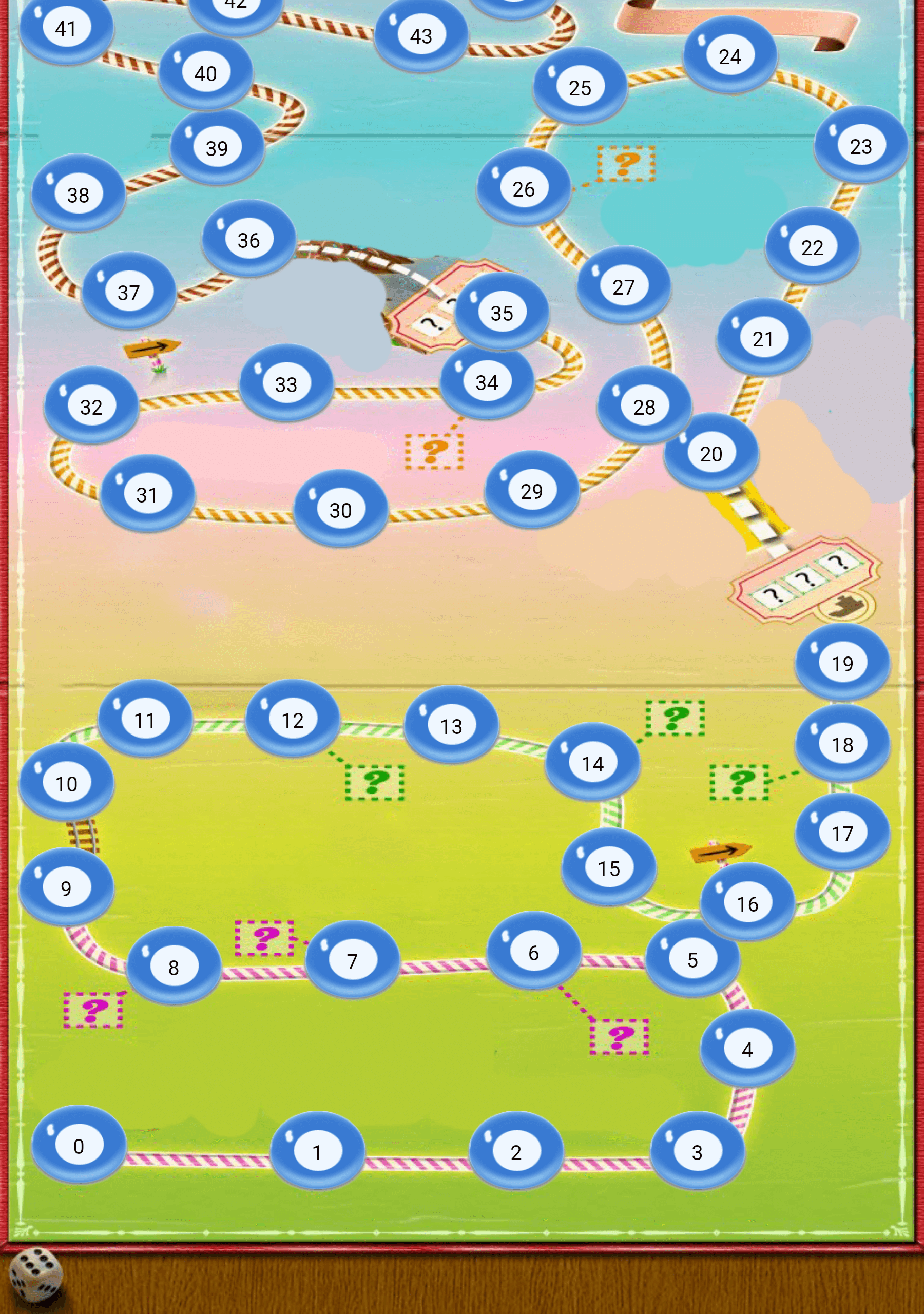
Ein Flutter-Paket zum Erstellen von Spiellevel-Karten wie Candy Crush oder ähnliche Spiele mit Flutter, wobei horizontale oder vertikale Anordnung möglich ist

Projektcover von Spiel-Ebenen-Scrollkarte
Sterne
41
Forks
31
Letzter Push (UTC)
30.03.2024
Projektstatus
Aktiv

Original-README

Englischer Projektschnappschuss. Aktuelle Inhalte auf GitHub.

Game Levels Scrolling Map

A package for making game levels map like candy crush or similar games using flutter with ability to be horizontal or vertical

Getting Started

  • This package enables you to build a Game levels map like candy crush with the following features :
    • Option to make it horizontal map or vertical
    • Option to reverse the scrolling start direction
    • Option to add the x,y points positions
    • Option to extract the x,y points positions from asset SVG file or online SVG file

Platform Support

| Android ✔️ | IOS ✔️ | MacOS ✔️ ️| Web ✔️ | Linux ✔️ | Windows ✔ ️|

Usage


Step 1 Import package:game_levels_scrolling_map/game_levels_scrolling_map.dart which contain the main widget of the map GameLevelsScrollingMap then Import package:game_levels_scrolling_map/model/point_model.dart which contain the model of points

Step 2 Start adding your points widgets by creating a new List of points and adding widgets to it using the PointModel class

List<PointModel> points = [];
      
for(int i = 0; i<50 ; i++){
  PointModel point = PointModel(100,Container(width: 40, height: 40, color: Colors.red, child: Text("$i")));
  
  /* To make the map scroll to a specific point just make its parameter 'isCurrent' = true like the following which will make the map scroll to it once created*/
  if(i == 20) point.isCurrent = true;
  
  points.add(point);
}

Step 3 Use GameLevelScrollingMap.scrollable widget to build the map

- To make vertical map:
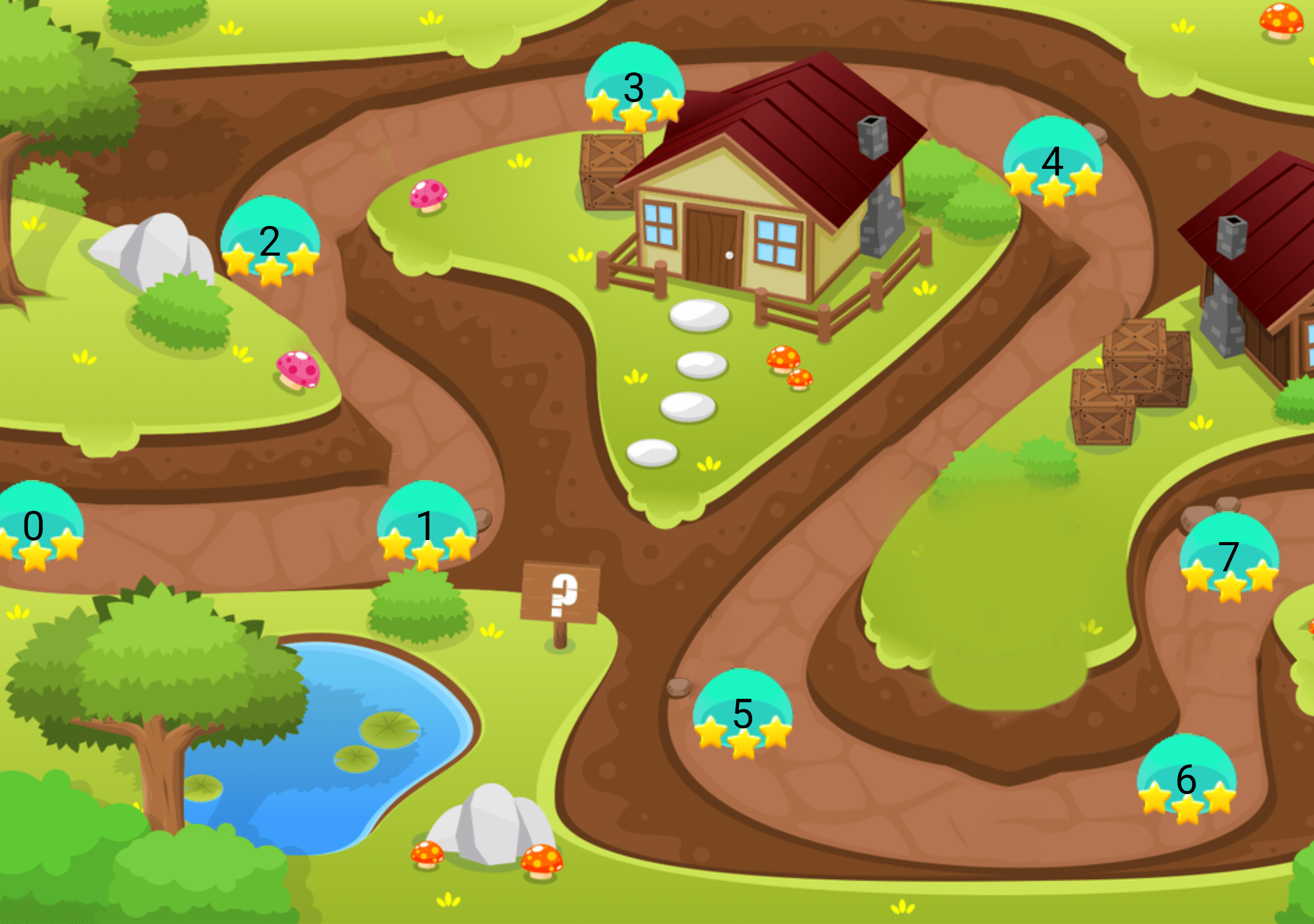
Vertical Map Example

Widget build(BuildContext context) {
  return Scaffold(
    body: Container(
      child: GameLevelsScrollingMap.scrollable(
              imageUrl: "assets/drawable/map_vertical.png",
              direction: Axis.vertical,
              reverseScrolling: true,
              svgUrl: 'assets/svg/map_vertical.svg',
              points: points,)
          ),
        );
}

- To make horizontal map:
Horizontal Map Example

Widget build(BuildContext context) {
  return Scaffold(
    body: Container(
      child: GameLevelsScrollingMap.scrollable(
            imageUrl: "assets/drawable/map_horizontal.png",
            direction: Axis.horizontal,
            svgUrl: 'assets/svg/map_horizontal.svg',
            points: points,)
          ),
        );
}
Mohamed Sayed GitHub avatar
GitHub-Autor

Mohamed Sayed ↗

SprachenDartC++CMakeHTMLCSwiftKotlinObjective-C

Von diesem Repository veröffentlichte Pakete

Verwendete Abhängigkeiten

Abhängigkeiten 5 Einträge

Wie wähle ich ein passendes Repository?

Nach Anwendungsfall filtern, Aktivität vergleichen und vor der Nutzung das Originalprojekt prüfen.

  1. Nach Name, Autor oder Beschreibung suchen und nach Thema eingrenzen.
  2. Sterne, Forks und letzte Pushes vergleichen. Sterne zeigen Interesse, garantieren aber keine Qualität.
  3. Vor der Nutzung README, Lizenz und Issues auf GitHub prüfen.

Quellen und Pflege

“A repository is the most basic element of GitHub.”

GitHub Docs — About repositories ↗