

 v2.0.4
flutter_animated_button
Ein Flutter-Paketprojekt, das eine Sammlung cooler und schöner Button-Animationen enthält.
306Likes 140030-Tage-Downloads150Pub-Punkte
AndroidiOSWebmacOSWindowsLinux
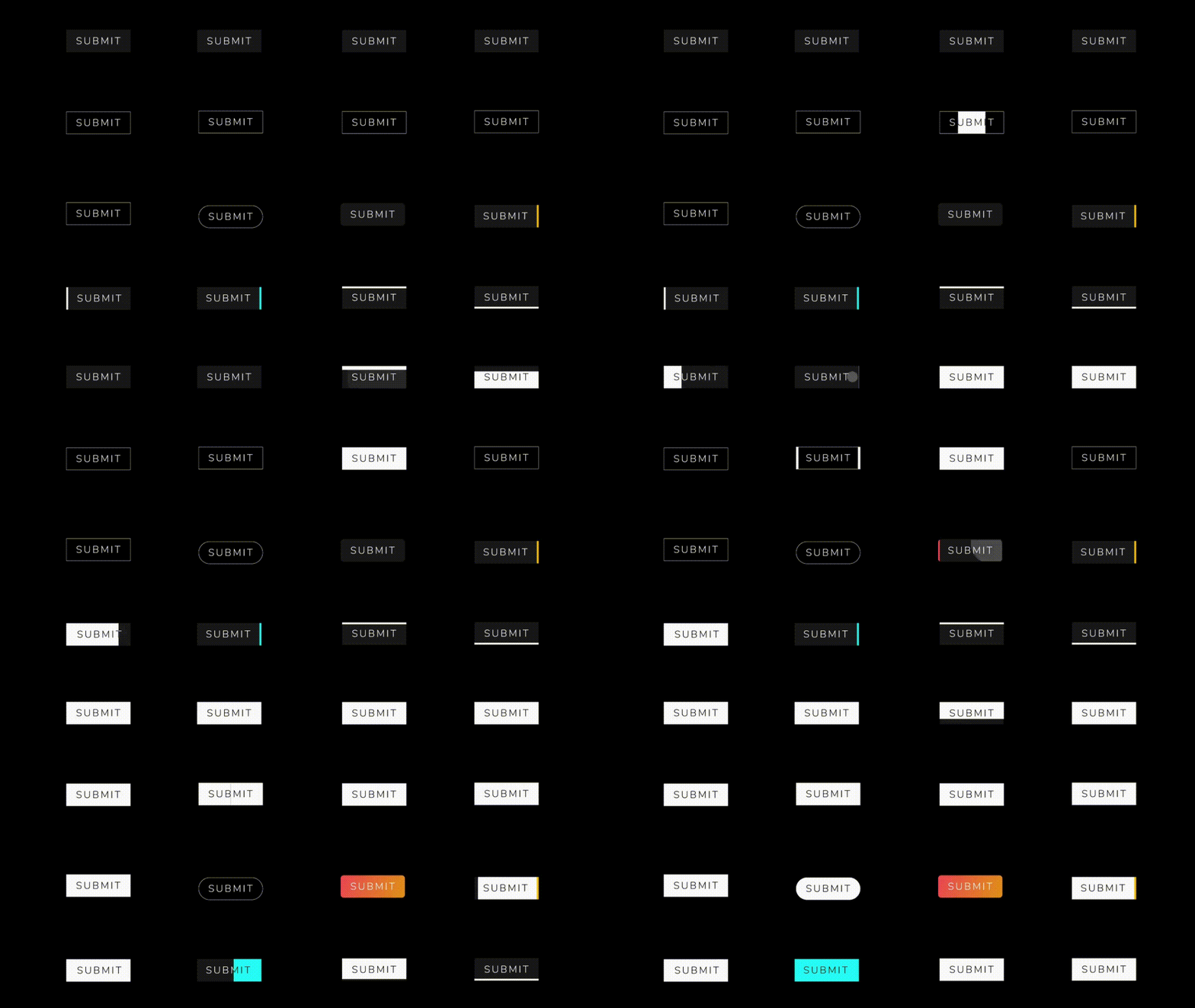
Ein Flutter-Paketprojekt, das eine Sammlung cooler und schöner Button-Animationen enthält. :rocket:

Englischer Projektschnappschuss. Aktuelle Inhalte auf GitHub.


Add this to your package's pubspec.yaml file:
dependencies:
  flutter_animated_button: <latest_version>
Now in your Dart code, you can use:
import 'package:flutter_animated_button/flutter_animated_button.dart';
Your contribution will help improve the plugin

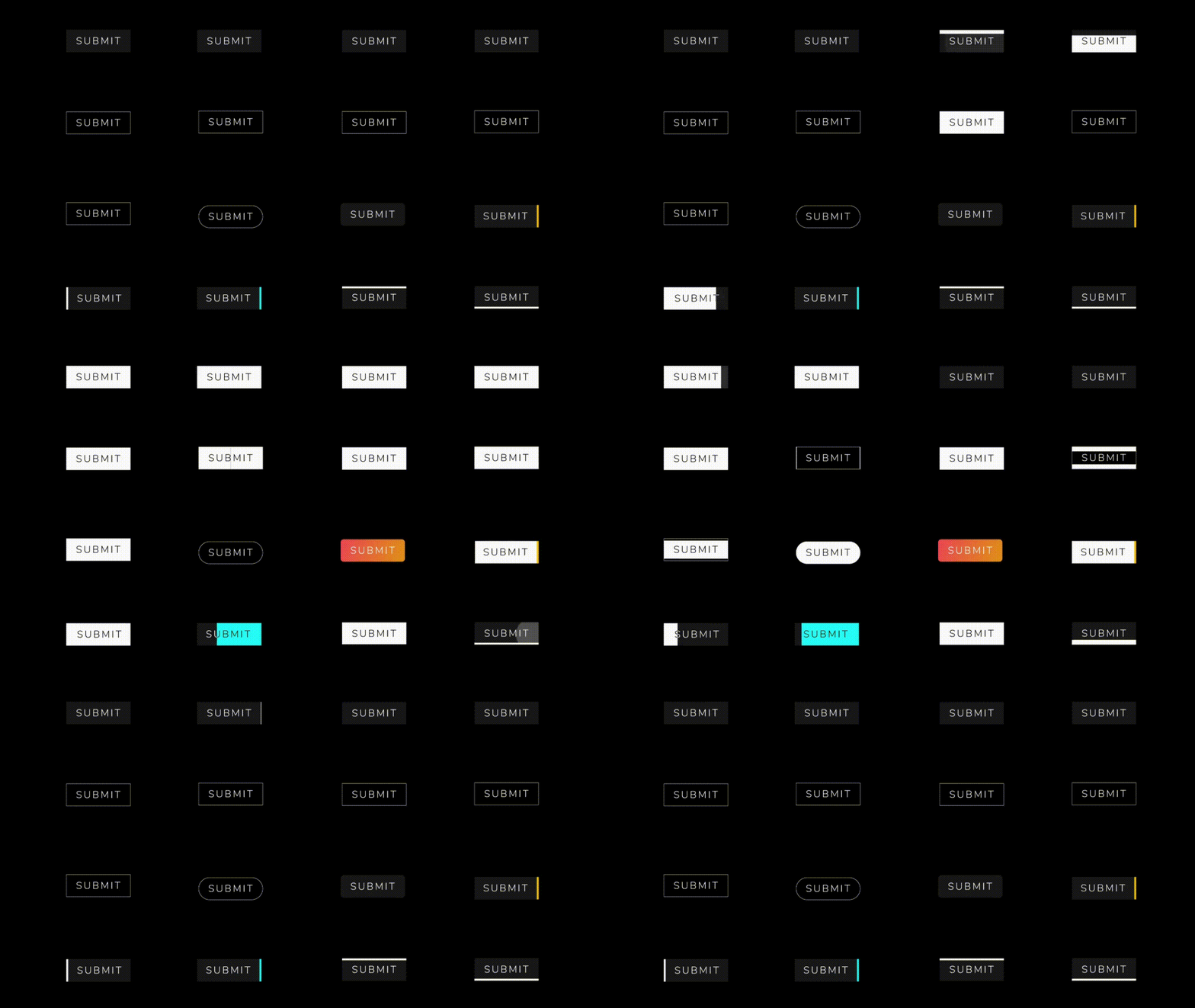
You can override the animationDuration of animation of the button by setting its duration in each AnimatedButton class, also you can get animationController for animation status and animation value during the animation. You can change text style, selected textColor and background color of button by textStyle,selectedTextColor,backgroundColor and selectedBackgroundColor. If you want revert animation when button already select then you can do it by isReverse property.
 AnimatedButton(
                width: 200,
                text: 'SUBMIT',
                selectedTextColor: Colors.black,
                transitionType: TransitionType.BOTTOM_TO_TOP,
                textStyle: TextStyle(
                    fontSize: 28,
                    letterSpacing: 5,
                    color: Colors.deepOrange,
                    fontWeight: FontWeight.w300),
              )

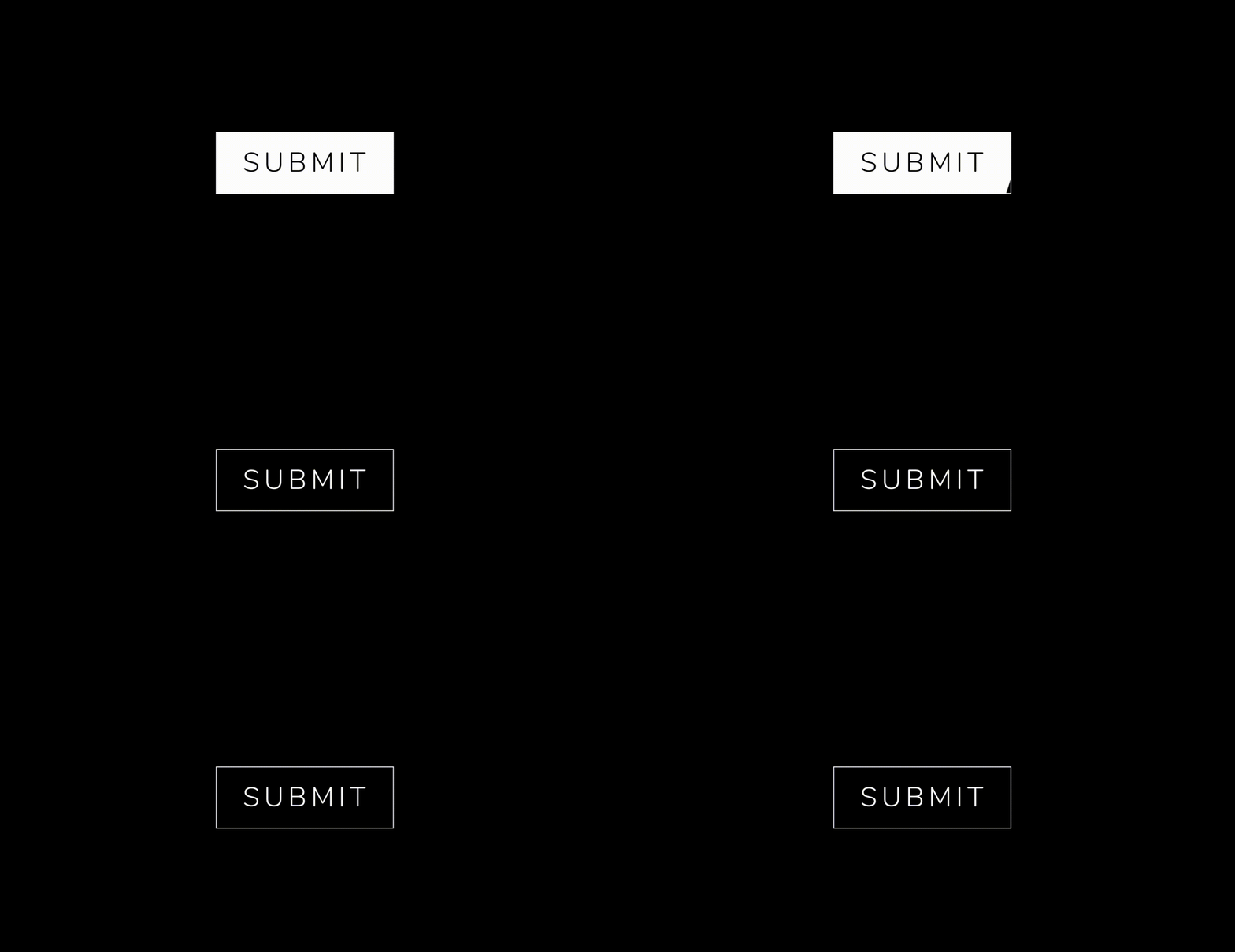 .
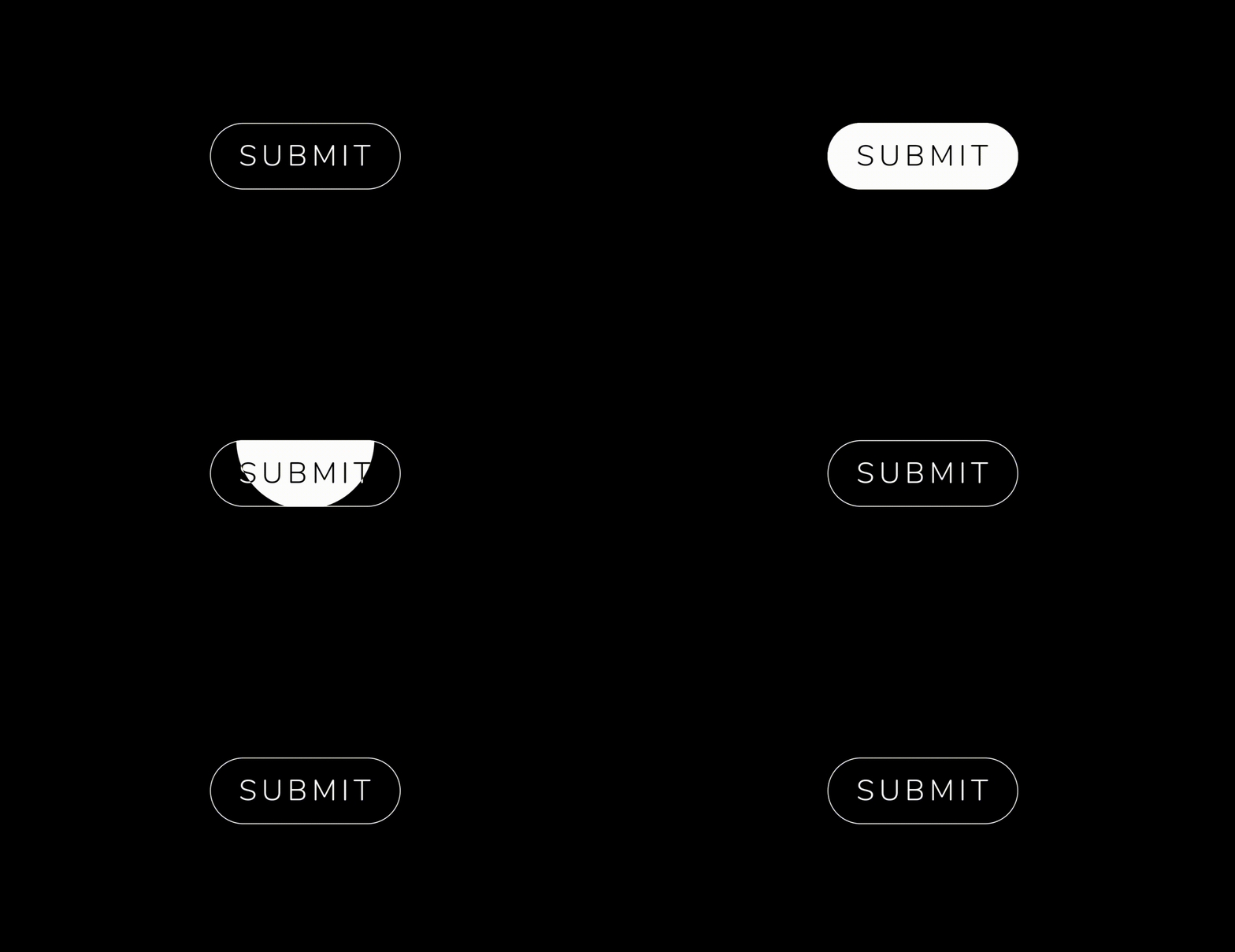 .


  AnimatedButton(
              height: 70,
              width: 200,
              text: 'SUBMIT',
              isReverse: true,
              selectedTextColor: Colors.black,
              transitionType: TransitionType.BOTTOM_TO_TOP,
              textStyle: GoogleFonts.nunito(
                  fontSize: 28,
                  letterSpacing: 5,
                  color: Colors.white,
                  fontWeight: FontWeight.w300),
            ),

  AnimatedButton(
             height: 70,
             width: 200,
             text: 'SUBMIT',
             isReverse: true,
             selectedTextColor: Colors.black,
             transitionType: TransitionType.LEFT_TO_RIGHT,
             textStyle: submitTextStyle,
             backgroundColor: Colors.black,
             borderColor: Colors.white,
             borderRadius: 0,
             borderWidth: 2,
           ),

    AnimatedButton(
              height: 70,
              width: 200,
              text: 'SUBMIT',
              isReverse: true,
              selectedTextColor: Colors.black,
              transitionType: TransitionType.LEFT_TO_RIGHT,
              textStyle: submitTextStyle,
              backgroundColor: Colors.black,
              borderColor: Colors.white,
              borderRadius: 50,
              borderWidth: 2,
            ),

  AnimatedButton.strip(
              width: 200,
              height: 70,
              text: 'SUBMIT',
              isReverse: true,
              selectedTextColor: Colors.black,
              stripTransitionType: StripTransitionType.LEFT_TO_RIGHT,
              selectedBackgroundColor: Colors.white,
              textStyle: GoogleFonts.nunito(
                  fontSize: 28,
                  letterSpacing: 5,
                  color: Colors.white,
                  fontWeight: FontWeight.w300),
            ),
| LEFT_TO_RIGHT | CENTER_LR_IN | LEFT_TOP_ROUNDER | RIGHT_TOP_ROUNDER | CENTER_ROUNDER |
| RIGHT_TO_LEFT | CENTER_TB_IN | LEFT_CENTER_ROUNDER | RIGHT_CENTER_ROUNDER | - |
| TOP_TO_BOTTOM | CENTER_LR_OUT | LEFT_BOTTOM_ROUNDER | TOP_CENTER_ROUNDER | - |
| BOTTOM_TO_TOP | CENTER_TB_OUT | RIGHT_BOTTOM_ROUNDER | BOTTOM_CENTER_ROUNDER | - |
| LEFT_TO_RIGHT |
| RIGHT_TO_LEFT |
| TOP_TO_BOTTOM |
| BOTTOM_TO_TOP |
If you encounter any problems feel free to open an issue. If you feel the library is missing a feature, please raise a ticket on GitHub and I'll look into it. Pull request are also welcome.
MIT License
Abhängigkeiten 2 Einträge
{"sdk":"flutter"}{"sdk":"flutter"}Nach Anwendungsfall filtern, Aktivität vergleichen und vor der Nutzung das Originalprojekt prüfen.
“A repository is the most basic element of GitHub.”
GitHub Docs — About repositories ↗