


 v3.0.2
flutter_slider_drawer
Ein Flutter-Paket mit benutzerdefinierter Implementierung des Schiebe-Drawer-Menüs
597Likes 786030-Tage-Downloads160Pub-Punkte
AndroidiOSWebmacOSWindowsLinux
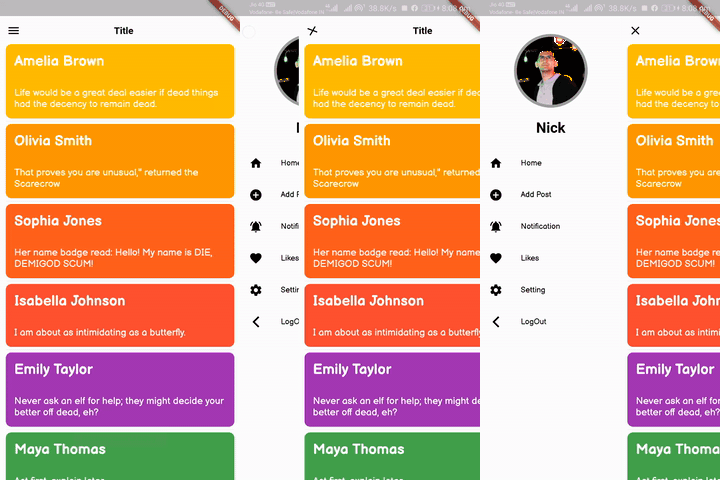
Sie können mit diesem Plugin eine Schiebedrawer-Oberfläche erstellen

Englischer Projektschnappschuss. Aktuelle Inhalte auf GitHub.
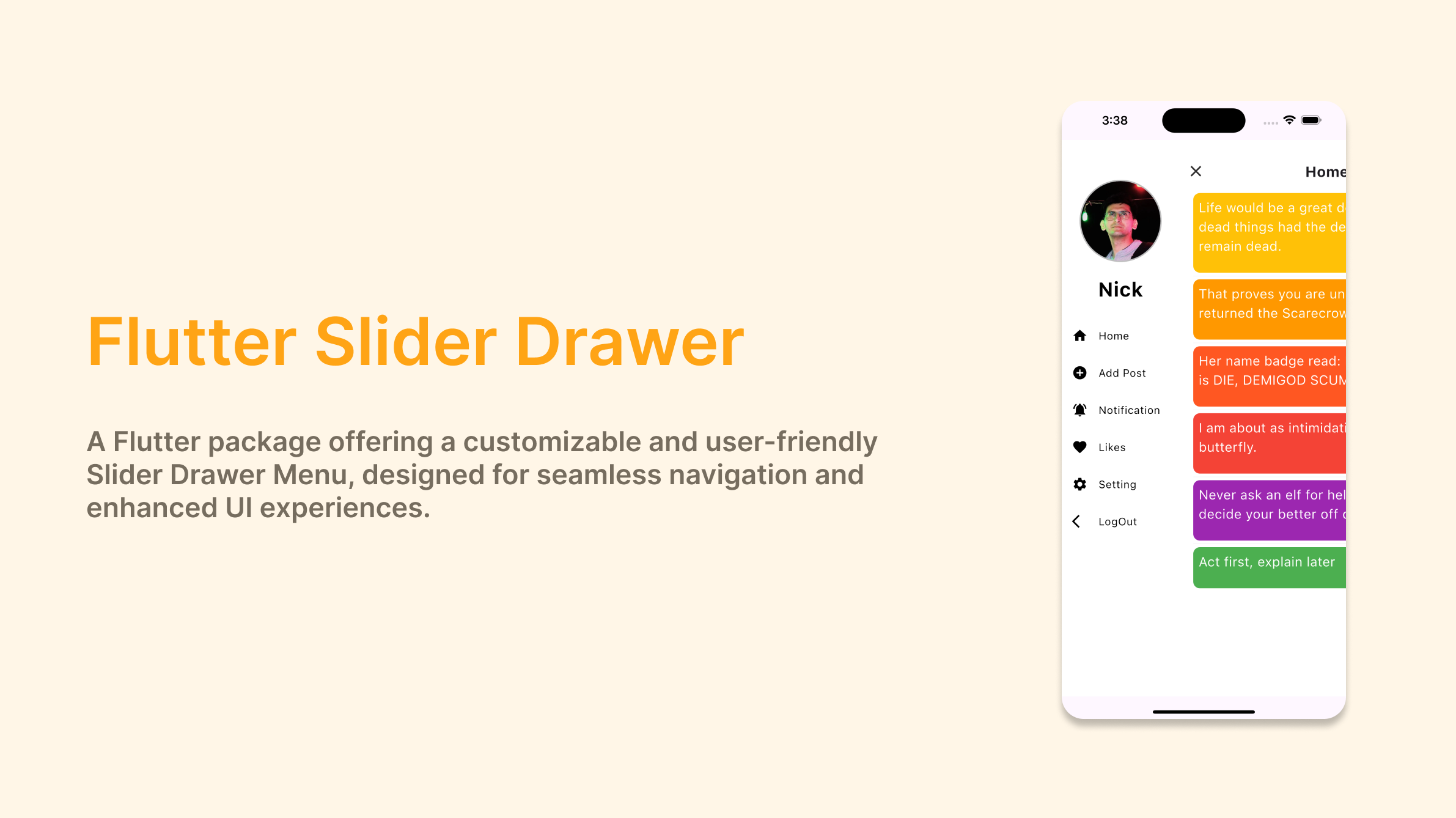

A Flutter package with custom implementation of the Slider Drawer Menu
To start using this package, add flutter_slider_drawer dependency to your pubspec.yaml
dependencies:
  flutter_slider_drawer: '<latest_release>'
SliderAppBar widgetisCupertino: true Widget build(BuildContext context) {
return Scaffold(
body: SliderDrawer(
key: _sliderDrawerKey,
appBar: SliderAppBar(
config: SliderAppBarConfig(
title: Text(
title,
textAlign: TextAlign.center,
style: const TextStyle(
fontSize: 22,
fontWeight: FontWeight.w700,
),
),
),
),
sliderOpenSize: 179,
slider: Container(color: Colors.red),
child: Container(color: Colors.amber),
),
);
}
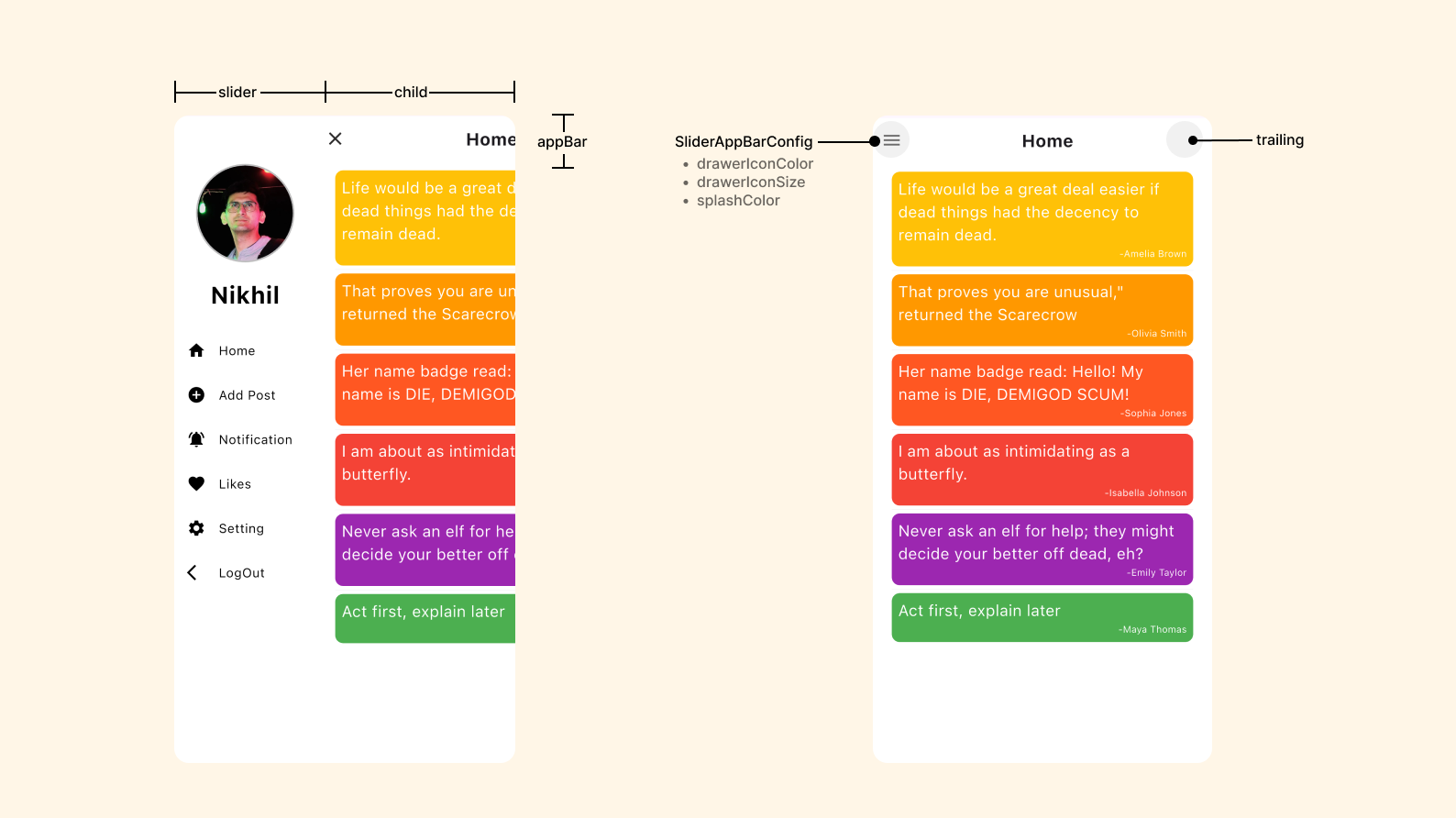
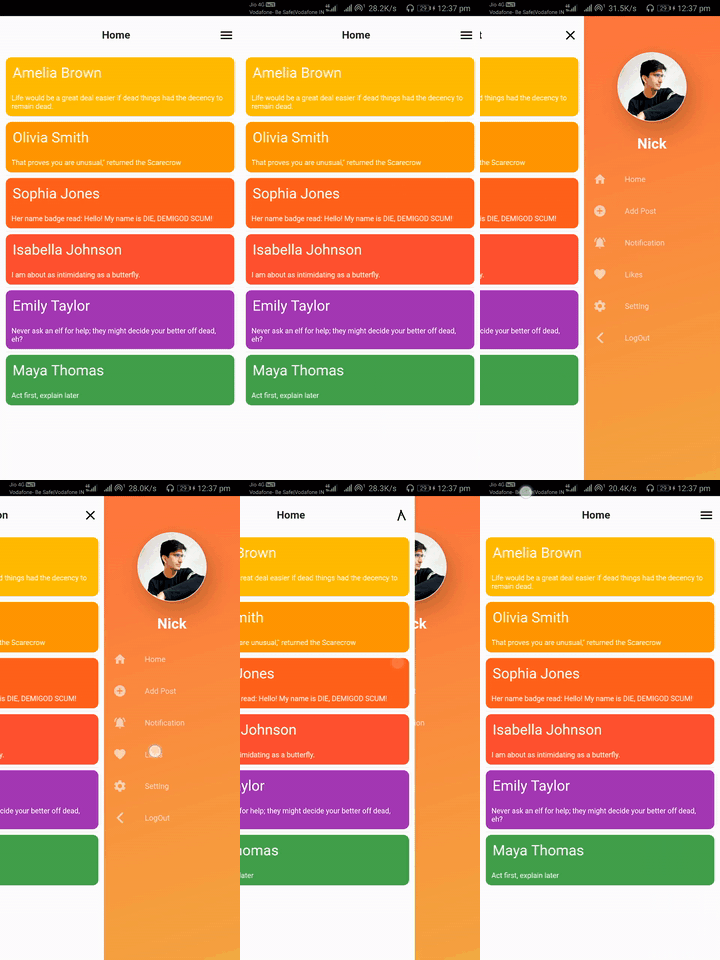
| SliderOpen.LEFT_TO_RIGHT | SliderOpen.RIGHT_TO_LEFT | SliderOpen.TOP_TO_BOTTOM |
|---|---|---|
 |
 |
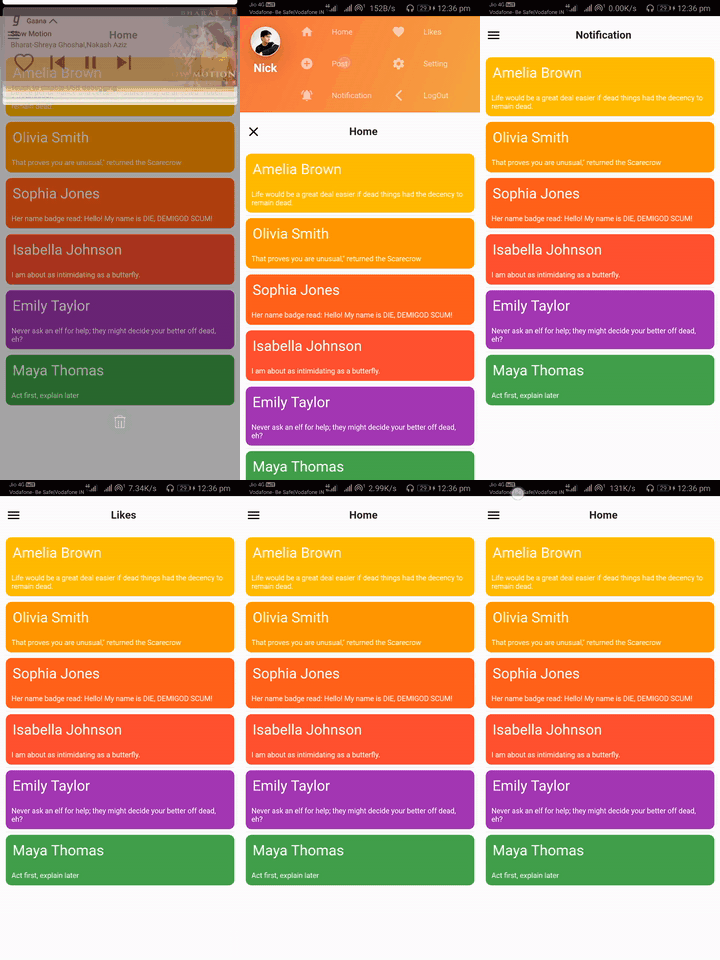 |
class _MyAppState extends State<MyApp> {
GlobalKey<SliderDrawerState> _sliderDrawerKey =
GlobalKey<SliderDrawerState>();
@override
  Widget build(BuildContext context) {
    return Scaffold(
      body: SliderDrawer(
        key: _sliderDrawerKey,
        appBar: SliderAppBar(
          config: SliderAppBarConfig(
            title: Text(
              title,
              textAlign: TextAlign.center,
              style: const TextStyle(
                fontSize: 22,
                fontWeight: FontWeight.w700,
              ),
            ),
          ),
        ),
        sliderOpenSize: 179,
        slider: Container(color: Colors.red),
        child: Container(color: Colors.amber),
      ),
    );
  }
}
 _sliderDrawerKey.currentState.closeDrawer();
 _sliderDrawerKey.currentState.openDrawer();
 _sliderDrawerKey.currentState.toggle();
 _sliderDrawerKey.currentState.isDrawerOpen();
__sliderDrawerKey.currentState.animationController
Your contribution will help improve the plugin

BSD 2-Clause License
Abhängigkeiten 2 Einträge
{"sdk":"flutter"}{"sdk":"flutter"}Nach Anwendungsfall filtern, Aktivität vergleichen und vor der Nutzung das Originalprojekt prüfen.
“A repository is the most basic element of GitHub.”
GitHub Docs — About repositories ↗