v14.0.1
firebase_storage
Flutter-Plugin für Firebase Cloud Storage, einen leistungsstarken, einfachen und kosteneffektiven Objektspeicher für Android und iOS.
1760Likes 892.00030-Tage-Downloads140Pub-Punkte
AndroidiOSWebmacOSWindows
Eine Flutter-App, mit der Benutzer innerhalb ihres nahen Bereichs Bücher austauschen können.

Englischer Projektschnappschuss. Aktuelle Inhalte auf GitHub.





The project is for all book lovers who want to find other book lovers to either exchange books, discuss about books or get to know people who have similar preference when it comes to reading.


Step 1: Fork this repository
Step 2: Clone the repository
Cloning will create the copy of the forked repository in your local machine.
Copy the URL from here.

Open Git Bash or terminal and run the following command:
git clone https://github.com/<Your GitHub Username>/Flutter-UI.git
upstream to sync with it. Run this command to add upstream:git remote add upstream https://github.com/Project-Easter/Flutter-UI.git
Step 3: Create a branch:
Navigate to the folder where the repository is cloned, which will be named Flutter-UI.
Now, in the terminal, create a branch in Git using the following command:
git checkout -b <explr/your-first-name>
Use the same name in the branch created in GitHub.
Step 4: Make necessary changes and commit
git add <file names>
git pull upstream main
git commit -m'<Relevant commit message>'
Step 5: Push changes
Push your changes using the command:
git push origin <explr/your-first-name>
Step 6: Make a Pull request
Go to your forked GitHub repository, you will see a Compare & pull request button. Click on it.

Please read CONTRIBUTING for details on our CODE OF CONDUCT, and the process for submitting pull requests to us as mentioned above.
analysis_option.yaml to avoid unnecessary warningsPS: Feel free to share your ideas and opening issues for new bugs or features 😇. Just make sure that you don't put any labels on it or assign it to yourself or anyone. Tag us(@Mohitmadhav and @ankitoscar) in your issue, we will reach out to your issues and assign it to you with proper labels.
You can participate in our discussions at Github Discussions which has the following topics:
Welcome : Here you can introduce yourself and get a basic idea about the project from maintainers and contributors.
Code Refactoring : Here you can share ideas about refactoring and adding modularity in the codebase and also mention where these changes cahn be done.
Features to be implemented:
⭐️ this repository if you liked our work!
Flutter-Plugin für Firebase Cloud Storage, einen leistungsstarken, einfachen und kosteneffektiven Objektspeicher für Android und iOS.
Der Nr. 1 nichtkommerziell ausgerichtete Kartenclient für Flutter: einfach zu bedienen, vielseitig, anbieterunabhängig, vollständig plattformübergreifend und 100 % rein Flutter
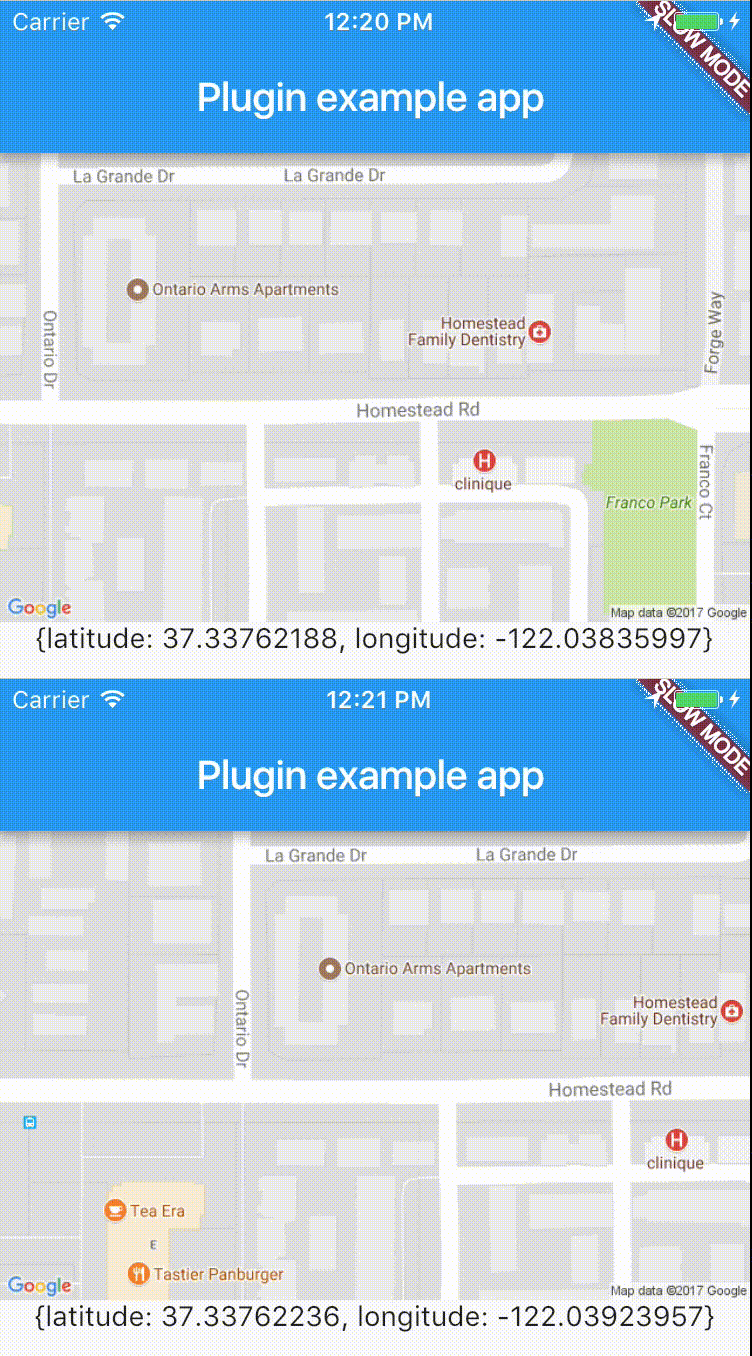
Plattformübergreifender Plugin für den einfachen Zugriff auf die Echtzeitstandortdaten des Geräts.
Ein Flutter-Plugin für Android, iOS und Web, das das Zuschneiden von Bildern unterstützt
PIN-Eingabefeld (OTP), automatisches Ausfüllen von SMS auf iOS, automatisches Ausfüllen von SMS auf Android Einmalcode, Passwort, Passcode, Captcha, Sicherheit, Gutschein, Wowcher, 2FA, Zwei-Schritt-Verifizierung
Ein Flutter-Paket, das dynamische Erweiterung und Zusammenklappung von Text ermöglicht sowie Interaktionen mit Textmustern wie Hashtags, URLs und Erwähnungen unterstützt.
Ein Flutter-Geokodierungs-Plugin, das einfache Geokodierung und Reverse-Geokodierung bietet.
Anmeldung über Facebook. Fügen Sie einfach die Facebook-Anmeldefunktion in Ihre Anwendung ein. Benutzerprofilinformationen sind enthalten.
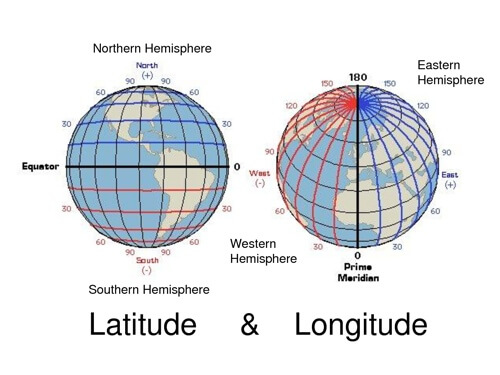
Leichte Bibliothek für gängige Berechnungen von Breite und Länge
Paket zum Ausführen von Geokodierungsanfragen. Es bietet zwei Methoden zur Umwandlung von Koordinaten in Orte und von Adressen in Koordinaten.
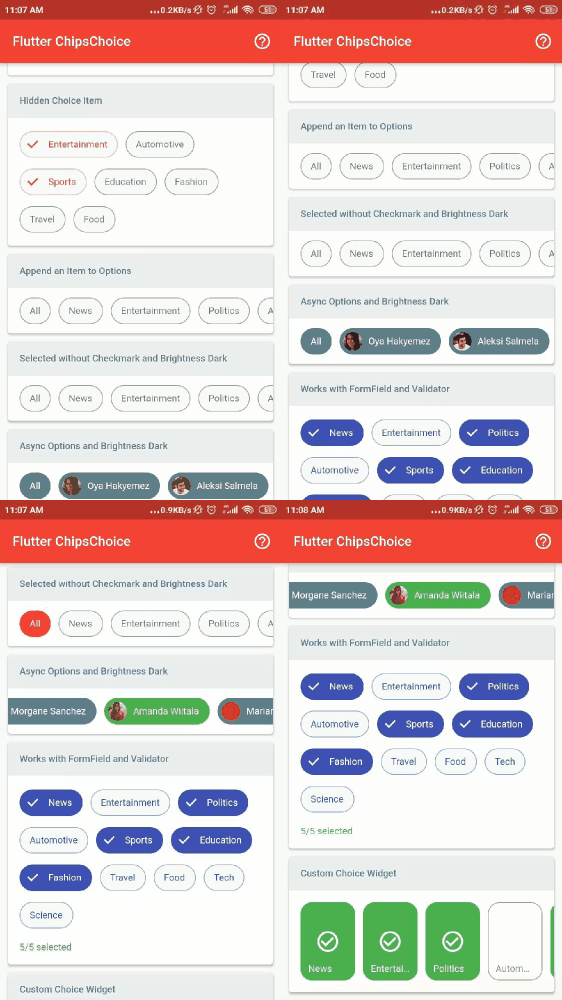
Leichte Version des smart_select-Pakets, keine Abhängigkeiten, einfache Möglichkeit, einzelne oder mehrfache Auswahl-Chips bereitzustellen.
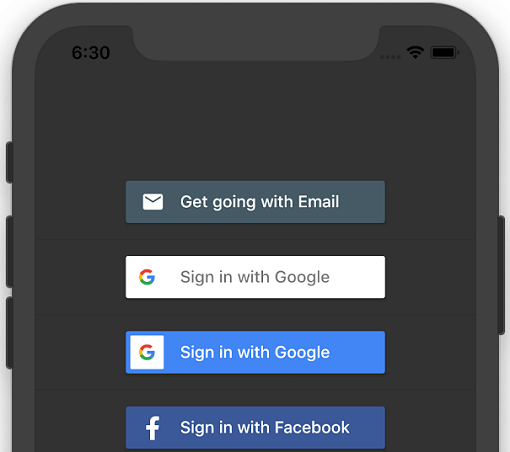
Ein Flutter-Plugin für iOS und Android zum Generieren von Anmeldebuttons für verschiedene Social-Media-Konten.
Abhängigkeiten 27 Einträge
^9.2.0{"sdk":"flutter"}^1.8.0^3.1.4^2.5.4^10.0.6^2.1.0^2.1.0^5.2.0^1.1.0^4.3.0^6.0.1^0.8.4+3^1.4.1^2.0.8^0.17.0^0.13.4^2.0.1^1.0.1^0.14.0^0.8.1^6.0.12^4.2.1^1.2.1^2.0.2^2.0.0^1.19.2Nach Anwendungsfall filtern, Aktivität vergleichen und vor der Nutzung das Originalprojekt prüfen.
“A repository is the most basic element of GitHub.”
GitHub Docs — About repositories ↗