

v1.3.2
sliding_panel
Der anpassbarste untere Schiebepanel, den Sie auf pub.dev finden können. Genau so, wie Sie es wollen!
100Likes 106030-Tage-Downloads40Pub-Punkte
Keine Plattformdaten
Ein Flutter-Schiebe-Widget mit einfacher Konfiguration. Hochgradig anpassbar. Genau so, wie Sie es möchten!

Englischer Projektschnappschuss. Aktuelle Inhalte auf GitHub.
The most customisable bottom sliding panel you can find on pub.dev. Just as you want it!
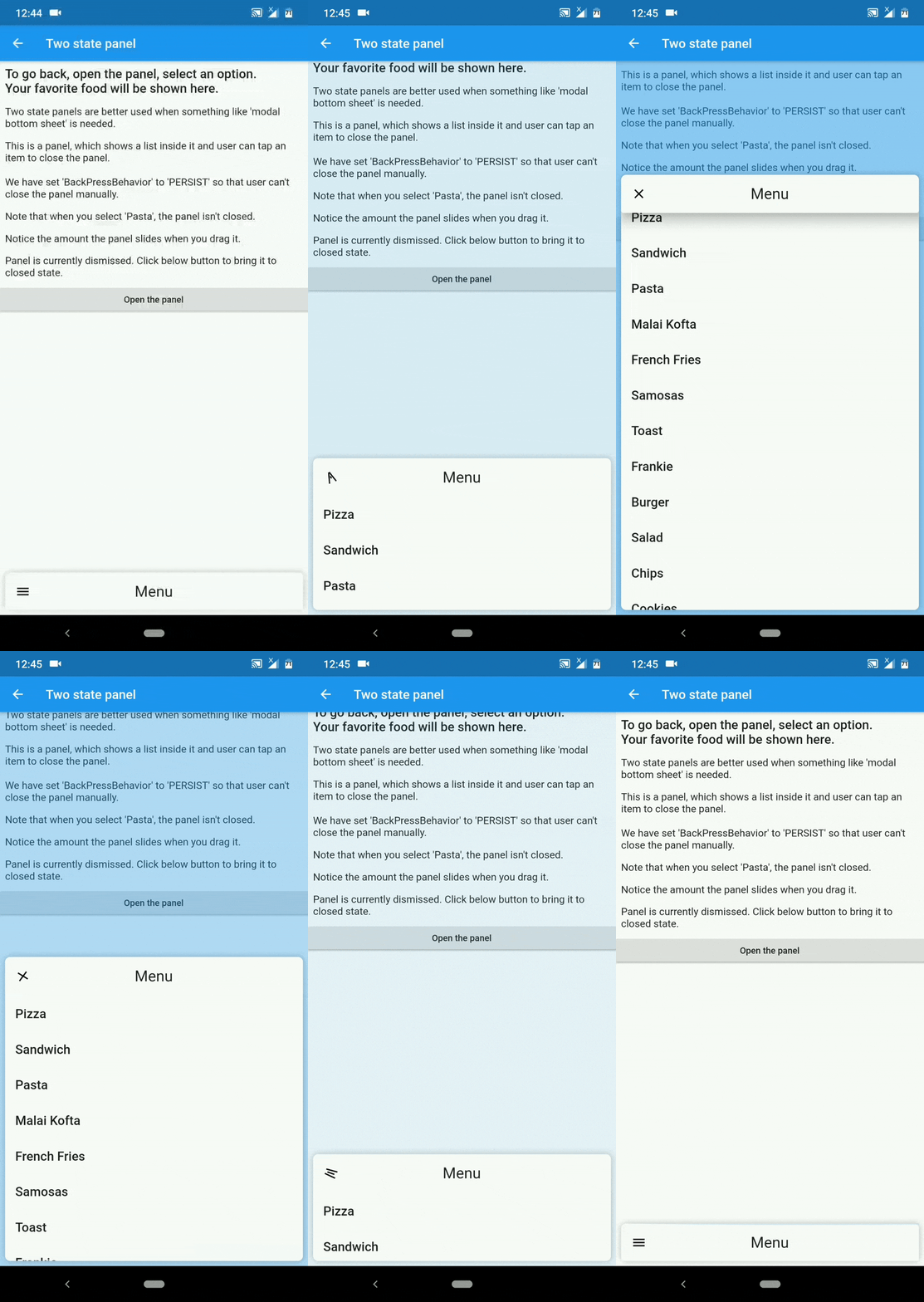
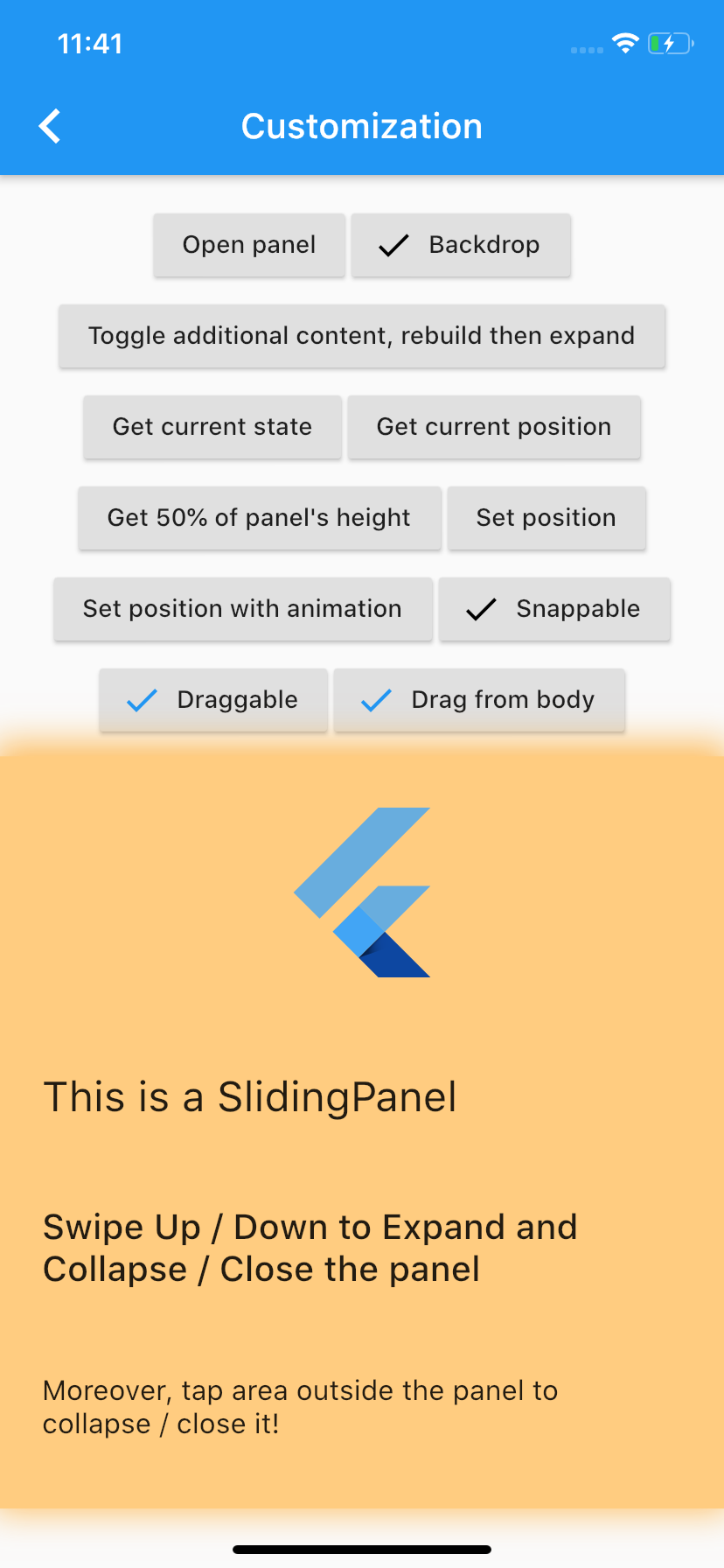
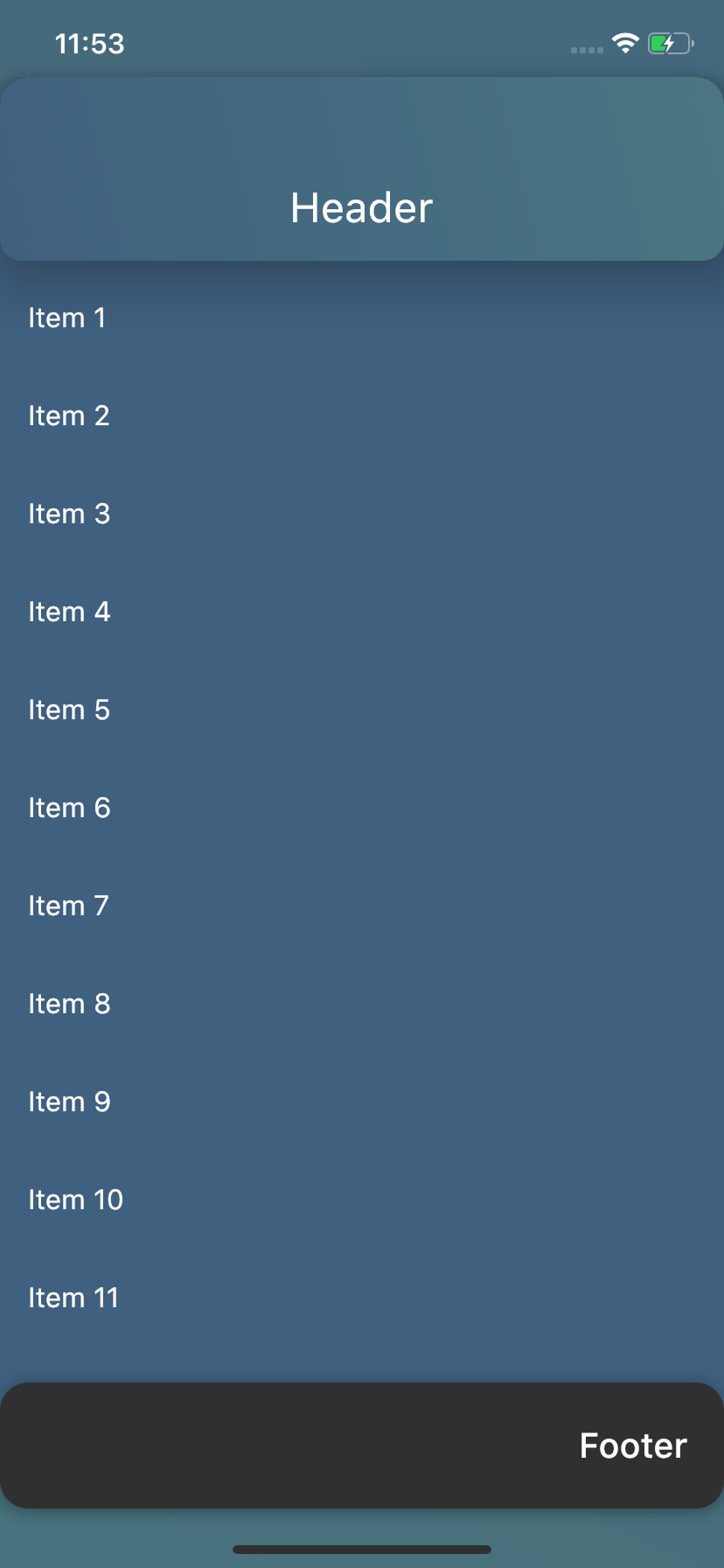
| Take control | Customize the way you want | Various purposes |
|---|---|---|
 |
 |
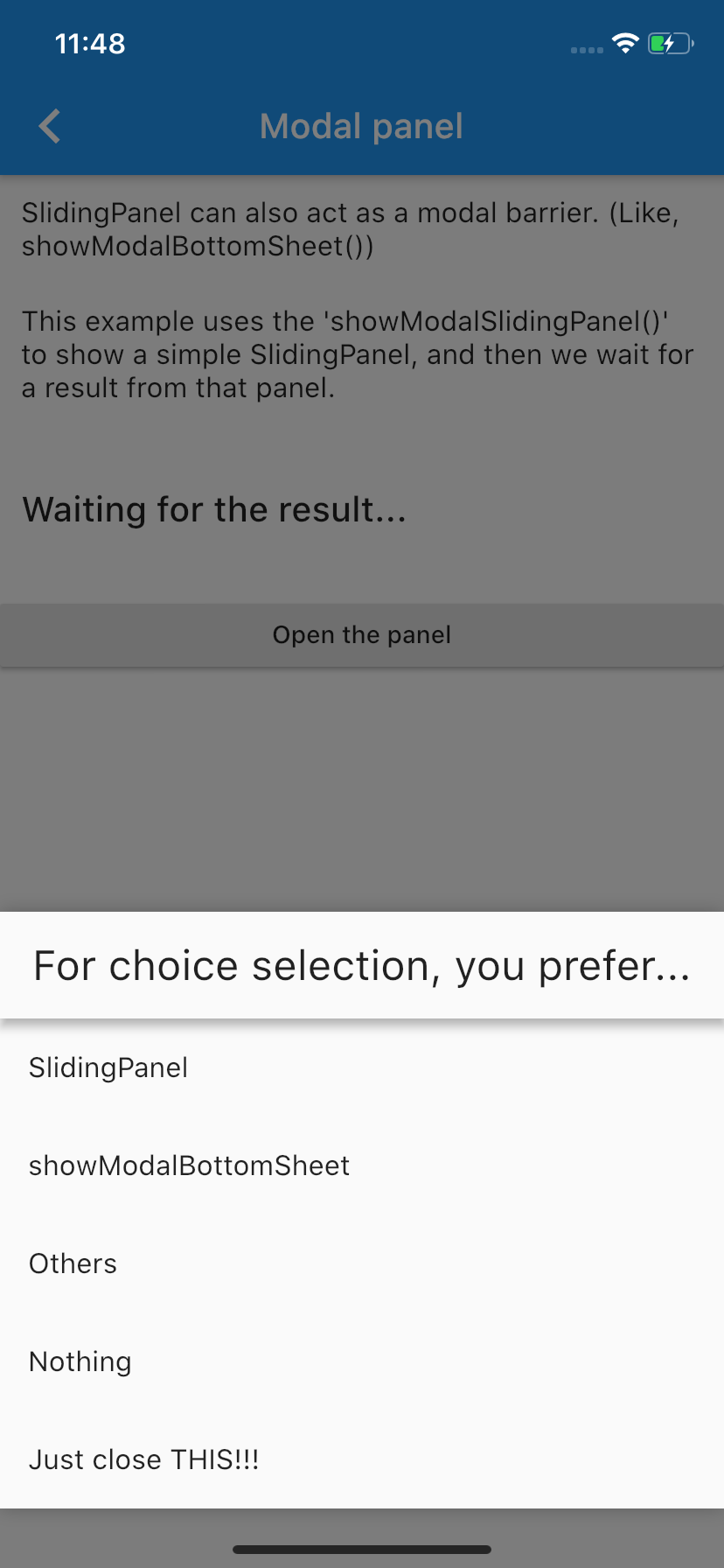 |
showModalBottomSheet() from Flutter to make user choices.DraggableScrollableSheet() and put scrollable content inside the panel.Please visit the Wiki to see how you can get this working.
You can always hit the :+1: button and :star: it.
Still not enough??? paypal.me.
v0.5.0 and 0.7.0:The latest stable release (v1.0.1) has landed with many improvements. There are some breaking changes, too. For that, visit the Migration guide.
v0.2.0 and v0.1.0 users :worried:From version 0.5.0, we have a LOADS of breaking :boom: changes, which means that simply updating the package won't give you all the bells and whistles of new version. :pensive: For updating guide, please go to the Migration guide.
Abhängigkeiten 3 Einträge
{"sdk":"flutter"}^1.14.11{"sdk":"flutter"}Nach Anwendungsfall filtern, Aktivität vergleichen und vor der Nutzung das Originalprojekt prüfen.
“A repository is the most basic element of GitHub.”
GitHub Docs — About repositories ↗