Pakete, Repositories und App-Kategorien suchen

GitHub-RepositoryRoundedInfinity/cupertino_sidebar

cupertino_sidebar

Ein Flutter-Paket, das die iOS-Seitenleiste und die schwimmende Tab-Leiste hinzufügt.

Projektcover von cupertino_sidebar
Sterne
28
Forks
2
Letzter Push (UTC)
09.11.2024
Projektstatus
Aktiv

Original-README

Englischer Projektschnappschuss. Aktuelle Inhalte auf GitHub.

Cupertino Sidebar

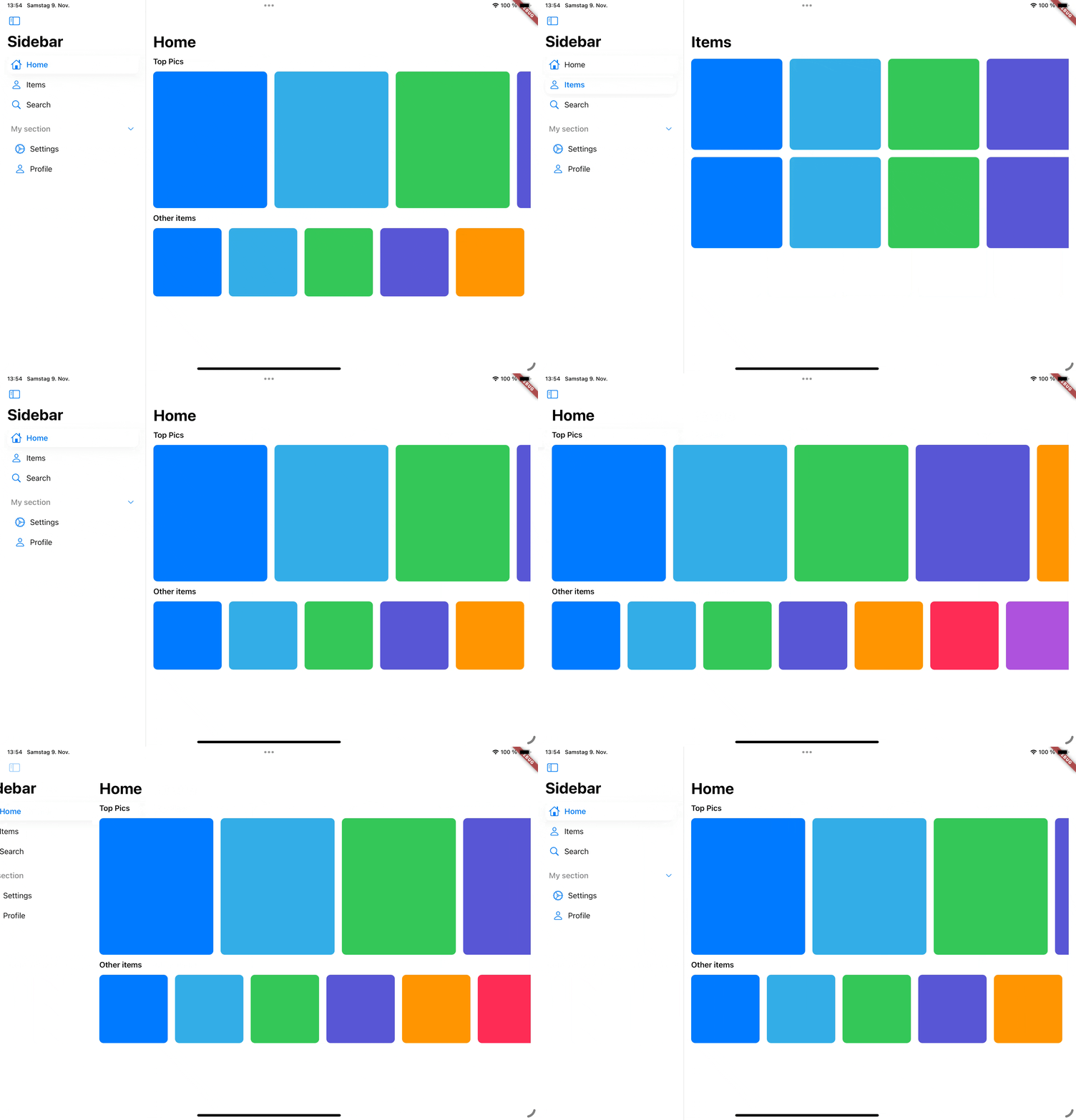
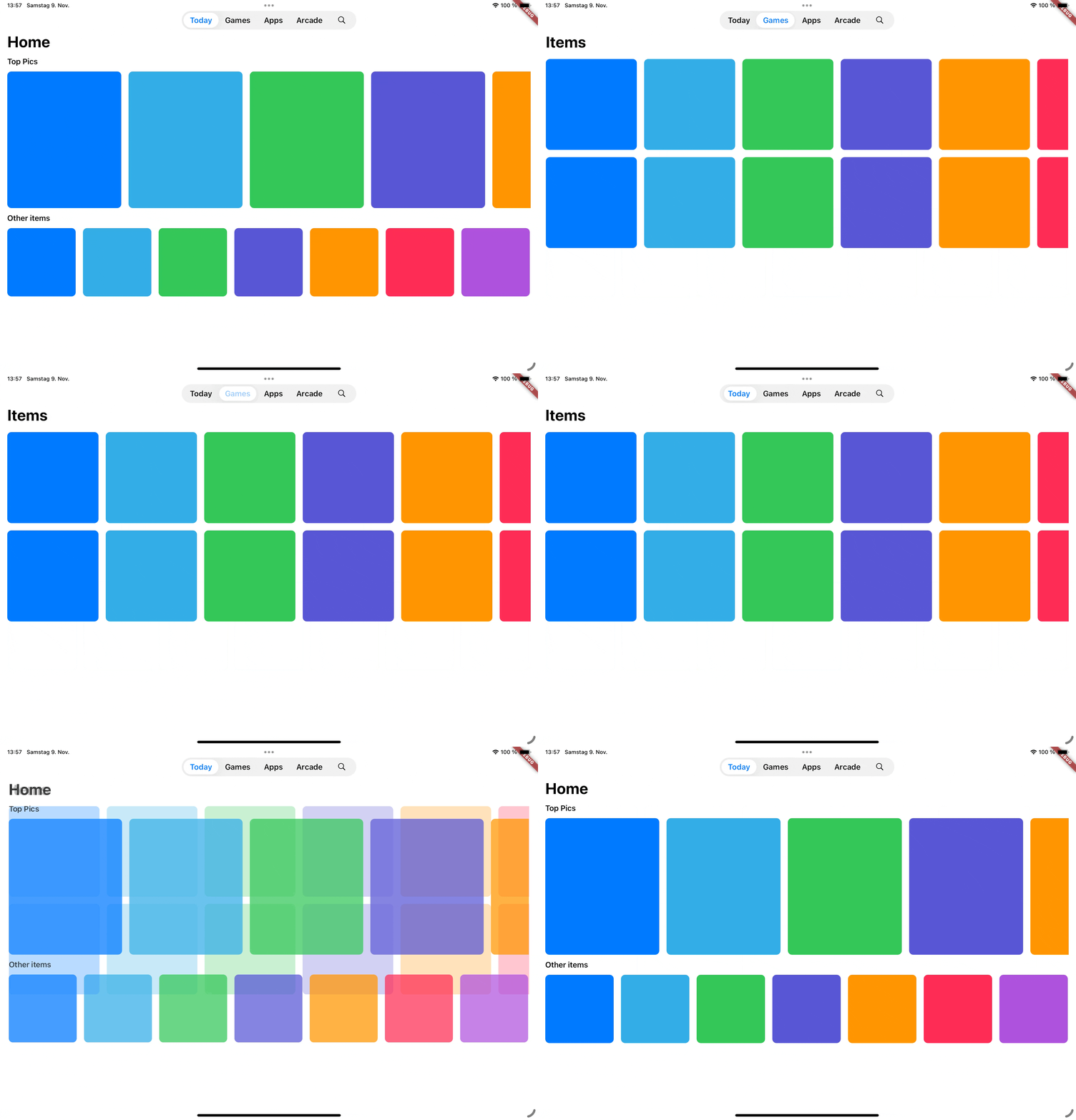
cupertino_sidebar brings iOS-style sidebars and floating tab bars to Flutter, providing a sleek, native feel for iPadOS-style navigation in your app.

Features

Cupertino Sidebar

Cupertino Sidebar

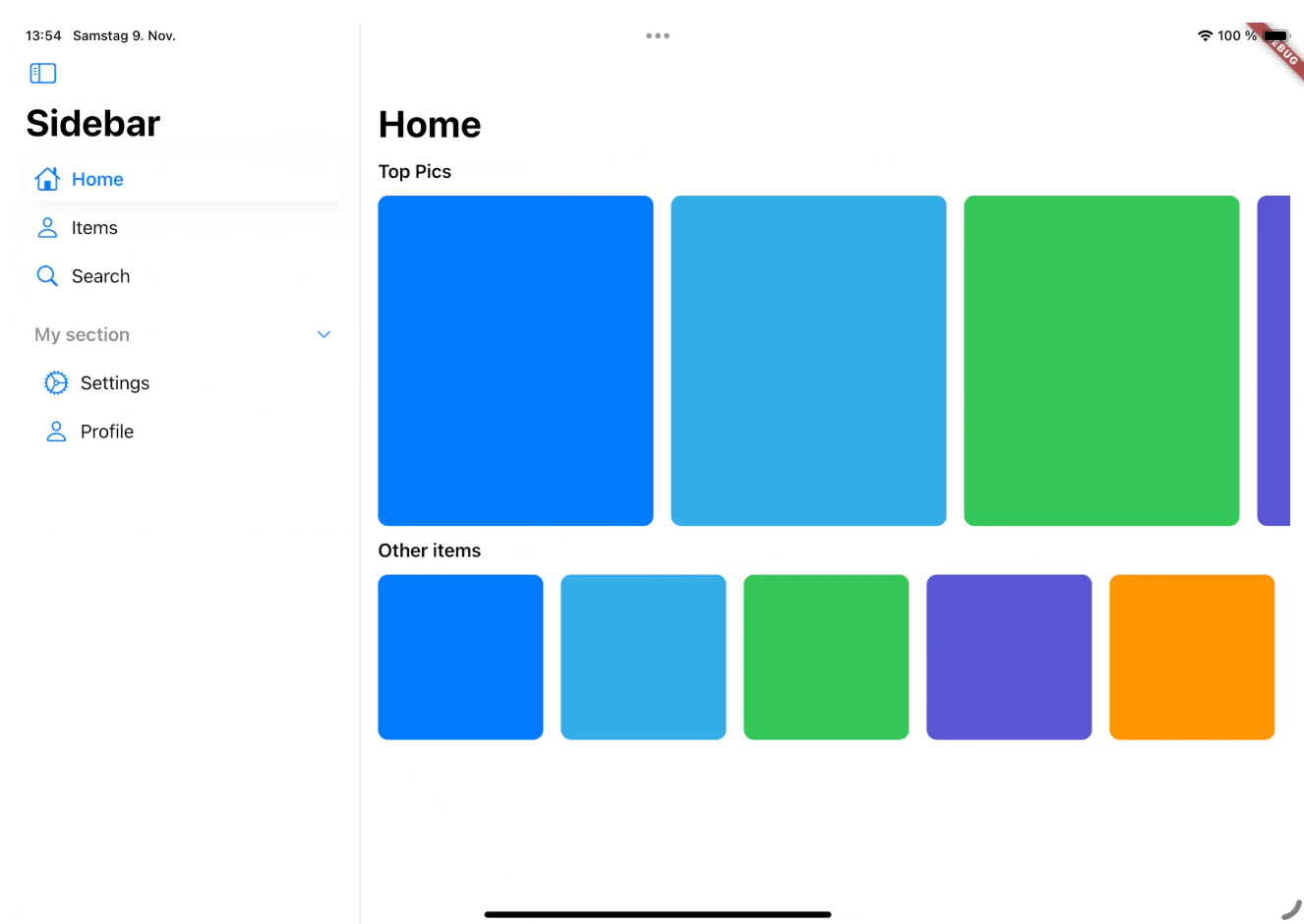
A iOS-style sidebar that can be used to navigate through your app.

Cupertino Floating Tab Bar

Cupertino Floating Tab Bar

A iPadOS-style floating tab bar that can also be used to navigate through your app.

📖 Usage

Sidebar

The CupertinoSidebar works very similar to Flutter's NavigationDrawer. It accepts a list of destinations, a selected index, and a callback function triggered when a destination is tapped.

CupertinoSidebar(
  selectedIndex: _selectedIndex,
  onDestinationSelected: (value) {
    setState(() {
      // Update the selected index when a destination is selected.
      _selectedIndex = value;
    });
  },
  children: [
    // index 0
    SidebarDestination(
      icon: Icon(CupertinoIcons.home),
      label: Text('Home'),
    ),
    // index 1
    SidebarDestination(
      icon: Icon(CupertinoIcons.person),
      label: Text('Items'),
    ),
    // index 2
    SidebarDestination(
      icon: Icon(CupertinoIcons.search),
      label: Text('Search'),
    ),
  ],
);

CupertinoSidebar also supports expandable sections, allowing you to group destinations.

...
children: [
    ...
   SidebarSection(
      label: Text('My section'),
      children: [
        SidebarDestination(
          icon: Icon(CupertinoIcons.settings),
          label: Text('Settings'),
        ),
        ...
      ],
    ),
]

For a full example, see the Sidebar example.

Floating Tab Bar

The CupertinoFloatingTabBar is managed by a TabController, with options to add tabs and specify a callback function.

CupertinoFloatingTabBar(
  onDestinationSelected: (value) {},
  controller: _myTabController,
  tabs: const [
    CupertinoFloatingTab(
      child: Text('Today'),
    ),
    CupertinoFloatingTab(
      child: Text('Library'),
    ),
    CupertinoFloatingTab.icon(
      icon: Icon(CupertinoIcons.search),
    ),
  ],
)

For a full example, see the Tab Bar example.

Additional examples

📅 Roadmap

This package is actively being developed. Planned features include:

  • Tab bar to sidebar transition
  • Adaptive scaffold that switches between a sidebar and a floating tab bar and a bottom tab bar depending on the screen size.

🤝 Contributing

Contributions are welcome! Feel free to submit issues, ideas, or pull requests. Together, we can make cupertino_sidebar even better!

Ruben Gullatz GitHub avatar
GitHub-Autor

Ruben Gullatz ↗

B.Sc. Student in Medical Informatics

Germany
SprachenDartC++CMakeSwiftCHTMLKotlinObjective-C

Kategorien

Von diesem Repository veröffentlichte Pakete

Verwendete Abhängigkeiten

Abhängigkeiten 3 Einträge

  • flutter{"sdk":"flutter"}
  • flutter_testEntwicklung{"sdk":"flutter"}
  • very_good_analysisEntwicklung^6.0.0

Wie wähle ich ein passendes Repository?

Nach Anwendungsfall filtern, Aktivität vergleichen und vor der Nutzung das Originalprojekt prüfen.

  1. Nach Name, Autor oder Beschreibung suchen und nach Thema eingrenzen.
  2. Sterne, Forks und letzte Pushes vergleichen. Sterne zeigen Interesse, garantieren aber keine Qualität.
  3. Vor der Nutzung README, Lizenz und Issues auf GitHub prüfen.

Quellen und Pflege

“A repository is the most basic element of GitHub.”

GitHub Docs — About repositories ↗