Englischer Projektschnappschuss. Aktuelle Inhalte auf GitHub.
Image Blur
This Flutter package provides the ability to add shimmer and blur effects to your images. You can apply these effects in circular and rectangular shapes, and use them with both local and online images.

Initialize the cache configuration
void main() async {
  await ImageBlur.init();
  runApp(const MyApp());
}
Features
1. ImageBlur - Progressive Blur Loading
Display images with a progressive blur effect that smoothly transitions as the image loads.
ImageBlur(
  imageUrl: "https://picsum.photos/id/10/400/300",
  width: 300,
  height: 200,
  fit: BoxFit.cover,
  borderRadius: BorderRadius.circular(12),
)

2. ImageHashPreview - BlurHash Placeholder
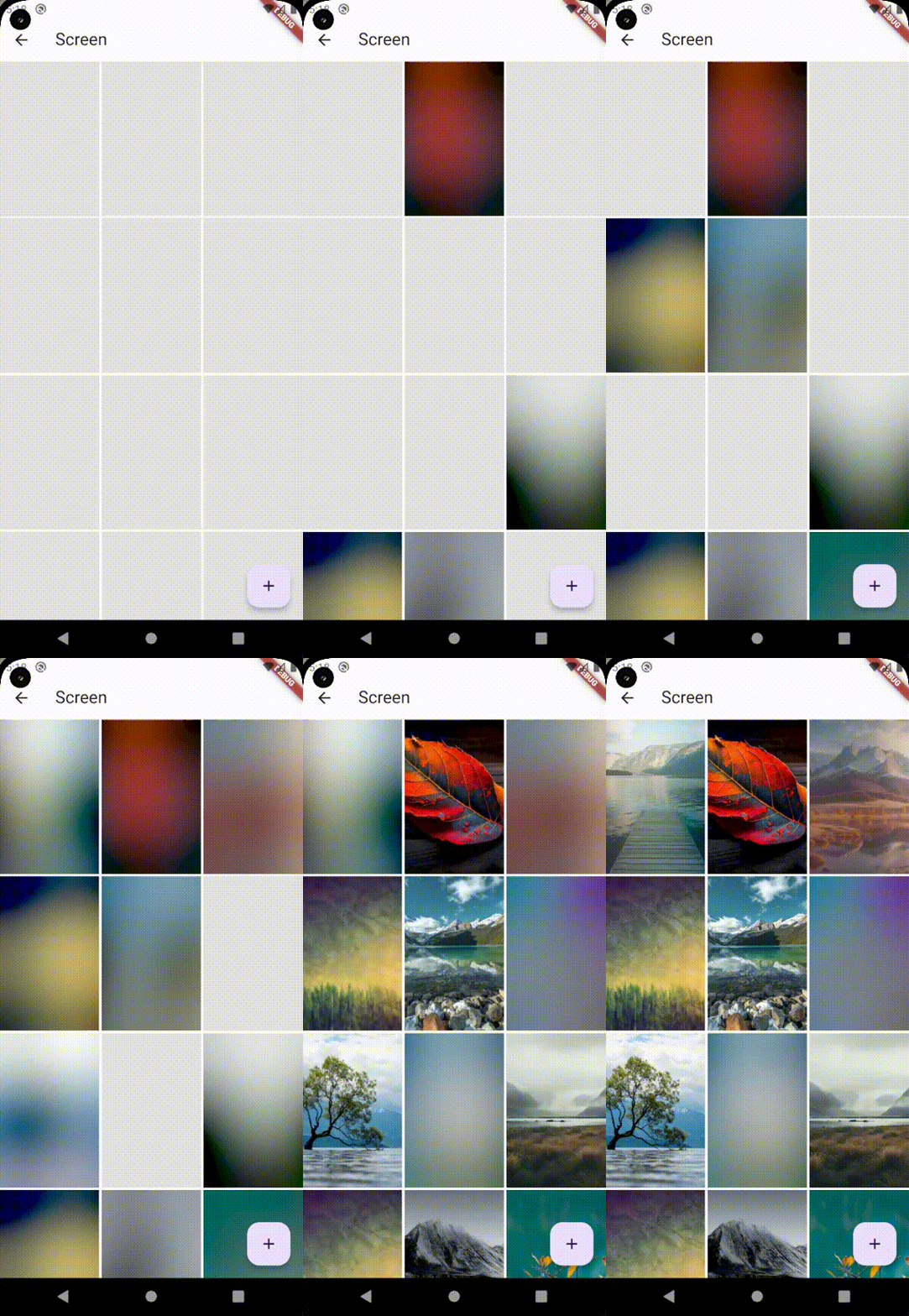
Display a BlurHash preview while the actual image loads. Great for smooth loading experiences.
ImageBlur.imageHashPreview(
  imagePath: "https://picsum.photos/id/15/400/300",
  width: 300,
  height: 200,
  fit: BoxFit.cover,
  borderRadius: BorderRadius.circular(8),
  duration: const Duration(milliseconds: 1000),
)
3. ImageHashPreviewCircular - Circular BlurHash
Circular version of BlurHash preview, perfect for avatars and profile pictures.
ImageBlur.imageHashPreviewCircular(
  size: 120,
  imagePath: "https://picsum.photos/id/22/200/200",
  fit: BoxFit.cover,
)

4. ImageCircularBlur - Circular with Shimmer Effect
Circular image with shimmer and blur effects.
ImageBlur.imageCircularBlur(
  size: 120,
  imageNetwork: "https://picsum.photos/id/1/200/200",
  isShimmer: true,
  isBlur: true,
)

5. OptimizedImageHashPreview - Fast & Cached BlurHash
Optimized version with caching support for better performance. NEW
ImageBlur.optimizedImageHashPreview(
  imagePath: "https://picsum.photos/id/20/400/300",
  width: 300,
  height: 200,
  fit: BoxFit.cover,
  borderRadius: BorderRadius.circular(8),
  duration: const Duration(milliseconds: 500),
  hashLoadDelay: const Duration(milliseconds: 100),
  imageShowDelay: const Duration(milliseconds: 300),
  onLoaded: () {
    debugPrint('Image loaded successfully');
  },
  errorBuilder: (context, error) {
    return const Center(child: Icon(Icons.error));
  },
)
6. ImageBlurGetPaletteColor - Extract Dominant Colors
Extract the dominant color palette from an image for dynamic theming.
ImageBlur.imageBlurGetPalletteColor(
imageUrl: "https://picsum.photos/id/28/400/300",
width: 300,
height: 200,
borderRadius: BorderRadius.circular(8),
onPaletteReceived: (paletteFuture) async {
final palette = await paletteFuture;
if (palette != null && palette.dominantColor != null) {
print('Dominant color: ${palette.dominantColor!.color}');
}
return null;
},
)
7. BlurIsWeb - Web-Optimized Blur
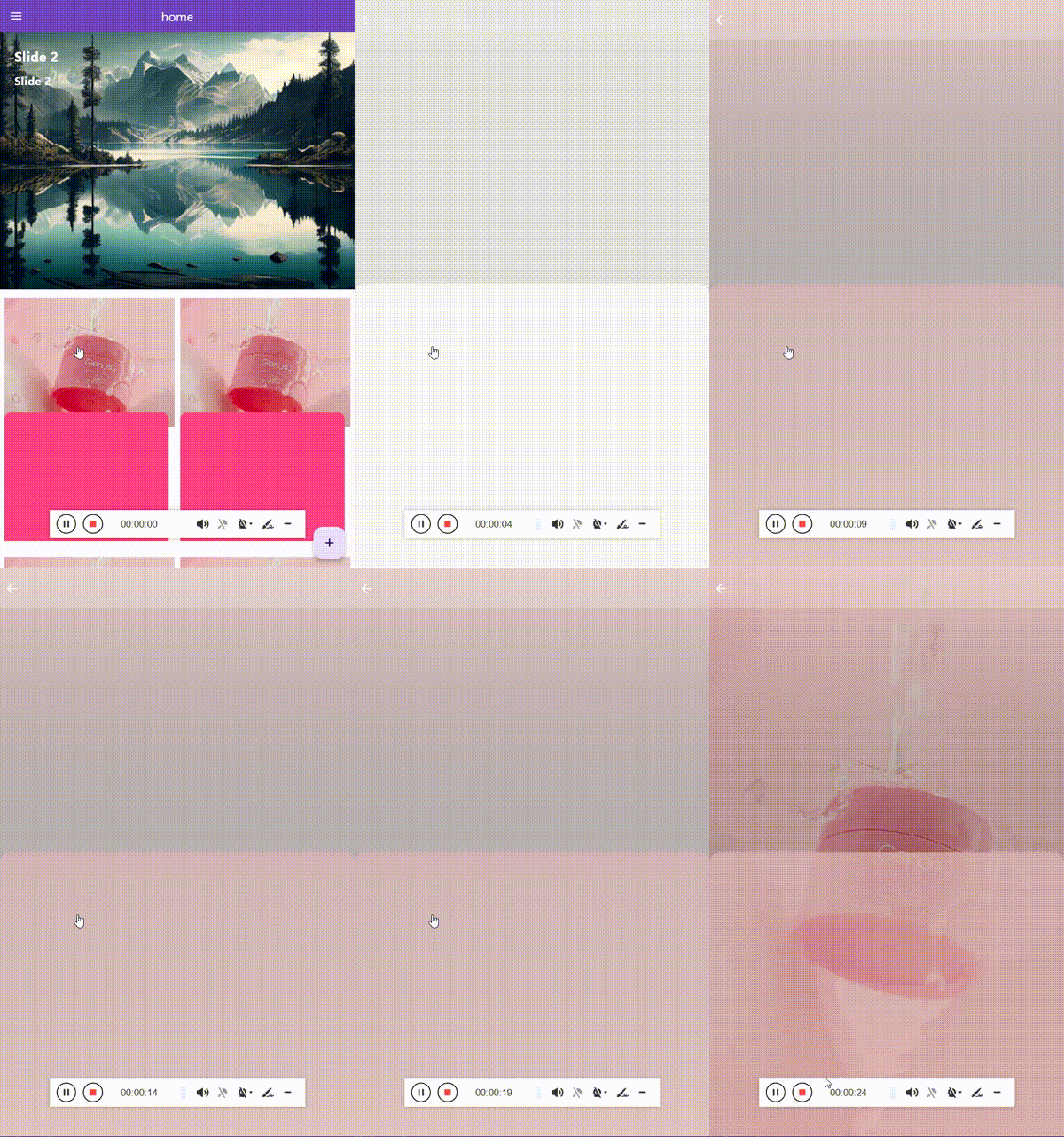
Optimized for web platforms with placeholder and thumbnail support.
ImageBlur.blurIsWeb(
  placeholder: const AssetImage("assets/placeholder.jpg"),
  thumbnail: const NetworkImage("https://picsum.photos/id/5/50/50"),
  image: const NetworkImage("https://picsum.photos/id/5/400/300"),
  width: 300,
  height: 200,
  fit: BoxFit.cover,
  blur: 20.0,
)
BlurHash Cache Management
Manage BlurHash caching for better performance:
ImageHashManager.clearCache();
ImageHashManager.setMaxCacheSize(200);
await ImageHashManager.preloadHashes([
"https://picsum.photos/id/1/200/300",
"https://picsum.photos/id/2/200/300",
"https://picsum.photos/id/3/200/300",
]);
Getting started
dependencies:
  image_blur: ^1.1.0
How to use
import 'package:image_blur/image_blur.dart';
Complete Example
import 'package:flutter/material.dart';
import 'package:image_blur/image_blur.dart';
void main() async {
await ImageBlur.init(removeCacheTime: 30);
runApp(const MyApp());
}
class MyApp extends StatelessWidget {
const MyApp({super.key});
@override
Widget build(BuildContext context) {
return MaterialApp(
debugShowCheckedModeBanner: false,
title: 'Image Blur Demo',
theme: ThemeData(
colorScheme: ColorScheme.fromSeed(seedColor: Colors.deepPurple),
useMaterial3: true,
),
home: const ImageGallery(),
);
}
}
class ImageGallery extends StatelessWidget {
const ImageGallery({super.key});
static const List<String> imageUrls = [
"https://picsum.photos/id/10/400/300",
"https://picsum.photos/id/11/400/300",
"https://picsum.photos/id/12/400/300",
"https://picsum.photos/id/13/400/300",
"https://picsum.photos/id/14/400/300",
"https://picsum.photos/id/15/400/300",
"https://picsum.photos/id/16/400/300",
"https://picsum.photos/id/17/400/300",
"https://picsum.photos/id/18/400/300",
];
@override
Widget build(BuildContext context) {
return Scaffold(
appBar: AppBar(
title: const Text('Image Blur Gallery'),
backgroundColor: Theme.of(context).colorScheme.inversePrimary,
),
body: Padding(
padding: const EdgeInsets.all(8.0),
child: GridView.builder(
itemCount: imageUrls.length,
gridDelegate: const SliverGridDelegateWithFixedCrossAxisCount(
crossAxisCount: 3,
crossAxisSpacing: 8,
mainAxisSpacing: 8,
),
itemBuilder: (context, index) {
return ImageBlur.imageHashPreview(
imagePath: imageUrls[index],
fit: BoxFit.cover,
borderRadius: BorderRadius.circular(12),
);
},
),
),
);
}
}
Additional information
If you have any issues, questions, or suggestions related to this package, please feel free to contact us at [swan.dev1993@gmail.com](mailto:zagros.development.group@gmail.com). We welcome your feedback and will do our best to address any problems or provide assistance.
For more information about this package, you can also visit our GitHub repository where you can find additional resources, contribute to the package's development, and file issues or bug reports. We appreciate your contributions and feedback, and we aim to make this package as useful as possible for our users.
Thank you for using our package, and we look forward to hearing from you!


 v1.1.0