

v1.1.1
tailwind_standards
Tailwind CSS für Flutter. Farben, Größen, Gewichte und ein TText-Widget zur Gestaltung Ihrer App.
28Likes 1930-Tage-Downloads150Pub-Punkte
AndroidiOSWebmacOSWindowsLinux
Ein Styling-Paket für Flutter basierend auf Tailwind-Standards.

Englischer Projektschnappschuss. Aktuelle Inhalte auf GitHub.
Style your Flutter app with Tailwind CSS. Colors, Sizes, Weights and a TText widget that takes classes. All in the same structure as you would use Tailwind CSS in HTML.
TColor: Use all tailwind default colorsTText: An extension on the Flutter Text widget that can be styled in the same way as a class in HTML.TSize: All tailwind default sizes are easily accessibleTWeight: Use the naming convention of Tailwind CSS for weightsTo install the package run the following command.
flutter pub add tailwind_standards
TColor has all the default colors that Tailwind CSS offers. You can access every color in the following way.
Color tcolor = TColor.slate500;
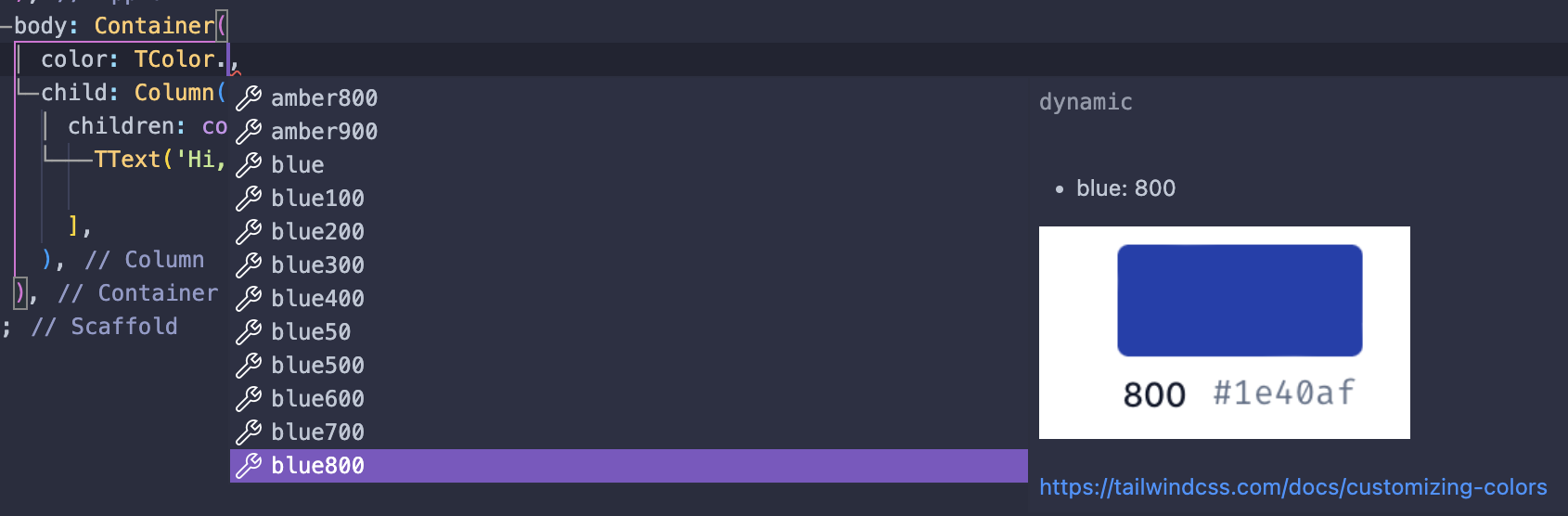
TText is an extension of the Text widget from Flutter. It takes classes in the same structure as when you use Tailwind CSS for HTML.
const TText(
    'TText widget from tailwind_standards!',
    props: 'text-xs text-gray-500 text-center font-bold',
),
TSize has all the default Tailwind CSS sizes that are mostly used in padding, margin, etc.
int tsize = TSize.lg;
TWeight translates the Tailwind CSS naming convention to the font weights used in Flutter.
FontWeight tweight = TWeight.semiBold;
Feedback is always welcome! If you see improvements or if something comes to your attention, please let me know or create a pull request.
Abhängigkeiten 3 Einträge
{"sdk":"flutter"}^3.0.1{"sdk":"flutter"}Nach Anwendungsfall filtern, Aktivität vergleichen und vor der Nutzung das Originalprojekt prüfen.
“A repository is the most basic element of GitHub.”
GitHub Docs — About repositories ↗