

 v1.0.8
flexible_dropdown
Erlaubt das Schließen der Dropdown-Liste durch Tippen oder Wischen über die Überlagerung und legt den Kopf (Barrier) als transparent fest
15Likes 10830-Tage-Downloads150Pub-Punkte
AndroidiOSWebmacOSWindowsLinux
TrangLeQuynh/flexible_dropdown open-source repository details.

Englischer Projektschnappschuss. Aktuelle Inhalte auf GitHub.


Customize dropdown
Auto scroll to selected item position
Support BarrierShape.headerTrans to highlight the content above the flexible dropdown button
Allows the dropdown to be dismissed by tapping | panning the scrim or by pressing the escape key on the keyboard.
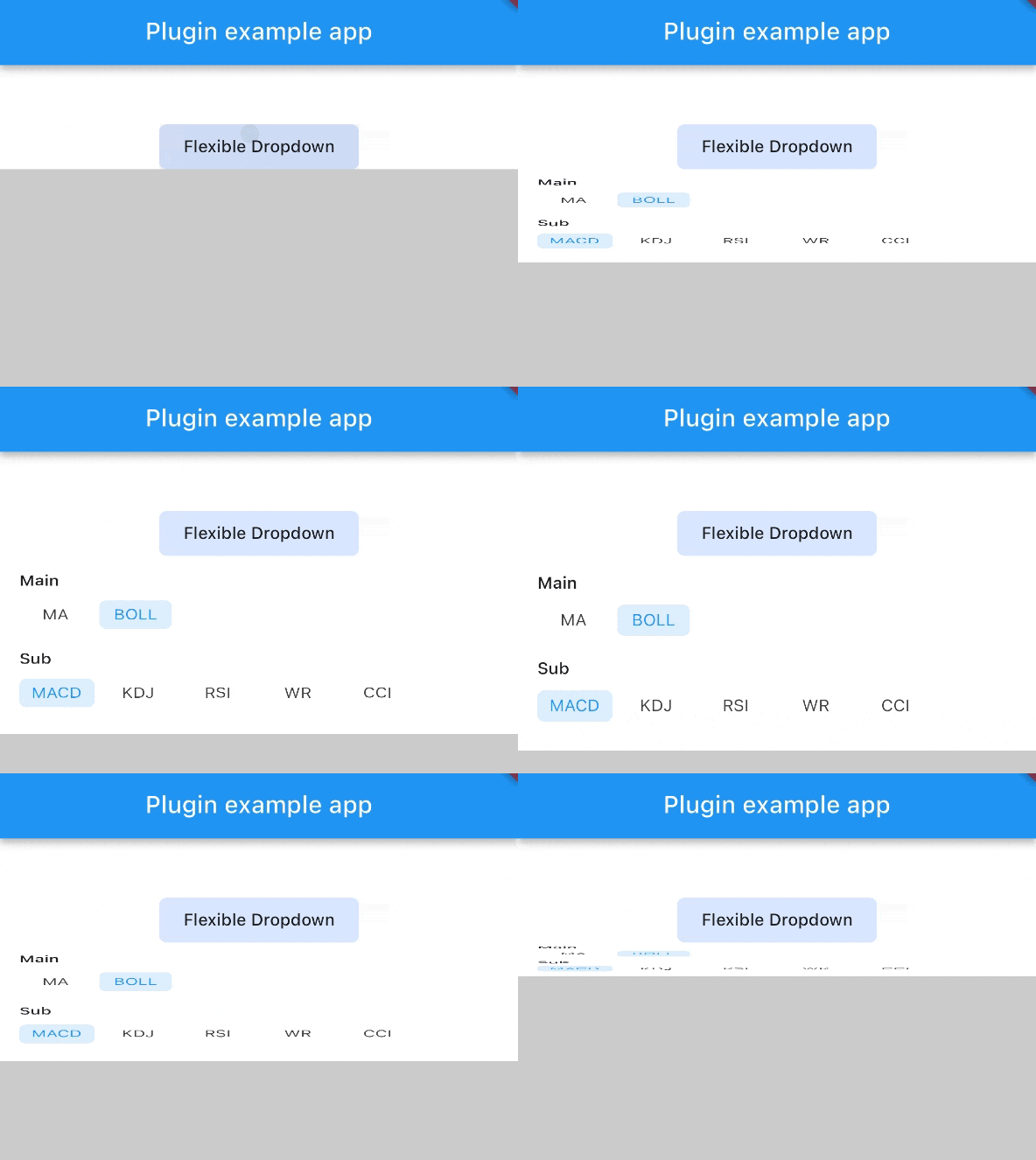
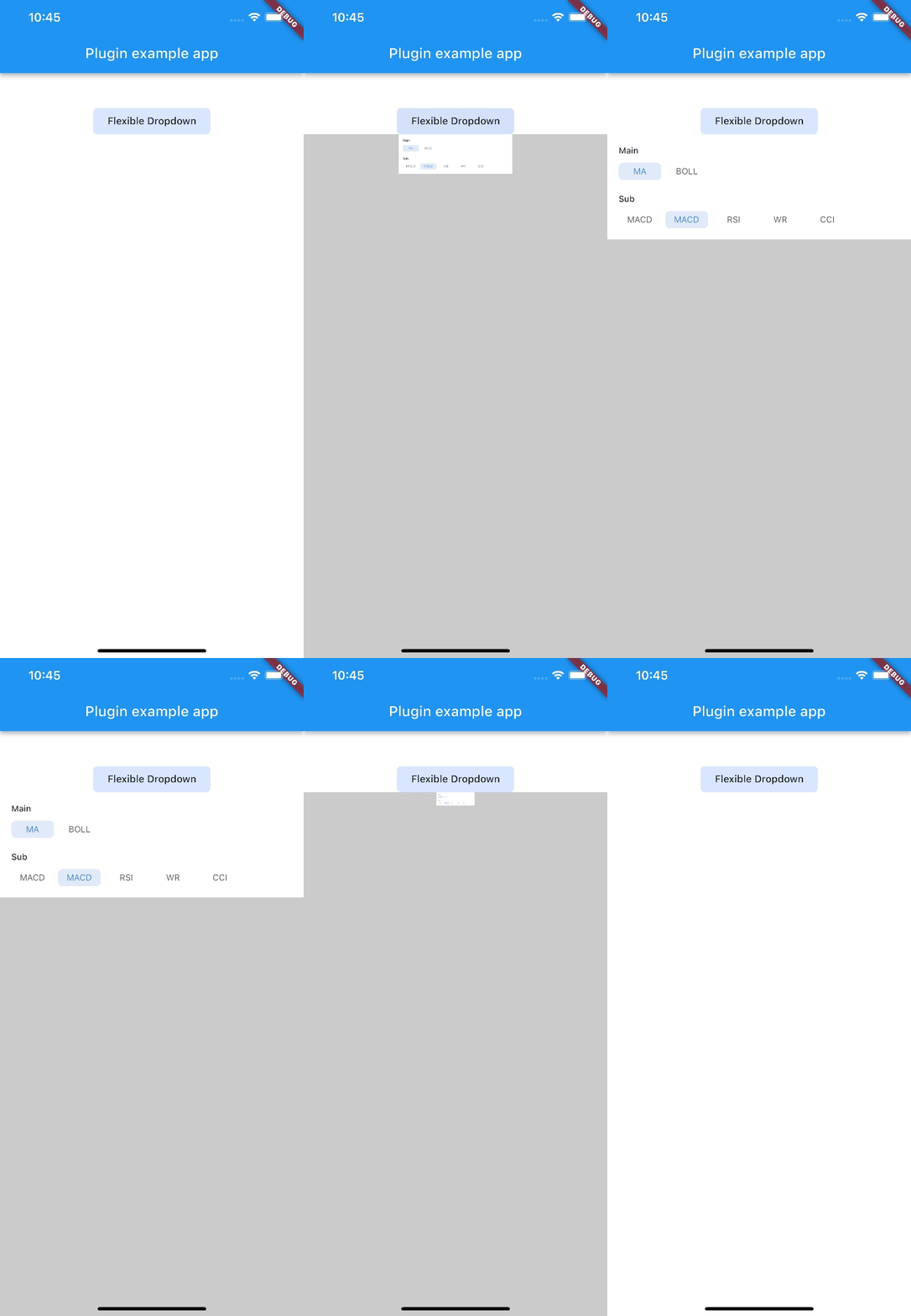
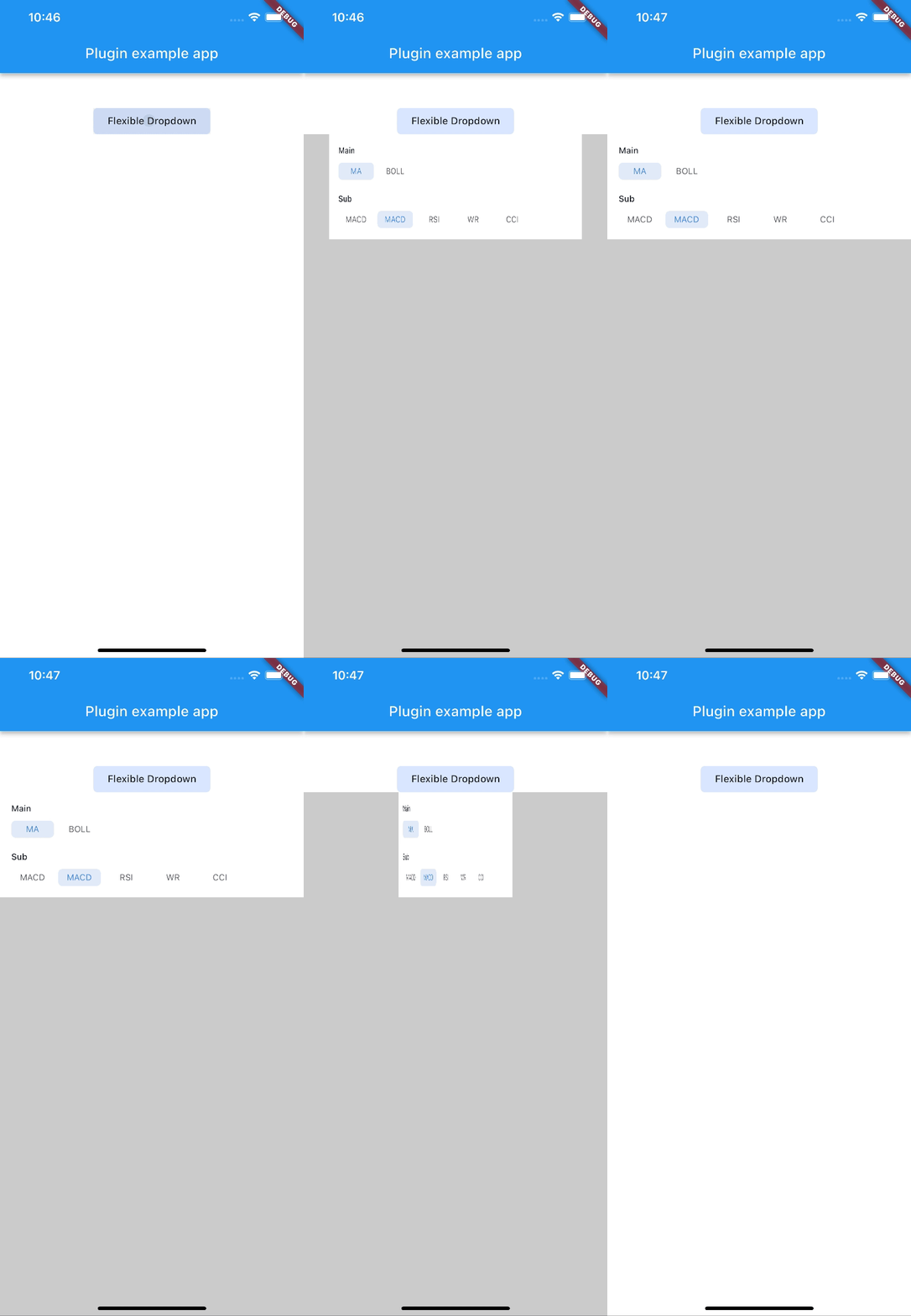
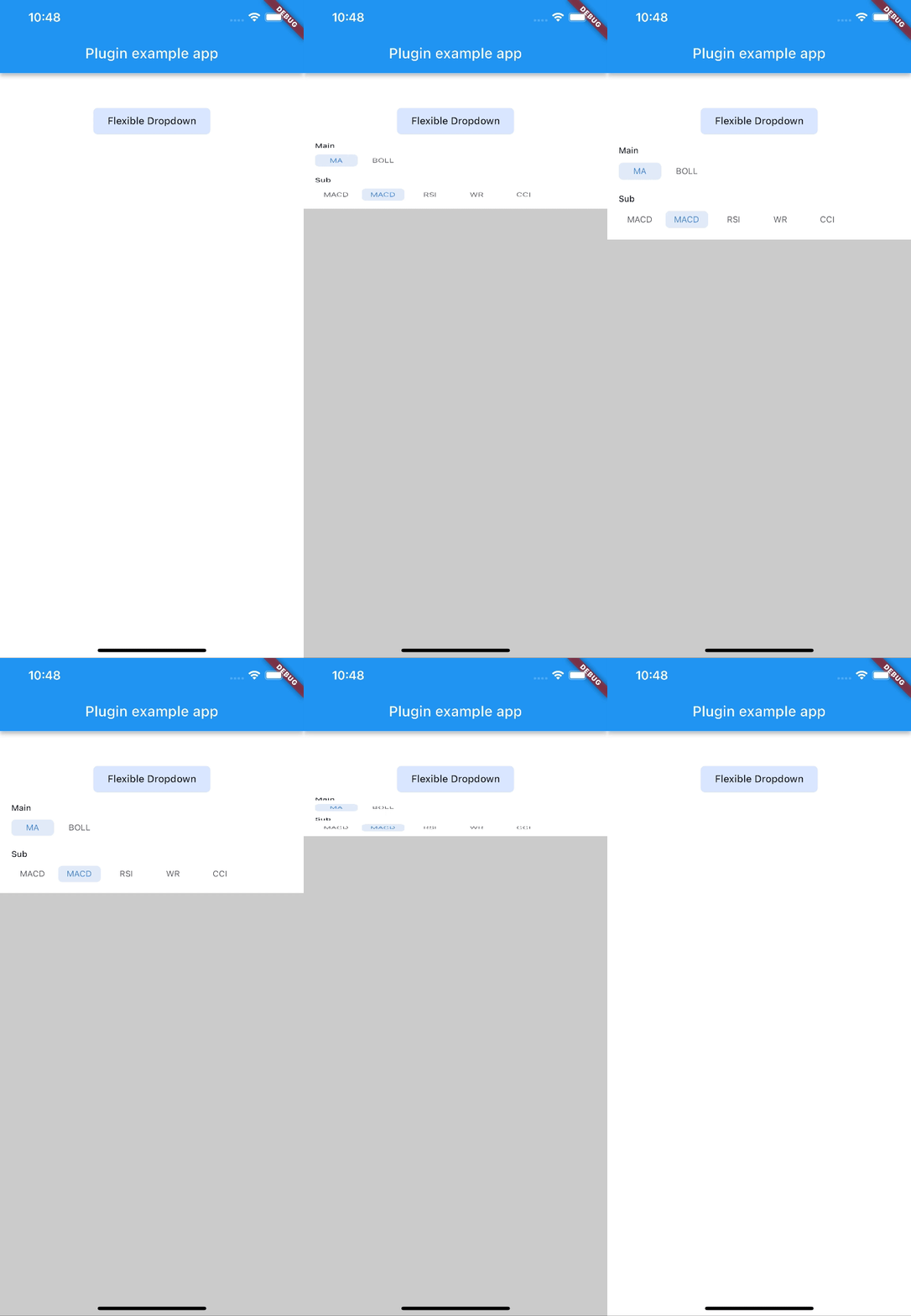
Allow to choose the Animation Type
First, add flexible_dropdown as a dependency in your pubspec.yaml file.
dependencies:
  flexible_dropdown: ^1.0.7
FlexibleDropdown(
  overlayChild: Container(
    height: 160,
    width: double.infinity,
    color: Colors.deepPurple,
  ),
  barrierColor: Colors.black38.withOpacity(.2),
  barrierShape: BarrierShape.headerTrans,
  textDirection: TextDirection.ltr,
  offset: Offset.zero,
  duration: const Duration(milliseconds: 400),
  animationType: AnimationType.size,
  animationAlignment: Alignment.topCenter,
  child: Container(
    decoration: BoxDecoration(
      borderRadius: BorderRadius.circular(6),
      color: Colors.blueAccent.withOpacity(.2),
    ),
    child: Padding(
      padding: const EdgeInsets.symmetric(vertical: 10, horizontal: 20),
      child: Text(
        title,
        style: const TextStyle(fontSize: 14, fontWeight: FontWeight.w500),
      ),
    ),
  ),
)
Usage to close the flexible dropdown:
Navigator.pop(context);
| scale | scaleX | scaleY |
|---|---|---|
 |
 |
 |
| size | slide | fade |
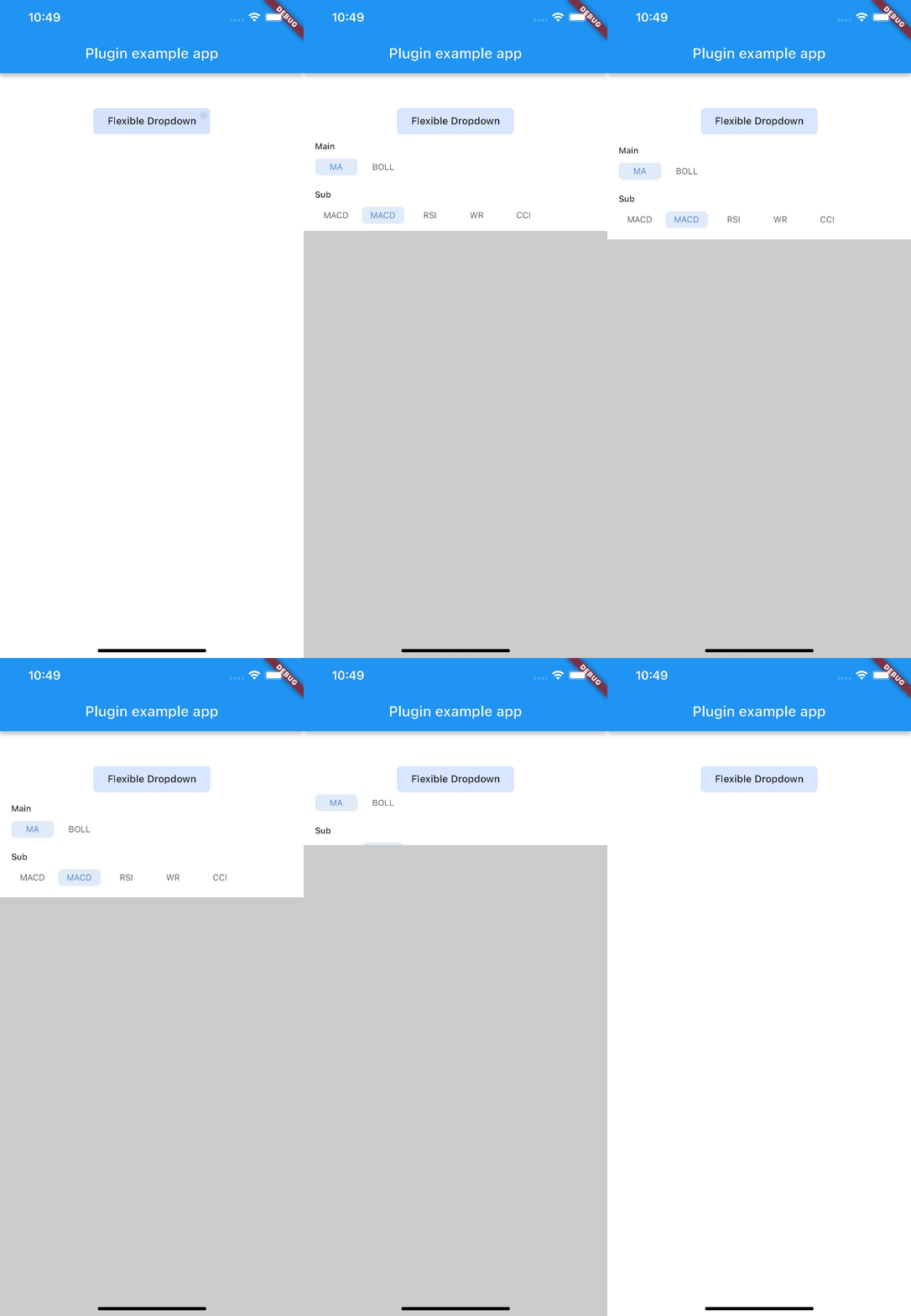 |
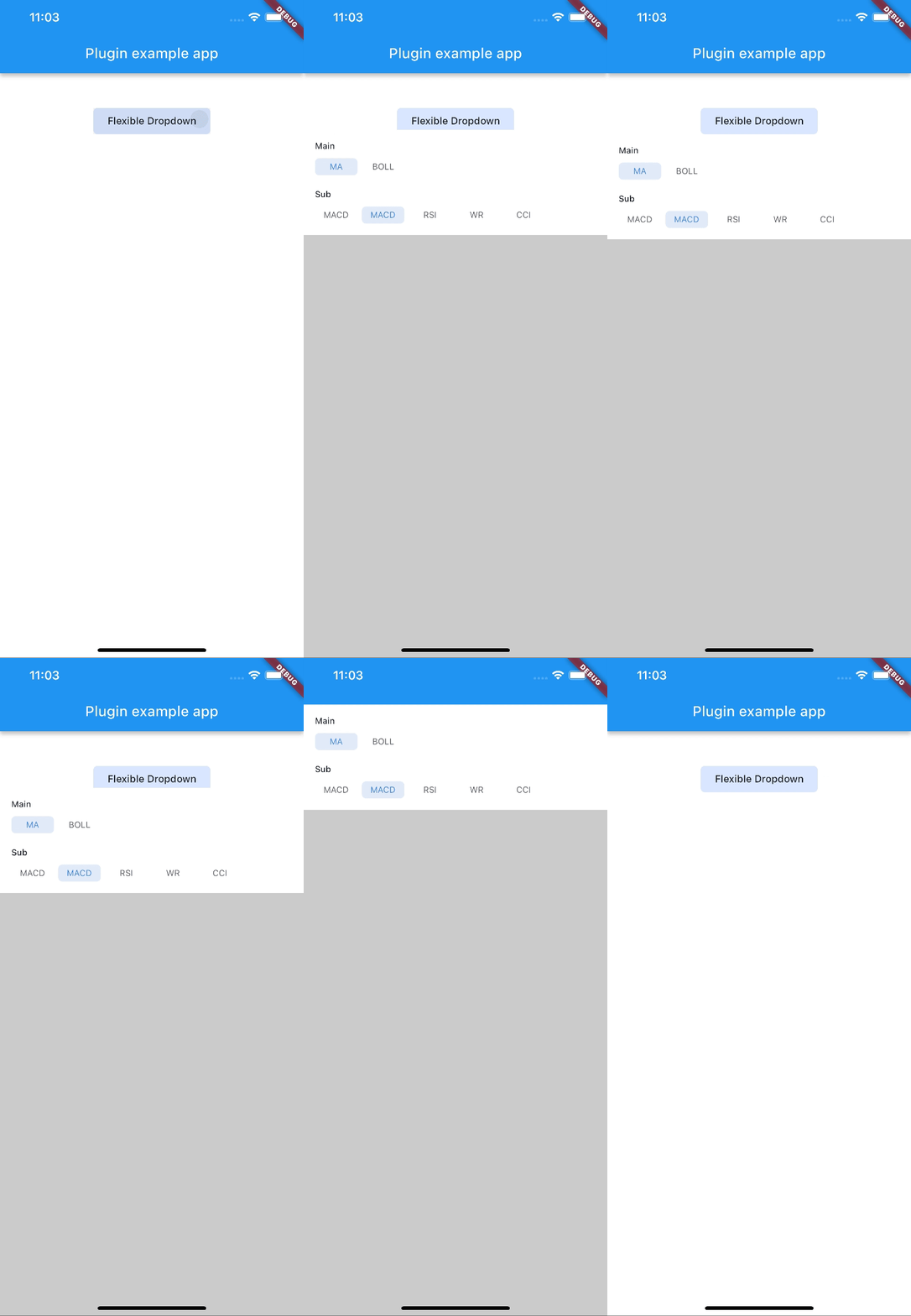 |
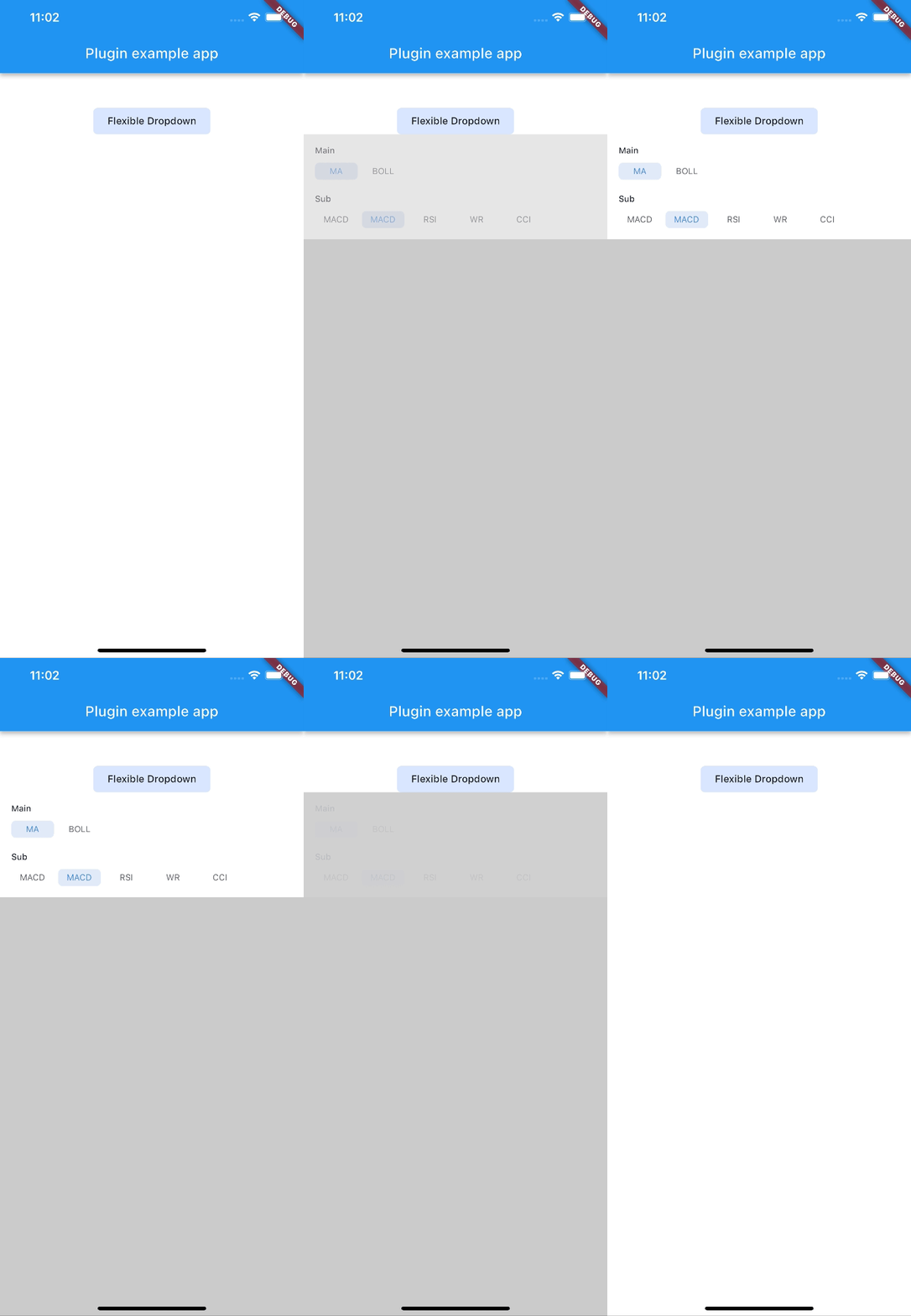 |
| rotate | ||
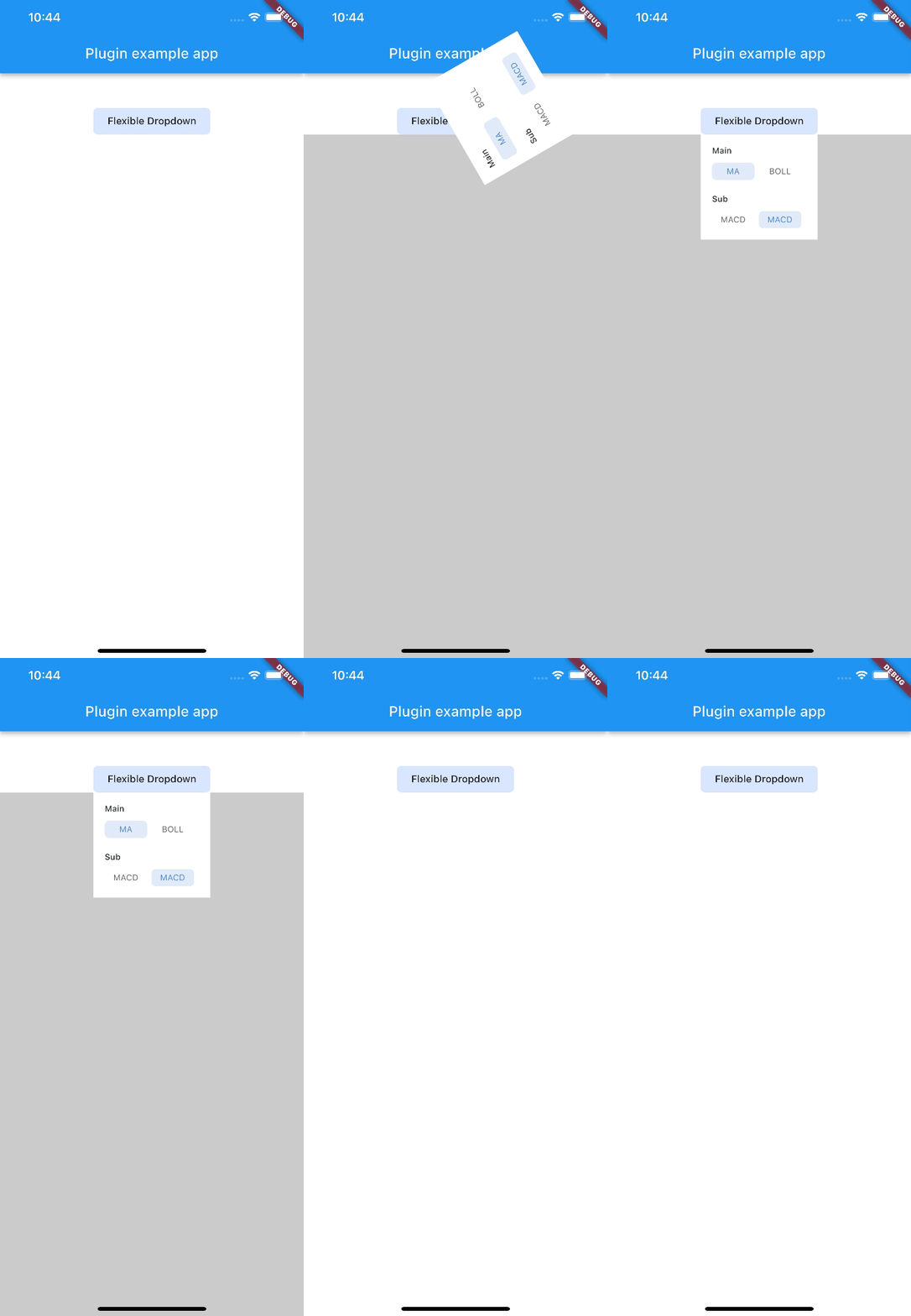 |
Note:
AnimationType.sizeis only suitable for width ofoverlayChildis full screen width.
Abhängigkeiten 4 Einträge
{"sdk":"flutter"}^2.0.2{"sdk":"flutter"}^2.0.0Nach Anwendungsfall filtern, Aktivität vergleichen und vor der Nutzung das Originalprojekt prüfen.
“A repository is the most basic element of GitHub.”
GitHub Docs — About repositories ↗