
Schriftart-Galerie
Eine App, um anzuzeigen, wie verschiedene Schriftfamilien und ihre Varianten aussehen. Mit Flutter entwickelt.

- Sterne
- 82
- Forks
- 8
- Letzter Push (UTC)
- 29.07.2025
- Projektstatus
- Aktiv
Original-README
Englischer Projektschnappschuss. Aktuelle Inhalte auf GitHub.
📜🖼️ Font Gallery
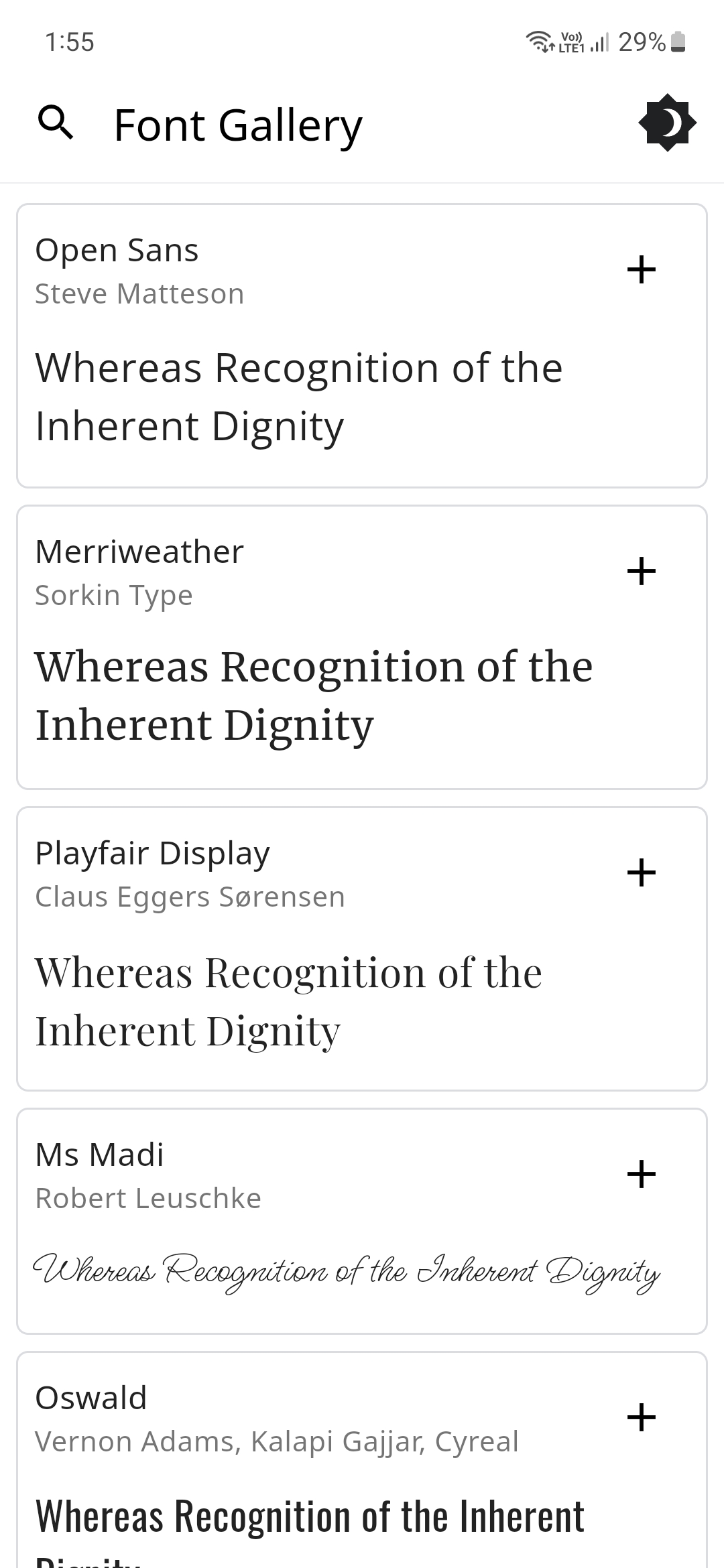
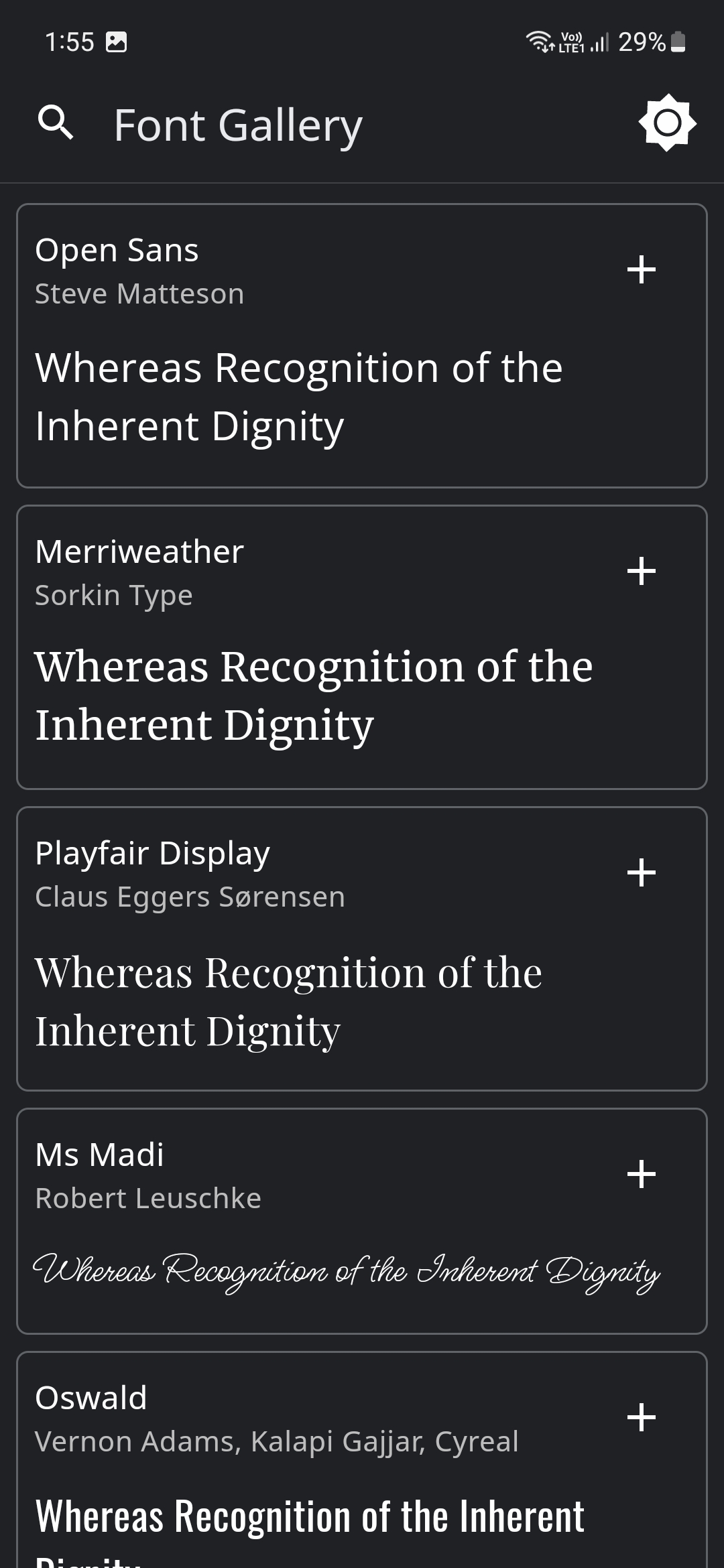
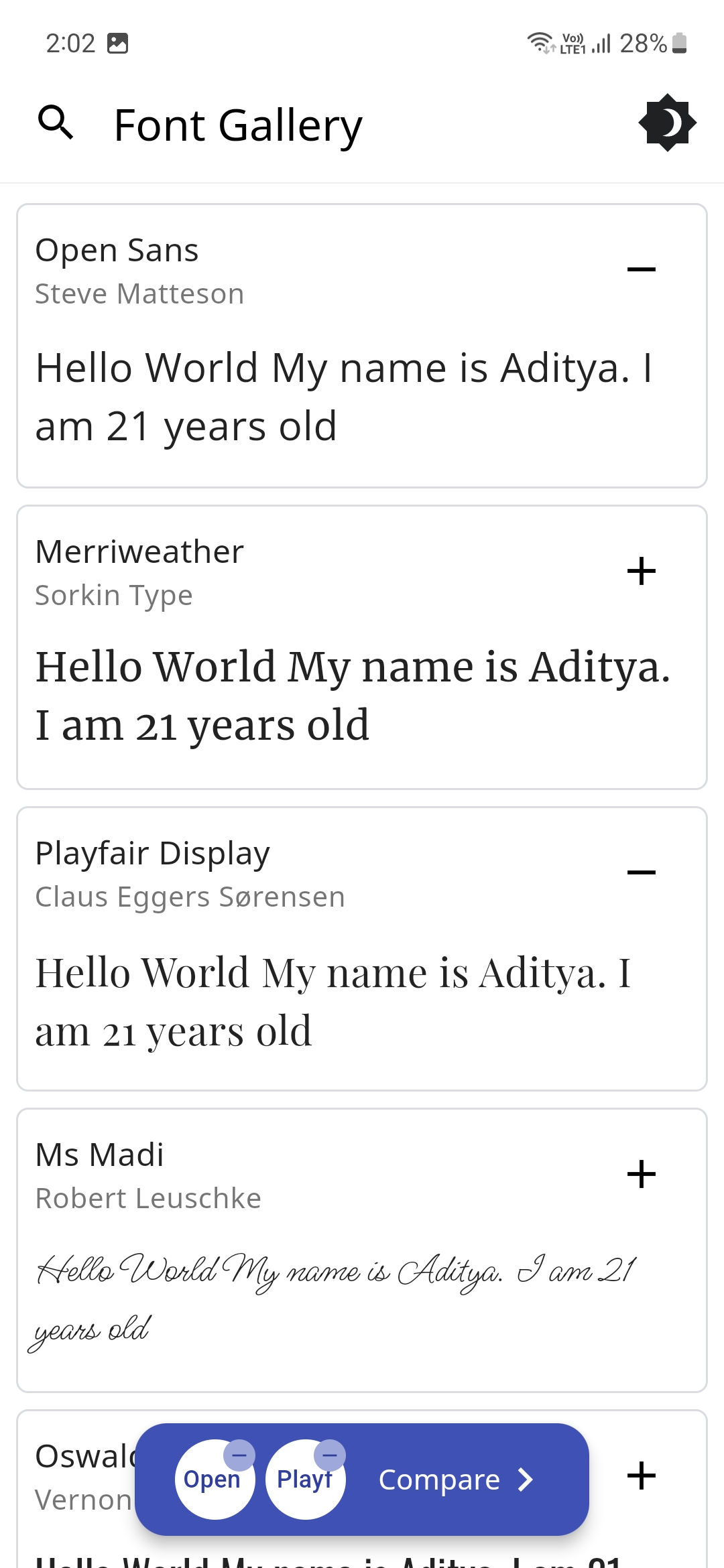
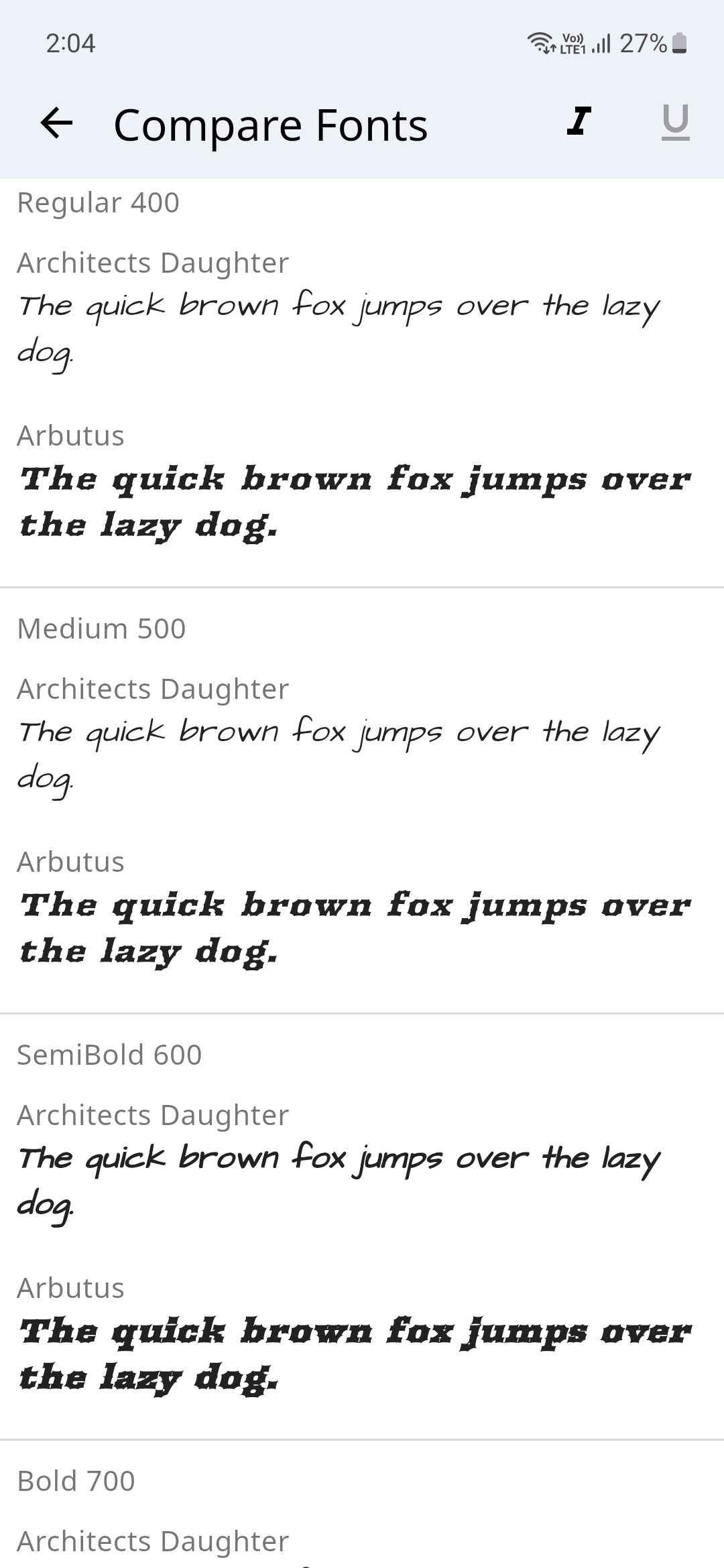
Font Gallery app showcases how different Font Families with their different variations (Style, Weight and Size) look. You could switch between light and dark modes and also compare different font families.
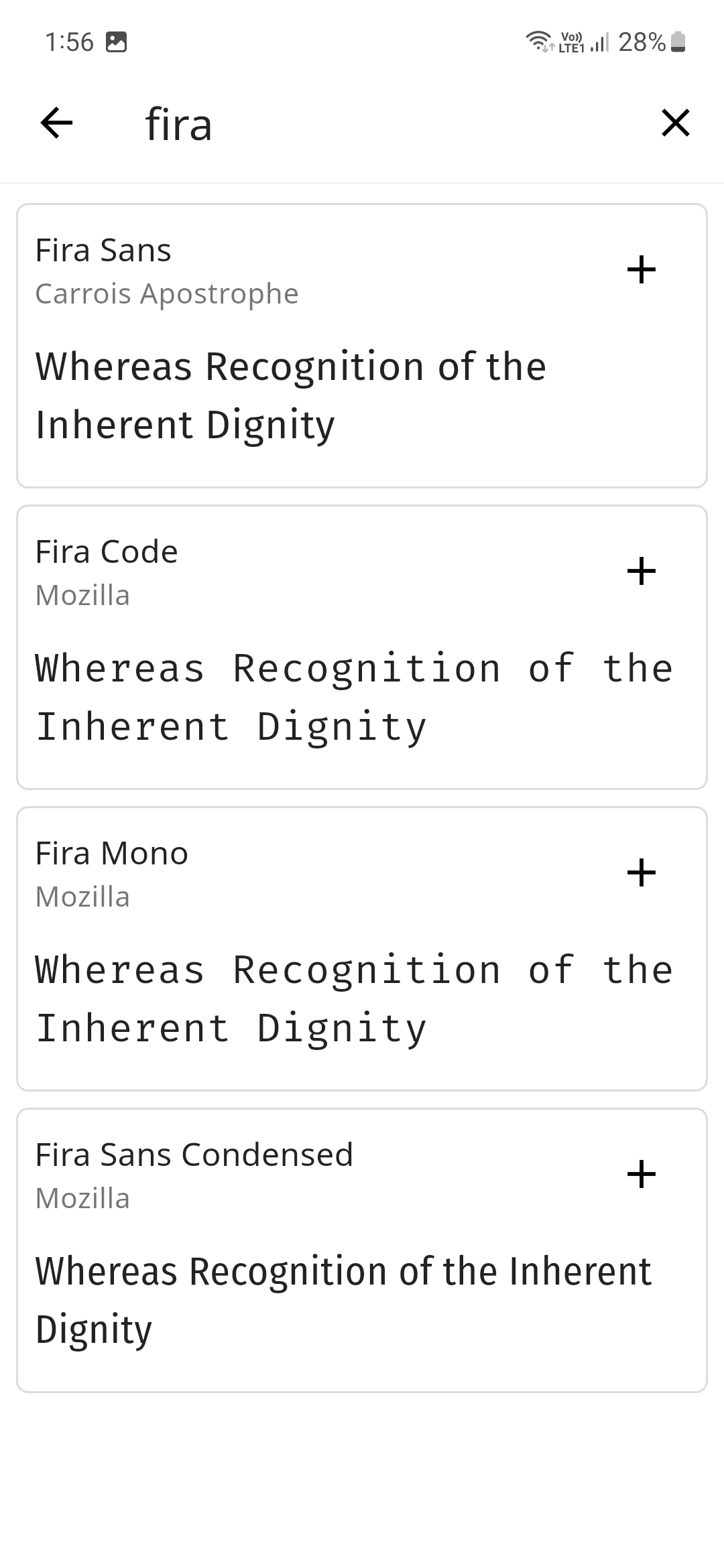
There's a handy search feature to easily search for your favorite fonts and the text to compare the font's could also be changed to a custom user set text.
The Fonts are sourced from Google Fonts and even the Font Author information is displayed.
Please star⭐ the repo if you like what you see😊.
💻 Installation and Usage
| Platform | Installation Links |
|---|---|
| Android |



|
| Linux |

|
| Windows |

|
| Web App |

|
✨ Features
- [x] Display Different Fonts
- [x] Search for Fonts using their name
- [x] Dark/Light Theme Modes
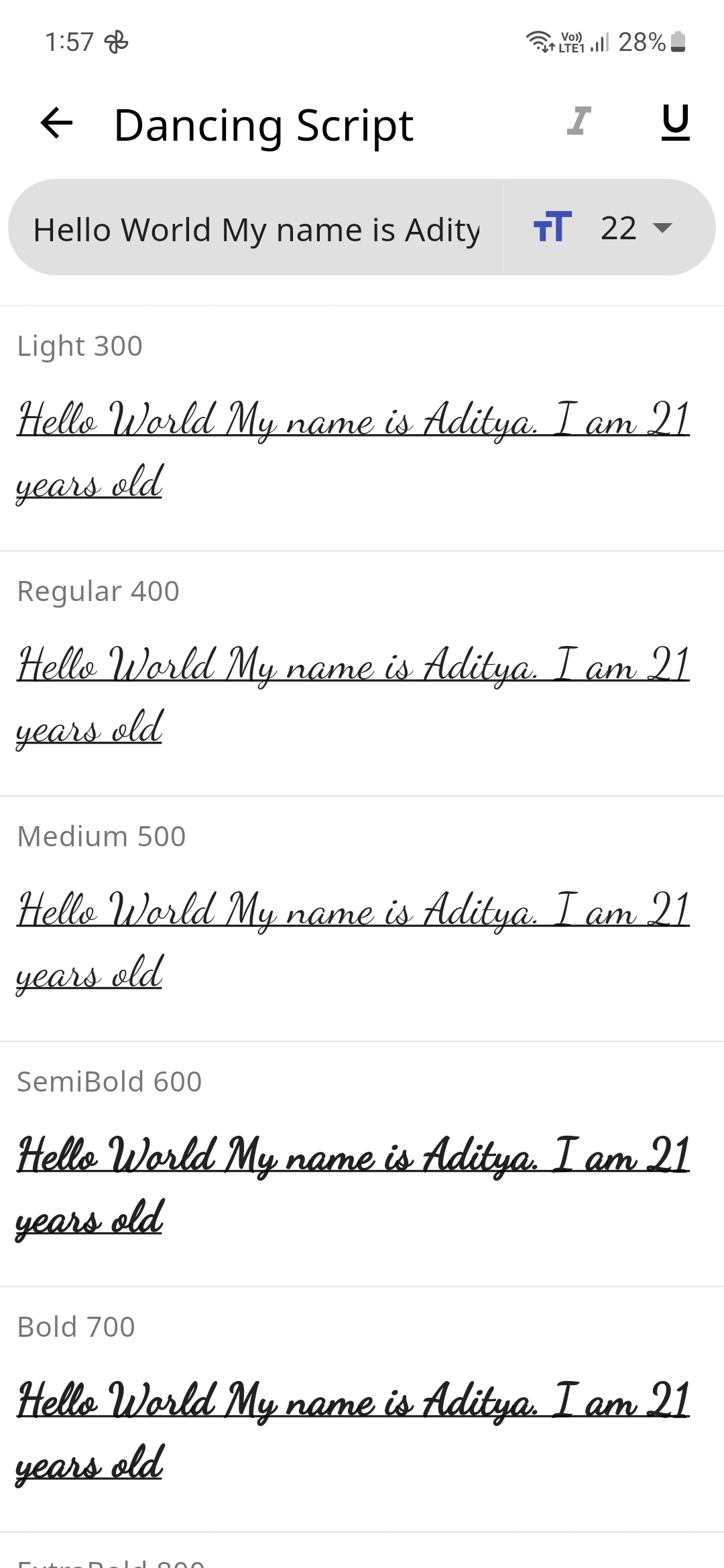
- [x] Input Text to preview how it would look with the selected Font
- [x] Change Font Size
- [x] Display all the Font Weights
- [x] Option to Display a different Font style
- [x] Display Font Author Information
- [x] Compare Fonts
- [ ] Change Font Colors
- [ ] Generate an Image for the font
- [ ] Multi-Language Support
📸 Screenshots
🔌 Plugins
| Name | Usage |
|---|---|
| shared_preferences | To store theme mode preference |
| flutter_lints | For linting |
| lottie | For Theme Switch Animation |
| google_fonts | For downloading the different fonts |
| flutter_riverpod | For managing the state |
🤓 Author
🔖 LICENSE
Copyright (c) 2023 Aditya R MIT LICENSE
🙏 Attributions

Aditya ↗
Kategorien
Verwendete Abhängigkeiten
Abhängigkeiten 7 Einträge
- flutter
{"sdk":"flutter"} - flutter_riverpod
^2.6.1 - google_fonts
^6.2.1 - lottie
^3.3.1 - shared_preferences
^2.5.3 - flutter_lintsEntwicklung
^5.0.0 - flutter_testEntwicklung
{"sdk":"flutter"}
App-Kategorien
Wie wähle ich ein passendes Repository?
Nach Anwendungsfall filtern, Aktivität vergleichen und vor der Nutzung das Originalprojekt prüfen.
- Nach Name, Autor oder Beschreibung suchen und nach Thema eingrenzen.
- Sterne, Forks und letzte Pushes vergleichen. Sterne zeigen Interesse, garantieren aber keine Qualität.
- Vor der Nutzung README, Lizenz und Issues auf GitHub prüfen.
Quellen und Pflege
“A repository is the most basic element of GitHub.”
GitHub Docs — About repositories ↗
- adeeteya/FontGallery · GitHub ↗
- GitHub Docs — Saving repositories with stars ↗
- Verzeichnis gepflegt von Ducafecat ↗