

 v0.0.1
city_picker_from_map
Ein Flutter-Paket zum Auswählen einer Stadt aus einer SVG-Karte.
43Likes 6230-Tage-Downloads120Pub-Punkte
AndroidiOSWebmacOSWindowsLinux
Ein Flutter-Paket zum Auswählen einer Stadt aus einer SVG-Karte.

Englischer Projektschnappschuss. Aktuelle Inhalte auf GitHub.
A flutter package for select a city from svg map.
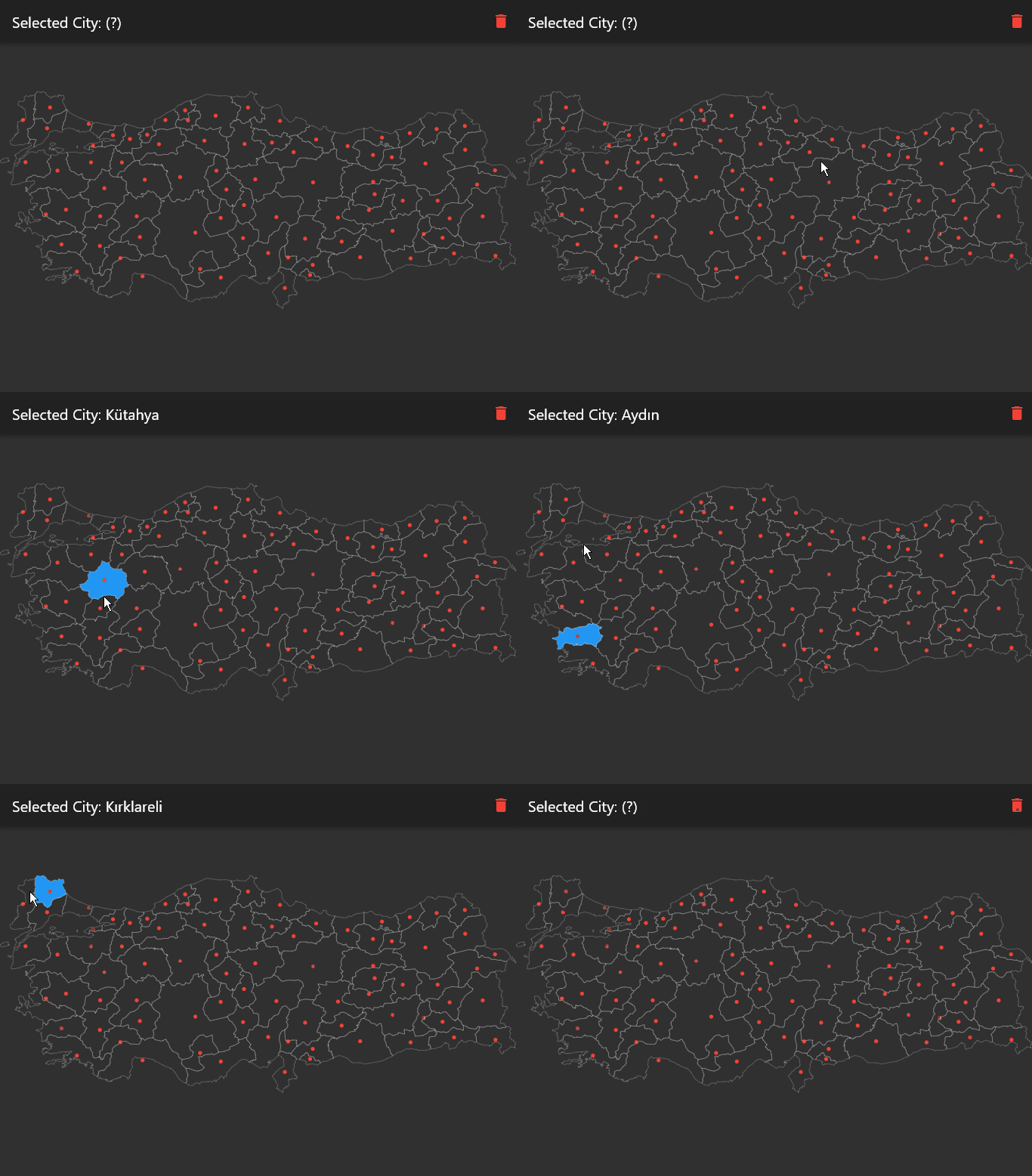
Supported countries (+150) are here.
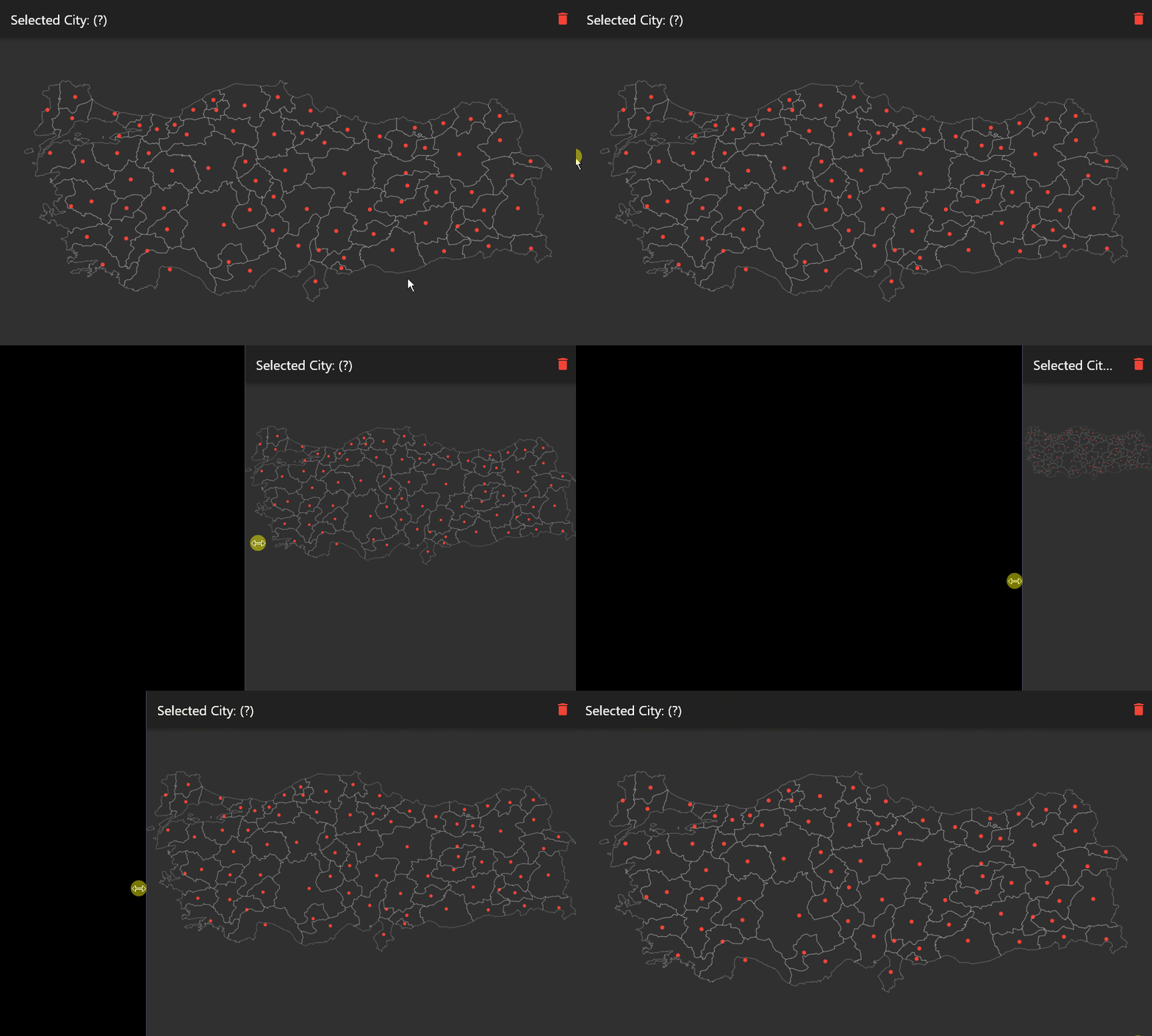
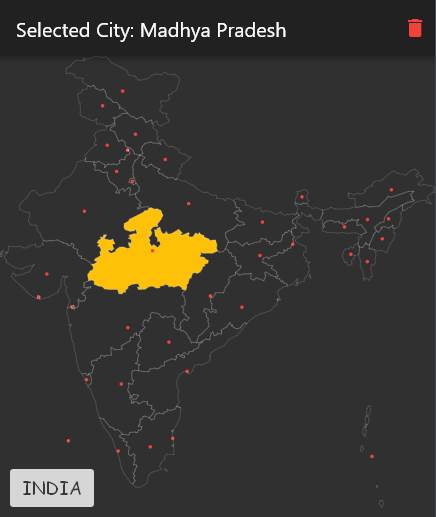
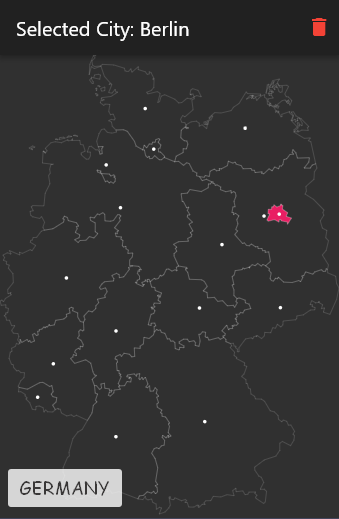
In the pubspec.yaml of your Flutter project, add the following dependency:
dependencies:
  ...
  city_picker_from_map: any
In your library file add the following import:
import 'package:city_picker_from_map/city_picker_from_map.dart';
CityPickerMap(
	width: double.infinity,
	height: double.infinity,
	map: Maps.TURKEY,
	onChanged: (city) {
	  setState(() {
		selectedCity = city;
	  });
	},
	actAsToggle: true,
	dotColor: Colors.white,
	selectedColor: Colors.lightBlueAccent,
	strokeColor: Colors.white24,
)
| props | types | description |
|---|---|---|
| key | Key? |
|
| map | String |
Name of the map you want to show. Use as Maps.<MAP_NAME> All maps are in the maps.dart |
| width | double? |
Map width. Default value is double.infinity |
| height | double? |
Map height. Default value is double.infinity |
| dotColor | Color? |
Color of the dot in the center of the city |
| strokeColor | Color? |
Color of the city borders |
| selectedColor | Color? |
Color of the selected city |
| actAsToggle | boolean? |
City selecting act as like toggle button |
| onChanged | Function(City? city) |
Returns new city value when it changed |
Abhängigkeiten 3 Einträge
{"sdk":"flutter"}^1.0.0{"sdk":"flutter"}Nach Anwendungsfall filtern, Aktivität vergleichen und vor der Nutzung das Originalprojekt prüfen.
“A repository is the most basic element of GitHub.”
GitHub Docs — About repositories ↗