v1.2.2from_to_time_picker
Einfacher Dauerzeitbereich-Auswahl-Widget, der dem Benutzer die Auswahl von Start- und Endzeit des Tages in beiden Formatvorlagen 24h und 12h ermöglicht
Zeitbereich-Auswahl-Paket
Englischer Projektschnappschuss. Aktuelle Inhalte auf GitHub.
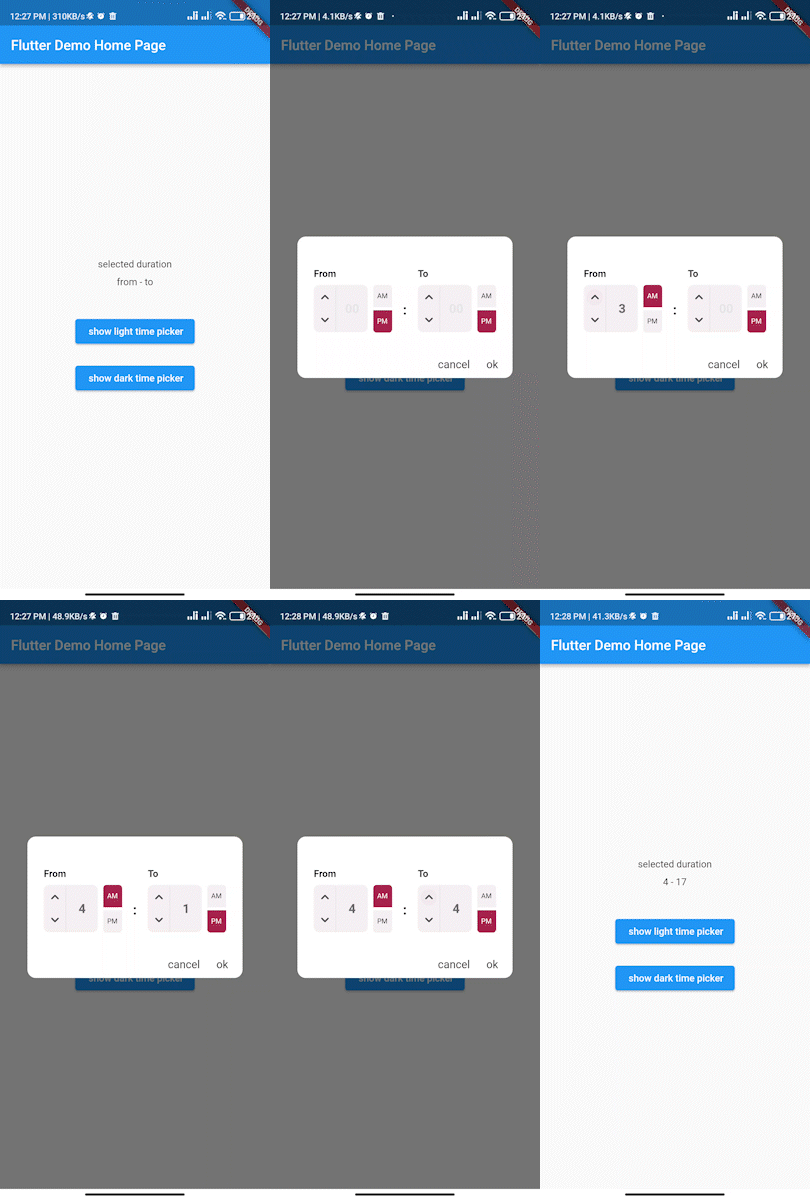
Simple interactive time range picker that enables users to pick a specific duration of the day by selecting start time and end time and defining whether it was AM or PM then it returns the duration chosen in 24H format.

In the pubspec.yaml of your flutter project, add the following dependency:
dependencies:
...
from_to_time_picker: ^1.2.2
In your library add the following import:
import 'package:from_to_time_picker/from_to_time_picker.dart';
default mode
showDialog(
context: context,
builder: (_) => FromToTimePicker(
onTab: (from, to) {
print('from $from to $to');
},
));
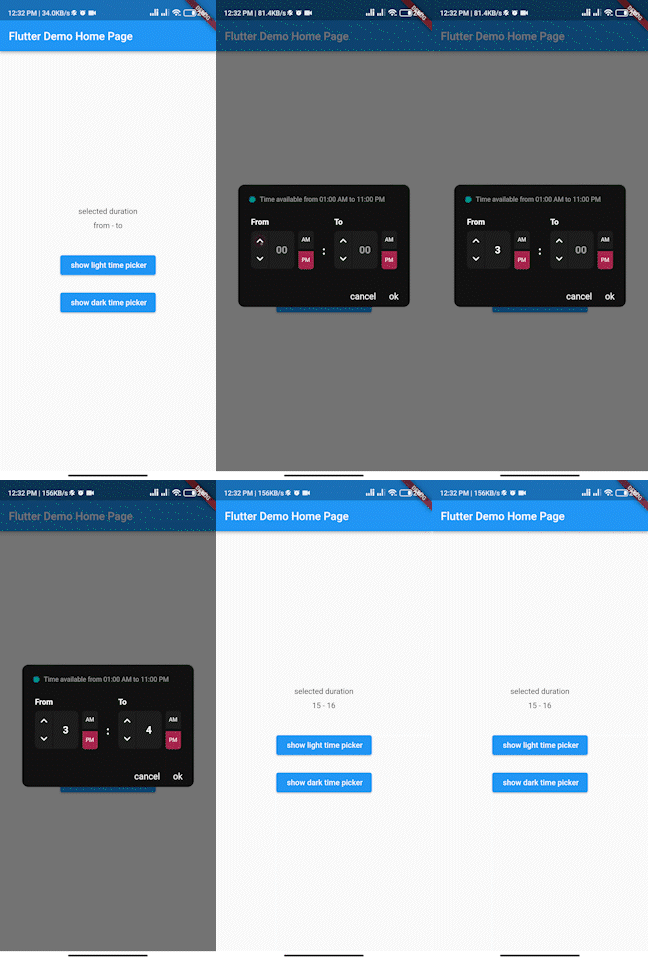
customized mode
showDialog(
context: context,
builder: (_) => FromToTimePicker(
onTab: (from, to) {
print('from $from to $to');
},
dialogBackgroundColor: Color(0xFF121212),
fromHeadlineColor: Colors.white,
toHeadlineColor: Colors.white,
upIconColor: Colors.white,
downIconColor: Colors.white,
timeBoxColor: Color(0xFF1E1E1E),
timeHintColor: Colors.grey,
timeTextColor: Colors.white,
dividerColor: Color(0xFF121212),
doneTextColor: Colors.white,
dismissTextColor: Colors.white,
defaultDayNightColor: Color(0xFF1E1E1E),
defaultDayNightTextColor: Colors.white,
colonColor: Colors.white,
showHeaderBullet: true,
headerText: 'Time available from 01:00 AM to 11:00 PM',
),
);
We accept the following contribution:
Abhängigkeiten 3 Einträge
{"sdk":"flutter"}^0.19.0{"sdk":"flutter"}Nach Anwendungsfall filtern, Aktivität vergleichen und vor der Nutzung das Originalprojekt prüfen.
“A repository is the most basic element of GitHub.”
GitHub Docs — About repositories ↗