v11.0.0
very_good_analysis
Lint-Regeln für Dart und Flutter, die intern bei Very Good Ventures verwendet werden.
774Likes 1,4 Mio.30-Tage-Downloads160Pub-Punkte
AndroidiOSWebmacOSWindowsLinux
Ejimo - Umfassender Emoji- und Symbolauswähler.

Englischer Projektschnappschuss. Aktuelle Inhalte auf GitHub.
Find and copy unicode characters, emoji, kaomoji and symbols with Ejimo.
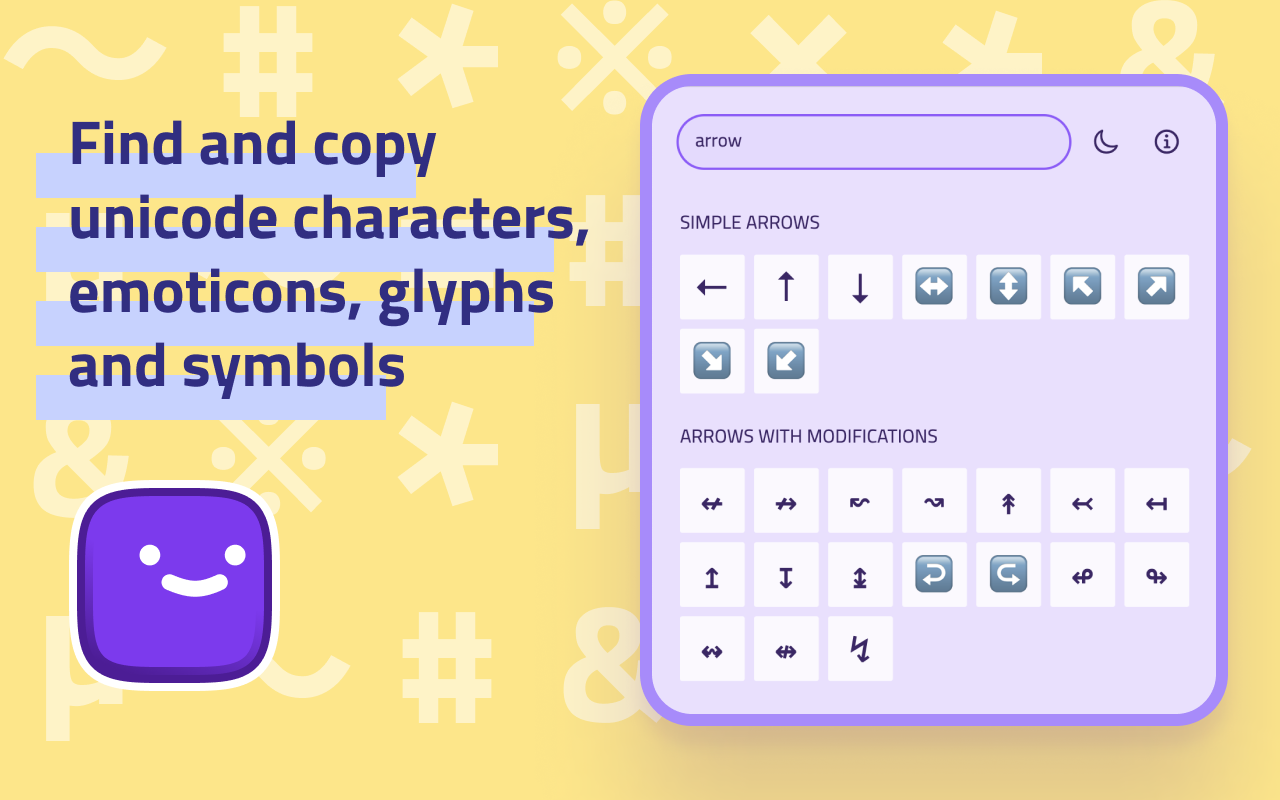
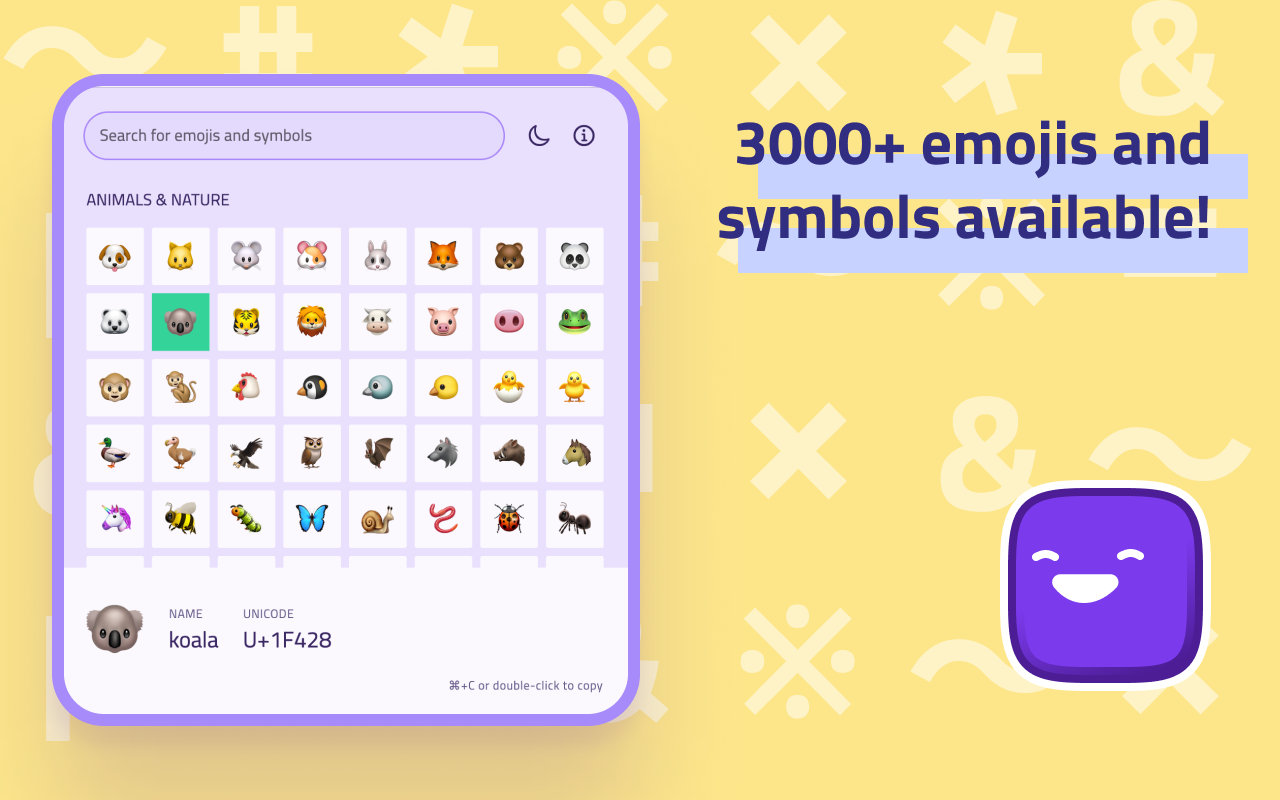
Ejimo is a comprehensive emoji and symbol picker that puts every character you need at your fingertips. Whether you're a designer, developer or writer, Ejimo makes it easy to find the missing character you need. With over 3000 emojis and symbols available, Ejimo is the perfect tool for any project, social media strategy, article and presentation.
😊 1800+ emojis and 17000+ symbols available: smileys 😃, people 👥, animals 🐿️, food 🍄, objects 💡, arrows ⇒, letterŠ, punctuation ⁈, and many more!
✏️️ Copy and paste easily: Just select the emoji or symbol you want, and copy it to your clipboard. It’s that easy!
🔍 Fast search experience: Type any word or keyword, and Ejimo will show you all the matching emoji and symbols.
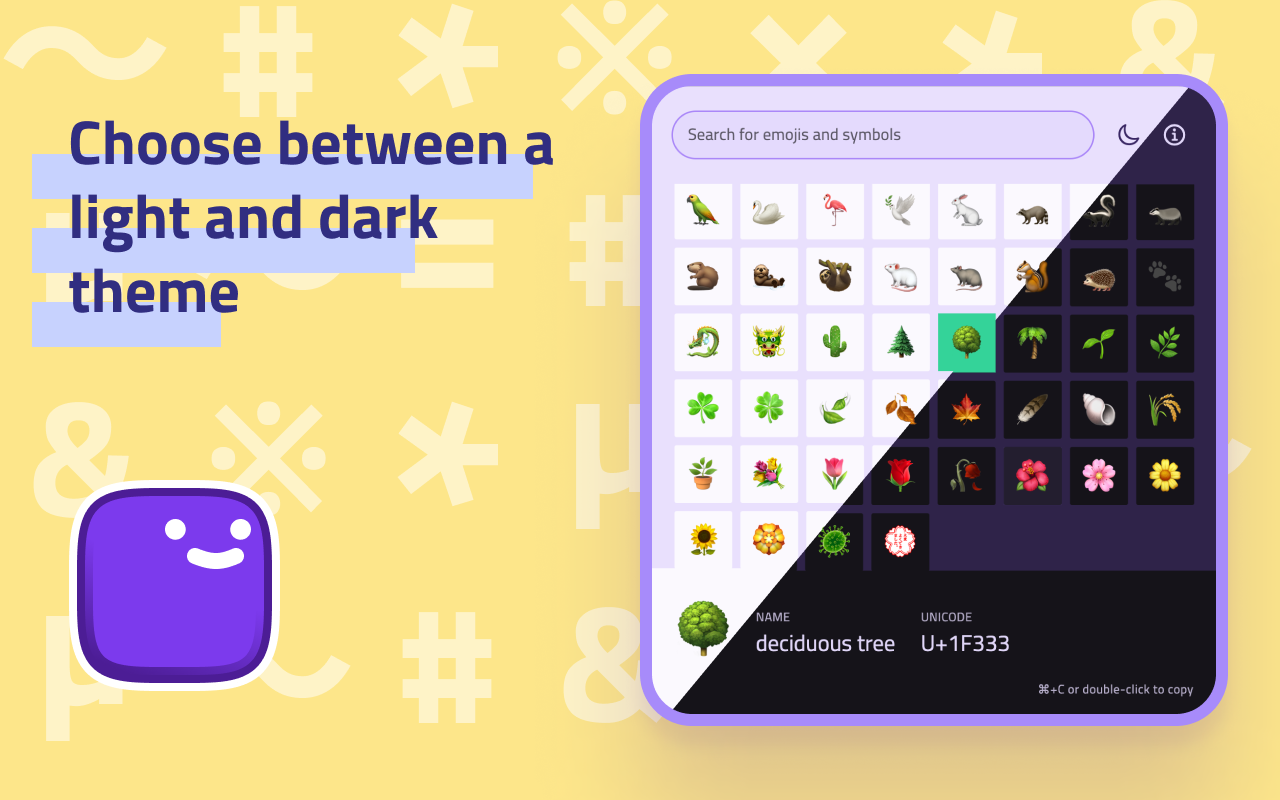
☀️ Choose between a light and dark theme to match your mood or style.
✈️ Work offline: Ejimo doesn't require an internet connection, so you can use it anytime, anywhere.
🕶️ Privacy-friendly: Ejimo doesn't collect any personal information from you or from your use of the app. Your privacy is important and respected.
⌨️ Use keyboard shortcuts to work faster:
It works on all desktop and mobile operating systems: Ejimo is available on macOS 🍏, Windows 🪟, Linux 🐧, iOS 📱 and Android 🤖. Oh, and Web 🌐 too!
Available (for free) on the:
Or from the releases page.
Ejimo is developed with Flutter. It works on all desktop and mobile operating systems (macOS, Windows, Linux, iOS, Android).
Note: The app was developed and tested with Flutter stable.
Setup, how to run and build: https://docs.flutter.dev/desktop
Created by @albemala (Twitter)
Lint-Regeln für Dart und Flutter, die intern bei Very Good Ventures verwendet werden.
Unveränderliche Listen, Mengen, Maps und Multimaps, die so schnell sind wie ihre nativen veränderbaren Gegenstücke. Erweiterungsmethoden und Vergleicher für native Dart-Auflistungen.
Ein Befehlszeilenwerkzeug, das die Aufgabe der Aktualisierung des Starticons Ihrer Flutter-App vereinfacht.
Ein extrem einfach zu verwendendes Methodenaufruf-Debouncer-Paket für Dart/Flutter.
Eine Implementierung des beliebten fuzzywuzzy-Pakets in Dart, um all Ihre Anforderungen an die unscharfe Zeichenkettenübereinstimmung/Suche zu erfüllen!
Ein blitzschneller Weg, Ihr tolles Flutter-Projekt für die Produktion einzurichten.
Abhängigkeiten 27 Einträge
{"sdk":"flutter"}^2.0.8^11.1.0^9.0.0{"git":{"url":"https://github.com/albemala/flutter_data_storage.git","ref":"3.6.0"}}^8.4.0^8.0.2^1.0.8^0.2.12^0.0.1+2^1.2.0^2.0.3^1.1.0^1.18.0^9.0.0{"git":{"url":"https://github.com/albemala/flutter_utils.git","ref":"2.0.4"}}^9.13.0{"sdk":"flutter"}^1.0.4^10.0.0^10.2.0^2.11.1^3.0.3^1.10.1^1.6.0^1.9.0^3.16.13Nach Anwendungsfall filtern, Aktivität vergleichen und vor der Nutzung das Originalprojekt prüfen.
“A repository is the most basic element of GitHub.”
GitHub Docs — About repositories ↗