Englischer Projektschnappschuss. Aktuelle Inhalte auf GitHub.
counter_button


Counter Button is a flutter library that allows you to create a button with animation effects when you increase or decrease the counter value.
Screenshots
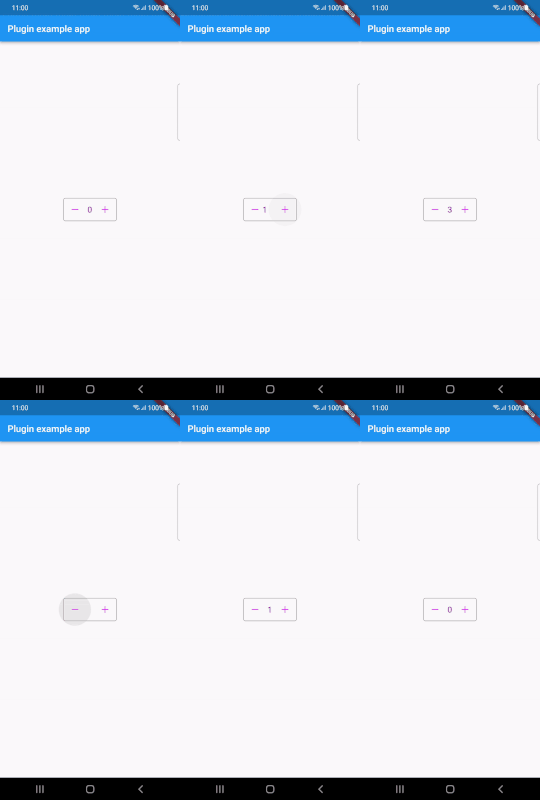
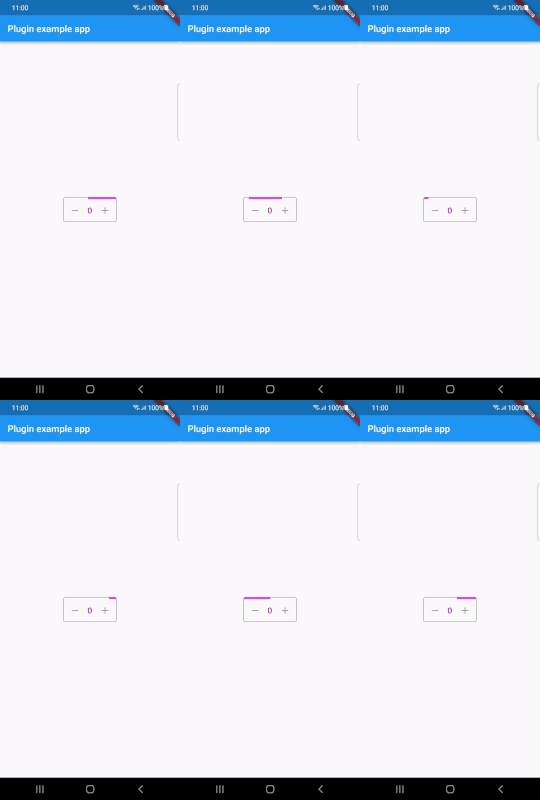
Installing
dependencies:
  counter_button: ^1.0.1
Import
import 'package:counter_button/counter_button.dart';
How To Use
CounterButton(
  loading: false,
  onChange: (int val) {
    setState(() {
      _counterValue = val;
    });
  },
  count: _counterValue,
  countColor: Colors.purple,
  buttonColor: Colors.purpleAccent,
  progressColor: Colors.purpleAccent,
)
parameters
| parameter |
description |
default |
| count |
Value of the counter |
|
| countColor |
Color of the counter |
Colors.black |
| onChange |
Value change callback when the buttons are pressed |
|
| loading |
For showing the linear progress indicator |
|
| progressColor |
Color of the progress indicator |
Colors.black |
| buttonColor |
Color of the icon button |
Colors.black |
| addIcon |
Add button icon |
|
| removeIcon |
Remove button icon |
const Icon(Icons.remove) |
Bugs & Requests
If you encounter any bugs feel free to open an issue. Raise a ticket on github for suggestions. Pull request are also welcome.
Flutter
For help getting started with Flutter, view our online
documentation.
For help on editing plugin code, view the documentation.
License
MIT License


 v1.0.1