
v0.1.0
animating_location_pin
Ein Flutter-Paket, das ein animierbares Standortpin-Widget bereitstellt, das beim Abrufen der Geräteposition verwendet werden kann.
35Likes 5230-Tage-Downloads40Pub-Punkte
Keine Plattformdaten
Animierter Standortpin Flutter-Paket
Englischer Projektschnappschuss. Aktuelle Inhalte auf GitHub.





This Flutter package provides a Animating Location Pin Widget which can be used while fetching device location.
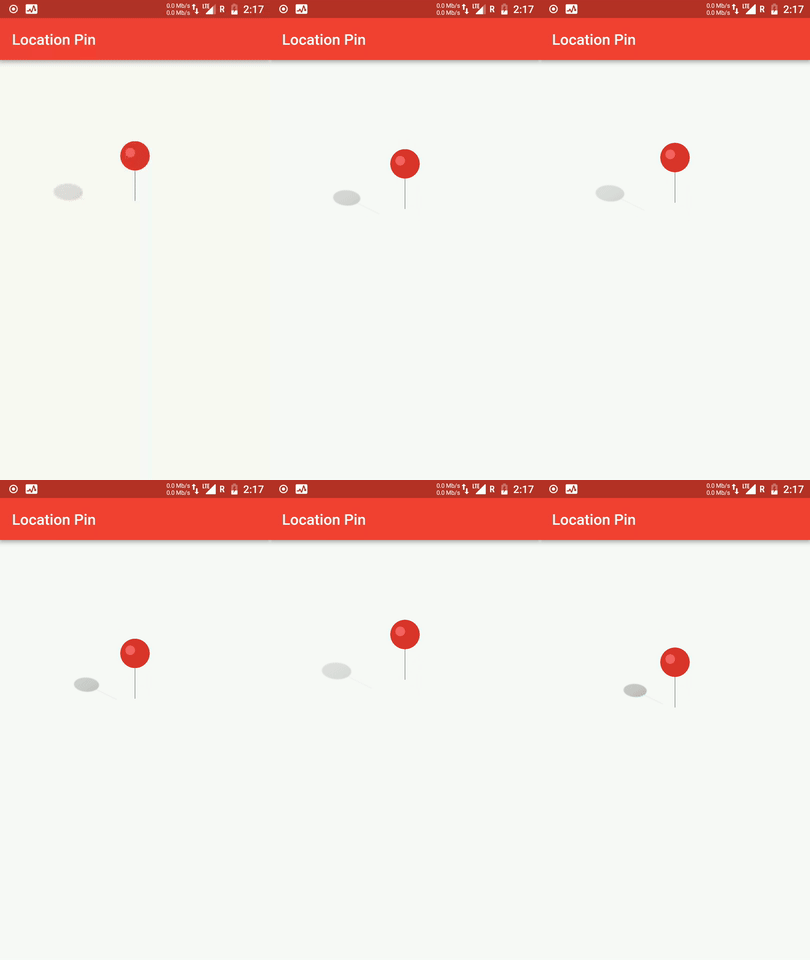
In the dependencies: section of your pubspec.yaml, add the following line:

dependencies:
  animating_location_pin: <latest version>
import 'package:animating_location_pin/animating_location_pin.dart';
Adding this widget is simple. Just directly use its instance for default configuration
Container(
  child: AnimatingLocationPin(),
)
AnimatingLocationPin(
  pinAsset: 'assets/images/pin.png',
  shadowAsset: 'assets/images/shadow.png',
  shadowSizeFactor: 0.4,
  duration: Duration(milliseconds: 500),
  pinJumpHeight: 44.0,
  pinSize: 70.0,
),


 Flutter Pie Chart with cool animation.
 Flutter Avatar Glow Widget with glowing animation.
 Flutter Search Widget for selecting an option from list.
 Showcase My Portfolio: Ayush P Gupta on Playstore.
 Flutter App which allows reading/uploading short stories.
Abhängigkeiten 2 Einträge
{"sdk":"flutter"}{"sdk":"flutter"}Nach Anwendungsfall filtern, Aktivität vergleichen und vor der Nutzung das Originalprojekt prüfen.
“A repository is the most basic element of GitHub.”
GitHub Docs — About repositories ↗