

 v5.4.0
pie_chart
Ein Flutter-Paket zum Erstellen wunderschöner Kreisdiagramme mit tollen Animationen.
440Likes 31.10030-Tage-Downloads140Pub-Punkte
AndroidiOSWebmacOSWindowsLinux
Flutter-Piechart mit Animation

Englischer Projektschnappschuss. Aktuelle Inhalte auf GitHub.


This Flutter package provides a Pie Chart Widget with cool animation.
More discussions on Discord: https://discord.gg/7byeCn7MGF
Live Demo: https://apgapg.github.io/pie_chart/

In the dependencies: section of your pubspec.yaml, add the following line:

dependencies:
  pie_chart: <latest version>
import 'package:pie_chart/pie_chart.dart';
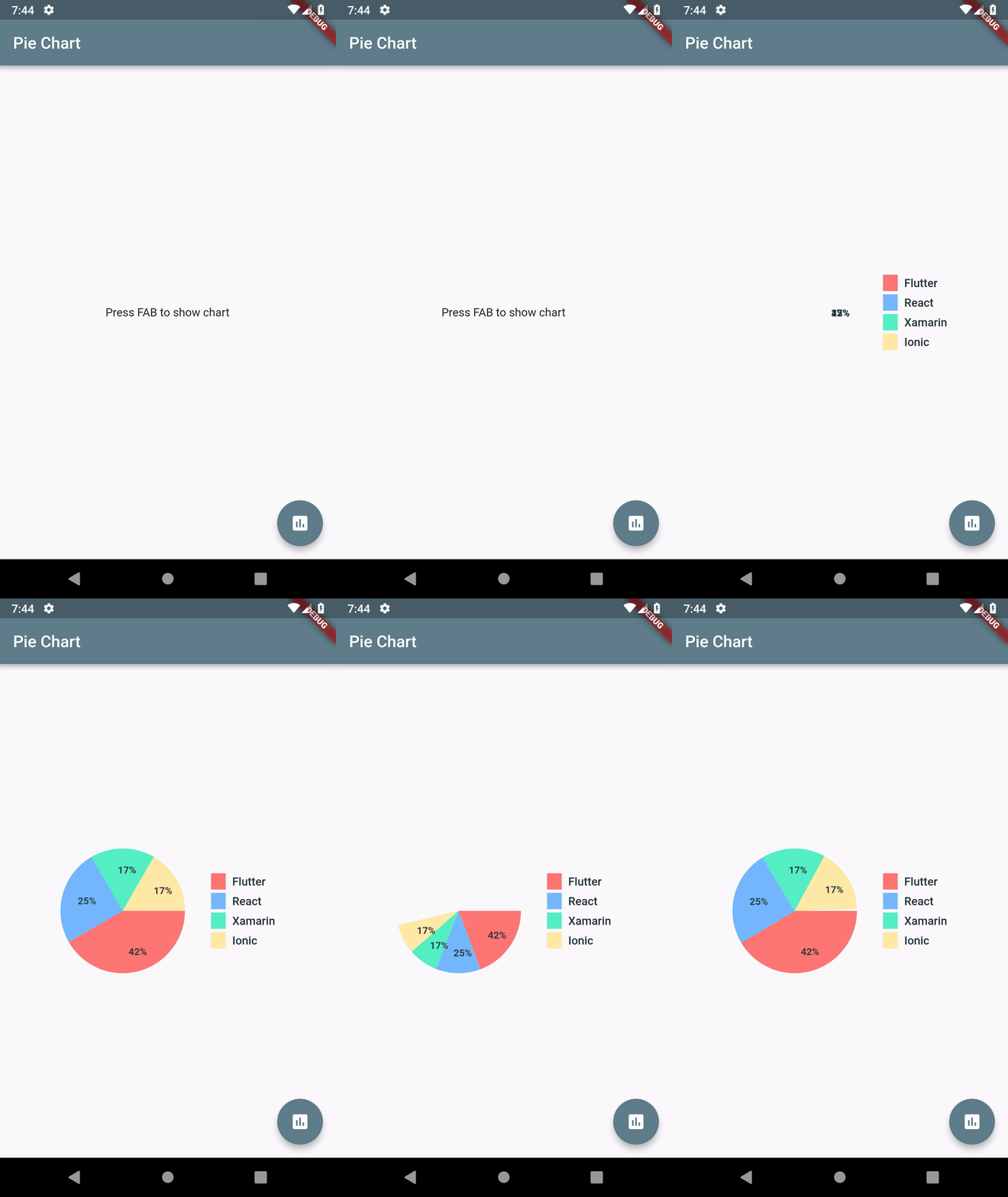
Map<String, double> dataMap = {
    "Flutter": 5,
    "React": 3,
    "Xamarin": 2,
    "Ionic": 2,
  };
PieChart(dataMap: dataMap)
PieChart(
      dataMap: dataMap,
      animationDuration: Duration(milliseconds: 800),
      chartLegendSpacing: 32,
      chartRadius: MediaQuery.of(context).size.width / 3.2,
      colorList: colorList,
      initialAngleInDegree: 0,
      chartType: ChartType.ring,
      ringStrokeWidth: 32,
      centerText: "HYBRID",
      legendOptions: LegendOptions(
        showLegendsInRow: false,
        legendPosition: LegendPosition.right,
        showLegends: true,
        legendShape: _BoxShape.circle,
        legendTextStyle: TextStyle(
          fontWeight: FontWeight.bold,
        ),
      ),
      chartValuesOptions: ChartValuesOptions(
        showChartValueBackground: true,
        showChartValues: true,
        showChartValuesInPercentage: false,
        showChartValuesOutside: false,
        decimalPlaces: 1,
      ),
      // gradientList: ---To add gradient colors---
      // emptyColorGradient: ---Empty Color gradient---
    )
chartValuesOptions: ChartValuesOptions(
  decimalPlaces: 1,
),
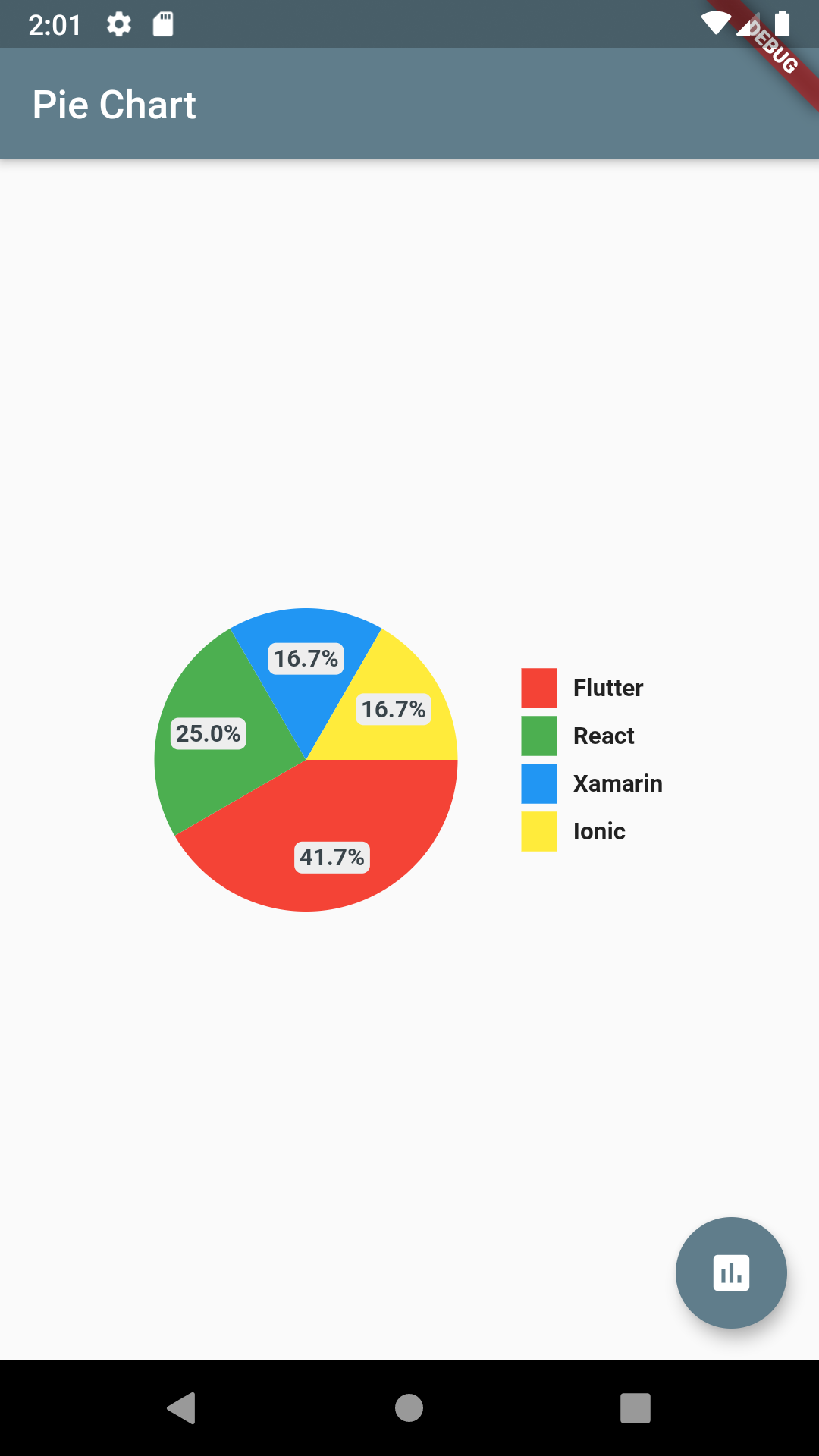
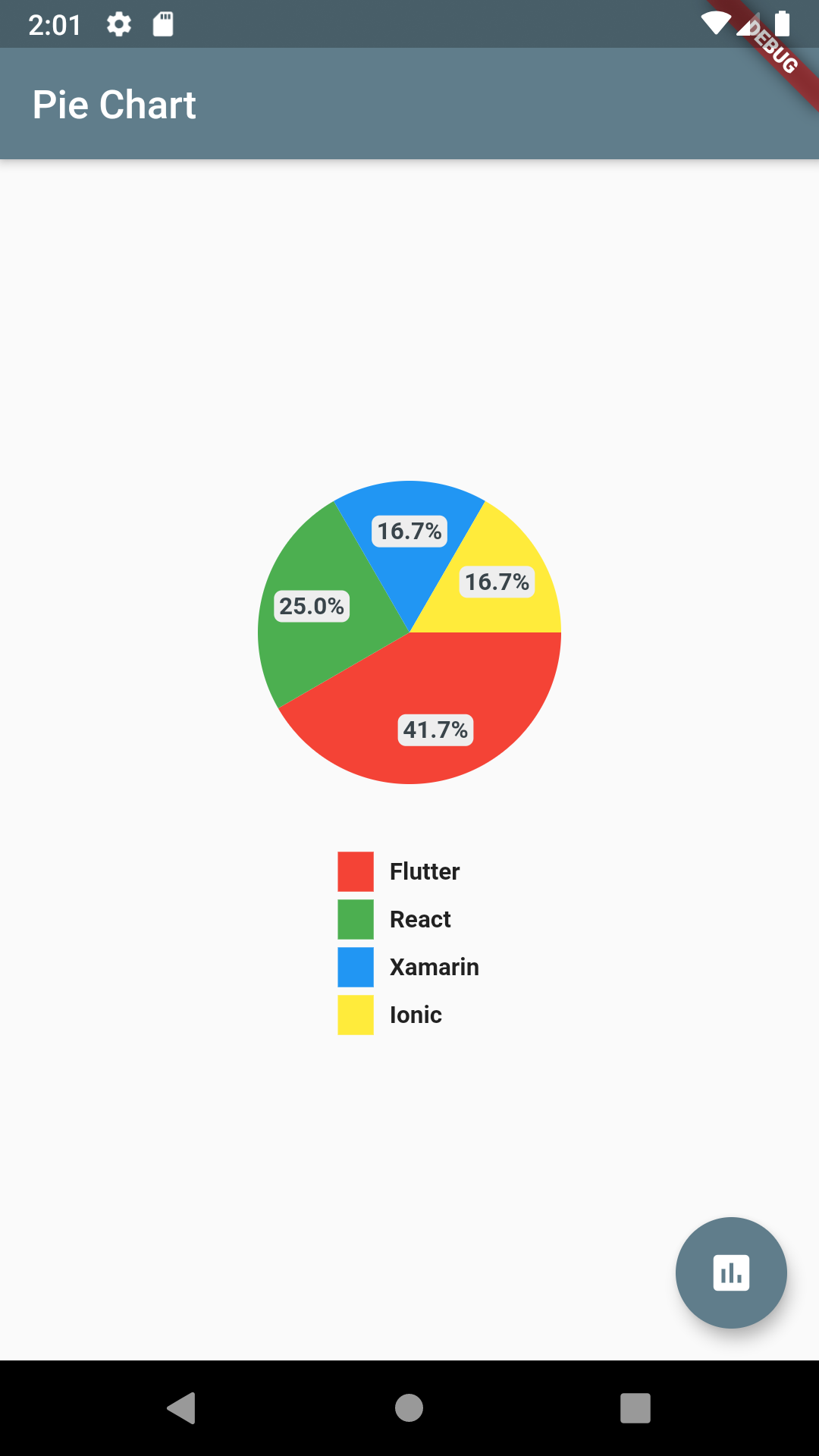
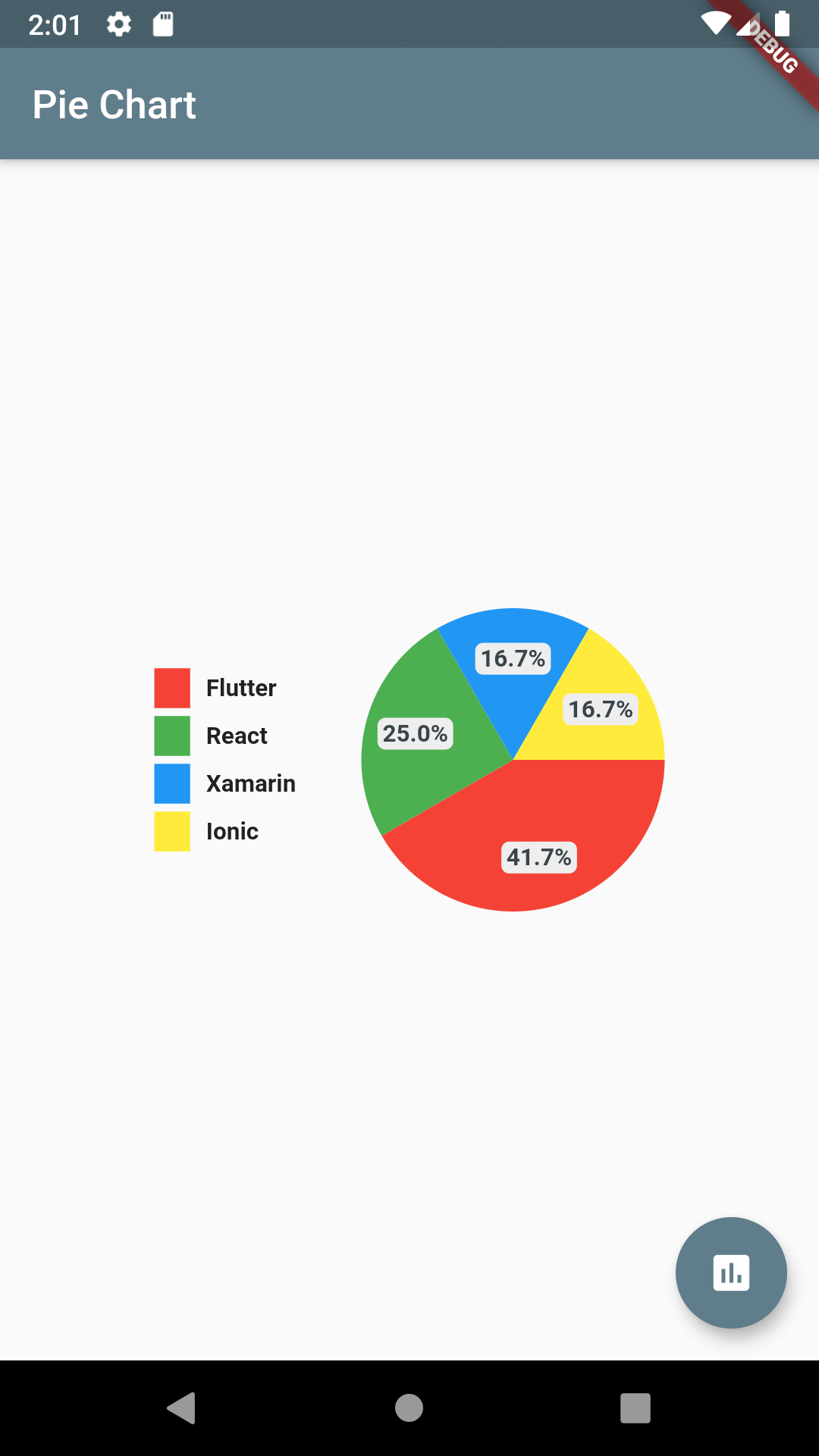
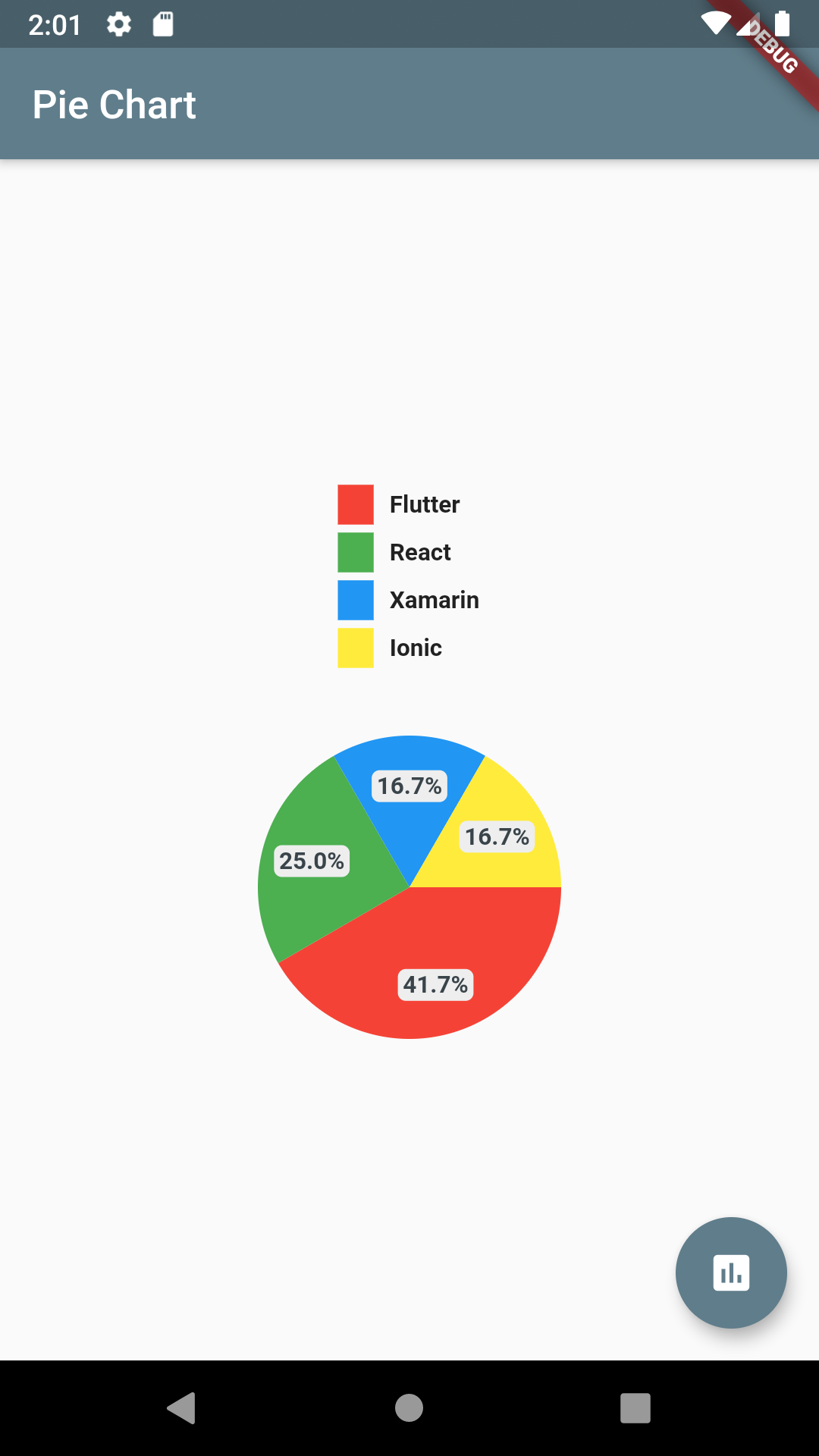
chartType: ChartType.ring,
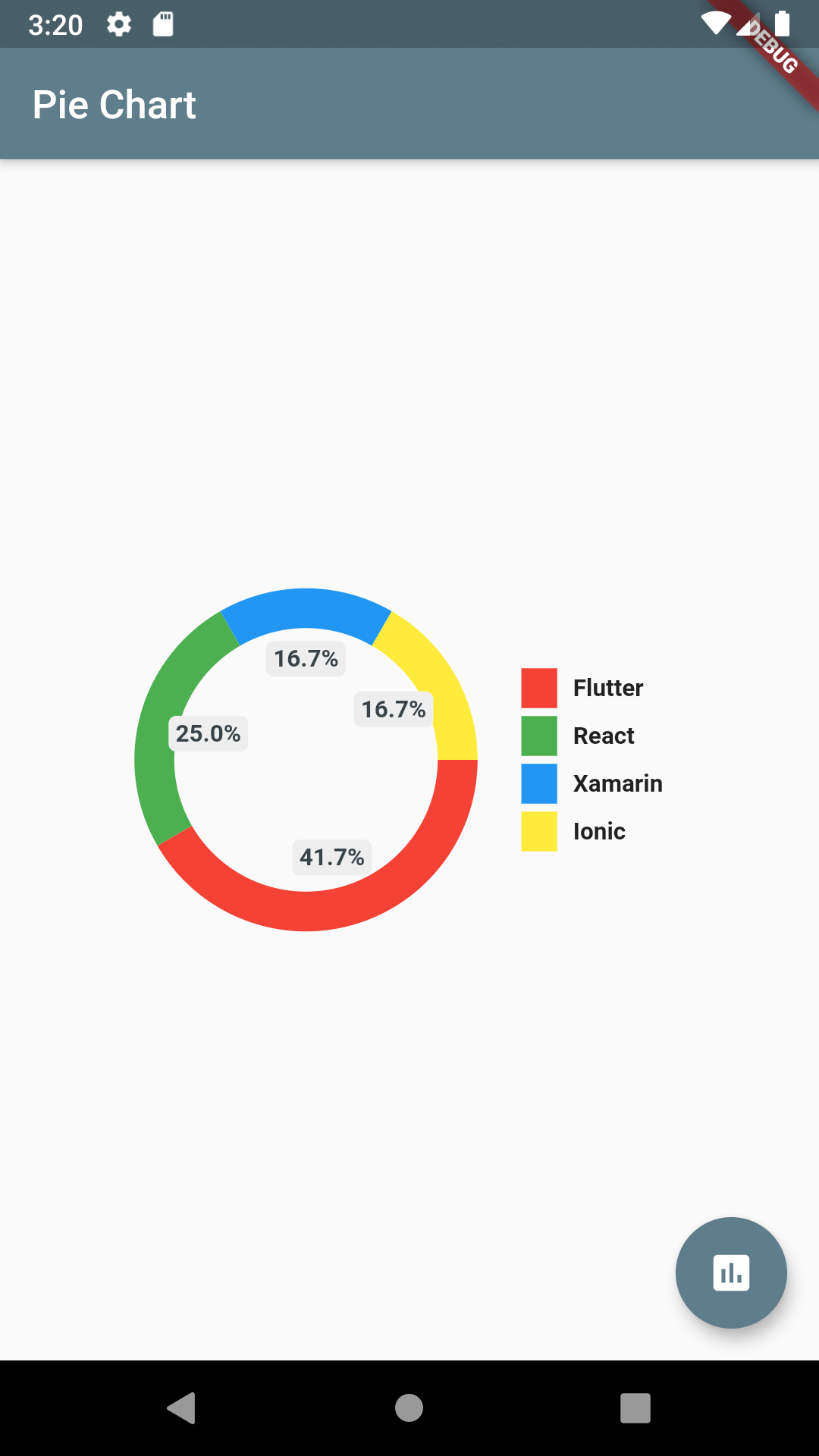
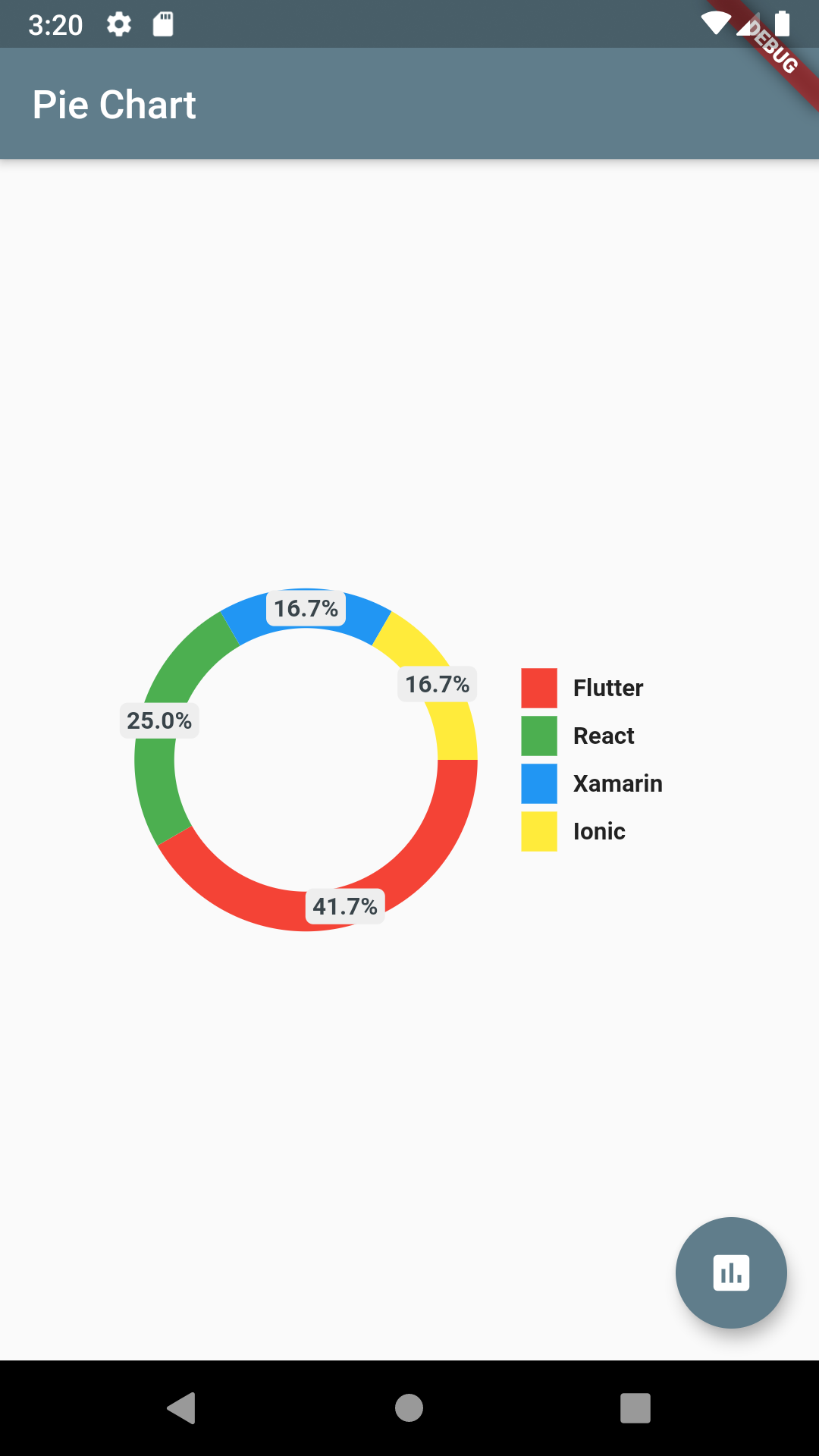
chartType: ChartType.ring,
showChartValuesOutside: true,
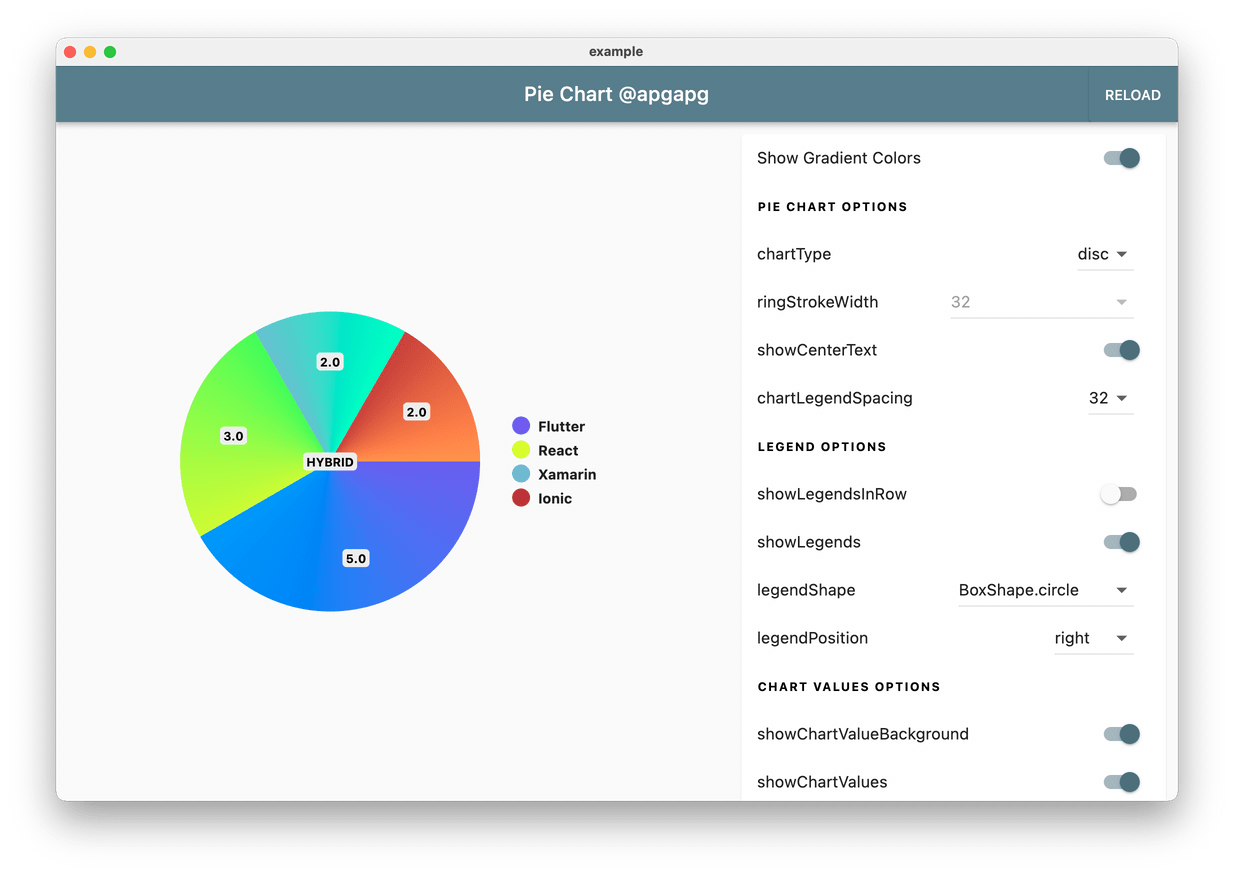
Pie Chart supports gradient as colors. Just pass gradientList instead of colorList to add gradient to chart colors.
final gradientList = <List<Color>>[
  [
    Color.fromRGBO(223, 250, 92, 1),
    Color.fromRGBO(129, 250, 112, 1),
  ],
  [
    Color.fromRGBO(129, 182, 205, 1),
    Color.fromRGBO(91, 253, 199, 1),
  ],
  [
    Color.fromRGBO(175, 63, 62, 1.0),
    Color.fromRGBO(254, 154, 92, 1),
  ]
];

// Pass gradient to PieChart
gradientList: gradientList,
emptyColorGradient: [
 Color(0xff6c5ce7),
 Colors.blue,
],
Add a base pie-chart color via:
baseChartColor: Colors.grey
Full code:
class HomePage2 extends StatelessWidget {
  HomePage2({Key? key}) : super(key: key);

  final dataMap = <String, double>{
    "Flutter": 5,
  };

  final colorList = <Color>[
    Colors.greenAccent,
  ];

  @override
  Widget build(BuildContext context) {
    return Scaffold(
      appBar: AppBar(
        title: Text("Pie Chart 1"),
      ),
      body: Container(
        padding: EdgeInsets.symmetric(horizontal: 16),
        child: PieChart(
          dataMap: dataMap,
          chartType: ChartType.ring,
          baseChartColor: Colors.grey[300]!,
          colorList: colorList,
        ),
      ),
    );
  }
}
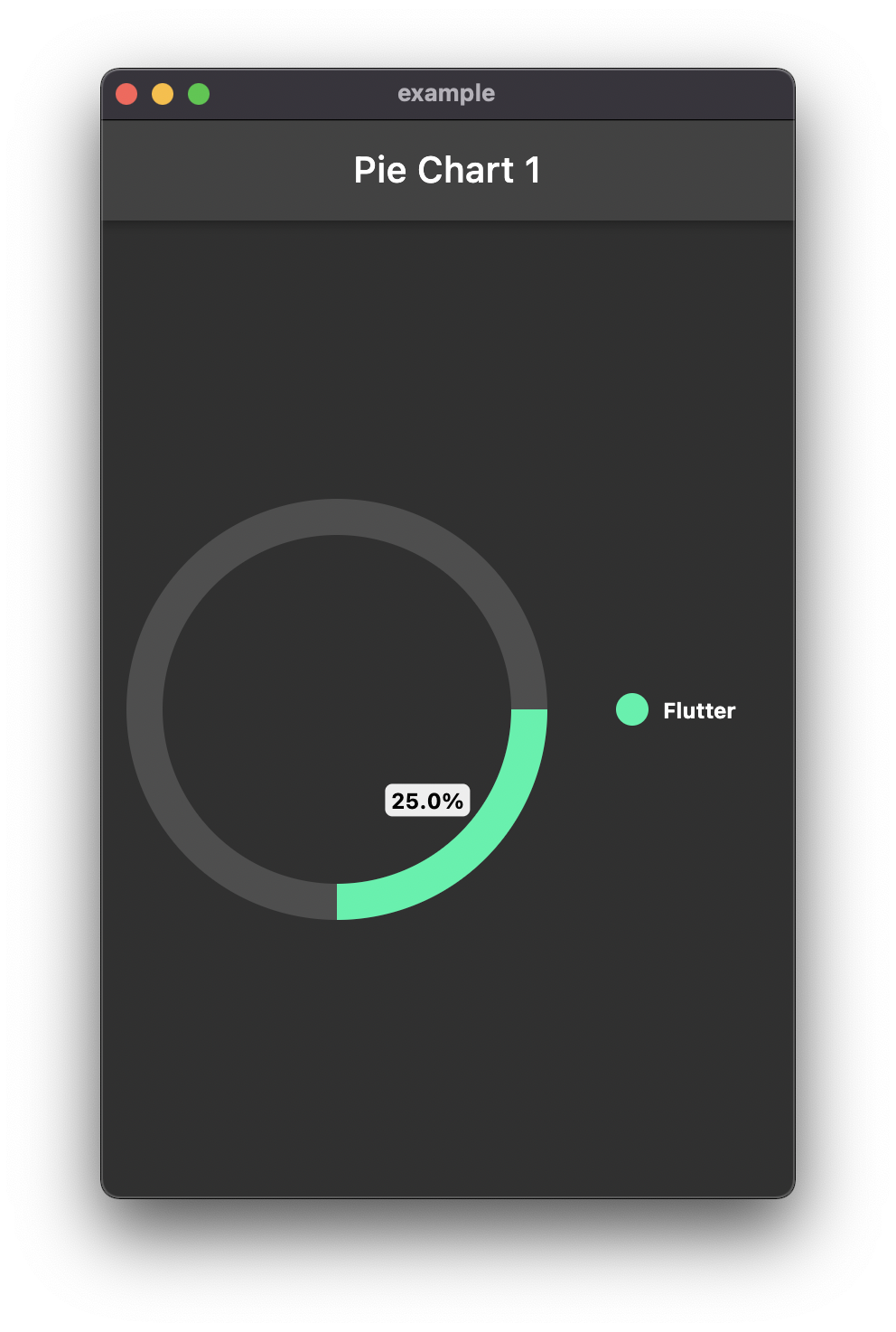
To show chart arcs based on your total value, add totalValue option.
class HomePage2 extends StatelessWidget {
  HomePage2({Key? key}) : super(key: key);

  final dataMap = <String, double>{
    "Flutter": 5,
  };

  final colorList = <Color>[
    Colors.greenAccent,
  ];

  @override
  Widget build(BuildContext context) {
    return Scaffold(
      appBar: AppBar(
        title: Text("Pie Chart 1"),
      ),
      body: Container(
        padding: EdgeInsets.symmetric(horizontal: 16),
        child: PieChart(
          dataMap: dataMap,
          chartType: ChartType.ring,
          baseChartColor: Colors.grey[50]!.withOpacity(0.15),
          colorList: colorList,
          chartValuesOptions: ChartValuesOptions(
            showChartValuesInPercentage: true,
          ),
          totalValue: 20,
        ),
      ),
    );
  }
}
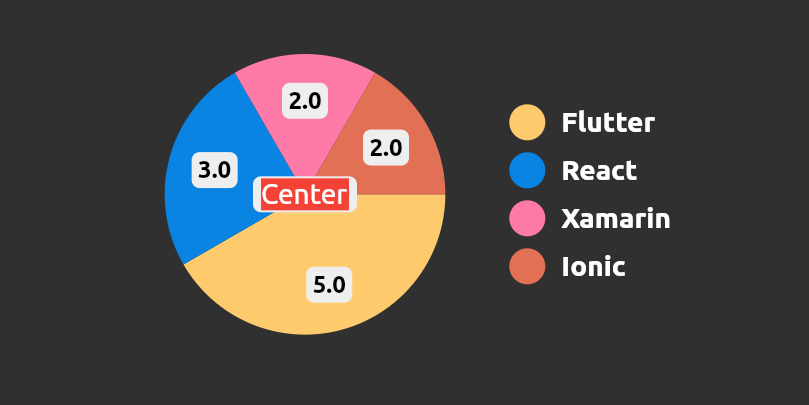
Creates a new widget placed at pie chart center
centerWidget: Container(color: Colors.red, child: const Text("Center"))
 Create Flutter Json Table from json map directly.
 Flutter Avatar Glow Widget with glowing animation.
 Flutter Search Widget for selecting an option from list.
 Flutter Animating Location Pin Widget providing Animating Location Pin Widget which can be used while fetching device location.
 Showcase My Portfolio: Ayush P Gupta on Playstore.
 Flutter App which allows reading/uploading short stories.
Abhängigkeiten 3 Einträge
{"sdk":"flutter"}{"sdk":"flutter"}^2.0.1Nach Anwendungsfall filtern, Aktivität vergleichen und vor der Nutzung das Originalprojekt prüfen.
“A repository is the most basic element of GitHub.”
GitHub Docs — About repositories ↗