
transformer_page_view
PageTransformer für flutter

- Sterne
- 514
- Forks
- 148
- Letzter Push (UTC)
- 29.11.2023
- Projektstatus
- Aktiv
Original-README
Englischer Projektschnappschuss. Aktuelle Inhalte auf GitHub.


transformer_page_view
PageTransformer for flutter
Very simple to use
import 'package:transformer_page_view/transformer_page_view.dart';

...

new TransformerPageView(
loop: true,
transformer: new AccordionTransformer(),
itemBuilder: (BuildContext context, int index) {
  return new Container(
    color: list[index%list.length],
    child: new Center(
      child: new Text("$index",style: new TextStyle(fontSize: 80.0,color: Colors.white),),
    ),
  );
},
itemCount: 3)
Almost the same as PageView.builder, simplely specify a transformer to TransformerPageView,
which is a sub class of PageTransformer
Show cases
Parallax
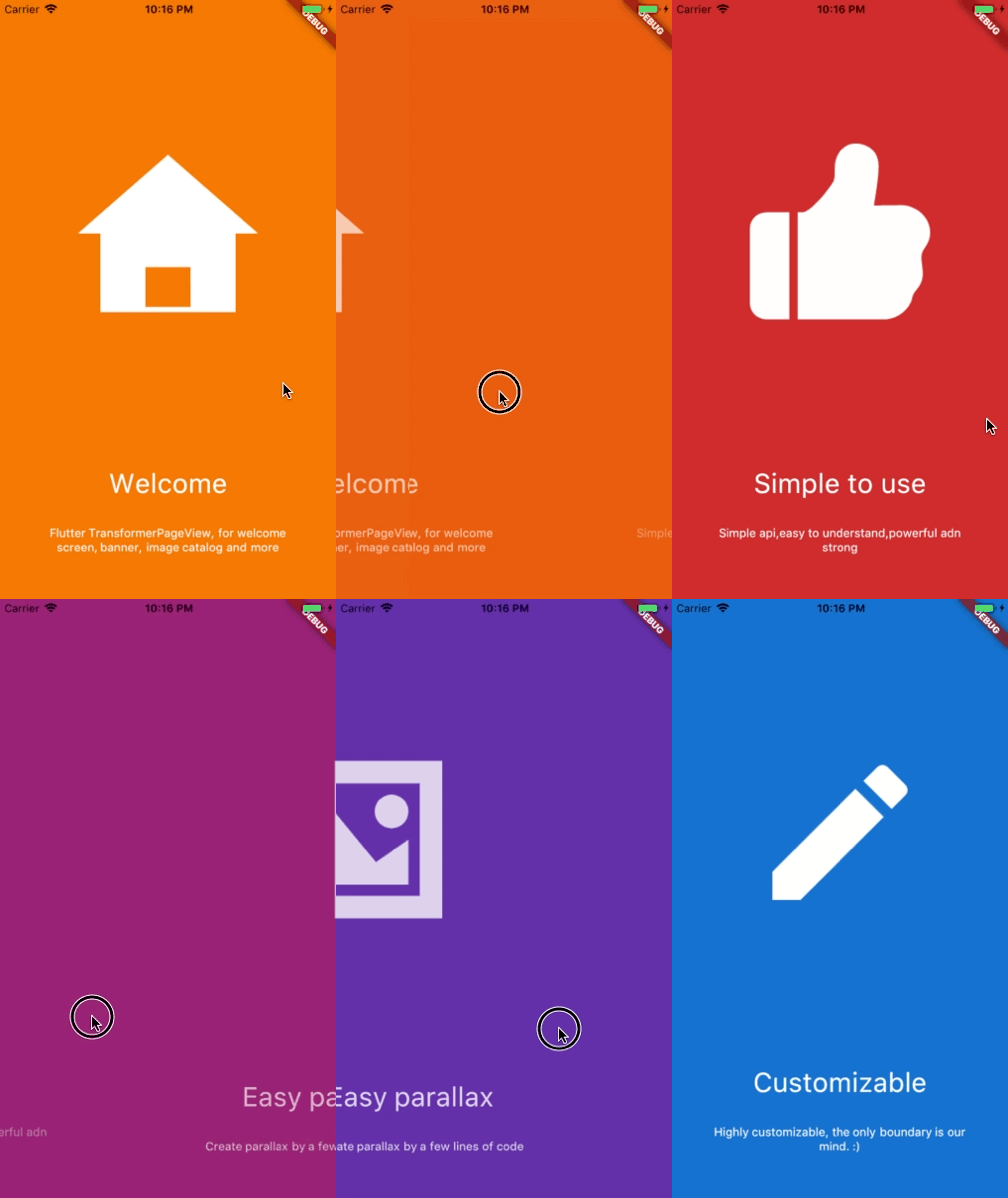
Basic

See code here

See code here
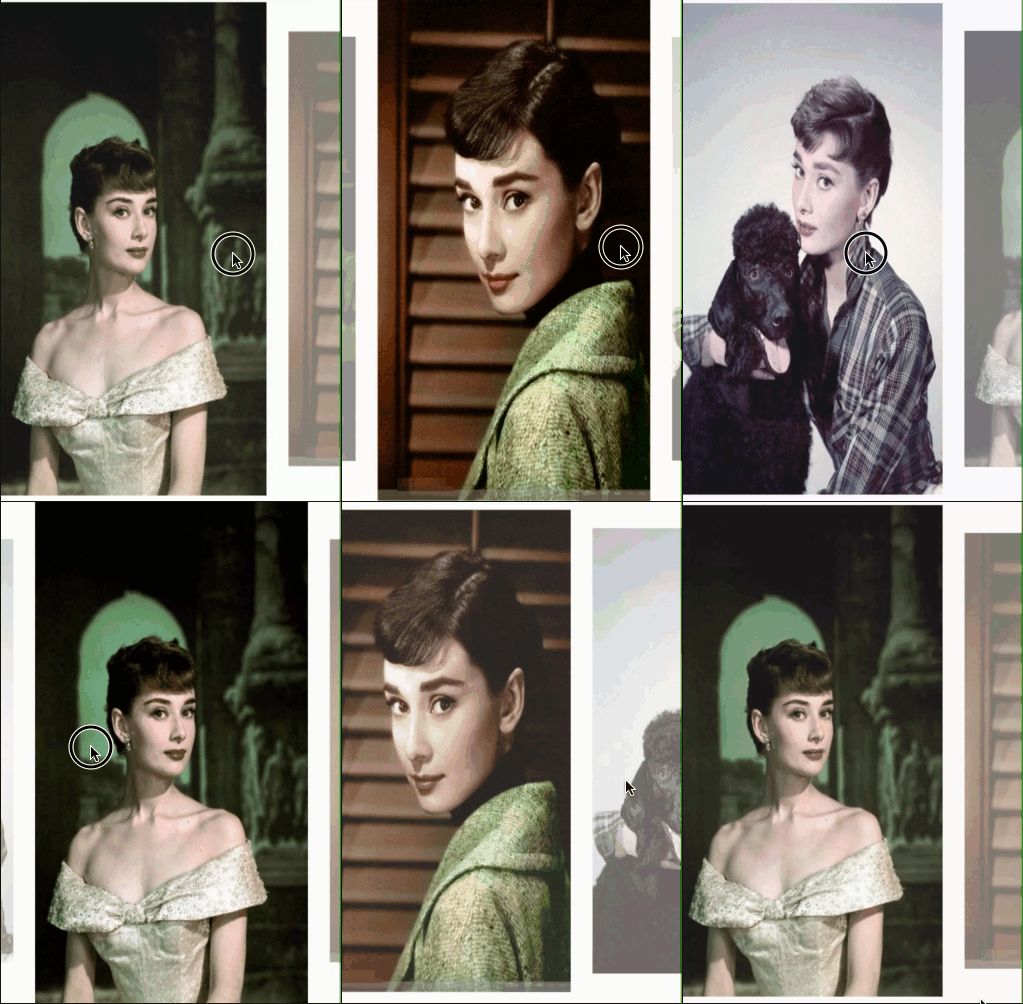
See code here

See code here

See code here

See code here
Getting Started
Installation
Add
transformer_page_view:
to your pubspec.yaml ,and run
flutter packages get
in your project's root directory.
Basic Usage
| Parameter | Default | Description |
|---|---|---|
| scrollDirection | Axis.horizontal | If Axis.horizontal, the scroll view's children are arranged horizontally in a row instead of vertically in a column. |
| loop | false | Set to true to enable continuous loop mode. |
| index | none | Index number of initial slide. if not set , it is controlled by the widget itself,otherwise, it is controlled by another widget, which is returned by itemBuilder |
| onPageChanged | void onPageChanged(int index) | Called with the new index when the user swiped |
| duration | new Duration(milliseconds:300) | The milliseconds of every transaction animation costs |
| transformer | none | The most important property of this widget, it returns a transformed widget that based on the widget parameter. If the value is null, a itemBuilder must be specified |
| itemCount | none | Number of the total items |
| itemBuilder | none | A function that returns a widget based on index,if it's null,a transformer must be specified |
Build-in Parallax
We provide 3 build-in parallaxes, which handle color、image and container
ParallaxColor
ParallaxColor handles the color transform, which controls the color transform from one to another.
ParallaxImage
ParallaxImage handles the image, which speed is slower than the PageView
ParallaxContainer
ParallaxContainer handles the text or other staff, which speed is faster than the PageView
3 build-in parallaxes are all used in subclass of PageTransform,group these parallaxes together, we can create very cool things.

Inspired by page-transformer, and we have an easier way to create this.
See code here
Custom animation

best-flutter ↗
Kategorien
Verwendete Abhängigkeiten
Abhängigkeiten 3 Einträge
- flutter
{"sdk":"flutter"} - flutter_testEntwicklung
{"sdk":"flutter"} - flutter_driverEntwicklung
{"sdk":"flutter"}
Wie wähle ich ein passendes Repository?
Nach Anwendungsfall filtern, Aktivität vergleichen und vor der Nutzung das Originalprojekt prüfen.
- Nach Name, Autor oder Beschreibung suchen und nach Thema eingrenzen.
- Sterne, Forks und letzte Pushes vergleichen. Sterne zeigen Interesse, garantieren aber keine Qualität.
- Vor der Nutzung README, Lizenz und Issues auf GitHub prüfen.
Quellen und Pflege
“A repository is the most basic element of GitHub.”
GitHub Docs — About repositories ↗