

 v0.1.4
page_flip_builder
Ein benutzerdefiniertes Flutter-Widget, das interaktive Seitenumschlagübergänge in Ihrer App ermöglicht.
122Likes 36030-Tage-Downloads145Pub-Punkte
AndroidiOSWebmacOSWindowsLinux
Interaktives Seitenwenden-Flutter-Widget

Englischer Projektschnappschuss. Aktuelle Inhalte auf GitHub.


A custom Flutter widget that enables interactive page-flip transitions in your app.
You can use this to flip images, cards, or widgets of any size.
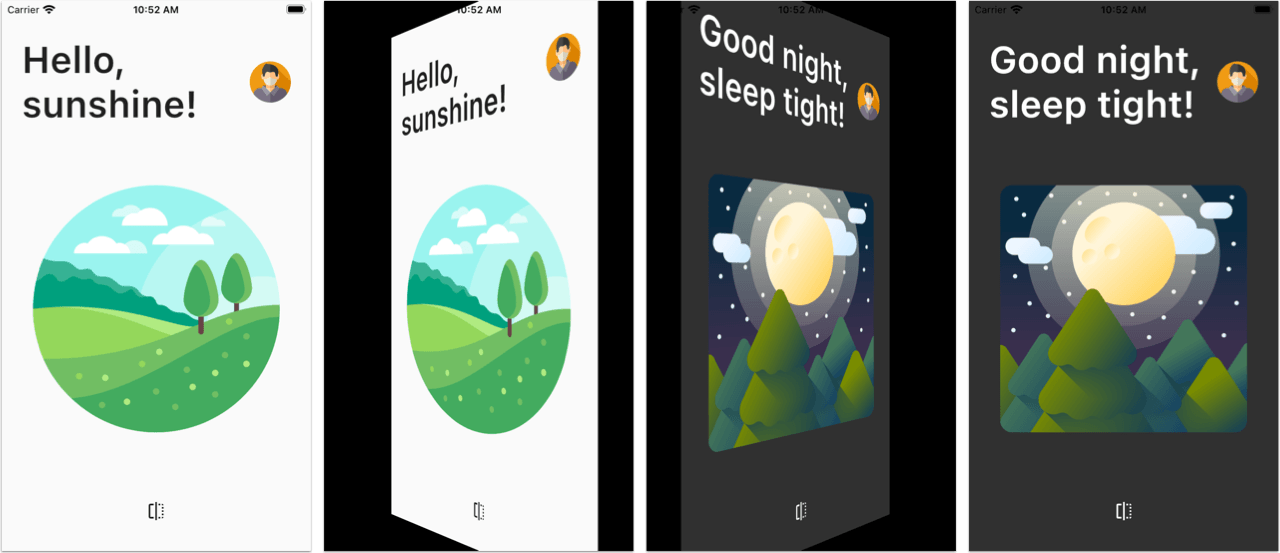
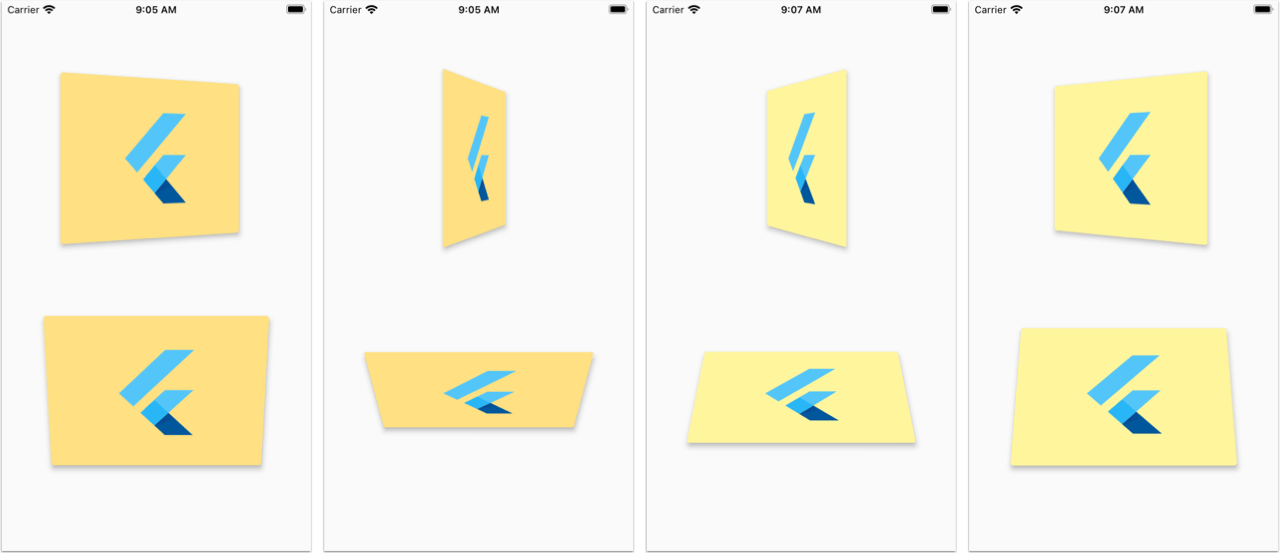
Also see the Flutter Web Live Preview.
Note: This package uses null-safety.
PageFlipBuilder is best used for full-screen page-flip transitions, but works with widgets of any size as long as their width and height is not unbounded.
PageFlipBuilder uses a drag gesture to interactively transition between a "front" and a "back" widget. These are specified with the frontBuilder and backBuilder arguments:
class MyApp extends StatelessWidget {
  @override
  Widget build(BuildContext context) {
    return MaterialApp(
      home: Container(
        // add a black background to prevent flickering on Android when the page flips
        color: Colors.black,
        child: PageFlipBuilder(
          frontBuilder: (_) => LightHomePage(),
          backBuilder: (_) => DarkHomePage(),
        ),
      ),
    );
  }
}
By defalt the flip happens along the vertical axis, but you can change the flipAxis to Axis.horizontal if you want.
For more control, you can also add a GlobalKey<PageFlipBuilderState> and programmatically flip the page with a callback-based API:
class MyApp extends StatelessWidget {
  // used to flip the page programmatically
  final pageFlipKey = GlobalKey<PageFlipBuilderState>();
  @override
  Widget build(BuildContext context) {
    return MaterialApp(
      home: Container(
        // add a black background to prevent flickering on Android when the page flips
        color: Colors.black,
        child: PageFlipBuilder(
          key: pageFlipKey,
          frontBuilder: (_) => LightHomePage(
            onFlip: () => pageFlipKey.currentState?.flip(),
          ),
          backBuilder: (_) => DarkHomePage(
            onFlip: () => pageFlipKey.currentState?.flip(),
          ),
          // flip the axis to horizontal
          flipAxis: Axis.horizontal,
          // customize tilt value
          maxTilt: 0.003,
          // customize scale
          maxScale: 0.2,
          // be notified when the flip has completed
          onFlipComplete: (isFrontSide) => print('isFrontSide: $isFrontSide'),
        ),
      ),
    );
  }
}
Before running the example app, you need to create the ios, android, web folders as needed:
flutter create . --platform ios
flutter create . --platform android
flutter create . --platform web
Abhängigkeiten 3 Einträge
{"sdk":"flutter"}{"sdk":"flutter"}^3.0.1Nach Anwendungsfall filtern, Aktivität vergleichen und vor der Nutzung das Originalprojekt prüfen.
“A repository is the most basic element of GitHub.”
GitHub Docs — About repositories ↗