
flutter_chess_board
Ein Schachbrett-Widget für Flutter.

- Sterne
- 199
- Forks
- 69
- Letzter Push (UTC)
- 13.02.2023
- Projektstatus
- Aktiv
Original-README
Englischer Projektschnappschuss. Aktuelle Inhalte auf GitHub.
flutter_chess_board
A full-fledged Chessboard widget for Flutter. Includes the Chessboard widget, stores game state, and includes a controller to check and manipulate game state.
Full support for formats like PGN, FEN as well as ASCII. Supports multiple colors and displaying arrows on the board. Easy access to making / undoing moves on the board.
Note: v1.0+ is a major refactor and the earlier architecture which used scoped_model internally
is no longer in use. The ChessBoardController now stores the state of the game as well as contains
options to change and check state. Arrows on the board are now supported.
Setting Up
Add a ChessBoard widget and attach a ChessBoardController to it.
Let's also set the board color and specify the board orientation (default is towards white).
import 'package:flutter/material.dart';
import 'package:flutter_chess_board/flutter_chess_board.dart';

class HomePage extends StatefulWidget {
  const HomePage({Key? key}) : super(key: key);

  @override
  _HomePageState createState() => _HomePageState();
}

class _HomePageState extends State<HomePage> {
  ChessBoardController controller = ChessBoardController();

  @override
  Widget build(BuildContext context) {
    return Scaffold(
      appBar: AppBar(
        title: const Text('Chess Demo'),
      ),
      body: Center(
        child: ChessBoard(
          controller: controller,
          boardColor: BoardColor.orange,
          boardOrientation: PlayerColor.white,
        ),
      ),
    );
  }
}
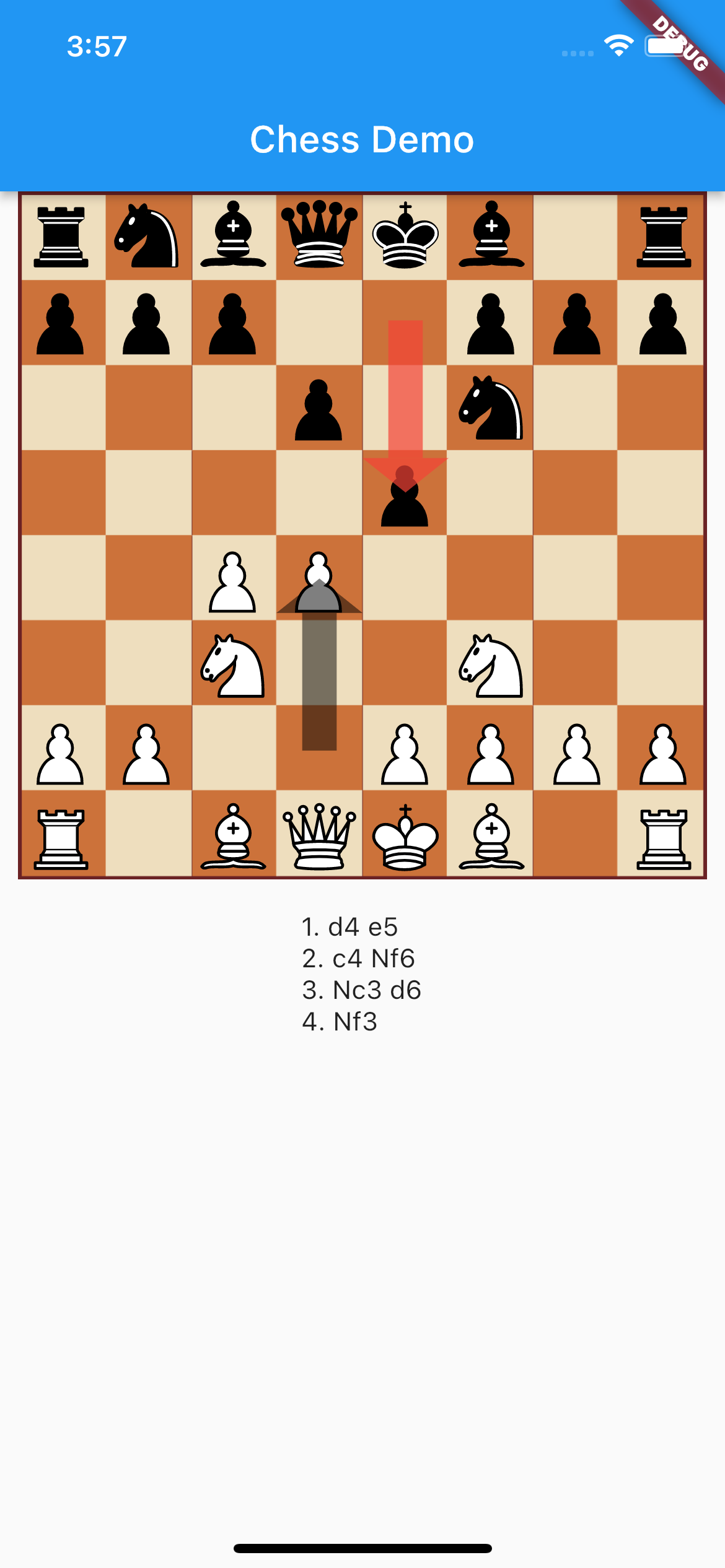
Let's try to display arrows on the board and also display moves of the current game:
import 'package:flutter/material.dart';
import 'package:flutter_chess_board/flutter_chess_board.dart';

class HomePage extends StatefulWidget {
  const HomePage({Key? key}) : super(key: key);

  @override
  _HomePageState createState() => _HomePageState();
}

class _HomePageState extends State<HomePage> {
  ChessBoardController controller = ChessBoardController();

  @override
  Widget build(BuildContext context) {
    return Scaffold(
      appBar: AppBar(
        title: const Text('Chess Demo'),
      ),
      body: Column(
        children: [
          Expanded(
            child: Center(
              child: ChessBoard(
                controller: controller,
                boardColor: BoardColor.orange,
                arrows: [
                  BoardArrow(
                    from: 'd2',
                    to: 'd4',
                    color: Colors.red.withOpacity(0.5),
                  ),
                ],
                boardOrientation: PlayerColor.white,
              ),
            ),
          ),
          Expanded(
            child: ValueListenableBuilder<Chess>(
              valueListenable: controller,
              builder: (context, game, _) {
                return Text(
                  controller.getSan().fold(
                        '',
                        (previousValue, element) =>
                            previousValue + '\n' + (element ?? ''),
                      ),
                );
              },
            ),
          ),
        ],
      ),
    );
  }
}
This gives us:
Watch for game changes
You can listen to game state changes (move, half moves, etc) using either a listener or a ValueListenableBuilder:
  ChessBoardController controller = ChessBoardController();

  @override
  void initState() {
    super.initState();
    controller.addListener(() {
      // Do something here
    });
  }
  ValueListenableBuilder<Chess>(
    valueListenable: controller,
    builder: (context, game, _) {
      // Build on new game state
    },
  ),
Checking Game States
The ChessBoardController holds the game itself and you can do various kinds of things using it:
Load New Game
controller.loadPgn('demo PGN')
controller.loadFen('demo FEN')
Make Move:
controller.makeMove(from: 'd2', to: 'd4')
Undo Move:
controller.undoMove()
Check states:
controller.isCheckMate()
controller.isDraw()
controller.isStaleMate()
controller.isThreefoldRepetition
...and more...
Move Count
controller.getMoveCount()
controller.getHalfMoveCount()
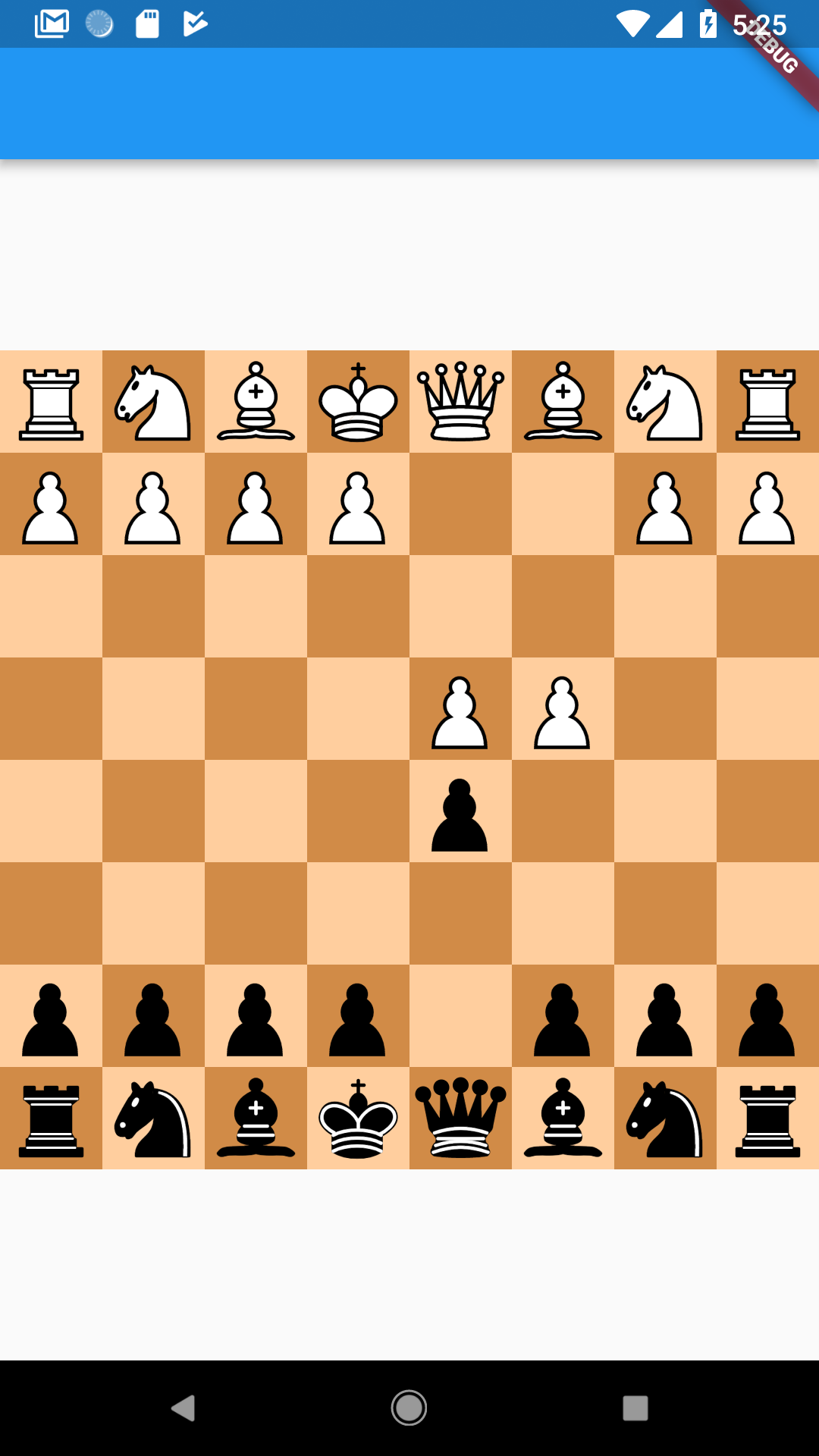
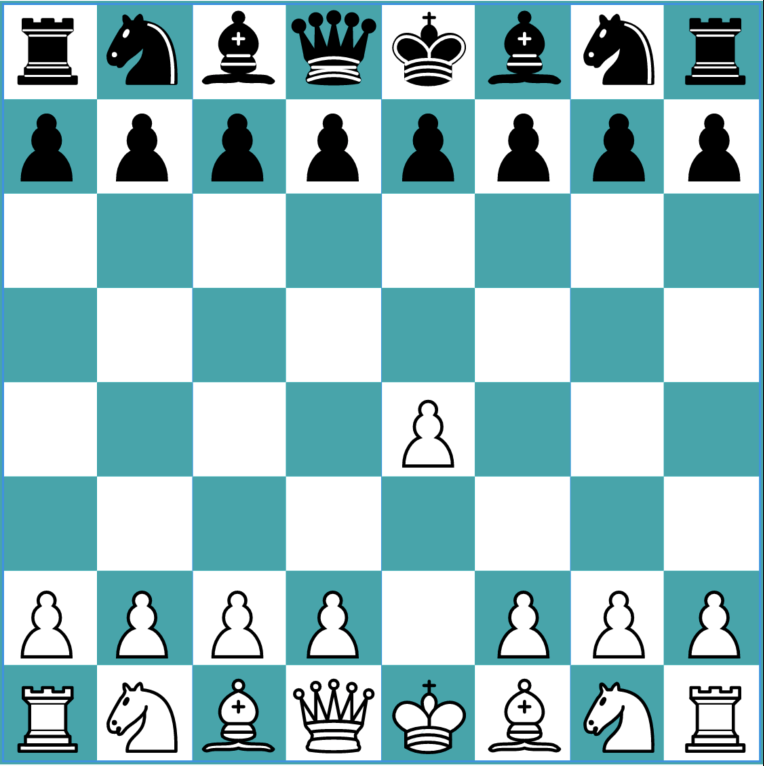
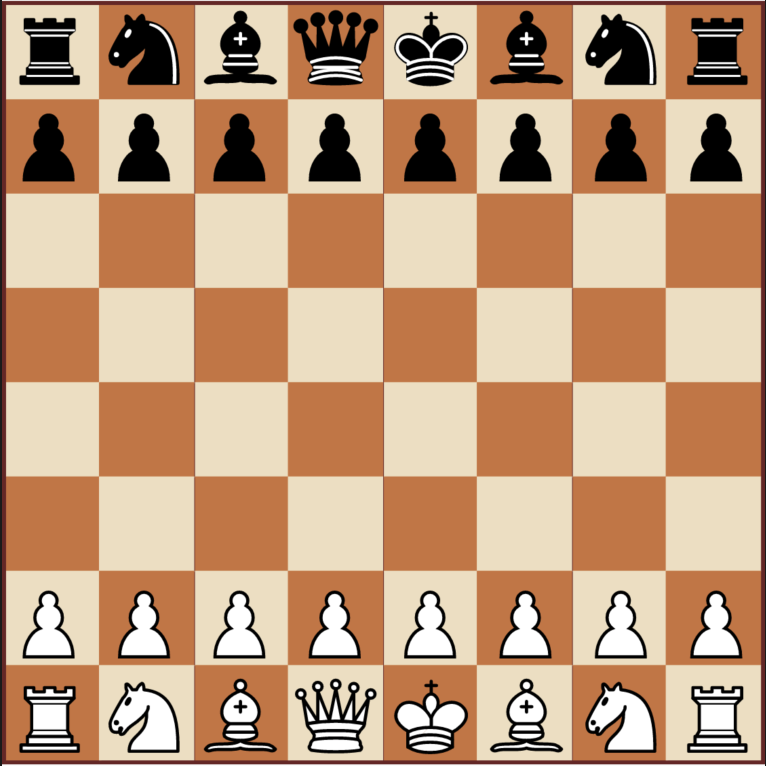
Other Board Types
Import the package
To use this package, add chess_board as a dependency in your pubspec.yaml

Deven Joshi ↗
Kategorien
Verwendete Abhängigkeiten
Abhängigkeiten 4 Einträge
- chess
^0.7.0 - chess_vectors_flutter
^1.0.12 - flutter
{"sdk":"flutter"} - flutter_testEntwicklung
{"sdk":"flutter"}
Wie wähle ich ein passendes Repository?
Nach Anwendungsfall filtern, Aktivität vergleichen und vor der Nutzung das Originalprojekt prüfen.
- Nach Name, Autor oder Beschreibung suchen und nach Thema eingrenzen.
- Sterne, Forks und letzte Pushes vergleichen. Sterne zeigen Interesse, garantieren aber keine Qualität.
- Vor der Nutzung README, Lizenz und Issues auf GitHub prüfen.
Quellen und Pflege
“A repository is the most basic element of GitHub.”
GitHub Docs — About repositories ↗
- d3xvn/flutter_chess_board · GitHub ↗
- GitHub Docs — Saving repositories with stars ↗
- Verzeichnis gepflegt von Ducafecat ↗