Pakete, Repositories und App-Kategorien suchen

GitHub-Repositorydanger-ahead/simple_chips_input

simple_chips_input

Flutter-Chips. Demo: https://simplechipsinput.vercel.app

Projektcover von simple_chips_input
Sterne
15
Forks
11
Letzter Push (UTC)
26.06.2025
Projektstatus
Aktiv

Original-README

Englischer Projektschnappschuss. Aktuelle Inhalte auf GitHub.

simple_chips_input

Features 🚀

The working screen captures might be outdated.
Please refer to the demo: https://simplechipsinput.vercel.app
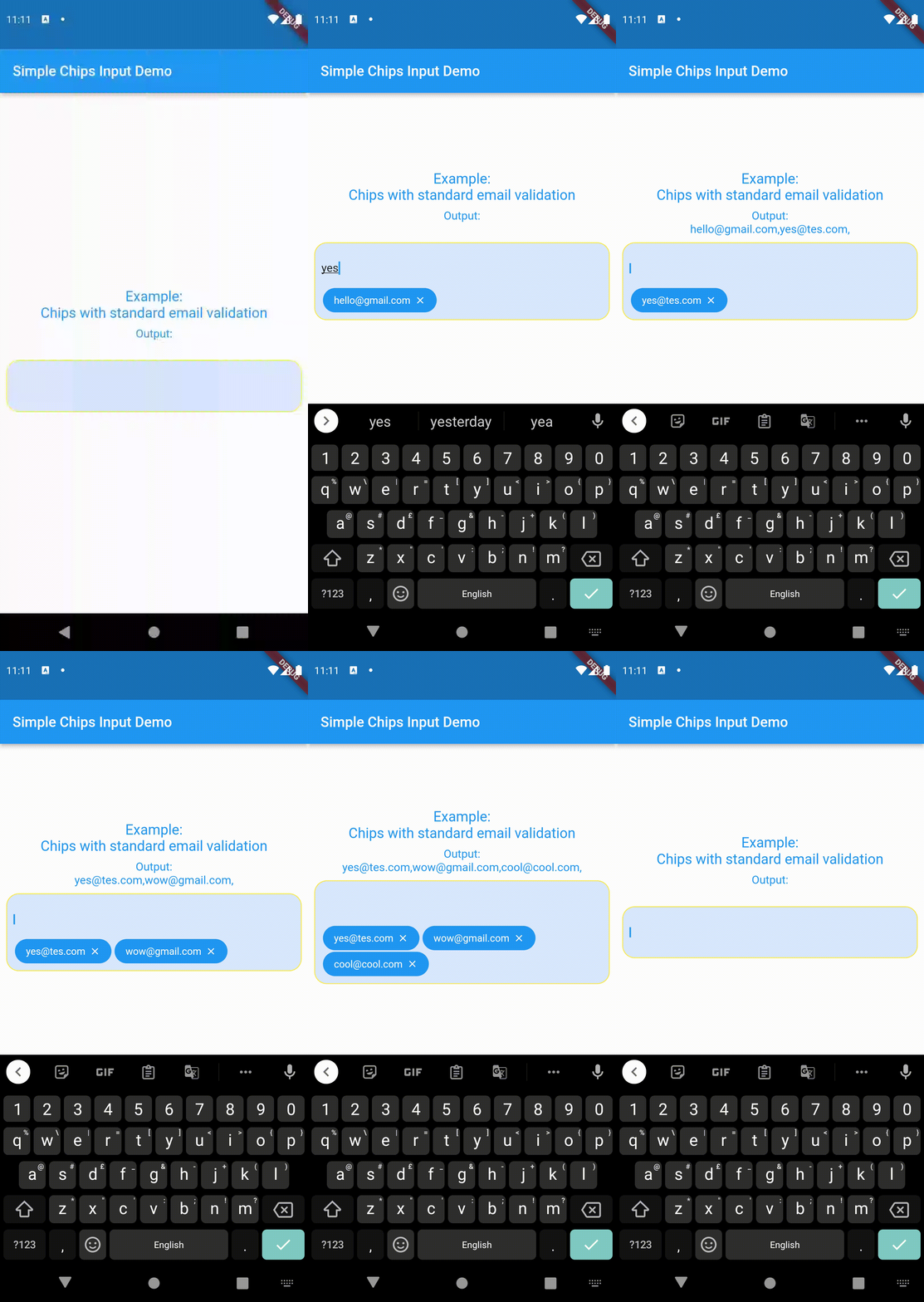
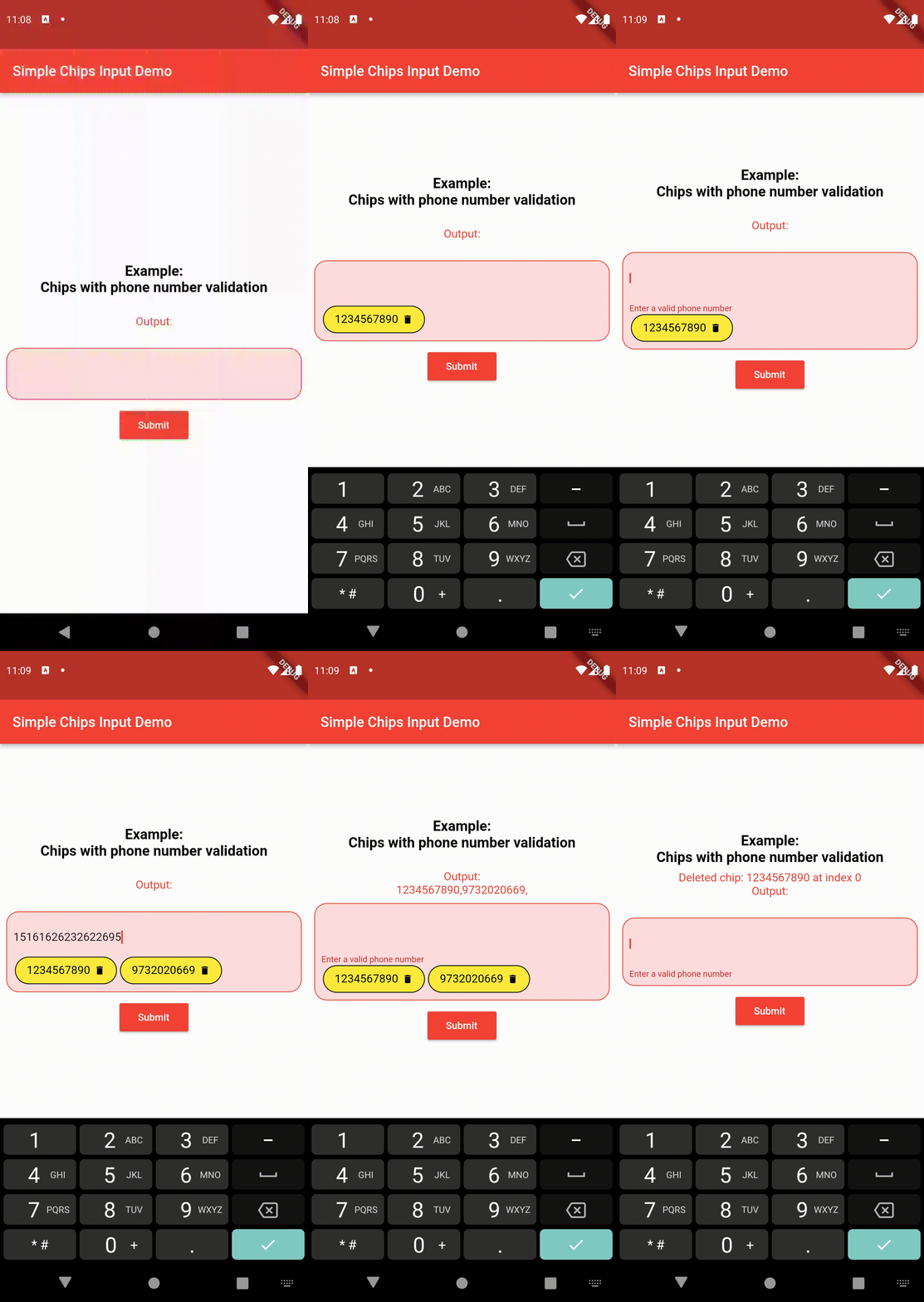
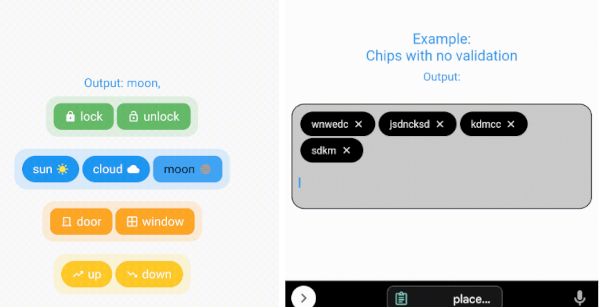
  • Create chips from user's text input and get the value after form submission.
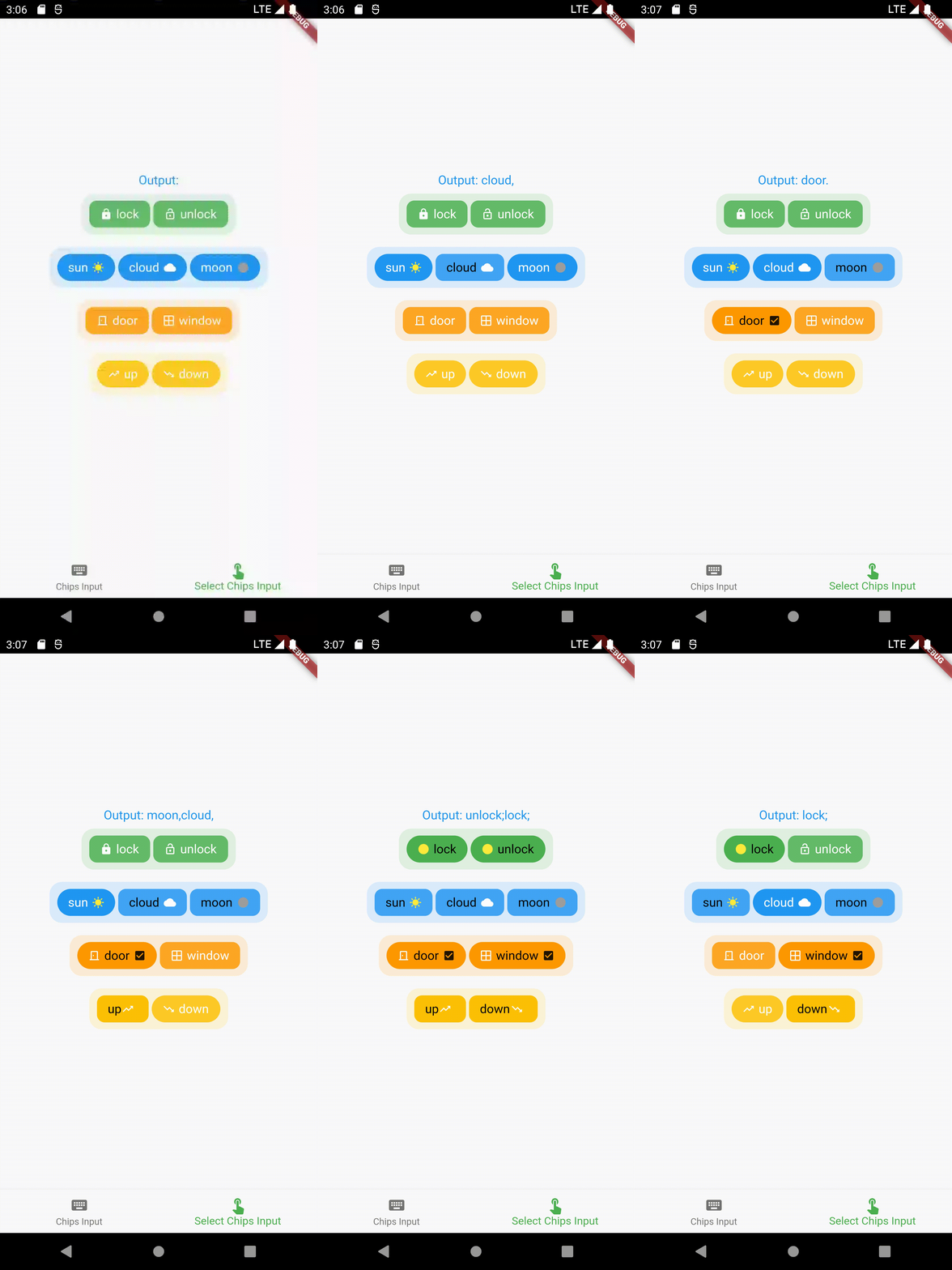
  • Select chips and get the values of the selection.
  • Select only one chip at a time and get the value (acts as a toggle/radio button).
  • Ability to keep some/all/none pre-selected chips (that can be later changed according to user input).
  • Full customisability of the chips - keeping prefix/suffix icons (that can be changed when a particular chip is selected).
  • Full customisability of the chips design - change the background color, border color, text color, etc of the chips (can be two sets of designs - one for selected chips and one for unselected chips).
  • Much more!

Contents 📚

  • Create chips from user's text input and get the value after form submission. Read the API reference for full documentation.
  • Select pre-defined chips to get the value of selected chips. Read the API reference for full documentation.

Importing the package ⬇️

import 'package:simple_chips_input/simple_chips_input.dart';
import 'package:simple_chips_input/select_chips_input.dart';
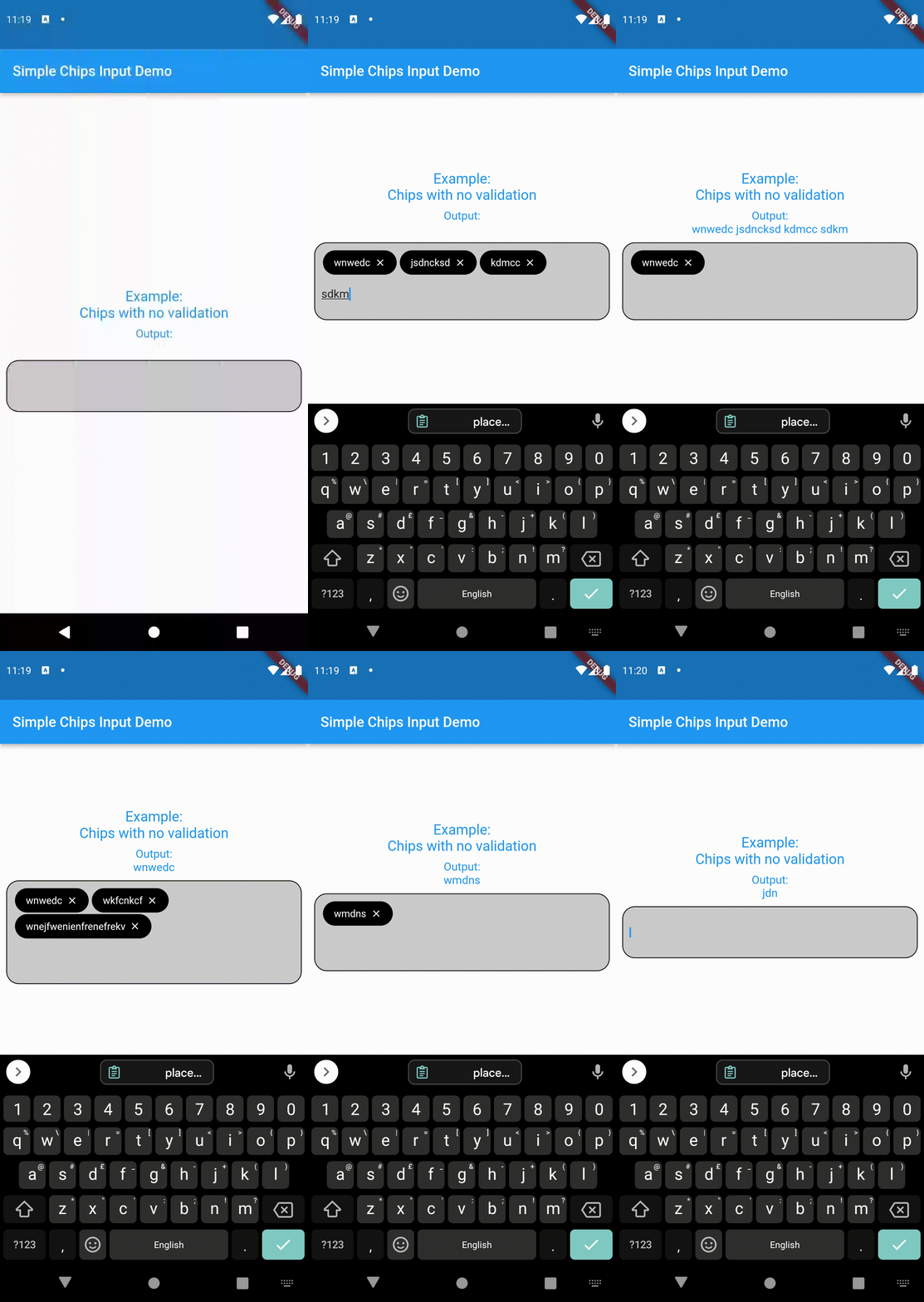
Working ⚙️

For example usage, refer pub.dev example
Author

@danger-ahead

shourya shikhar GitHub avatar
GitHub-Autor

shourya shikhar ↗

@smallcase KolkataOffizielle Website ↗
SprachenDartC++CMakeHTMLCSwiftKotlinObjective-C

Kategorien

Von diesem Repository veröffentlichte Pakete

Verwendete Abhängigkeiten

Abhängigkeiten 3 Einträge

  • flutter{"sdk":"flutter"}
  • flutter_testEntwicklung{"sdk":"flutter"}
  • flutter_lintsEntwicklung^2.0.0

Wie wähle ich ein passendes Repository?

Nach Anwendungsfall filtern, Aktivität vergleichen und vor der Nutzung das Originalprojekt prüfen.

  1. Nach Name, Autor oder Beschreibung suchen und nach Thema eingrenzen.
  2. Sterne, Forks und letzte Pushes vergleichen. Sterne zeigen Interesse, garantieren aber keine Qualität.
  3. Vor der Nutzung README, Lizenz und Issues auf GitHub prüfen.

Quellen und Pflege

“A repository is the most basic element of GitHub.”

GitHub Docs — About repositories ↗