

 v0.0.1
stylish_text
Ein Flutter-Paket mit einigen Textanimationen
3Likes 830-Tage-Downloads110Pub-Punkte
AndroidiOSWebmacOSWindowsLinux
dv-mahbub/stylish_text open-source repository details.

Englischer Projektschnappschuss. Aktuelle Inhalte auf GitHub.
This flutter package contains few custom animated text.
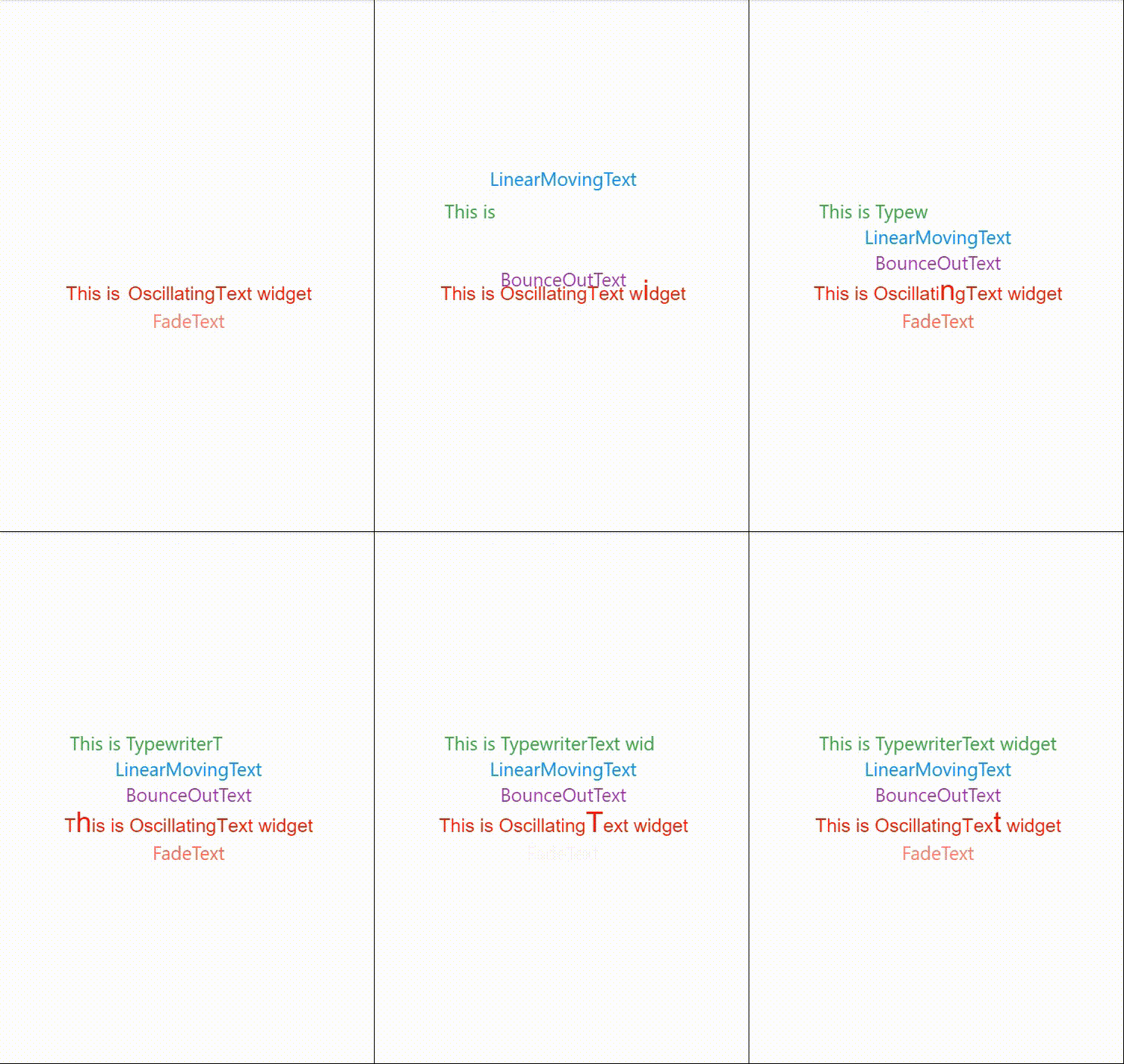

Example code:
  TypewriterText(
            'Dhaka is the capital city of Bangladesh',
            style: TextStyle(fontSize: 20, color: Colors.green),
         ),

Example Code:
  LinearMovingText(
            'Welcome to Naogaon',
            style: const TextStyle(fontSize: 20, color: Colors.blue),
            direction: Direction.utd,
        ),
4 direction available: Direction.utd, Direction.dtu, Direction.rtl, Direction.ltr

Example Code:
  BounceOutText(
        'Flutter project',
        style: const TextStyle(fontSize: 20, color: Colors.purple),
        direction: Direction.dtu,
    ),
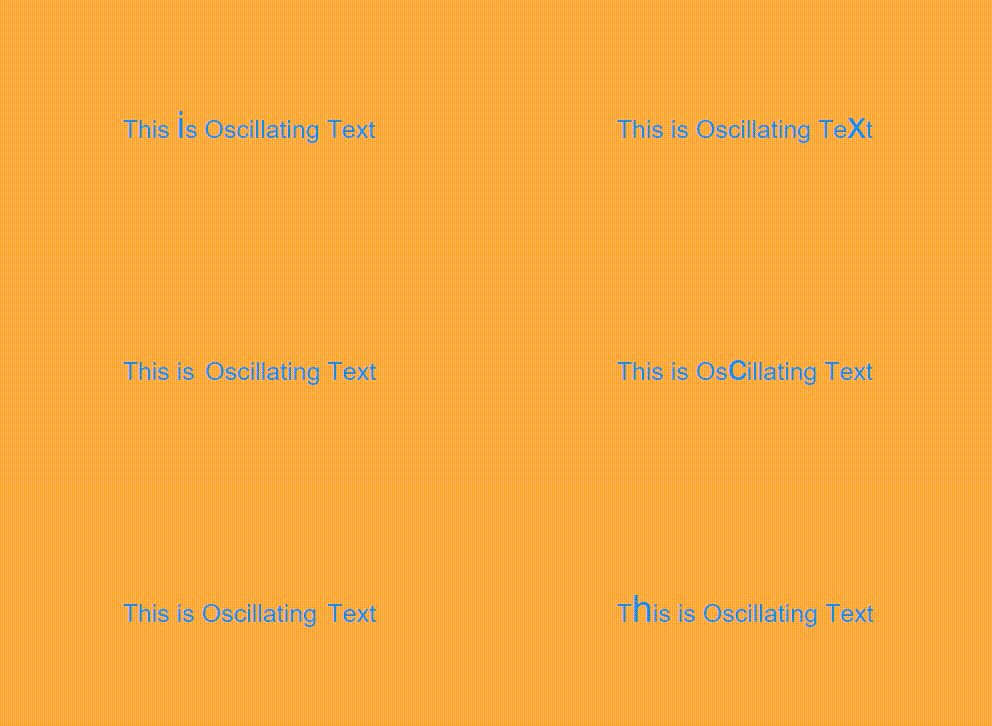
Example Code:
  OscillateText(
      'This is Oscillating Text',
       textDirection: TextDirection.ltr,
       style: TextStyle(fontSize: 20, color: Colors.blue),
    ),
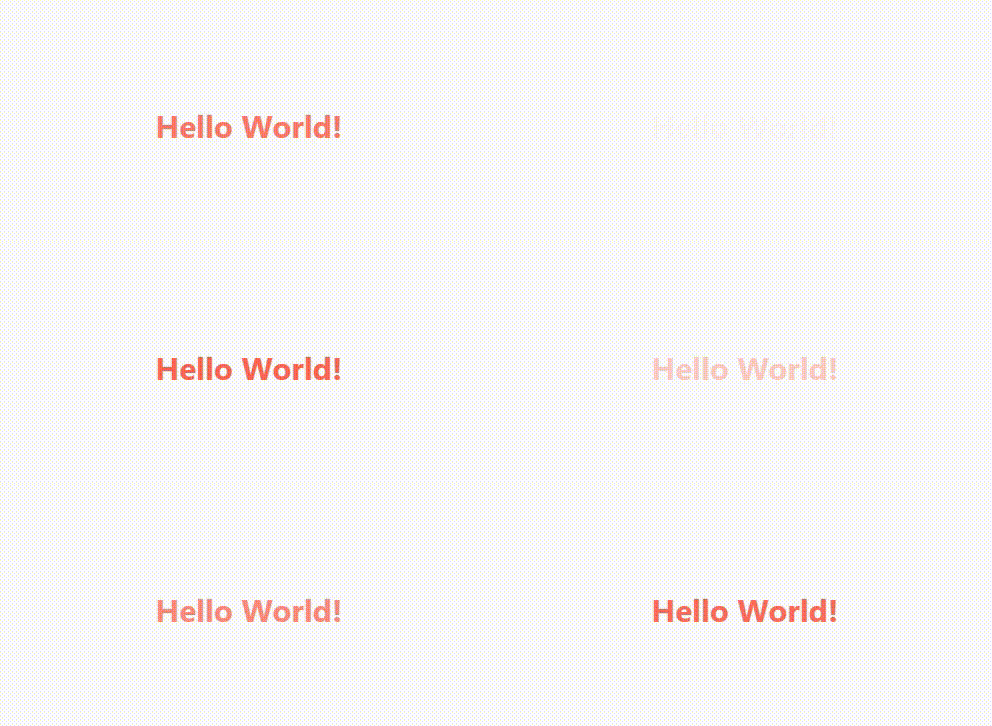
Example Code:
 FadeText(
    'Hello World!',
     style: TextStyle(fontSize: 25, fontWeight: FontWeight.bold, color: Colors.redAccent),
    ),
Abhängigkeiten 3 Einträge
{"sdk":"flutter"}{"sdk":"flutter"}^2.0.0Nach Anwendungsfall filtern, Aktivität vergleichen und vor der Nutzung das Originalprojekt prüfen.
“A repository is the most basic element of GitHub.”
GitHub Docs — About repositories ↗