

v0.0.2
side_sheet_material3
Dieses Flutter-Paket bietet ein Material Design 3-Modalside-Sheet-Widget.
32Likes 16730-Tage-Downloads140Pub-Punkte
AndroidiOSWebmacOSWindowsLinux
Dieses Flutter-Paket bietet ein Material Design 3-Modalside-Sheet-Widget.

Englischer Projektschnappschuss. Aktuelle Inhalte auf GitHub.
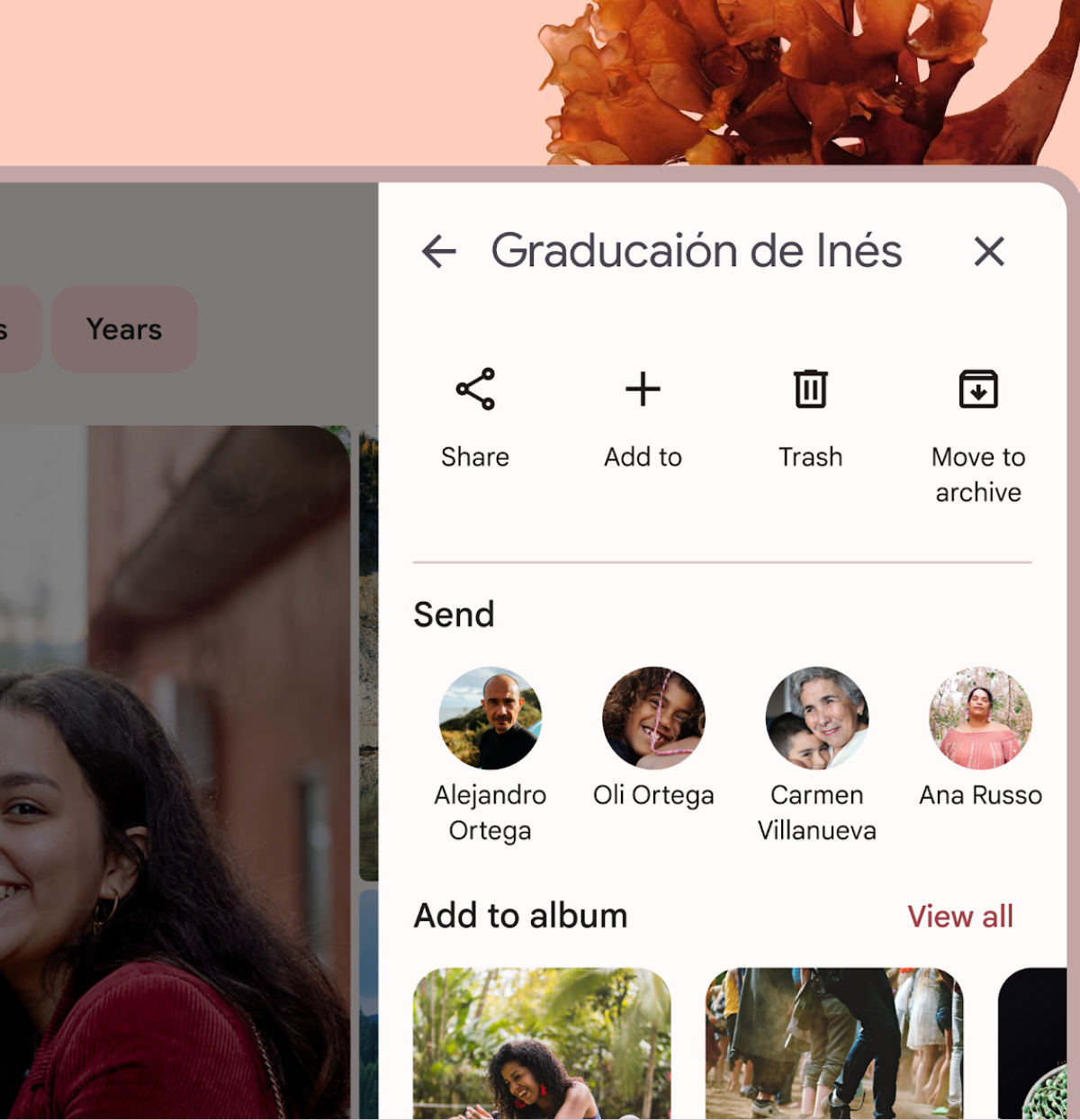
A Flutter package that provides a Material Design 3 side sheet as a general dialog.
Please check out the official documentation for more information on Material Design side sheet
To use this package, add side_sheet_material3 as a dependency in your pubspec.yaml file.
dependencies:
  side_sheet_material3: ^0.0.1
await showModalSideSheet(
  context: context,
  header: 'Edit Profile',
  body: ProfileEditForm(), // Put your content widget here
  addBackIconButton: true,
  addActions: true,
  addDivider: true,
  confirmActionTitle: 'Save',
  cancelActionTitle: 'Cancel',
  confirmActionOnPressed: () {
    // Do something
  },

  // If null, Navigator.pop(context) will used
  cancelActionOnPressed: () {
    // Do something
  },
);
Please check out the full example for more information on how to use this package.

Nach Anwendungsfall filtern, Aktivität vergleichen und vor der Nutzung das Originalprojekt prüfen.
“A repository is the most basic element of GitHub.”
GitHub Docs — About repositories ↗