Englischer Projektschnappschuss. Aktuelle Inhalte auf GitHub.
A ⭐ star on GitHub repo is the greatest motivation for me
to keep improving this project! 💖
Alice
Alice is an HTTP Inspector tool for Flutter which helps debugging http requests.
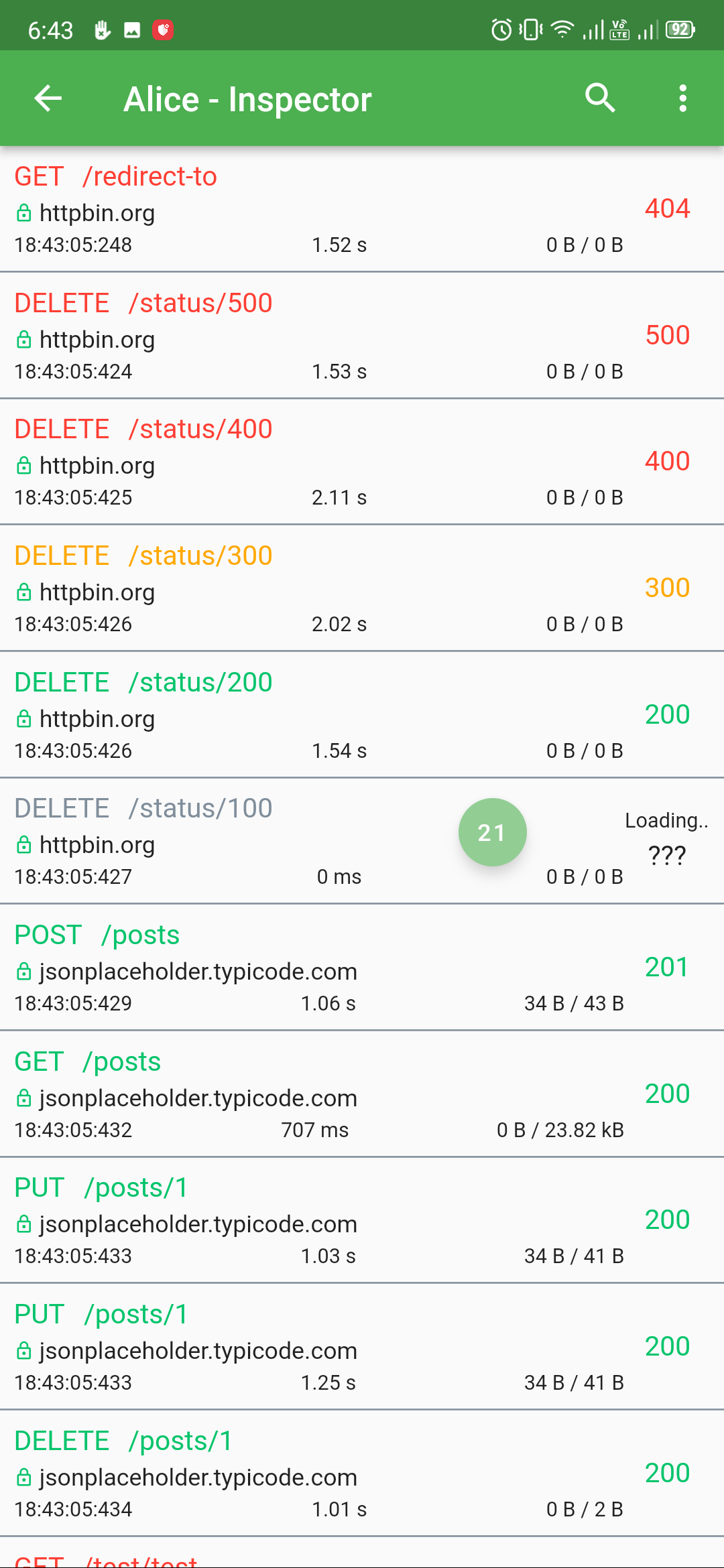
It catches and stores http requests and responses, which can be viewed via simple UI.
It is inspired from Chuck (https://github.com/jgilfelt/chuck) and Chucker (https://github.com/ChuckerTeam/chucker).
Overlay bubble version of Alice: https://github.com/jhomlala/alice
Supported Dart http client plugins:
Dio
HttpClient from dart:io package
Http from http/http package
Generic HTTP client
Features:
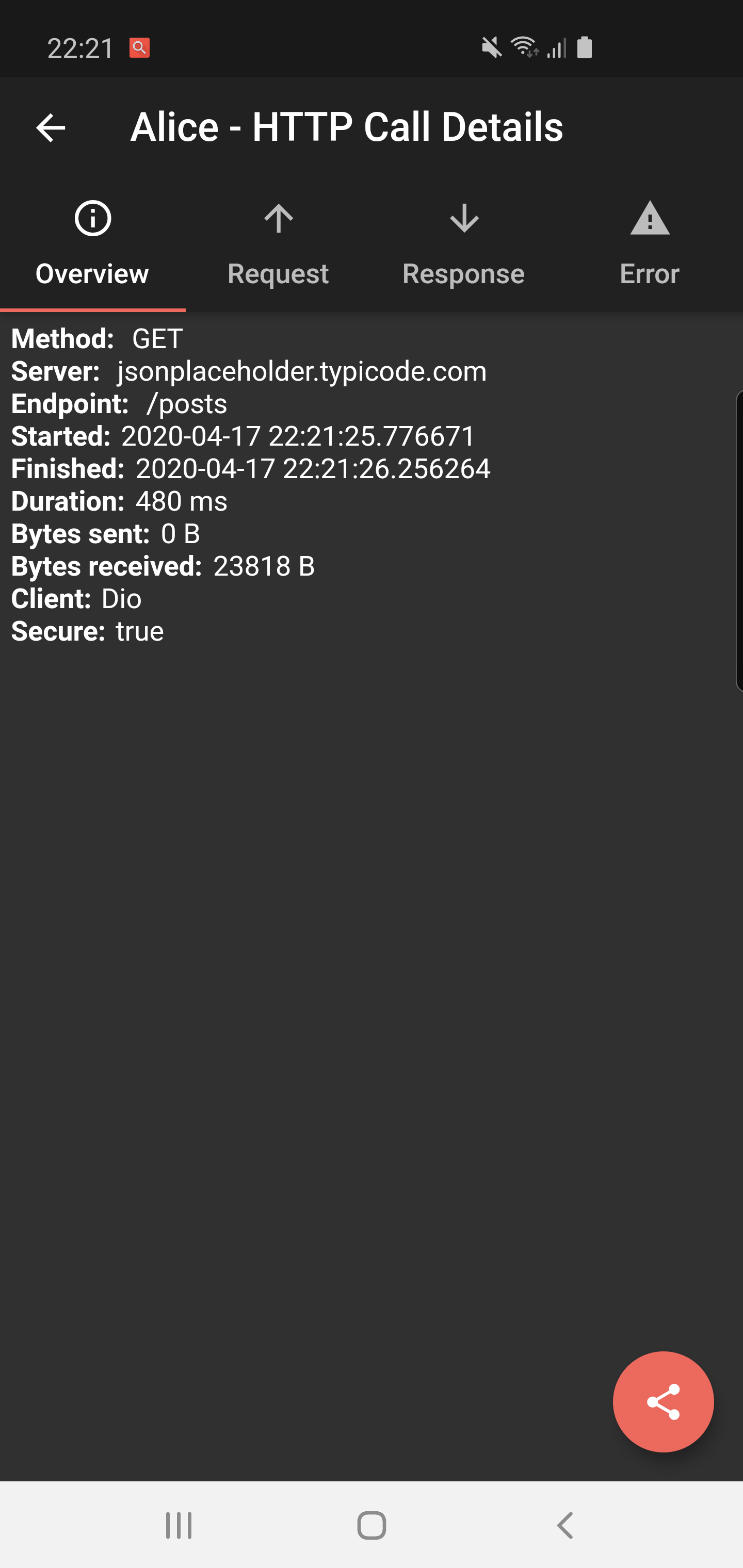
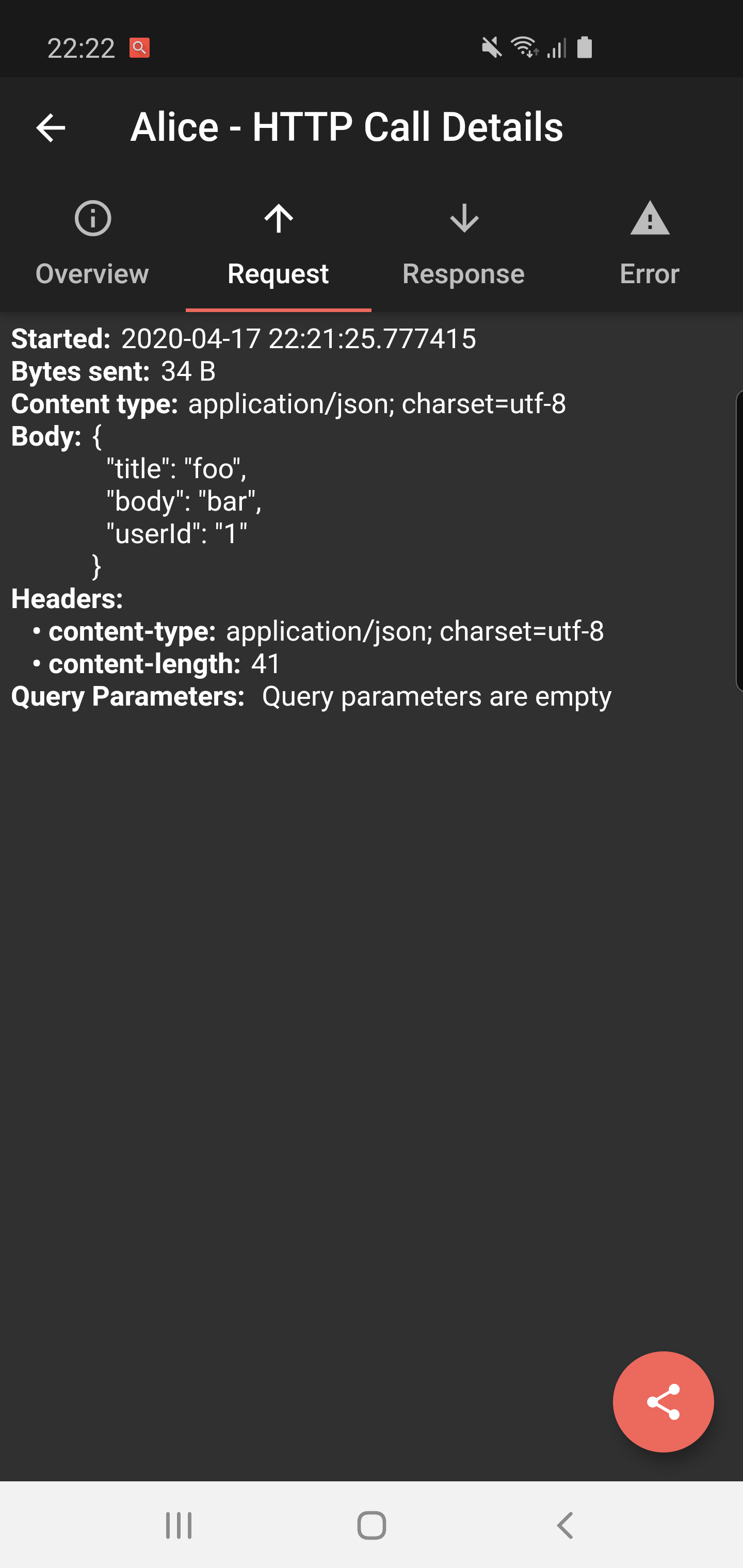
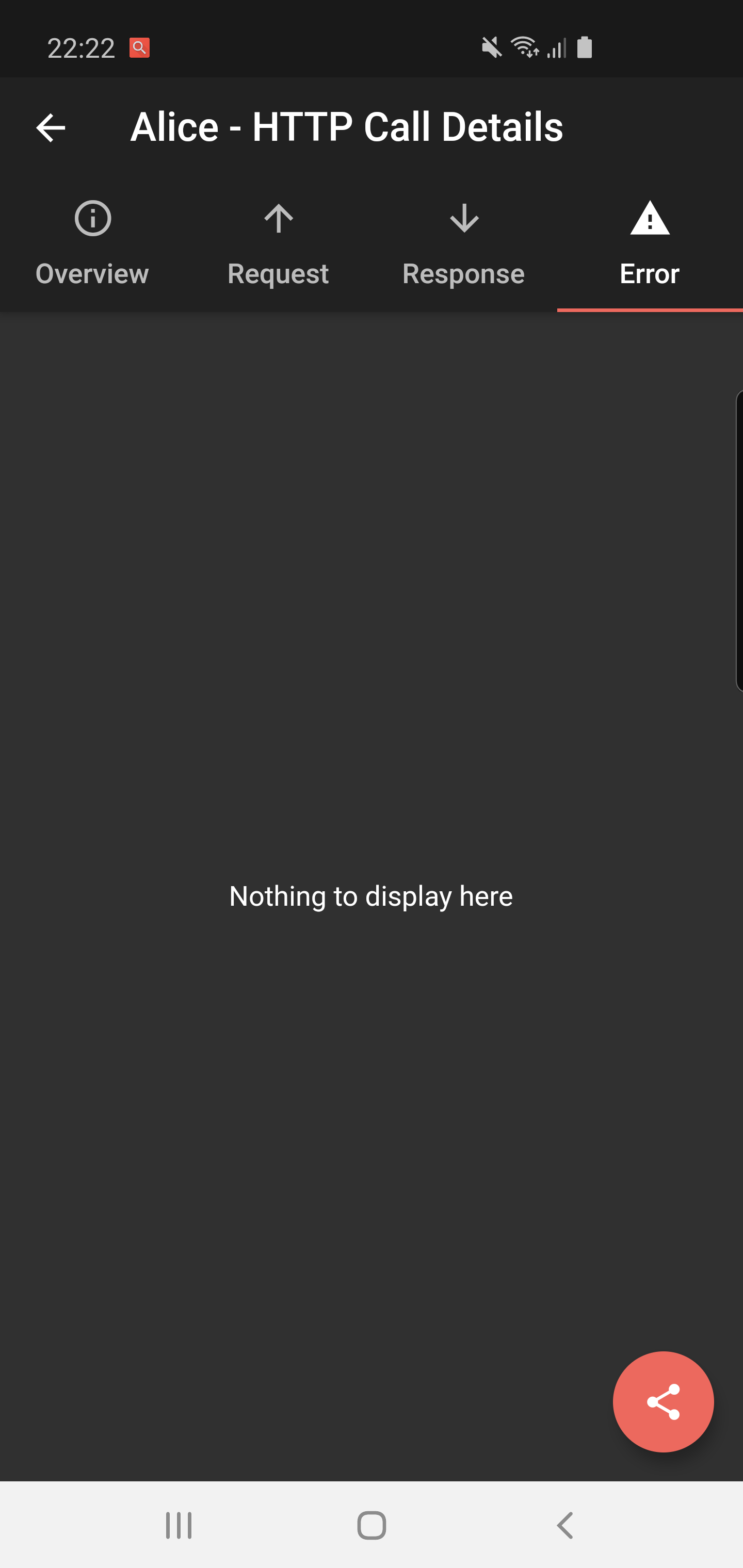
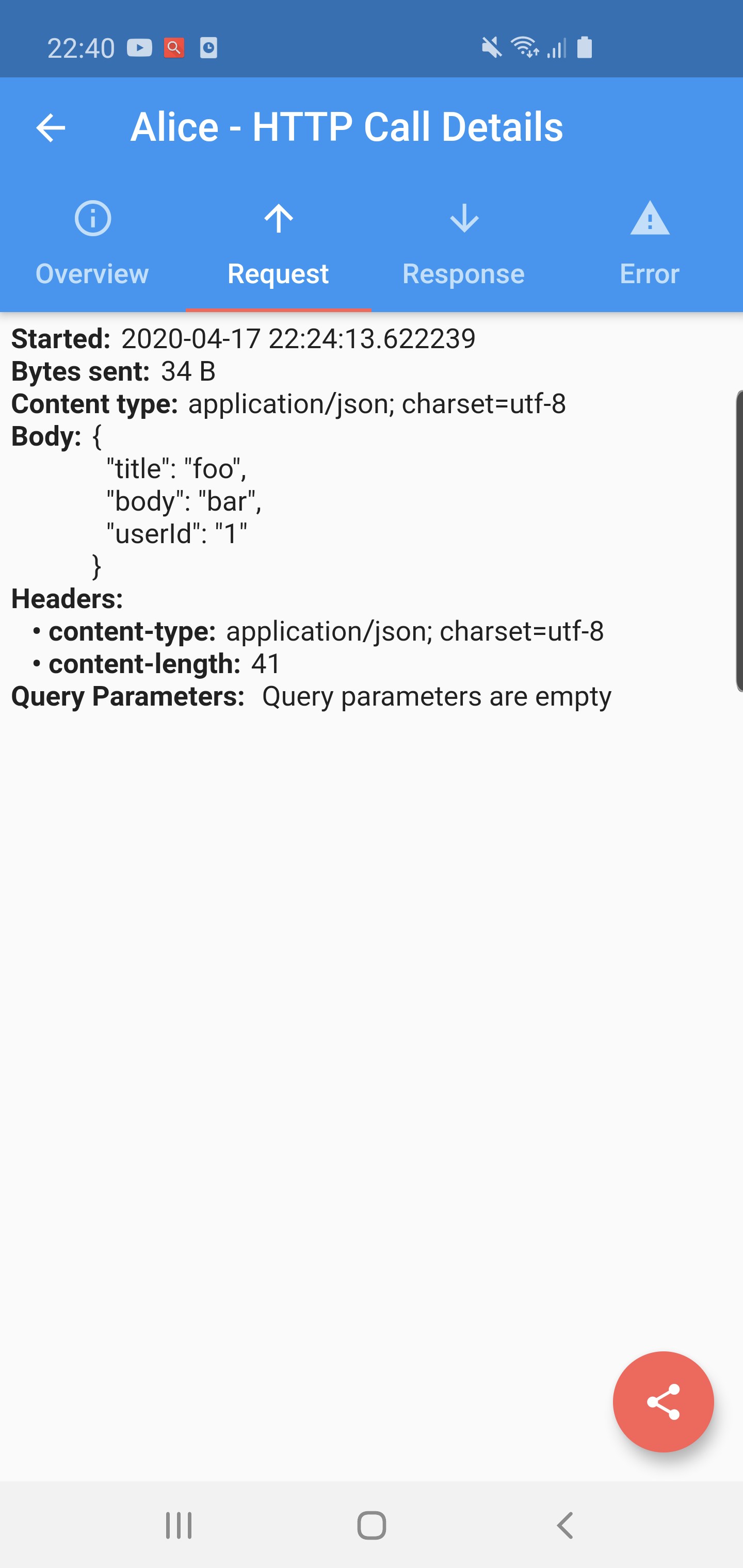
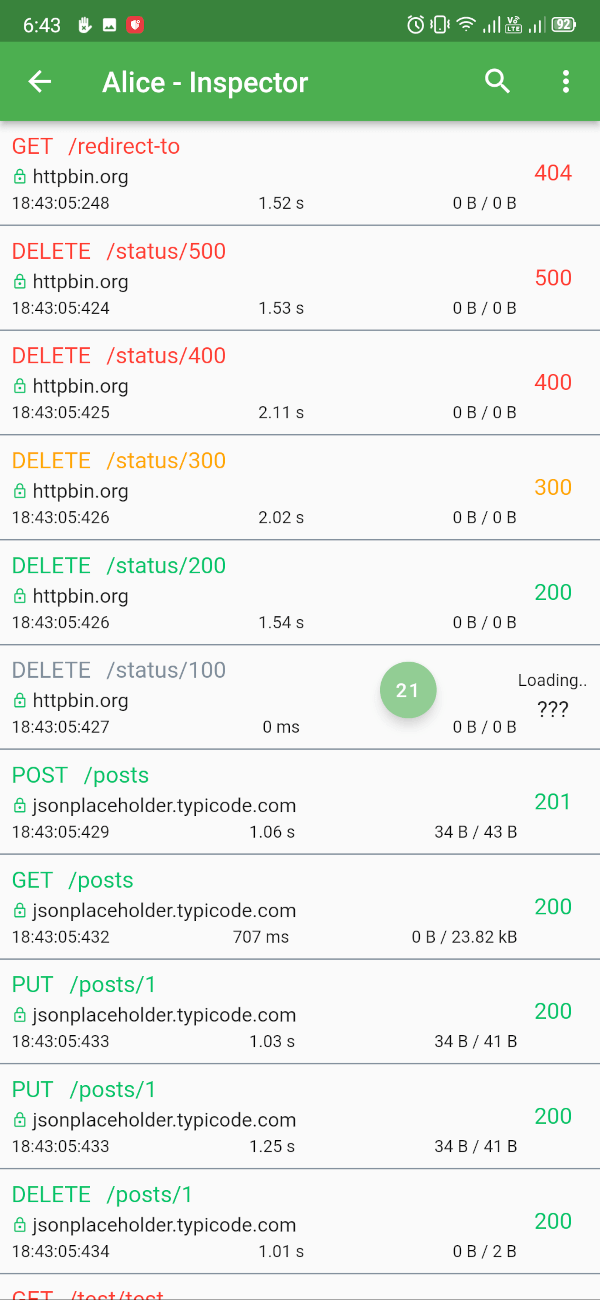
✔️ Detailed logs for each HTTP calls (HTTP Request, HTTP Response)
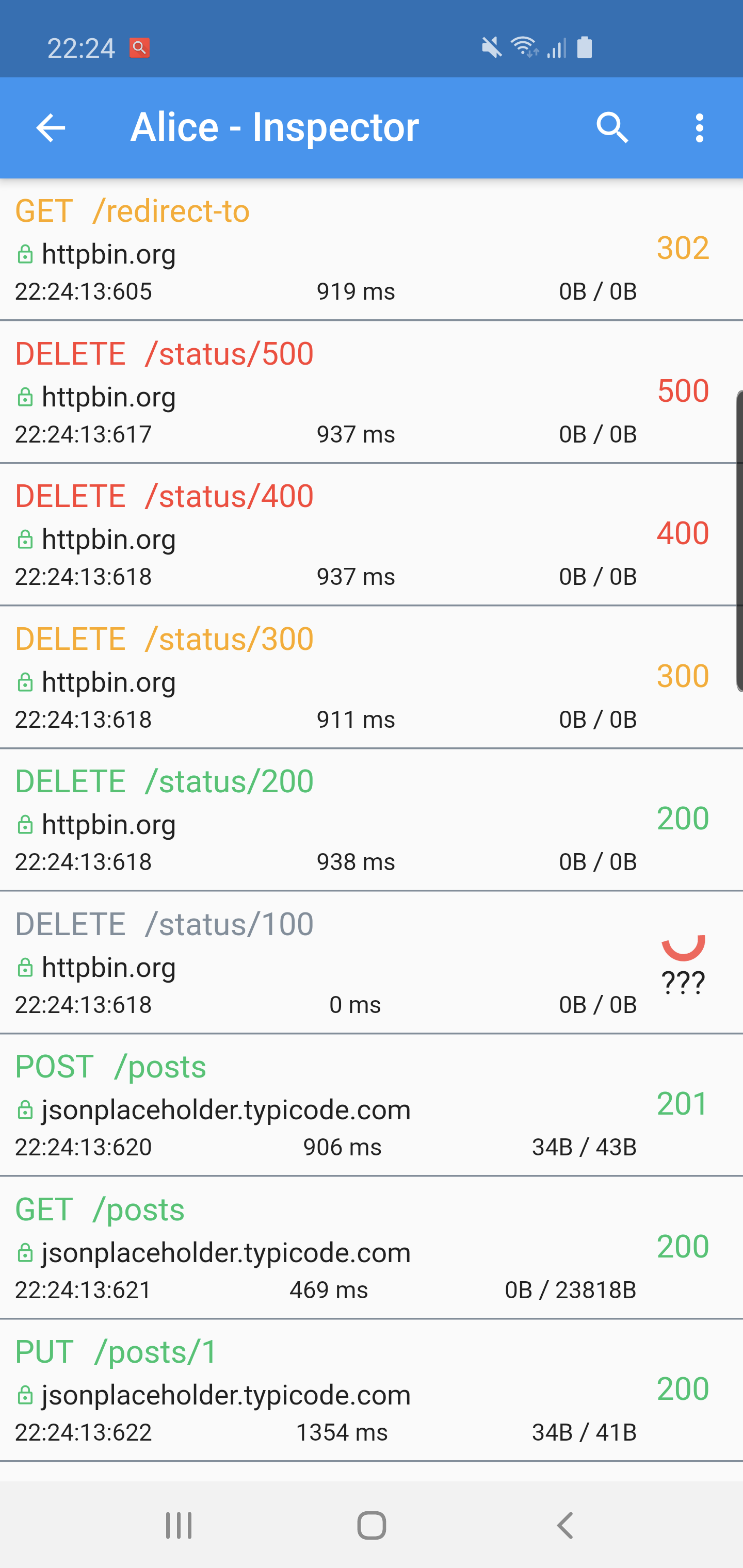
✔️ Inspector UI for viewing HTTP calls
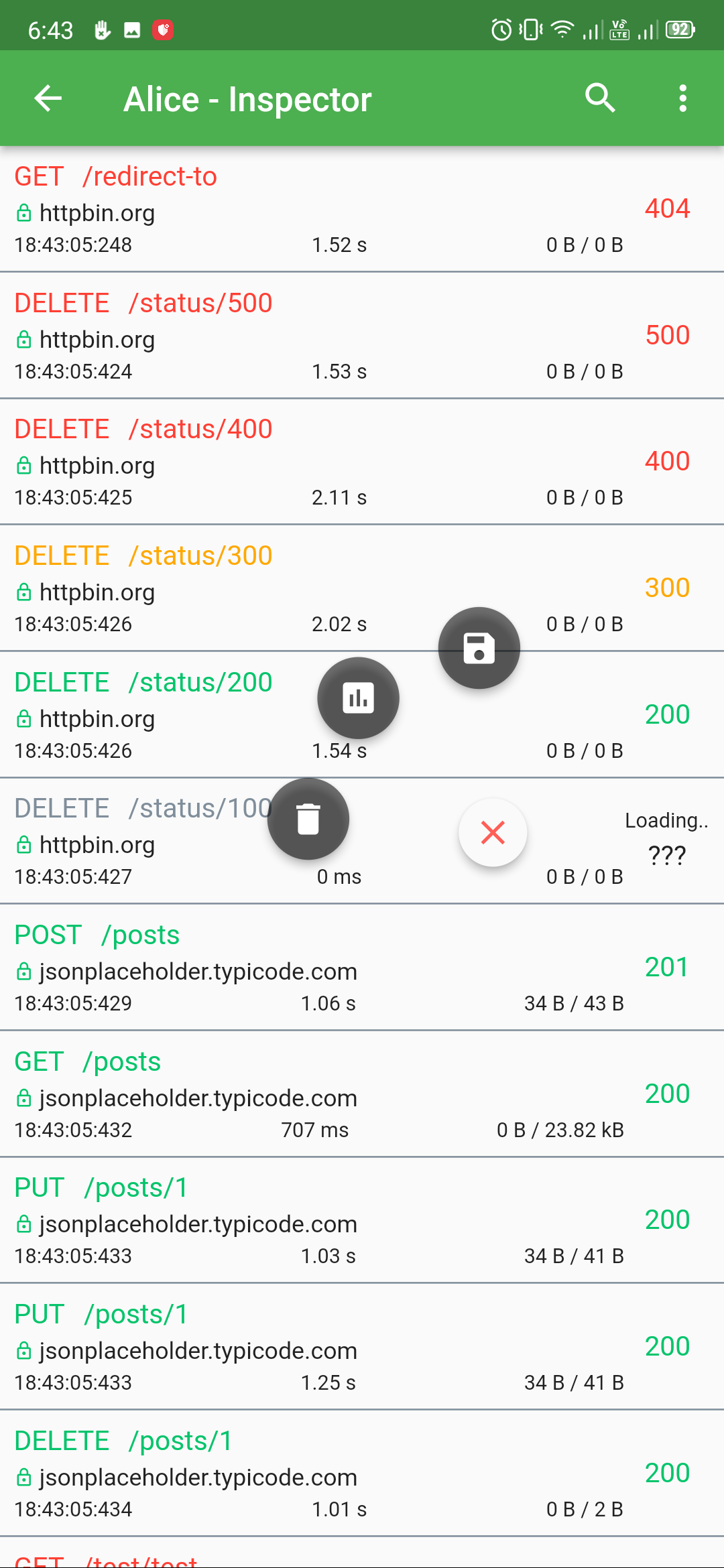
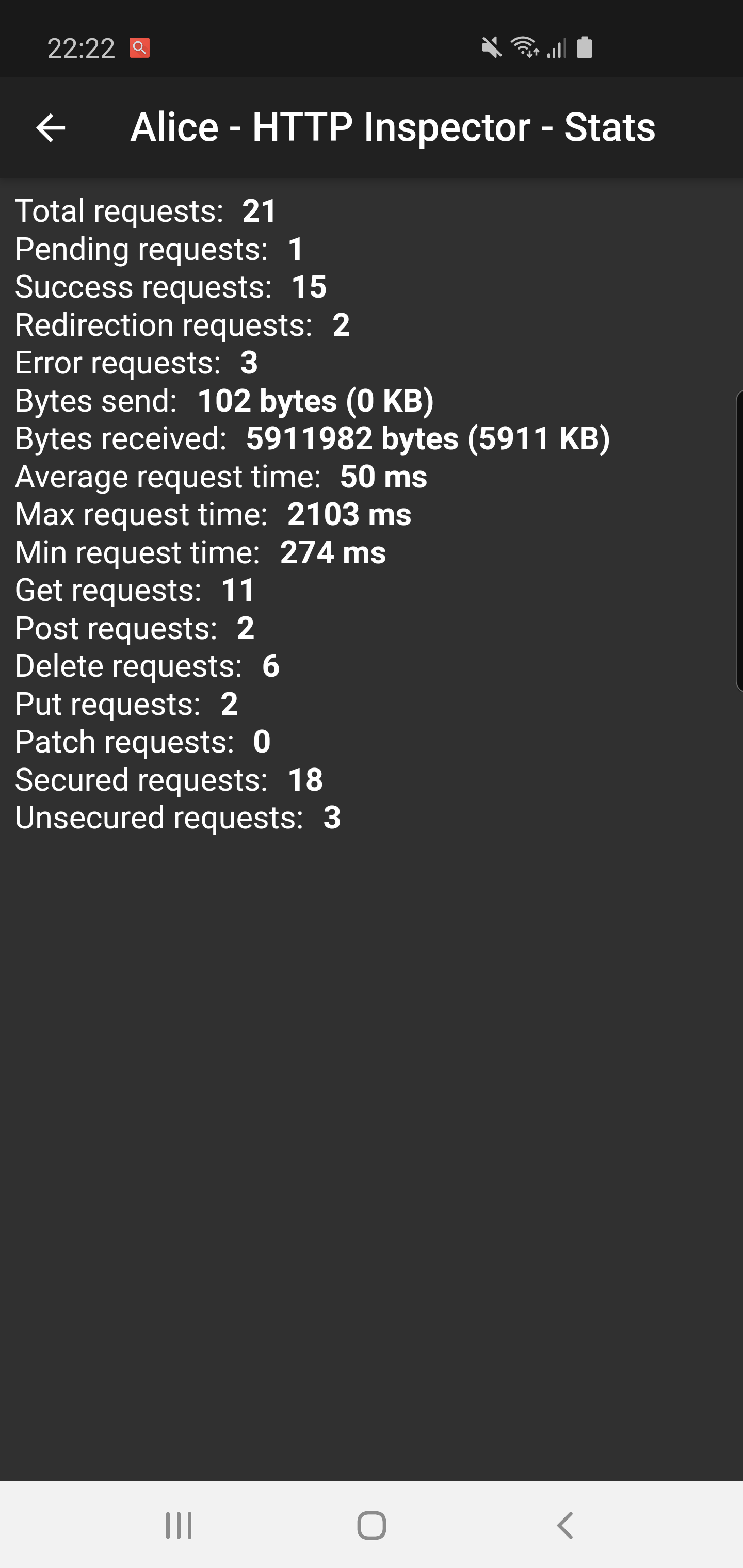
✔️ Statistics
✔️ Support for top used HTTP clients in Dart
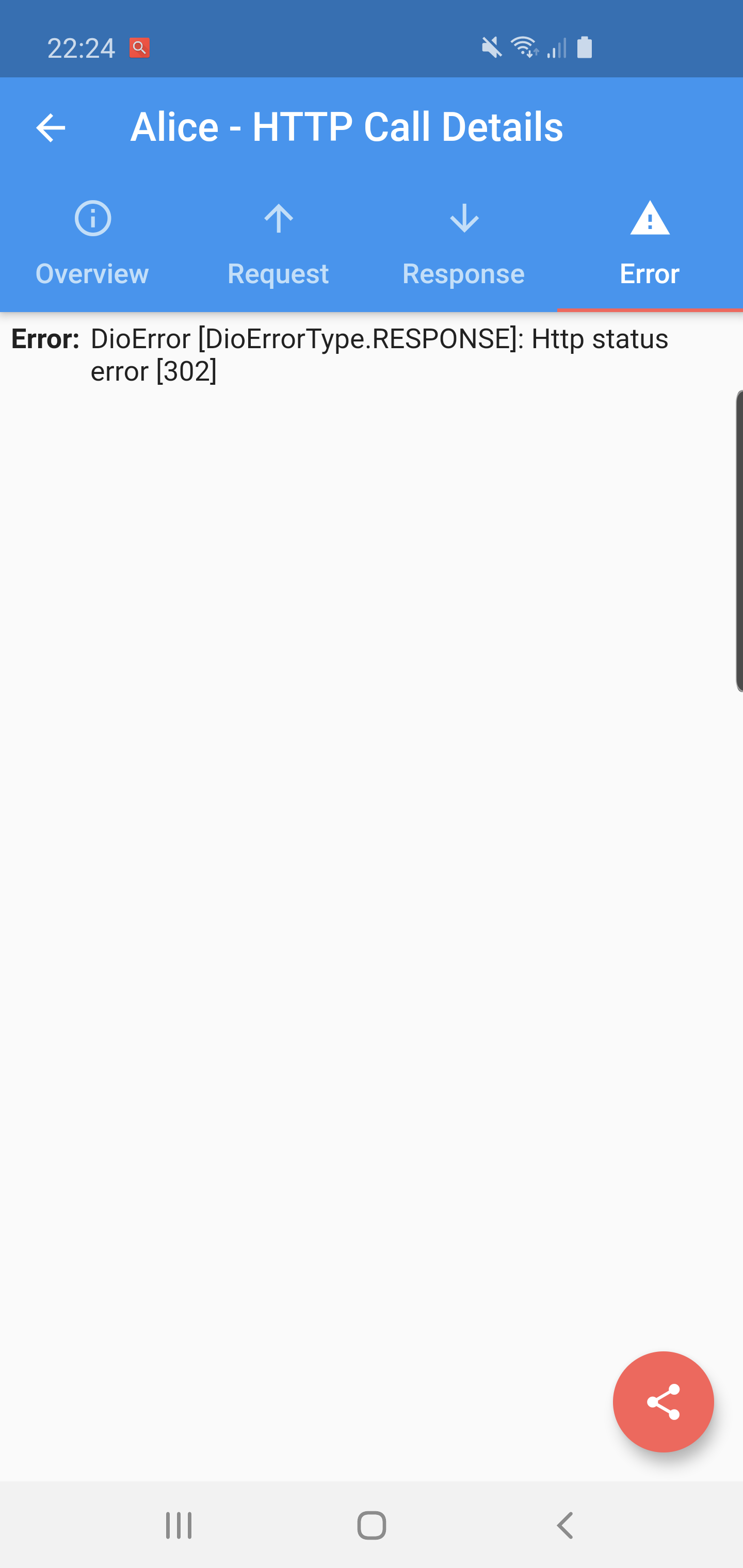
✔️ Error handling
✔️ HTTP calls search
✔️ Bubble overlay entry
Install
Add this to your pubspec.yaml file:
dependencies:flutter_alice:^1.0.1
Install it
$ flutter pub get
Import it
import'package:flutter_alice/alice.dart';
Usage
Alice configuration
Create Alice instance:
// Define a navigator keyfinal navigatorKey = GlobalKey<NavigatorState>();
// Create Alice with the navigator keyfinal alice = Alice(navigatorKey: navigatorKey);
final dio = Dio();
dio.interceptors.add(alice.getDioInterceptor());
For HTTP package
You can use extension methods for cleaner code:
// Import extensionsimport'package:flutter_alice/core/alice_http_extensions.dart';
// Use extension methods
http
.get(Uri.parse('https://jsonplaceholder.typicode.com/posts'))
.interceptWithAlice(alice);
// For POST requests with body
http
.post(Uri.parse('https://jsonplaceholder.typicode.com/posts'), body: body)
.interceptWithAlice(alice, body: body);
Or use the standard approach:
http.get(Uri.parse('https://jsonplaceholder.typicode.com/posts')).then((response) {
  alice.onHttpResponse(response);
});

// For POST requests with body
http.post(Uri.parse('https://jsonplaceholder.typicode.com/posts'), body: body).then((response) {
  alice.onHttpResponse(response, body: body);
});
For HttpClient from dart:io
You can use extension methods:
// Import extensionsimport'package:flutter_alice/core/alice_http_client_extensions.dart';
// Use extension methods
httpClient
.getUrl(Uri.parse("https://jsonplaceholder.typicode.com/posts"))
.interceptWithAlice(alice);
// For POST requests with body
httpClient
.postUrl(Uri.parse("https://jsonplaceholder.typicode.com/posts"))
.interceptWithAlice(alice, body: body, headers: Map());
### Opening the InspectorYou can open the inspector UI in different ways:
```dart
// Open directlyElevatedButton(
child: Text("Open Inspector"),
onPressed: alice.showInspector,
)
// Or call from anywhere in your code
alice.showInspector();









 v3.0.0