

 v4.0.0
shimmer
Ein Paket bietet eine einfache Möglichkeit, einen Shimmer-Effekt in einem Flutter-Projekt hinzuzufügen
5460Likes 1,7 Mio.30-Tage-Downloads160Pub-Punkte
AndroidiOSWebmacOSWindowsLinux
Ein Paket bietet eine einfache Möglichkeit, einen Shimmer-Effekt in einem Flutter-Projekt hinzuzufügen

Englischer Projektschnappschuss. Aktuelle Inhalte auf GitHub.


A lightweight Flutter widget that paints a moving highlight over placeholder UI. Typical uses are skeleton screens while data loads, and a sliding highlight on a call to action.
dependencies:
  shimmer: ^4.0.0
  material_ui: ^1.0.1
shimmer 4.0 uses Flutter's standalone material_ui package (Flutter 3.44+). Apps that still import package:flutter/material.dart can wrap those subtrees in MaterialUiCompatibilityBridge.
import 'package:material_ui/material_ui.dart';
import 'package:shimmer/shimmer.dart';
Shimmer.fromColors is the usual constructor. Build the child from solid
shapes (Container, Row, Column). The gradient replaces those colors;
transparent pixels stay transparent.
Shimmer.fromColors(
  baseColor: Colors.grey.shade300,
  highlightColor: Colors.grey.shade100,
  child: Column(
    children: [
      Container(height: 200, color: Colors.white),
      const SizedBox(height: 16),
      Container(height: 12, color: Colors.white),
      const SizedBox(height: 8),
      Container(height: 12, width: 200, color: Colors.white),
    ],
  ),
);
Dark theme:
Shimmer.fromColors(
  baseColor: Colors.grey.shade800,
  highlightColor: Colors.grey.shade600,
  child: placeholder,
);
Use the default constructor when you need a RadialGradient, SweepGradient,
or a LinearGradient that follows Theme.
Shimmer(
  gradient: LinearGradient(
    colors: [
      Theme.of(context).colorScheme.surfaceContainerHighest,
      Theme.of(context).colorScheme.surface,
      Theme.of(context).colorScheme.surfaceContainerHighest,
    ],
    stops: const [0.35, 0.5, 0.65],
  ),
  child: placeholder,
);
Shimmer.fromColors(
  direction: ShimmerDirection.rtl,
  period: const Duration(milliseconds: 1200),
  loop: 0, // 0 = forever
  enabled: isLoading,
  baseColor: Colors.grey.shade300,
  highlightColor: Colors.grey.shade100,
  child: placeholder,
);
| Parameter | Default | Role |
|---|---|---|
child |
required | Opaque area the highlight is blended onto |
gradient |
required* | Highlight colors (fromColors builds this for you) |
direction |
ltr |
ltr, rtl, ttb, btt |
period |
1500ms |
Duration of one pass |
loop |
0 |
Passes before stopping; 0 repeats forever |
enabled |
true |
false pauses the animation |
*Required on Shimmer(...). Shimmer.fromColors takes baseColor and
highlightColor instead.
Shimmer, not one Shimmer per row.child simple and static. Fancy widgets (images, text with decoration,
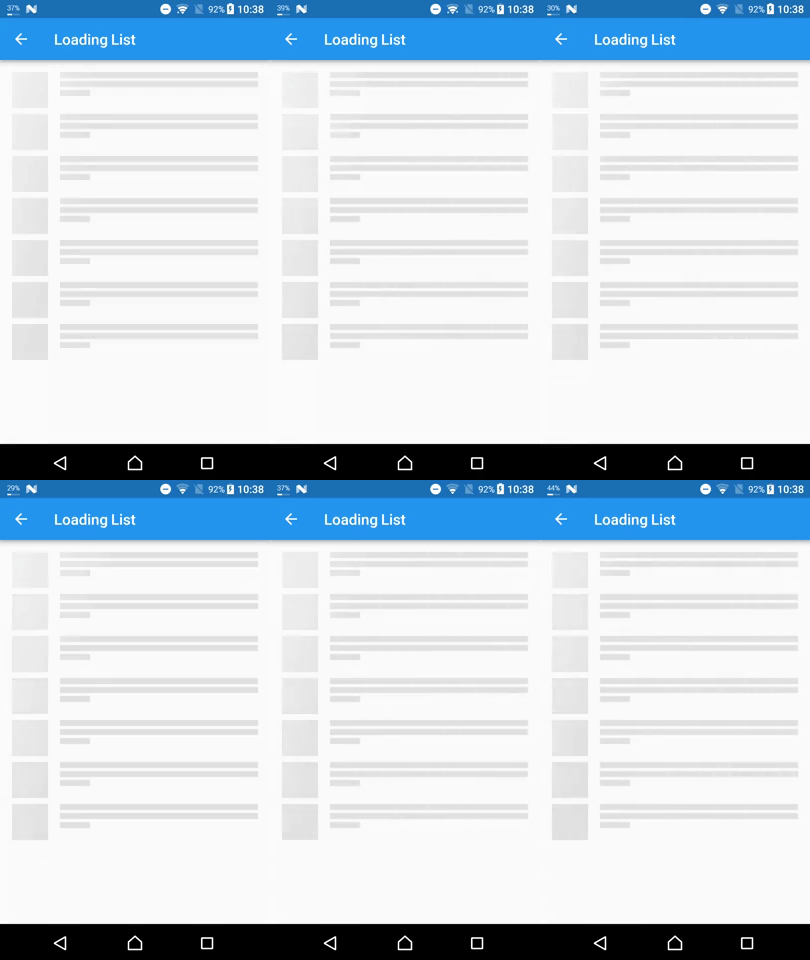
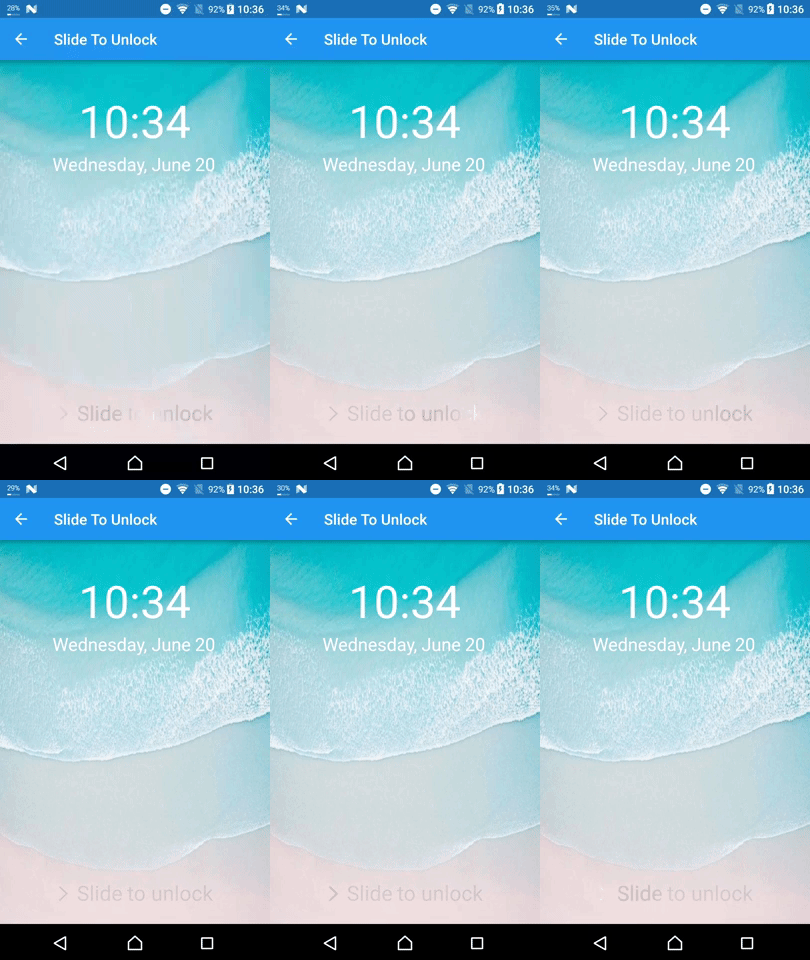
elevation) often look wrong because the shader replaces their colors.enabled to false when loading finishes so the ticker stops.The example/ app shows a loading list and a “slide to unlock” highlight.
From the repository root:
cd example && flutter run
Shimmer drives an AnimationController and paints a ShaderMaskLayer over
the child (BlendMode.srcIn). The highlight rectangle is three times the
child size so the band can travel fully across the widget.
Project internals, tests, and further optimization notes live in
docs/overview.md and
docs/optimization.md.
Abhängigkeiten 3 Einträge
{"sdk":"flutter"}^1.0.1{"sdk":"flutter"}Nach Anwendungsfall filtern, Aktivität vergleichen und vor der Nutzung das Originalprojekt prüfen.
“A repository is the most basic element of GitHub.”
GitHub Docs — About repositories ↗