FireNoti ist eine auf Flutter basierende Mobile-Anwendung, die durch Echtzeit-Push-Benachrichtigungen mithilfe von Firebase Cloud Messaging (FCM) die Benutzerbeteiligung verbessert. Dieses Projekt bietet eine nahtlose Benachrichtigungserfahrung, indem Benutzer sofortige Warnungen und Updates auf ihren Geräten erhalten.
Englischer Projektschnappschuss. Aktuelle Inhalte auf GitHub.
FireNoti
FireNoti is a Flutter-based mobile application that leverages Firebase Cloud Messaging (FCM) for sending and managing push notifications. This project aims to provide a seamless notification experience by integrating Firebase FCM, enabling real-time alerts and updates for users.
git clone https://github.com/Puneetsharma5525/Fire-Noti.git
cd FireNoti
Android Output
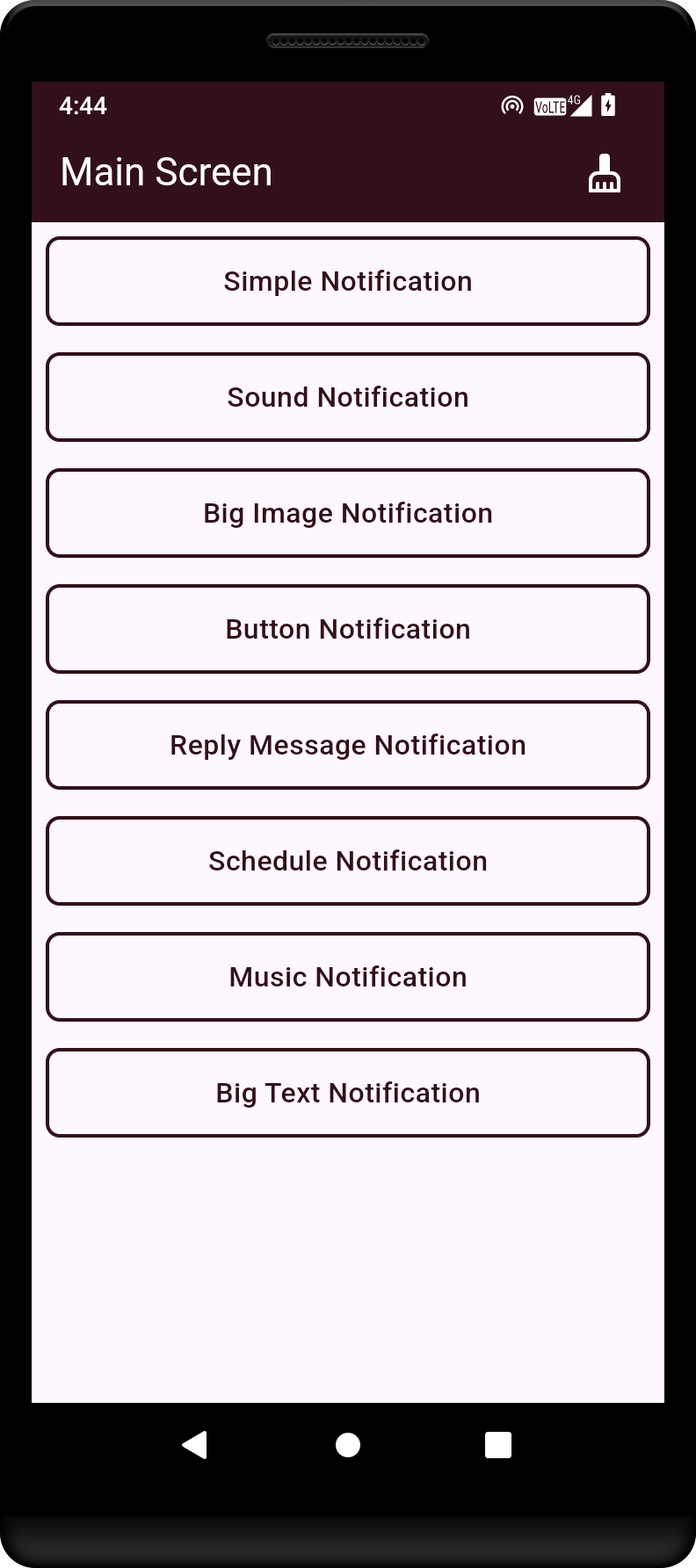
This is the main screen of the Flutter application, showcasing the primary user interface.
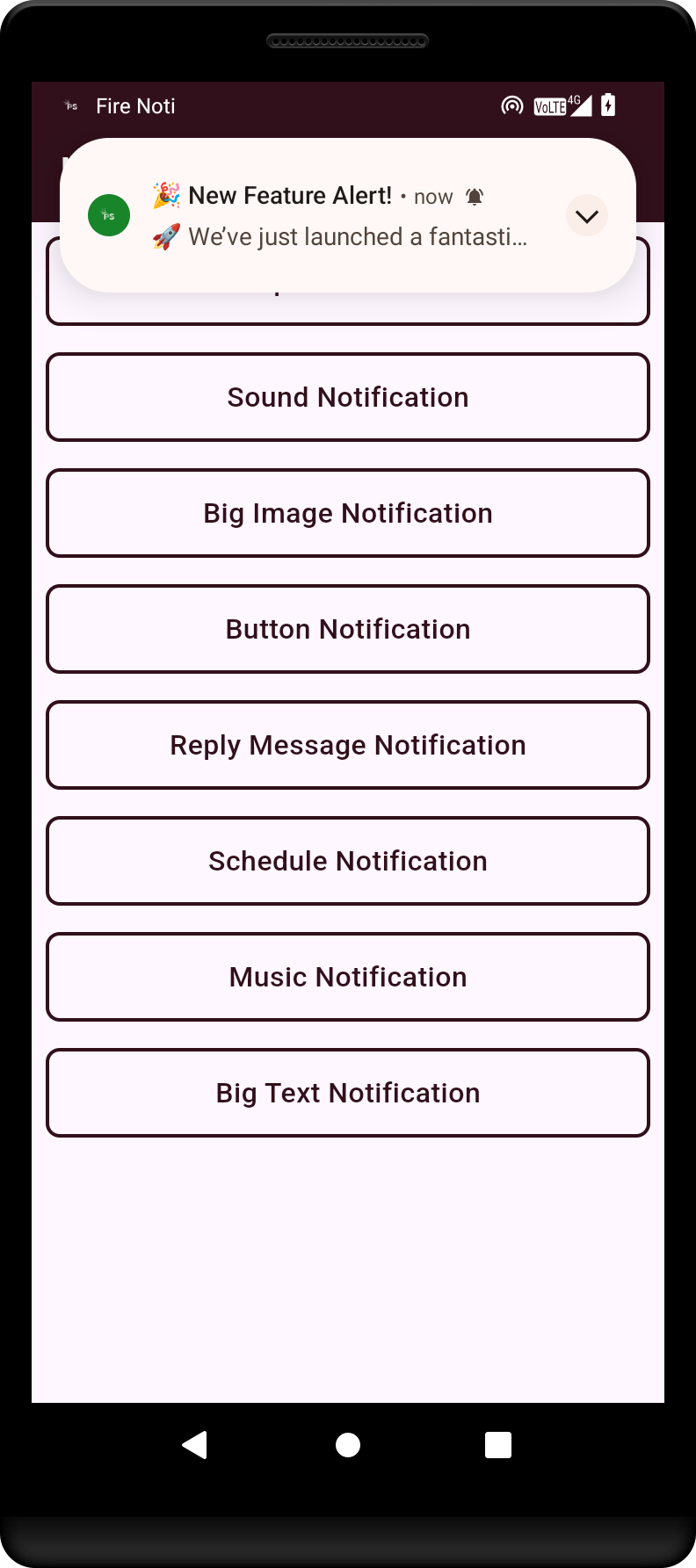
Example of a simple notification that alerts the user to a new message or event.
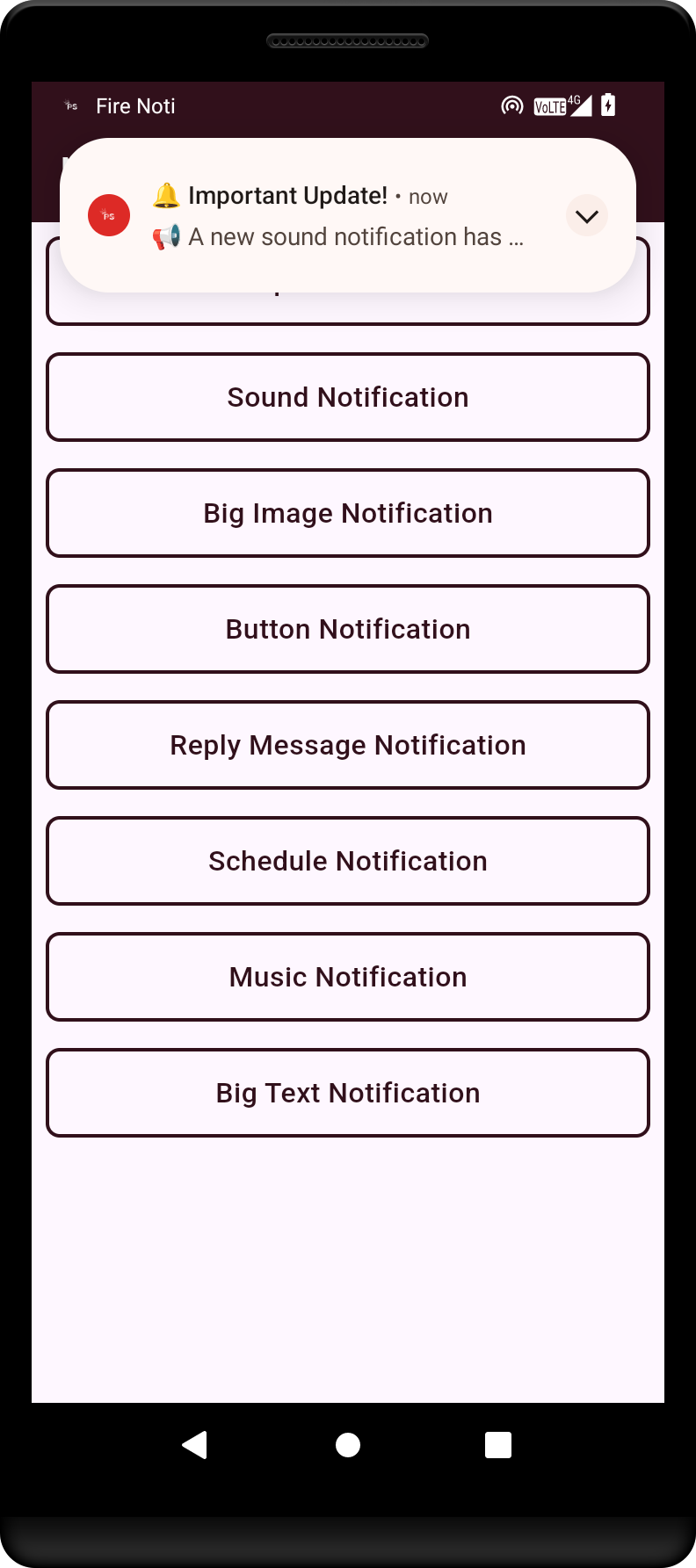
Demonstration of a notification with sound, enhancing user engagement through audio cues.
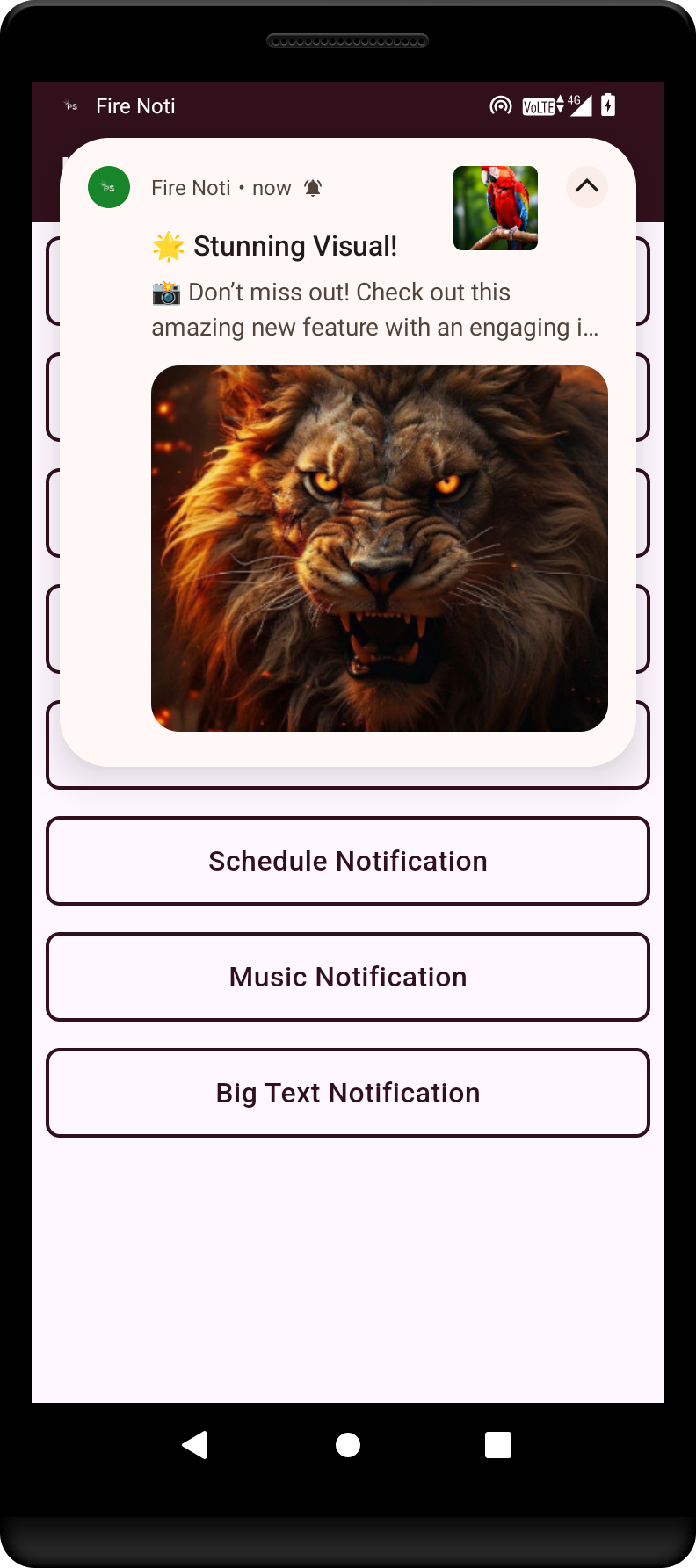
An example of a big image notification.
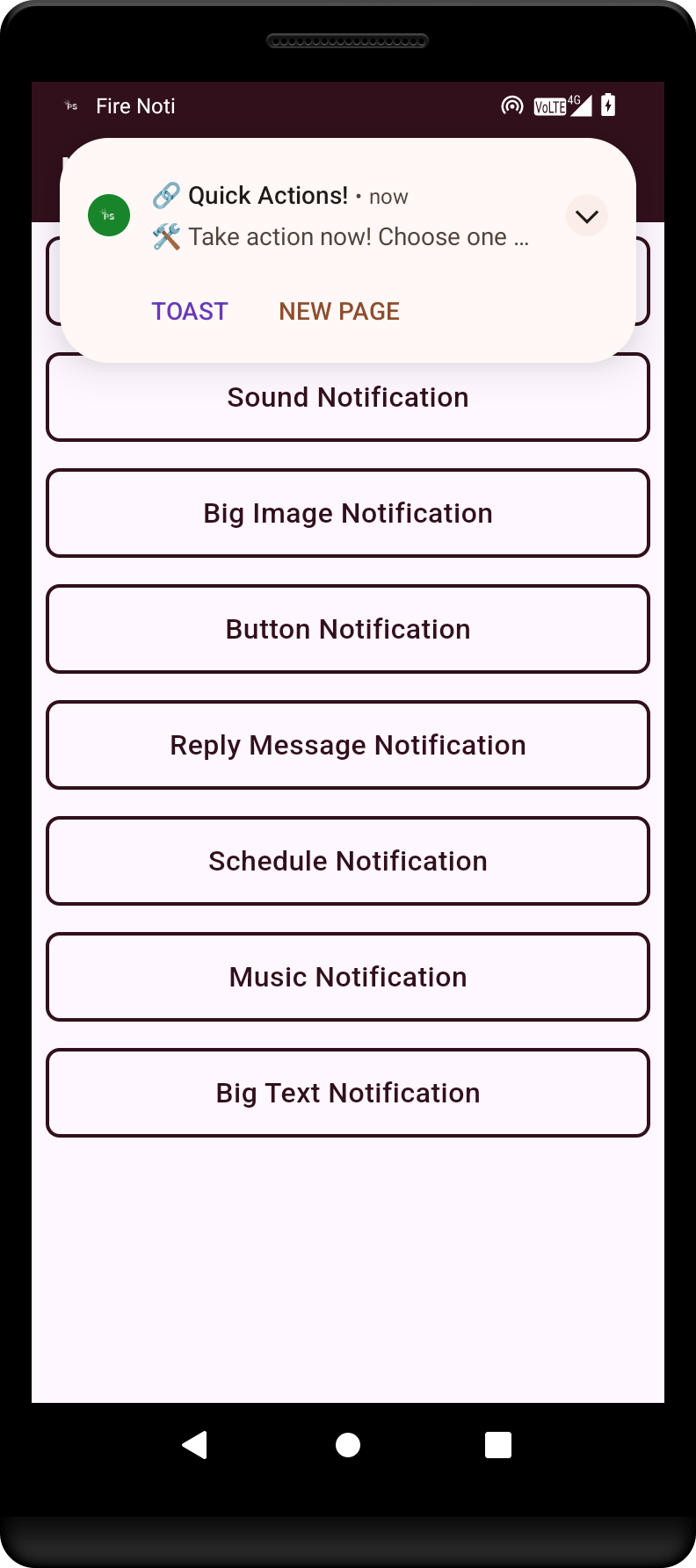
Illustration of a notification featuring action buttons, allowing users to respond directly from the notification.
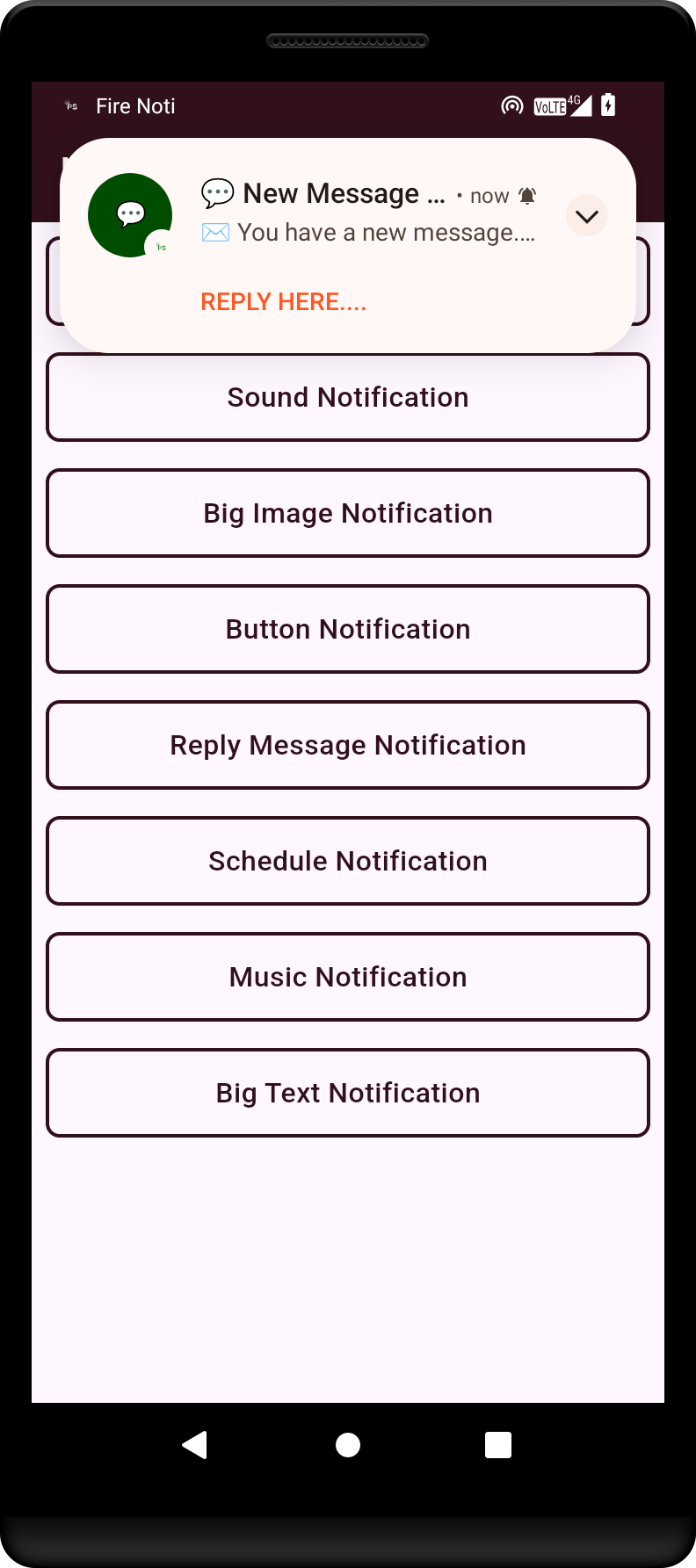
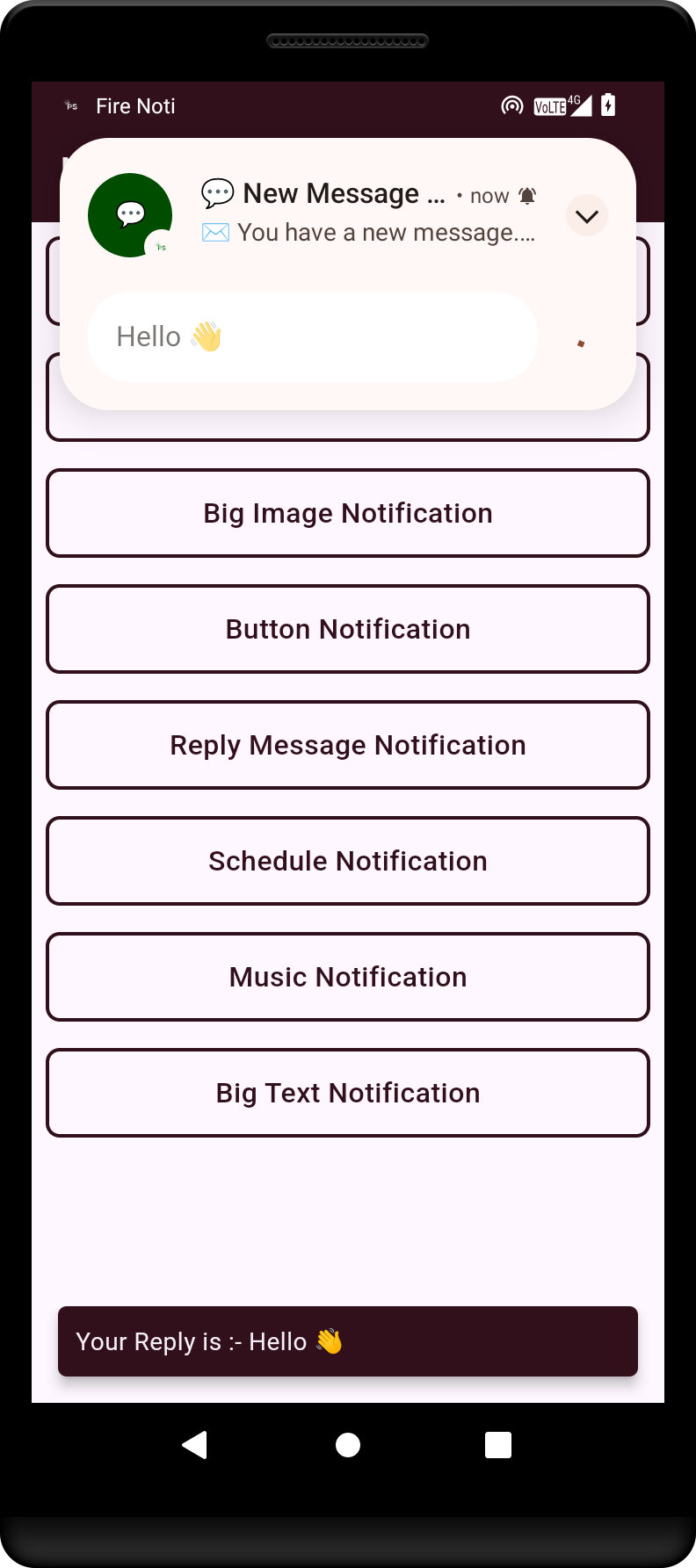
This shows a reply notification, enabling users to quickly respond to messages without opening the app.
Example of a chat message notification, indicating new messages from contacts.
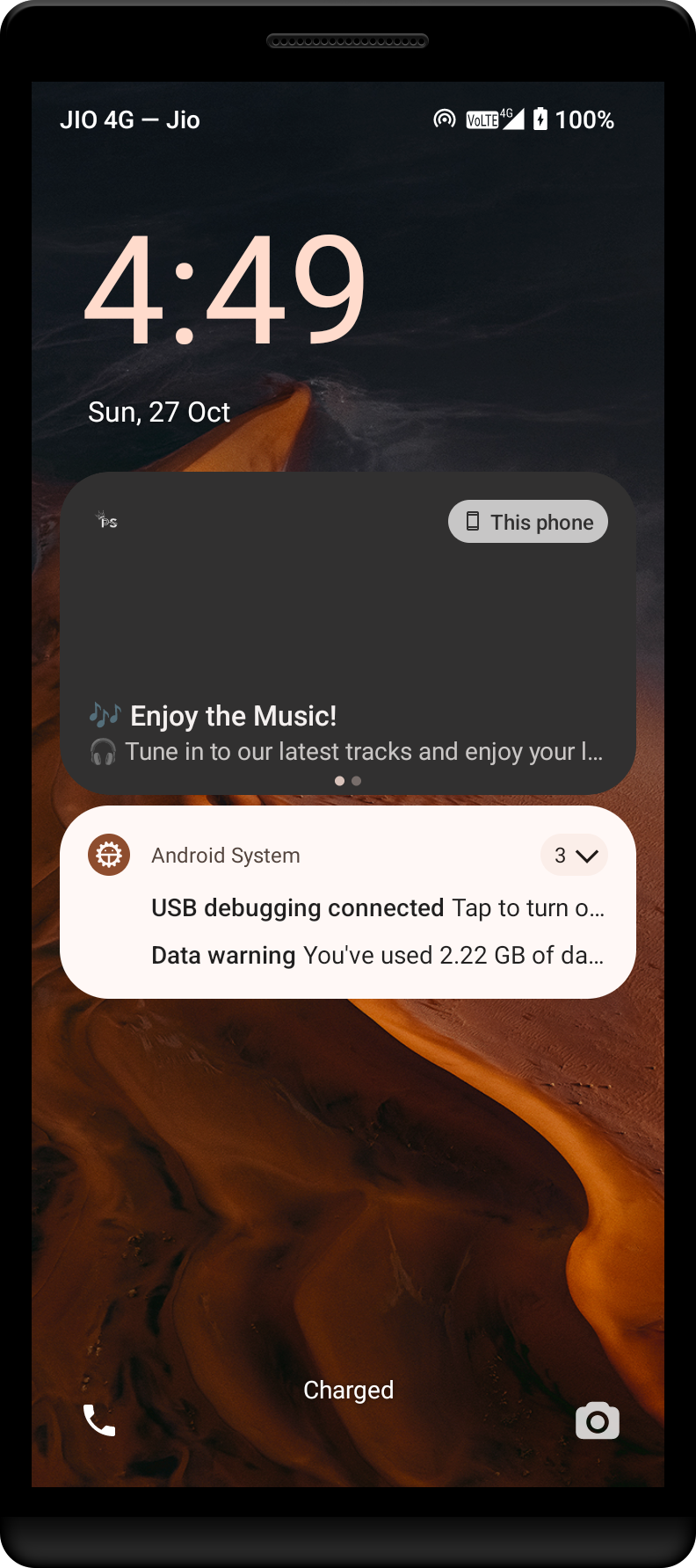
Music notification showing playback controls and information about the currently playing track.
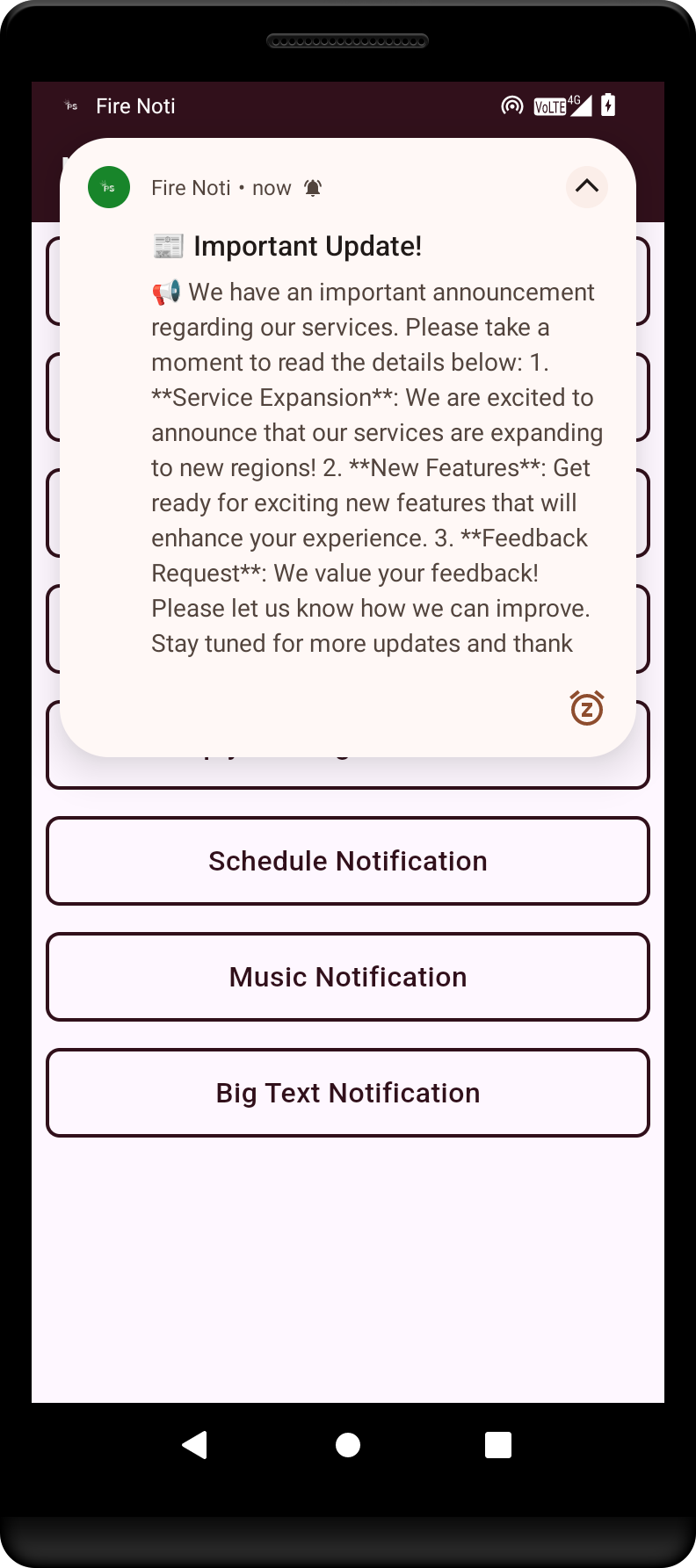
A big text notification that provides detailed information and context to the user.
Simulator Output
1. Home Screen with App Icon and Badge
The main home screen of the app displays the **FireNoti** app icon, app name, and notification badge on iOS.
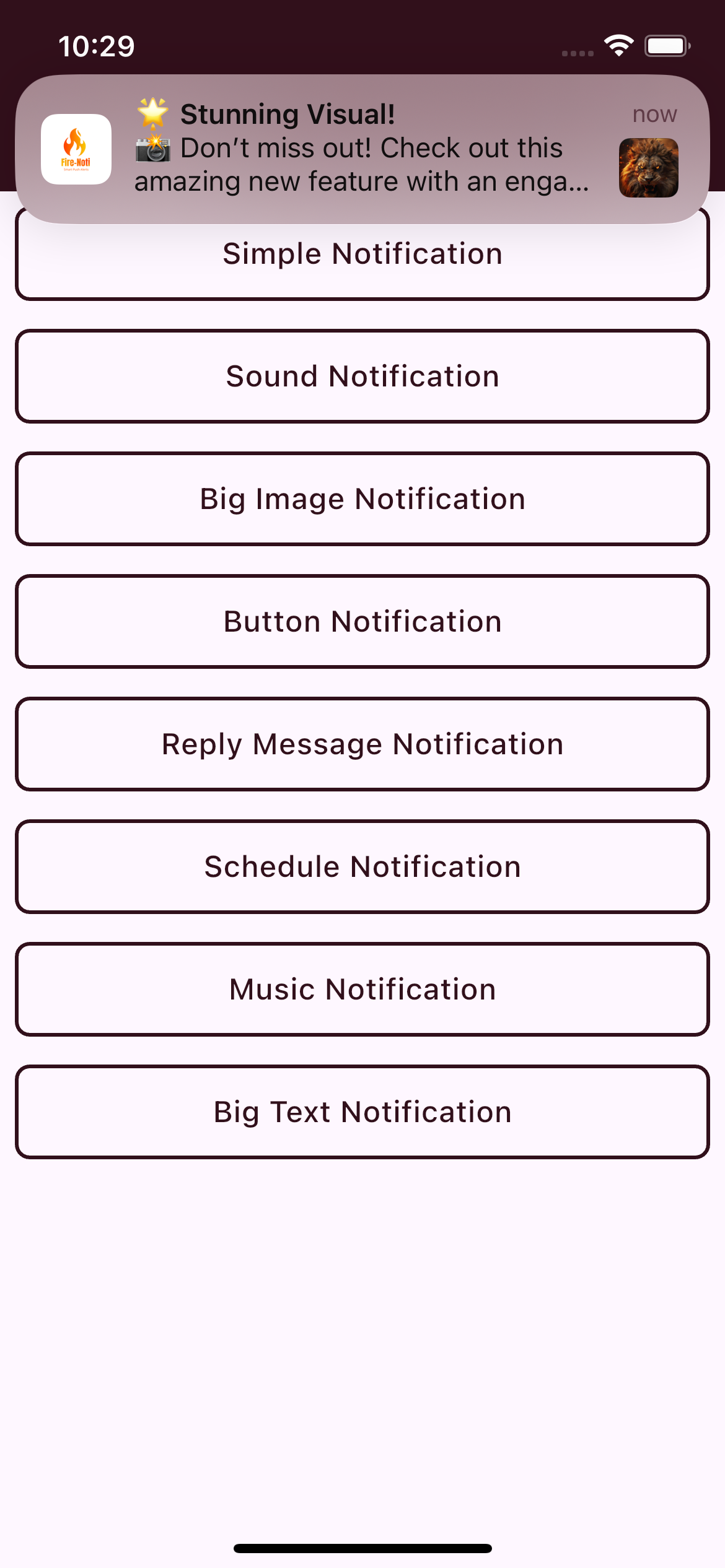
2. Notification with Image
This shows a Flutter alert notification featuring an image alongside the notification message on iOS.
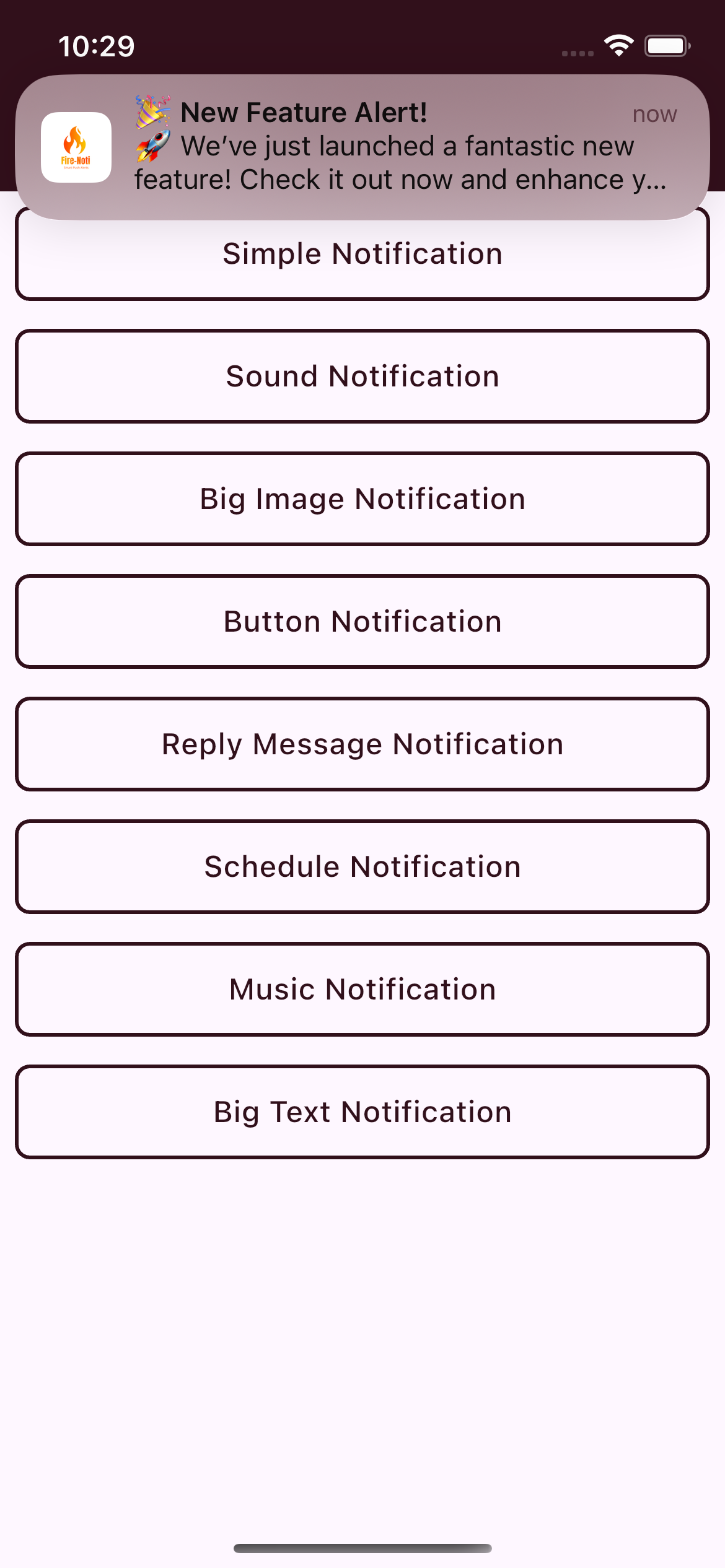
3. Notification with Logo and Image
Here, the notification displays both a logo and a large image, providing a rich notification experience on iOS.
4. Home Screen with Various Notification Types
The app's home screen demonstrates different notification types available on iOS, including:
- Simple Notification
- Sound Notification
- Big Image Notification
- Button Notification
- Reply Message Notification
- Scheduled Notification
- Music Notification
- Big Text Notification


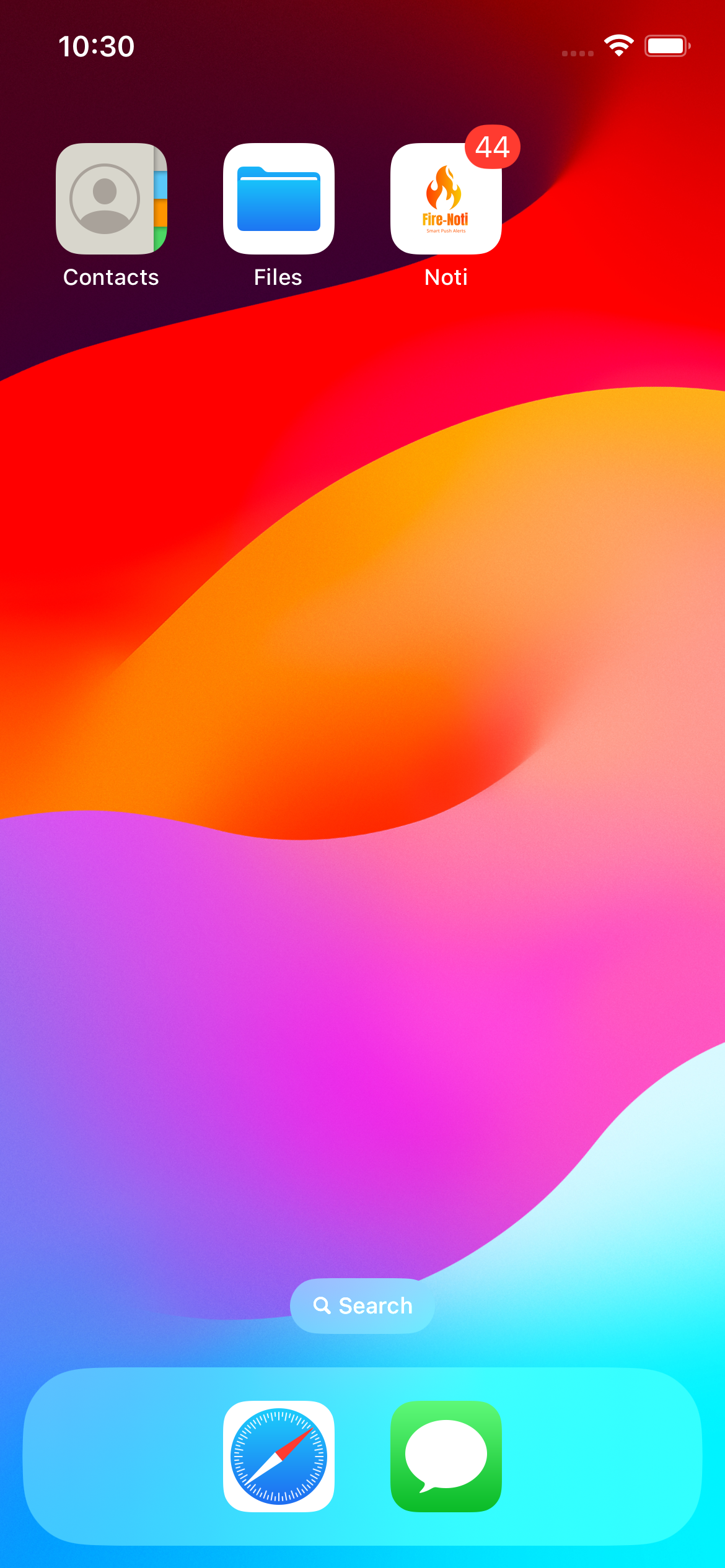 The main home screen of the app displays the **FireNoti** app icon, app name, and notification badge on iOS.
 This shows a Flutter alert notification featuring an image alongside the notification message on iOS.
 Here, the notification displays both a logo and a large image, providing a rich notification experience on iOS.
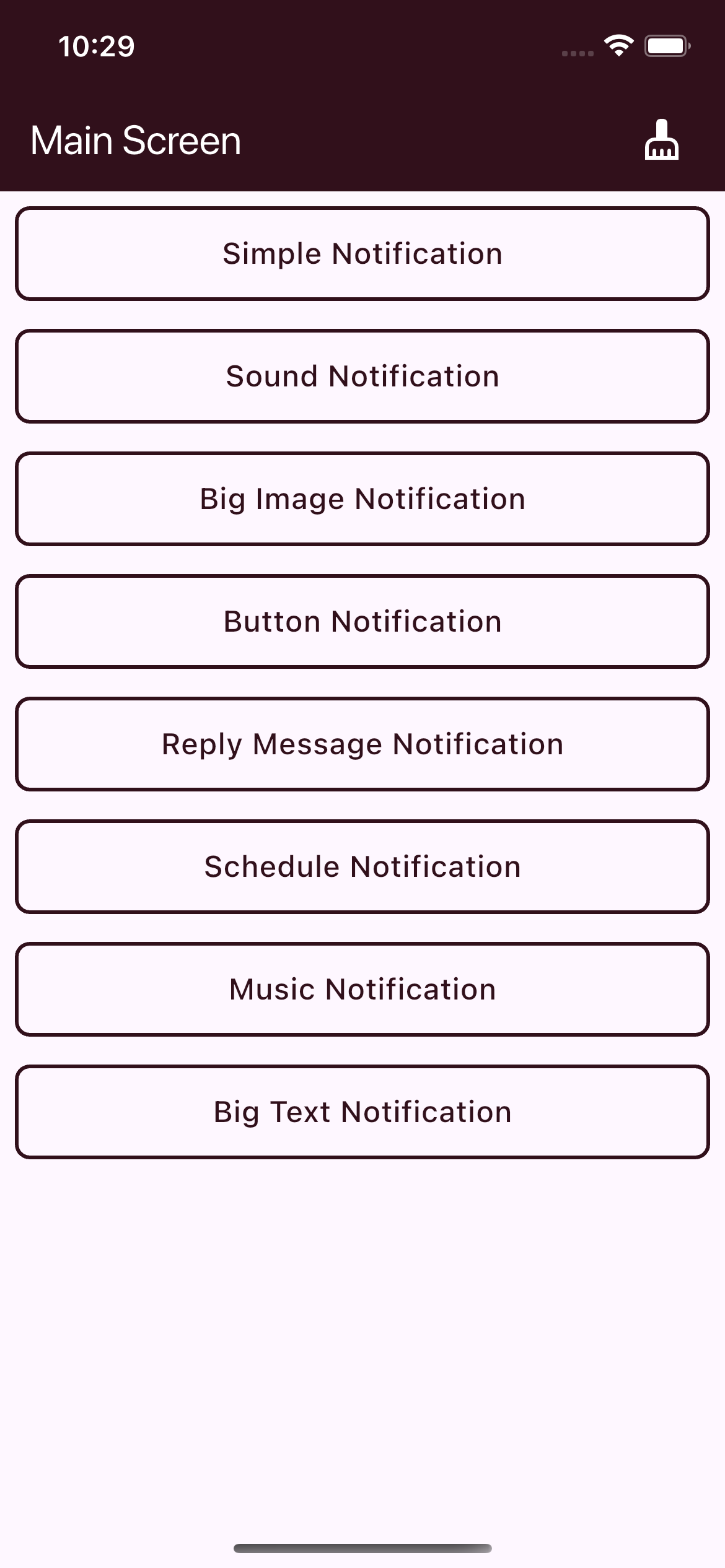 The app's home screen demonstrates different notification types available on iOS, including:
- Simple Notification
- Sound Notification
- Big Image Notification
- Button Notification
- Reply Message Notification
- Scheduled Notification
- Music Notification
- Big Text Notification

 v0.12.1