Englischer Projektschnappschuss. Aktuelle Inhalte auf GitHub.
Simple Animated Introduction Screen for Flutter
Features
Add this to your flutter app to get a simple animated introduction screen.
Getting started
Add this to your package's pubspec.yaml file:
dependencies:
  animated_introduction: ^1.0.3
Usage
Import the package
import 'package:animated_introduction/animated_introduction.dart';
Create a list of SingleIntroScreen objects
final List<SingleIntroScreen> pages = [
  const SingleIntroScreen(
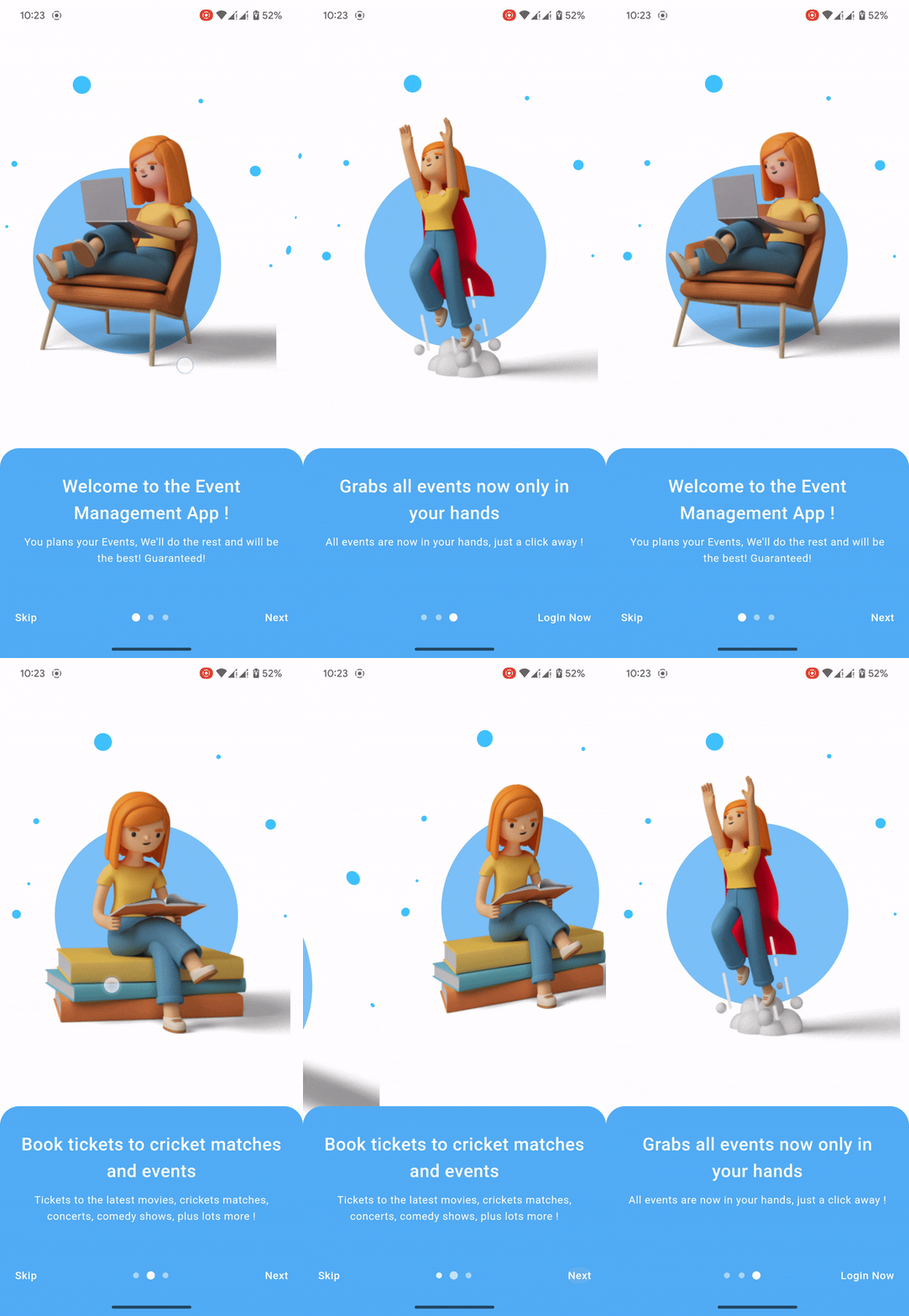
    title: 'Welcome to the Event Management App !',
    description: 'You plans your Events, We\'ll do the rest and will be the best! Guaranteed!  ',
    imageAsset: 'assets/onboard_one.png',
  ),
  const SingleIntroScreen(
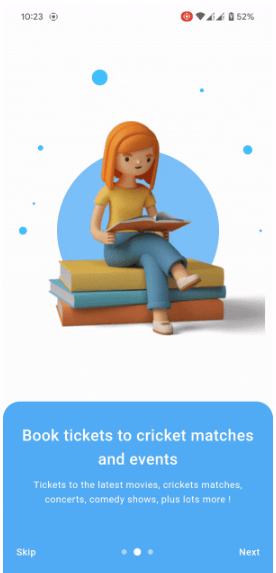
    title: 'Book tickets to cricket matches and events',
    description: 'Tickets to the latest movies, crickets matches, concerts, comedy shows, plus lots more !',
    imageAsset: 'assets/onboard_two.png',
  ),
  const SingleIntroScreen(
    title: 'Grabs all events now only in your hands',
    description: 'All events are now in your hands, just a click away ! ',
    imageAsset: 'assets/onboard_three.png',
  ),
];
Pass the list to AnimatedIntroduction widget
Scaffold(
body: AnimatedIntroduction(
slides: pages,
indicatorType: IndicatorType.circle,
onDone: () {
},
),
);


 v1.0.4