
 v5.0.0
in_app_update
Aktiviert In-App-Updates auf Android mithilfe der offiziellen Android-APIs.
1310Likes 375.00030-Tage-Downloads160Pub-Punkte
Android
Flutter-Plugin: Ermöglicht In-App-Aktualisierungen unter Android mithilfe der offiziellen Android-APIs.
Englischer Projektschnappschuss. Aktuelle Inhalte auf GitHub.

Maintained by Jonas Bark
Enables In App Updates on Android using the official Android APIs.
https://developer.android.com/guide/app-bundle/in-app-updates
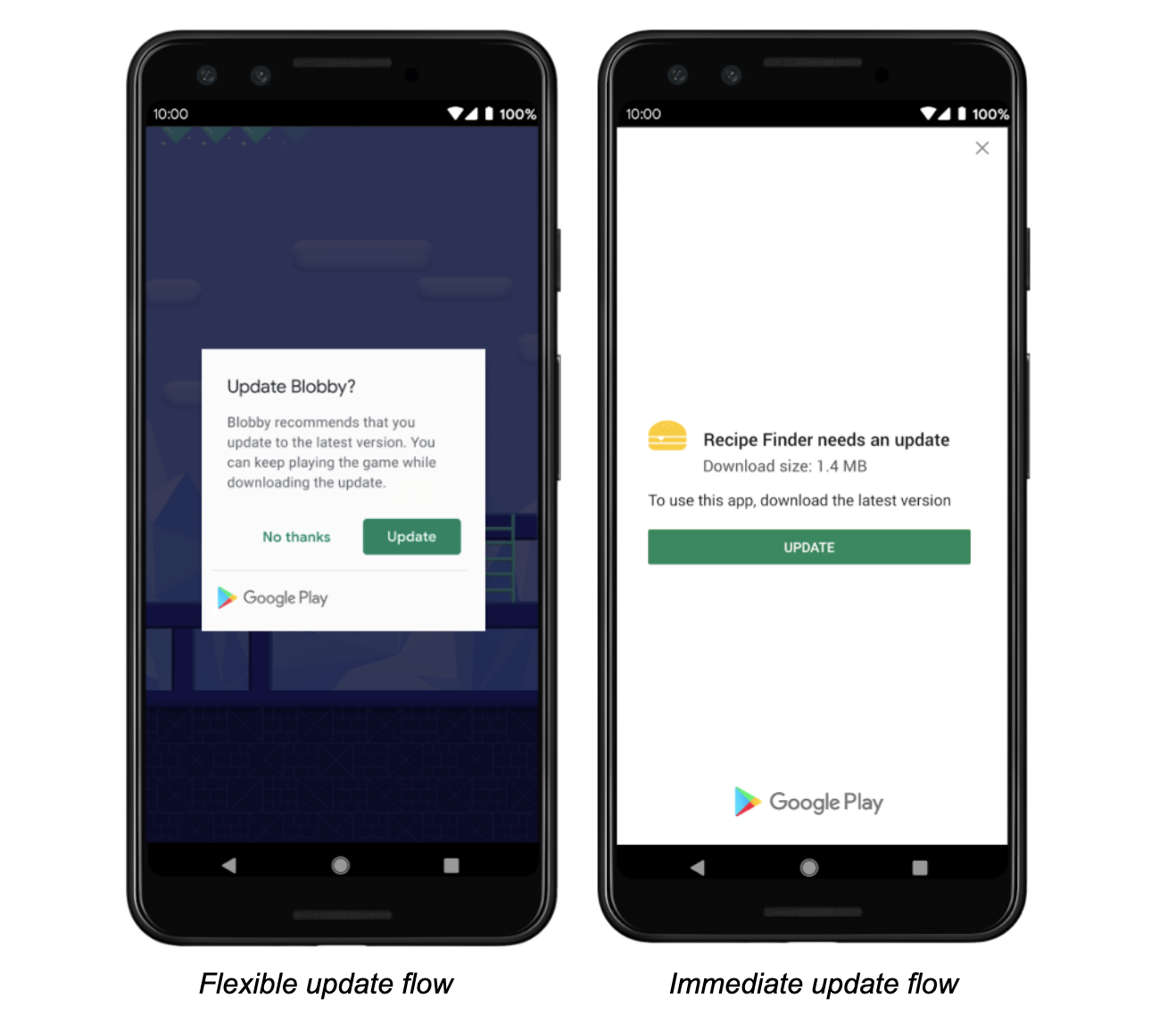
The following methods are exposed:
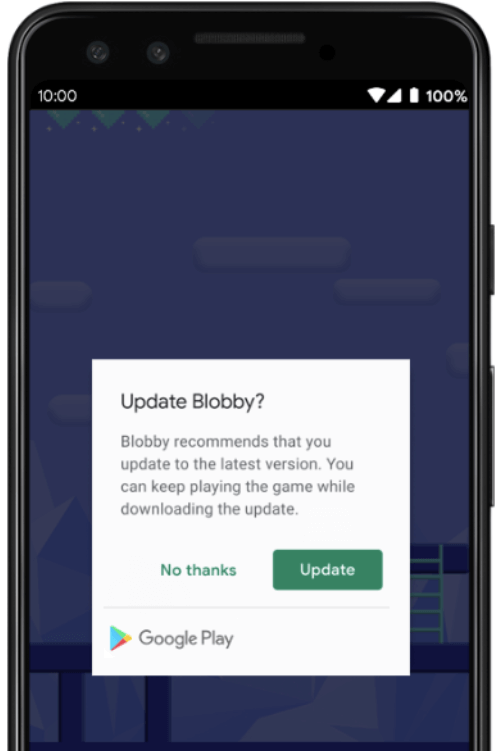
Future<AppUpdateInfo> checkForUpdate(): Checks if there's an update availableFuture<void> performImmediateUpdate(): Performs an immediate update (full-screen)Future<void> startFlexibleUpdate(): Starts a flexible update (background download)Future<void> completeFlexibleUpdate(): Actually installs an available flexible updatePlease have a look in the example app on how to use it!
This plugin integrates the official Android APIs to perform in app updated that were released in 2019: https://developer.android.com/guide/app-bundle/in-app-updates
iOS does not offer such a functionality. You might want to look into e.g. https://pub.dev/packages/upgrader. If you call the methods above on a iOS device you'll run into a not-implemented exception.
Be aware that this plugin cannot be tested locally. It must be installed via Google Play to work. Please check the official documentation about In App Updates from Google:
https://developer.android.com/guide/playcore/in-app-updates/test
In App Updates are only available from API Versions >= 21, as mentioned here.

Abhängigkeiten 2 Einträge
{"sdk":"flutter"}{"sdk":"flutter"}Nach Anwendungsfall filtern, Aktivität vergleichen und vor der Nutzung das Originalprojekt prüfen.
“A repository is the most basic element of GitHub.”
GitHub Docs — About repositories ↗