

v0.0.2
progressive_blur
(Experimentell) Fortschreitende Blur-Implementierung in Flutter.
68Likes 21.50030-Tage-Downloads160Pub-Punkte
AndroidiOSWebmacOSWindowsLinux
Progressive-Blur-Implementierung in Flutter

Englischer Projektschnappschuss. Aktuelle Inhalte auf GitHub.
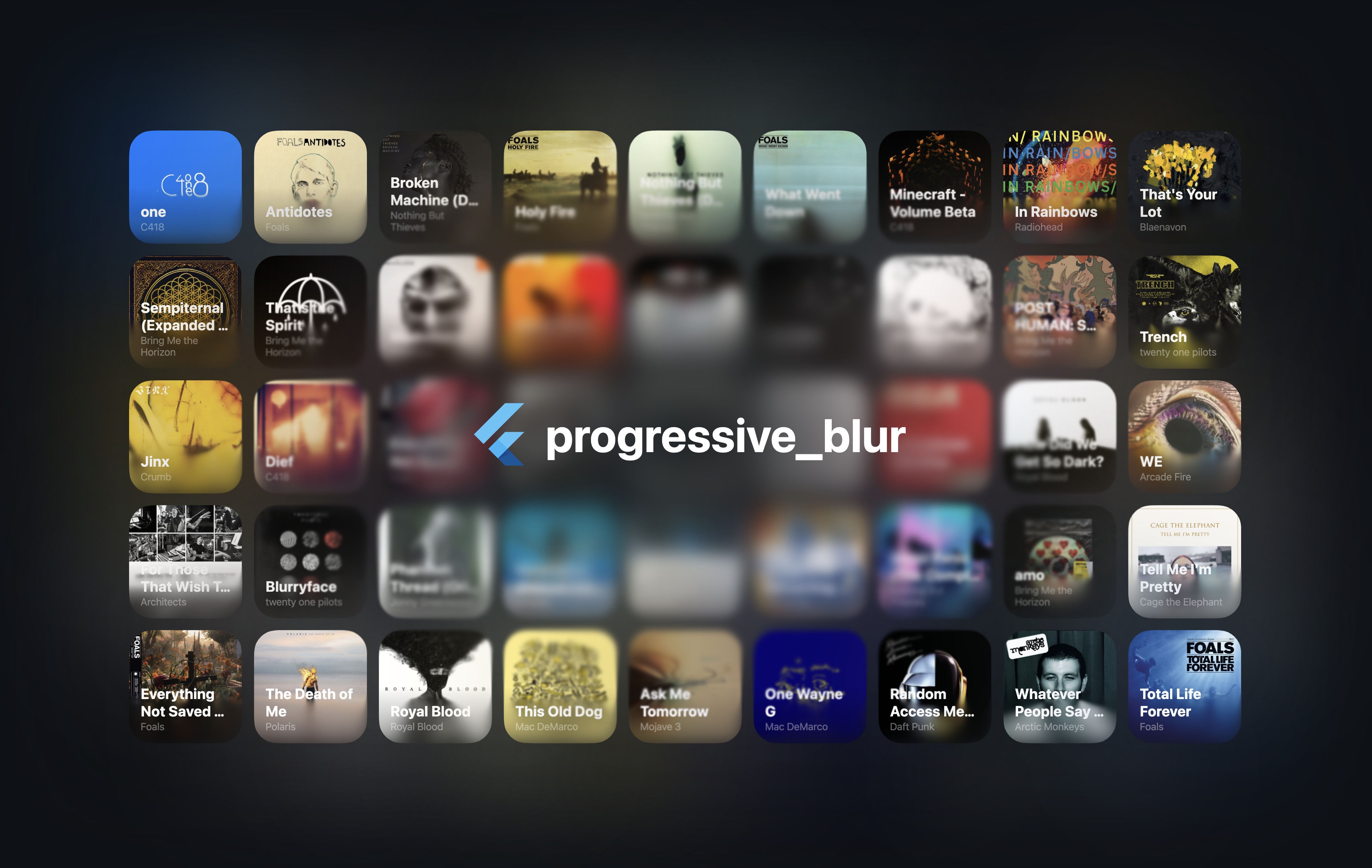
[!NOTE] Early version of the project. The performance may be suboptimal, and the APIs may change in the future.
An iOS-like progressive blur implementation for Flutter.
See the example folder for a complete example.
[!CAUTION] The CanvasKit web performance seems to be terrible. I'm not exactly sure why at the moment. However,
skwasmperforms much better.
import 'package:progressive_blur/progressive_blur.dart';

// Simple gradient blur with optional tint
ProgressiveBlurWidget(
  sigma: 24.0,
  linearGradientBlur: const LinearGradientBlur(
    values: [0, 1], // 0 - no blur, 1 - full blur
    stops: [0.5, 0.8],
    start: Alignment.topCenter,
    end: Alignment.bottomCenter,
  ),
  tintColor: Colors.orange.withOpacity(0.3), // Optional tint color
  child: ...
);

// Advanced: custom blur texture
//
// You can create a custom blur texture using the Flutter's Canvas API. Note that the red channel controls the blur strength (0 - no blur, 255 - full blur).
ProgressiveBlurWidget.custom(
  sigma: 24.0,
  blurTexture: [instance of ui.Image],
  tintColor: Colors.purple.withOpacity(0.4), // Optional tint color
  child: ...,
)
The package ships two implementations of the blur:
ImageFilter.shader (Impeller only): the two blur passes are applied as
chained ui.ImageFilter.shader
filters via an ImageFiltered widget. This avoids rendering the subtree into
an intermediate ui.Image every frame. Requires Flutter 3.35+ and the
Impeller rendering engine.AnimatedSampler (fallback): the original implementation — the subtree
is rendered into a composited layer and the resulting ui.Image is bound as
a shader sampler. Works on Skia and on the web.By default, the implementation is selected automatically at runtime via
ui.ImageFilter.isShaderFilterSupported. You can override the selection with
the static useImageFilter toggle:
// null (default): pick automatically — ImageFilter.shader on Impeller,
// AnimatedSampler otherwise.
ProgressiveBlurWidget.useImageFilter = null;

// Force the ImageFilter.shader implementation.
ProgressiveBlurWidget.useImageFilter = true;

// Force the AnimatedSampler implementation.
ProgressiveBlurWidget.useImageFilter = false;
The toggle can be changed at any time (existing widgets pick it up on their next rebuild), and both implementations render identically.
[!NOTE] With the
ImageFilter.shaderimplementation, the blur parameters are read when the widget is built or its configuration changes — animating them every frame is not supported yet (see flutter/flutter#163302).
Feel free to report bugs/issues on GitHub.
If you have questions, you can contact me directly at kk.erzhan@gmail.com.
Credits:
flutter_shaders - a great library for working with shaders in FlutterAbhängigkeiten 4 Einträge
{"sdk":"flutter"}^0.1.3{"sdk":"flutter"}^4.0.0Nach Anwendungsfall filtern, Aktivität vergleichen und vor der Nutzung das Originalprojekt prüfen.
“A repository is the most basic element of GitHub.”
GitHub Docs — About repositories ↗