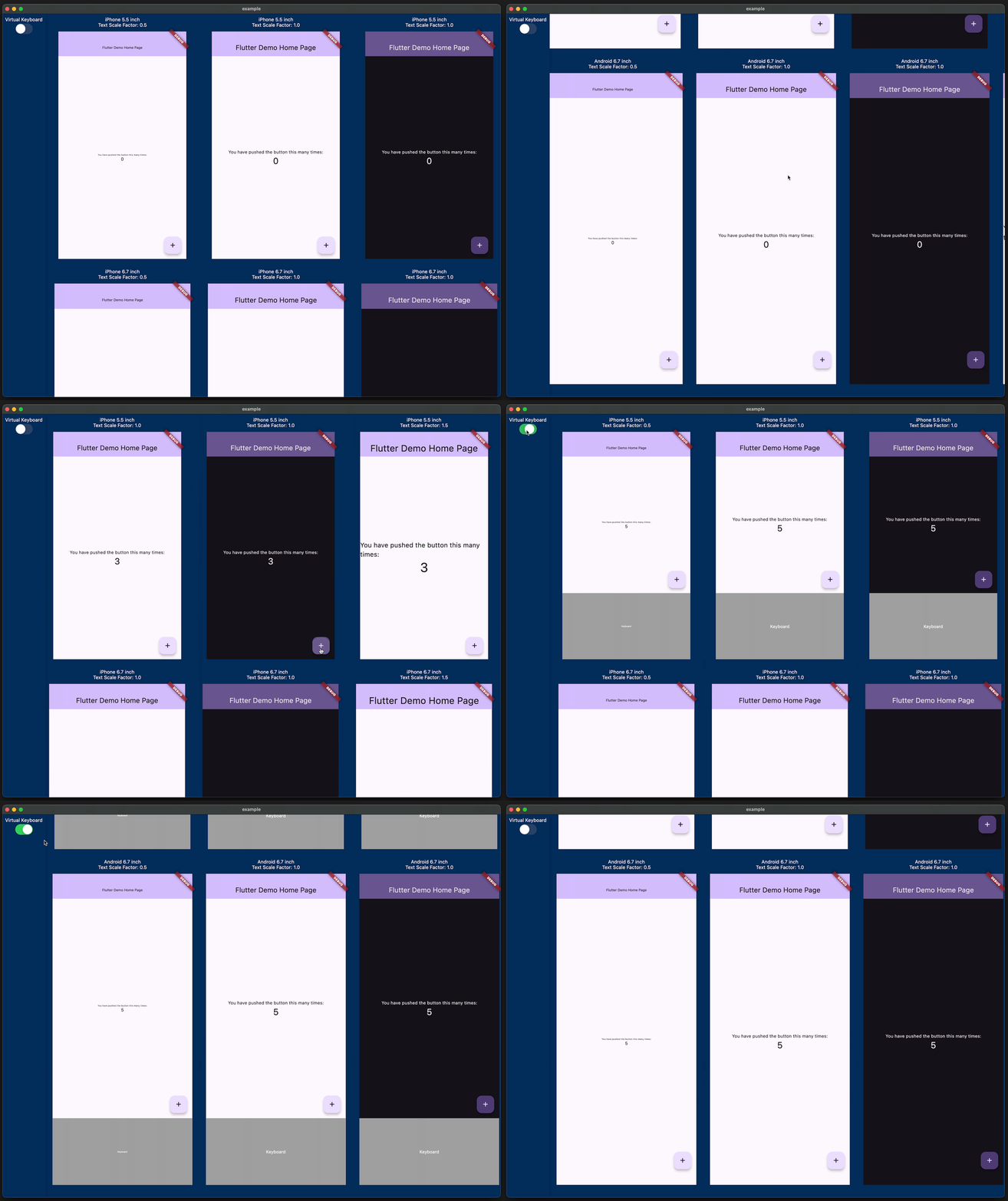
Dieses Paket ermöglicht es Ihnen, vorab zu sehen, wie Ihre implementierte Benutzeroberfläche auf verschiedenen Geräten mit unterschiedlichen Bildschirmgrößen, Textskalierungen und Helligkeiten erscheint.
Englischer Projektschnappschuss. Aktuelle Inhalte auf GitHub.
Have you ever experienced your UI breaking when the font size is too large or the screen size of the device is small? Checking for these issues can be a hassle.
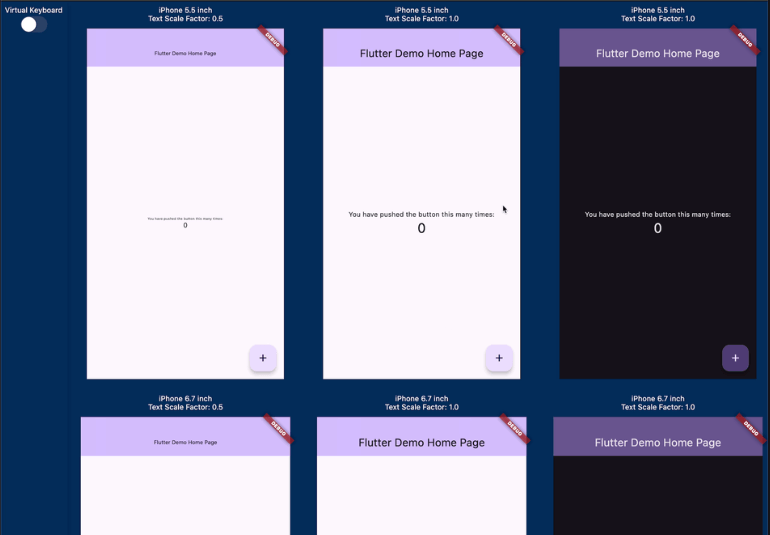
This package allows you to preview how your implemented UI will appear on various devices with different screen sizes, text scales, and brightness.
If you are using riverpod, you can do the following.
// Initialize Providerfinal container = ProviderContainer();
final previewDevices = [
[
PreviewDevice.iPhone5_5inch(
textScaleFactor: 0.5,
),
PreviewDevice.iPhone5_5inch(),
PreviewDevice.iPhone5_5inch(
brightness: Brightness.dark,
),
PreviewDevice.iPhone5_5inch(
textScaleFactor: 1.5,
),
],
[
PreviewDevice.iPhone6_7inch(
textScaleFactor: 0.5,
),
PreviewDevice.iPhone6_7inch(),
PreviewDevice.iPhone6_7inch(
brightness: Brightness.dark,
),
PreviewDevice.iPhone6_7inch(
textScaleFactor: 1.5,
),
],
[
PreviewDevice.android6_7inch(
textScaleFactor: 0.5,
),
PreviewDevice.android6_7inch(),
PreviewDevice.android6_7inch(
brightness: Brightness.dark,
),
PreviewDevice.android6_7inch(
textScaleFactor: 1.5,
),
]
];
runApp(
MediaQueryPreview(
previewDevices: previewDevices,
builder: (_, previewDevice) {
// If you want to change the theme based on the targetPlatform,// you can get the targetPlatform from [previewDevice.targetPlatform].returnUncontrolledProviderScope(
container: container,
child: constMyApp(),
);
},
),
);
If you are not using riverpod, it is even simpler.
runApp(
MediaQueryPreview(
previewDevices: previewDevices,
builder: (_, previewDevice) {
// If you want to change the theme based on the targetPlatform,// you can get the targetPlatform from [previewDevice.targetPlatform].returnconstMyApp();
},
),
);
Attention
It is recommended to use this package only development. Please do not use it in production.
This package allows you to display multiple instances of the Widget you implemented at the same time, which may lead to poor performance or issues with state management.
If you manage GlobalKey with global variables, they will be shared across each preview, which can lead to errors or unintended behavior. Since the widget trees of each preview are independent, it is recommended to generate a separate GlobalKey for each tree.
Future
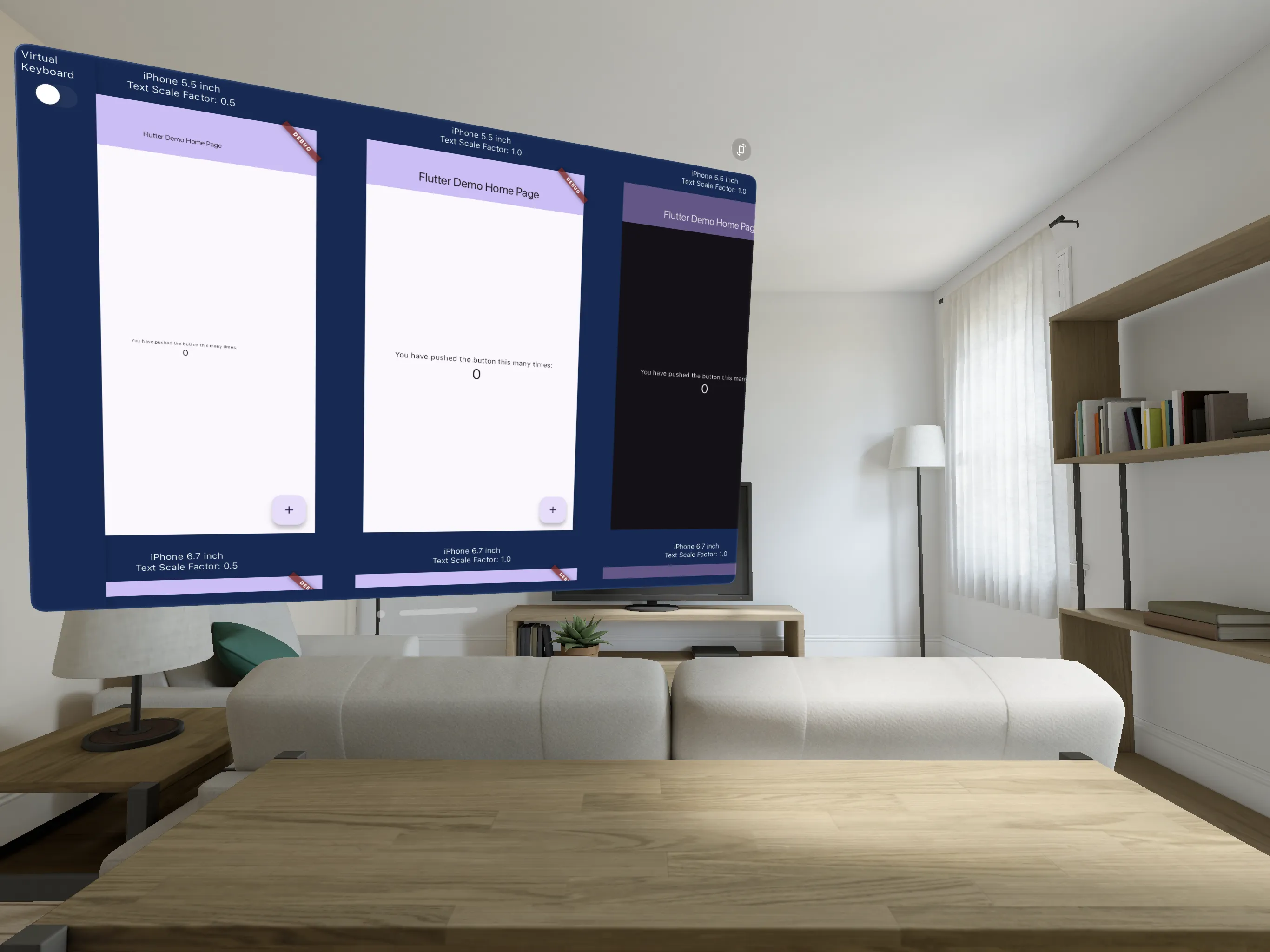
If you have Apple Vision Pro, you can use it as a "Designed for iPad" app. This is the future!



 v0.1.0