

 v0.0.2
icons_animate
Verwenden Sie dieses Paket, um zwischen zwei statischen Symbolen zu animieren und ein animiertes Symbol zu erhalten.
27Likes 14030-Tage-Downloads145Pub-Punkte
AndroidiOSWebmacOSWindowsLinux
Dies ist ein Flutter-Paket, das es ermöglicht, einen benutzerdefinierten AnimatedIcon aus zwei Icons zu erstellen. Dieses Paket wurde entwickelt, um AnimatedIcons für jedes beliebige Icon leicht verfügbar zu machen und nicht nur für die wenigen Standard-Icons

Englischer Projektschnappschuss. Aktuelle Inhalte auf GitHub.
This is a Flutter package to make a custom AnimatedIcon from two Icons.
This package is born to make AnimatedIcons easily available for any Icon and not only the few default ones


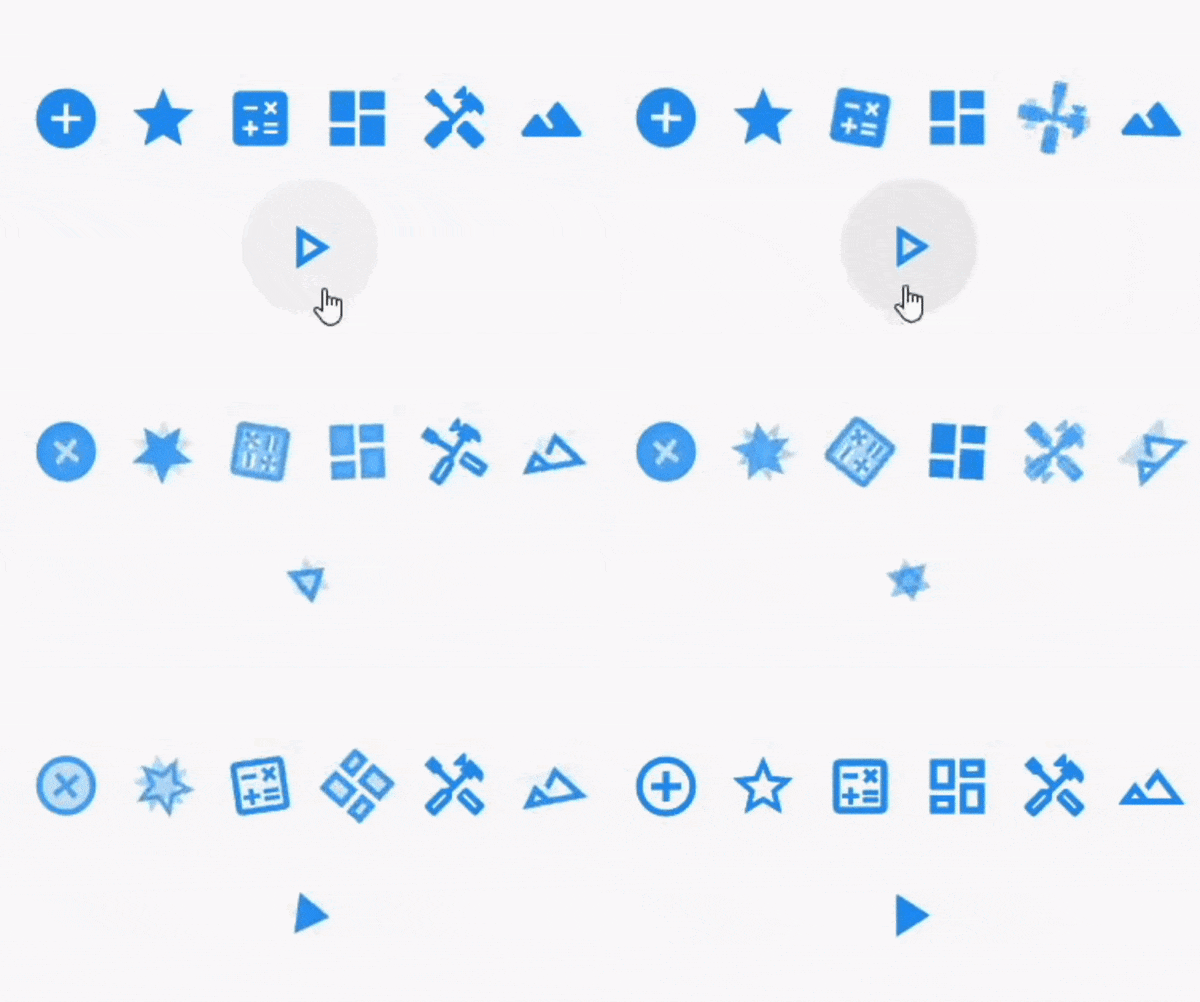
Here are some examples of animated icons.
Note that you can provide any Icon that is of type
IconDatato the animator

You can see an example of some icons being animated in the Sample Project
To install the package just do:
flutter pub add icons_animate
flutter pub get
OR add the dependency manually to your pubspec.yaml file:
dependencies:
  icons_animate: ^0.0.2
Then depend on it in your class:
import 'package:icons_animate/icons_animate.dart';
Here is a simple implementation:
AnimateIcons(
    startIcon: Icons.add_circle,
    endIcon: Icons.add_circle_outline,
    size: 100.0,
    controller: controller,
    startTooltip: 'Icons.add_circle',
    endTooltip: 'Icons.add_circle_outline',
    // add this for splashColor, default is Colors.transparent means no click effect
    splashColor: Colors.blueAccent.shade100.withAlpha(50),
    // add this to specify a custom splashRadius
    // default is Material.defaultSplashRadius (35)
    splashRadius: 24,
    onStartIconPress: () {
        print("Clicked on Add Icon");
        return true;
    },
    onEndIconPress: () {
        print("Clicked on Close Icon");
        return true;
    },
    duration: Duration(milliseconds: 500),
    startIconColor: Colors.deepPurple,
    endIconColor: Colors.deepOrange,
    clockwise: false,
),
See Example Code for more info.
Please file an issue to send feedback or report a bug, If you want to ask a question or suggest an idea then you can open an discussion. Thank you!
Every PR is welcome.
Abhängigkeiten 3 Einträge
{"sdk":"flutter"}{"sdk":"flutter"}^2.0.0Nach Anwendungsfall filtern, Aktivität vergleichen und vor der Nutzung das Originalprojekt prüfen.
“A repository is the most basic element of GitHub.”
GitHub Docs — About repositories ↗