
 v0.1.1
overscroll_pop
Ein Flutter-Widget für ScrollView, das beim Überscrollen wie bei Pinterest und Instagram auf iOS zurückspringt.
123Likes 6230-Tage-Downloads130Pub-Punkte
AndroidiOSWeb
Ein Flutter-Widget für Scrollview, das beim Überschreiten des Scrolling-Bereichs auslöst
Englischer Projektschnappschuss. Aktuelle Inhalte auf GitHub.
A Flutter widget for Scrollview, pop when overscroll like Instagram, Pinterest, ...

dependencies:
  	overscroll_pop: <latest version>
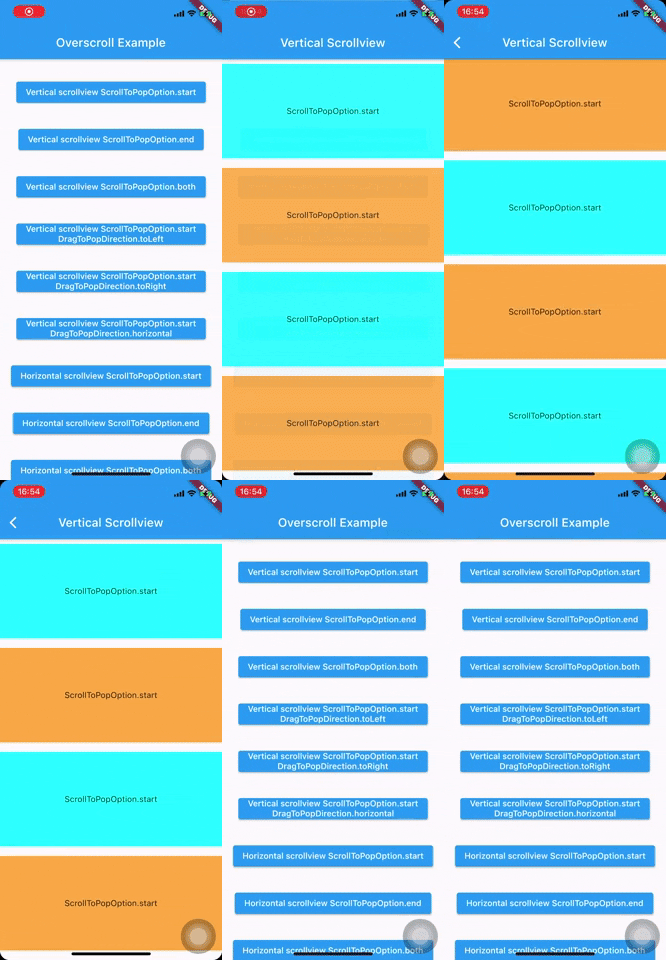
Wrap your Scaffold or top widget by OverscrollPop, every ScrollView widget (Listview, GridView, PageView, CustomScrollView, ...) which has scroll physics ClampingScrollPhysics(important) will have overscroll to pop effect.
    MaterialApp(
      home: Scaffold(
        appBar: AppBar(
          title: const Text('Overscroll Example'),
        ),
        body: Builder(
          builder: (c) => Center(
            child: Hero(
              tag: '${ScrollToPopOption.start}${DragToPopDirection.toRight}',
              child: ElevatedButton(
                onPressed: () => pushPage(
                  c,
                  (BuildContext context, _, __) => VerticalScrollview(
                    scrollToPopOption: ScrollToPopOption.start,
                    dragToPopDirection: DragToPopDirection.toRight,
                  ),
                ),
                child: Text('Vertical scrollview ${ScrollToPopOption.start}'),
              ),
            ),
          ),
        ),
      ),
    );

    class VerticalScrollview extends StatelessWidget {
      final ScrollToPopOption scrollToPopOption;
      final DragToPopDirection? dragToPopDirection;

      const VerticalScrollview({
        Key? key,
        this.scrollToPopOption = ScrollToPopOption.start,
        this.dragToPopDirection,
      }) : super(key: key);

      @override
      Widget build(BuildContext context) {
        return OverscrollPop(
          scrollToPopOption: scrollToPopOption,
          dragToPopDirection: dragToPopDirection,
          child: Container(
            clipBehavior: Clip.hardEdge,
            decoration: BoxDecoration(borderRadius: BorderRadius.circular(16.0)),
            child: Scaffold(
              appBar: PreferredSize(
                preferredSize: Size.fromHeight(kToolbarHeight),
                child: Hero(
                  tag: '$scrollToPopOption${dragToPopDirection ?? ''}',
                  child: AppBar(
                    title: Text(
                      'Vertical Scrollview',
                      overflow: TextOverflow.visible,
                    ),
                  ),
                ),
              ),
              body: ListView.builder(
                physics: const ClampingScrollPhysics(),
                itemBuilder: (_, index) => Container(
                  height: 160.0,
                  margin: const EdgeInsets.symmetric(vertical: 8.0),
                  color: index % 2 == 0 ? Colors.cyanAccent : Colors.orangeAccent,
                  alignment: Alignment.center,
                  child: Column(
                    mainAxisAlignment: MainAxisAlignment.center,
                    children: [
                      Text(scrollToPopOption.toString()),
                      if (dragToPopDirection != null)
                        Text(dragToPopDirection.toString()),
                    ],
                  ),
                ),
                itemCount: MediaQuery.of(context).size.height ~/ 160.0 + 2,
              ),
            ),
          ),
        );
      }
    }
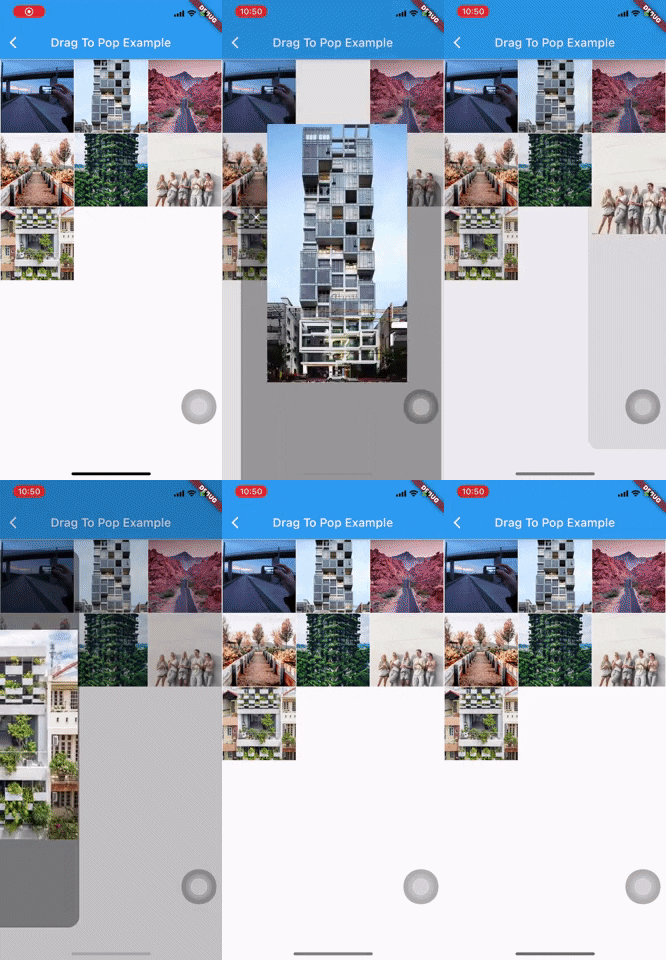
If your Scaffold does not contain any ScrollView and want to achieve drag to pop effect, wrap your Scaffold or top widget by DragToPop instead (Example).
Quick push route config helper:
pushOverscrollRoute(
    context: context,
    child: <your scaffold/widget>,
    // scrollToPopOption: <your ScrollToPopOption>,
    // dragToPopDirection: <your DragToPopDirection>,
    // other route configs
)

pushDragToPopRoute(
    context: context,
    child: <your scaffold/widget>,
    // other route configs
)
By default, the effect only apply for overscroll at the start of ScrollView (top edge of vertical scroll, left edge of horizontal scroll)
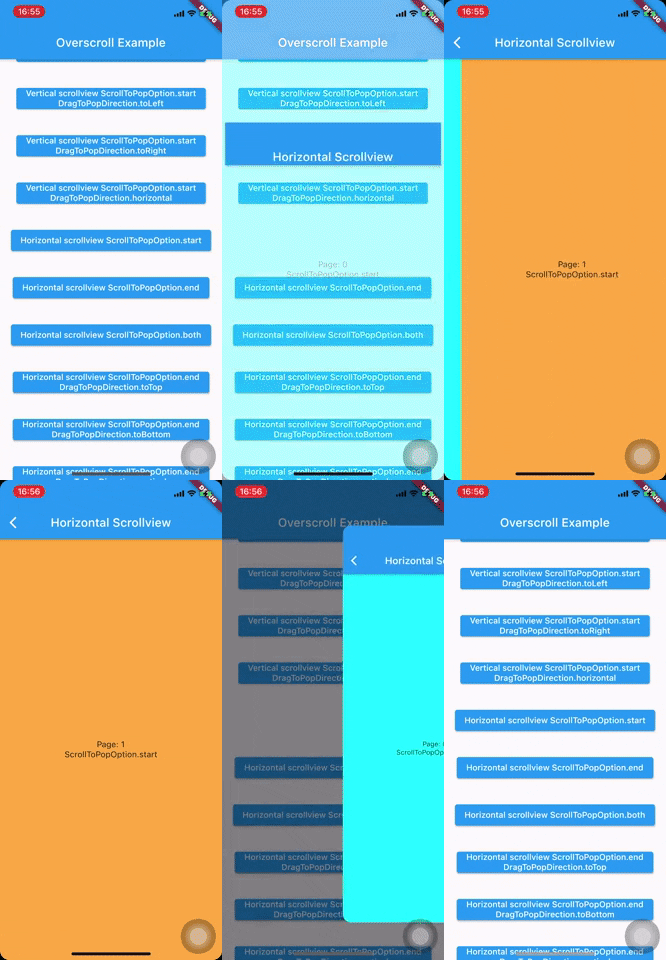
To enable the end edge (or both edges) for overscroll to pop, set scrollToPopOption to ScrollToPopOption.end (or ScrollToPopOption.both)
OverscrollPop(
  scrollToPopOption: ScrollToPopOption.end, // or ScrollToPopOption.both
  ...
)
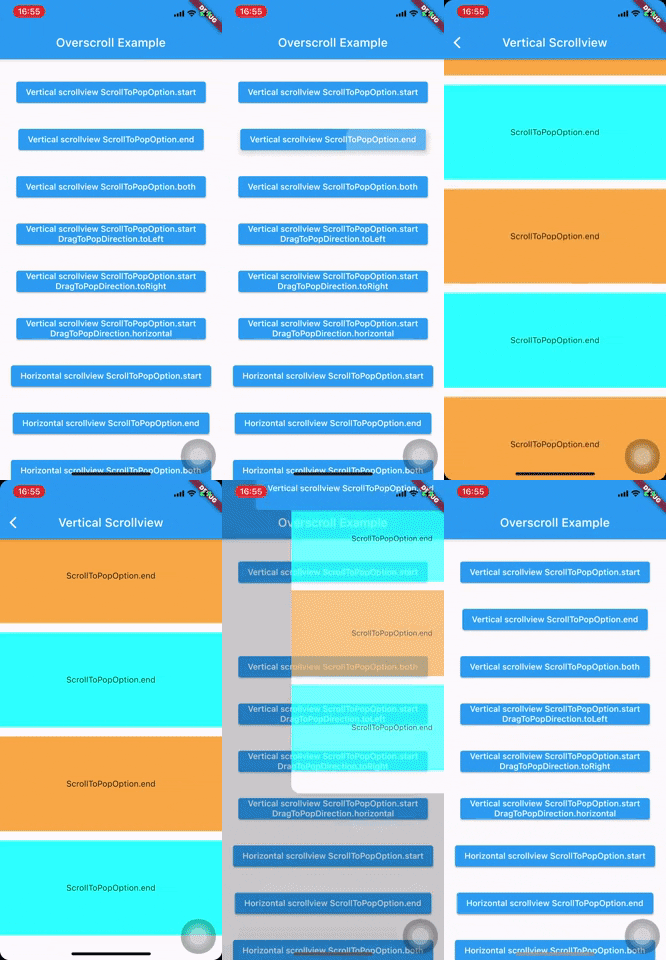
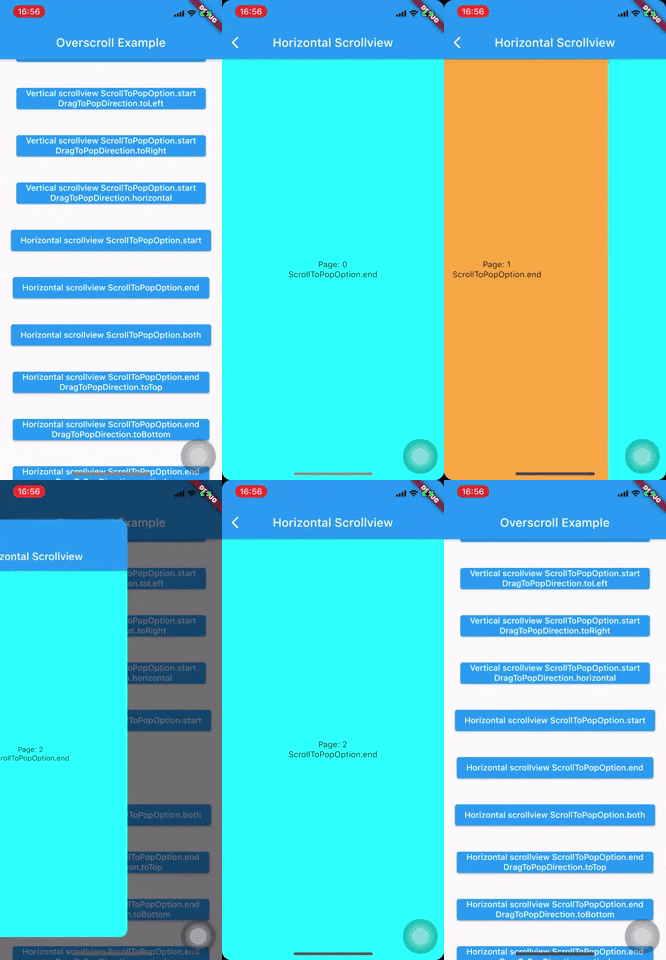
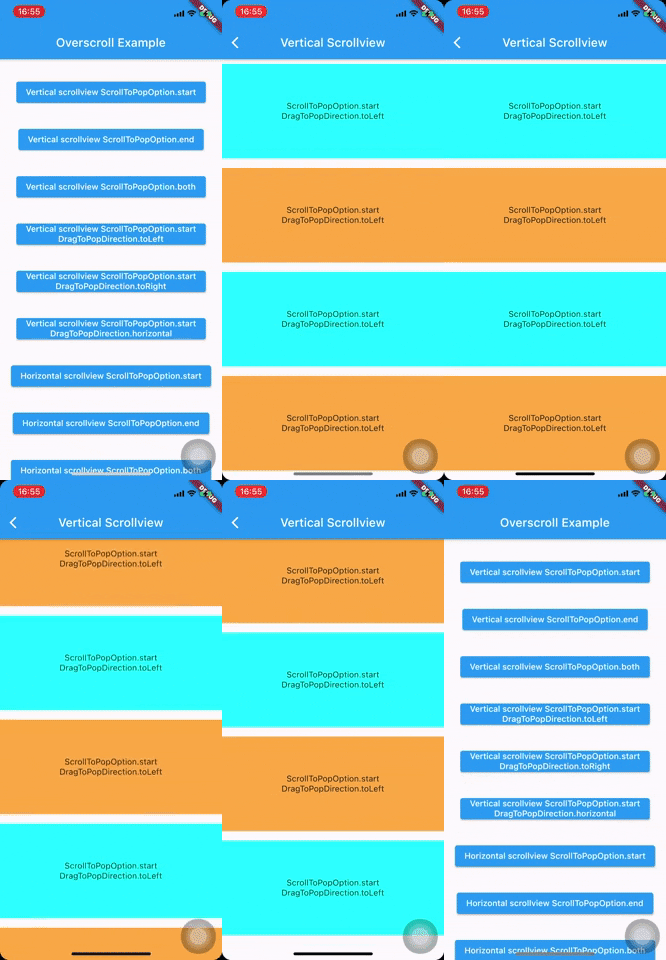
Beside overscroll, you can config the other drag direction to achieve the pop effect by passing dragToPopDirection
OverscrollPop(
  dragToPopDirection: DragToPopDirection.toTop, //  toTop, toBottom, toLeft, toRight, horizontal and vertical
  ...
)
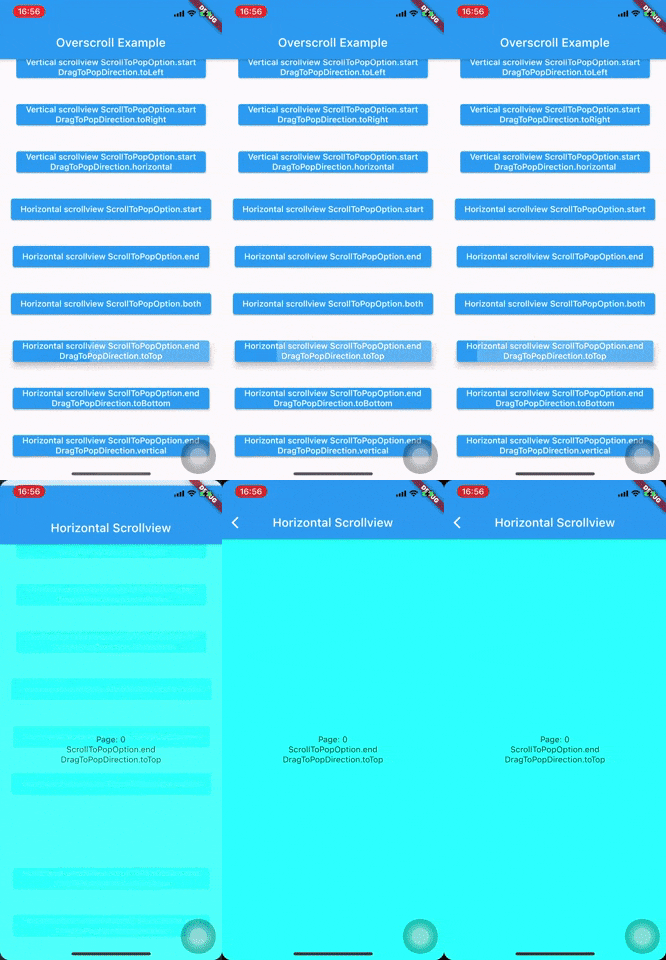
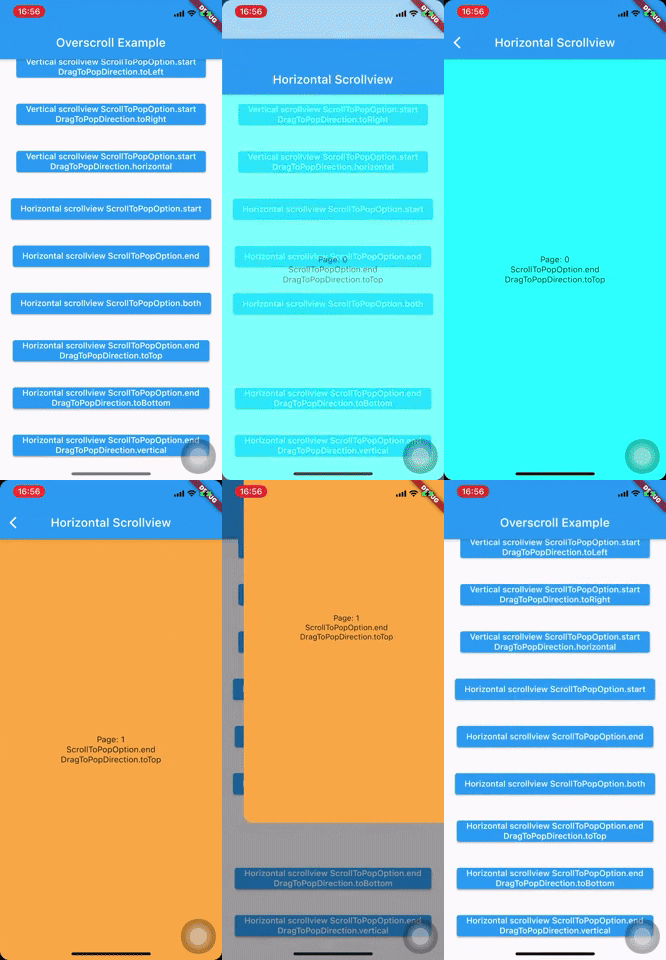
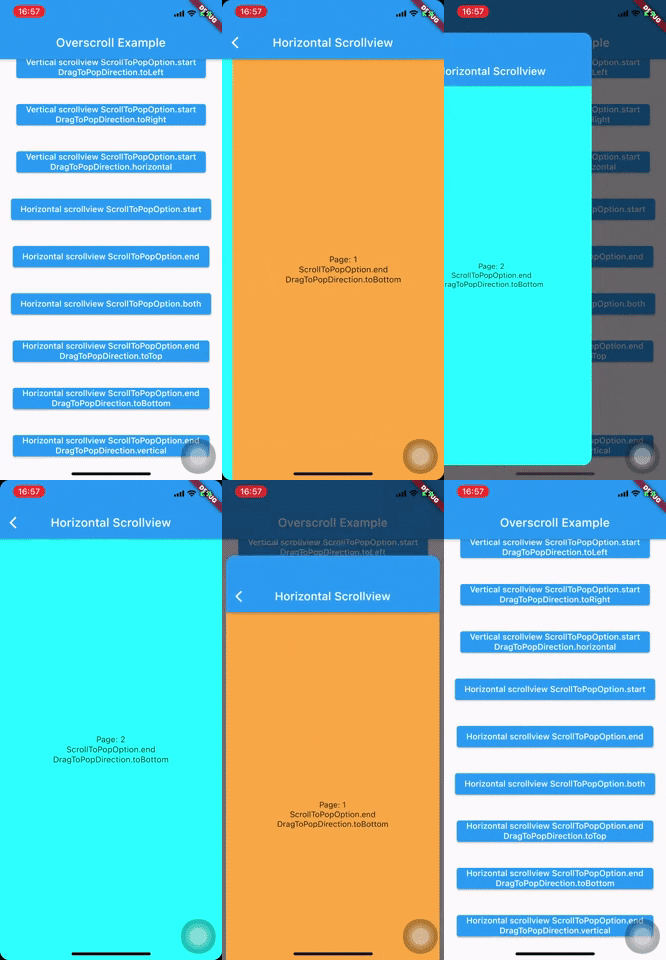
Vertical scroll: drag to left, right or horizontal (both left and right)
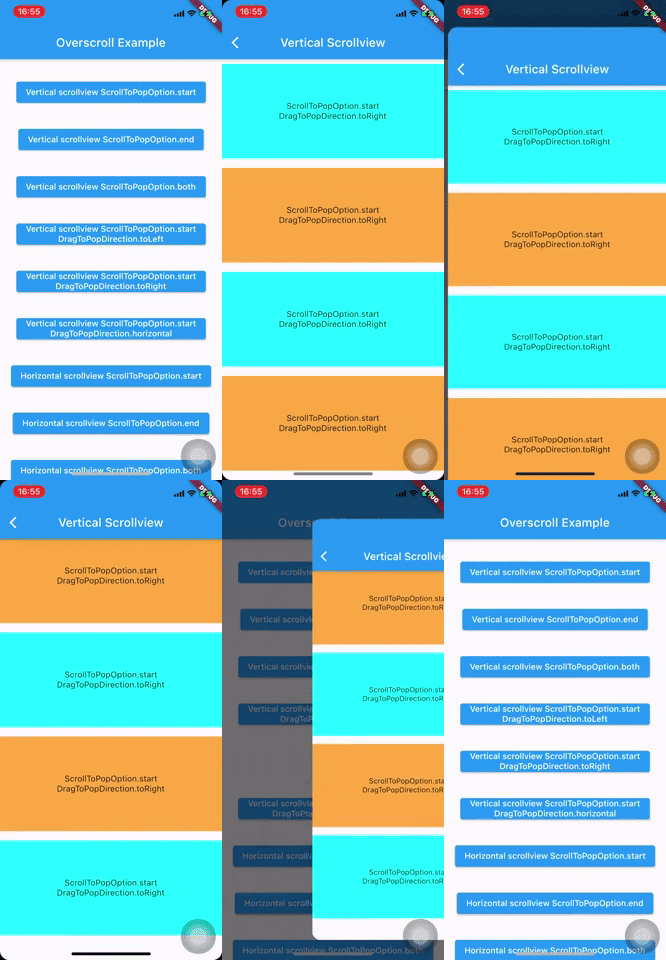
Horizontal scroll: drag to top, bottom or vertical (both top and bottom)

Abhängigkeiten 4 Einträge
{"sdk":"flutter"}{"sdk":"flutter"}{"sdk":"flutter"}^4.0.0Nach Anwendungsfall filtern, Aktivität vergleichen und vor der Nutzung das Originalprojekt prüfen.
“A repository is the most basic element of GitHub.”
GitHub Docs — About repositories ↗