


 v2.2.2+1
shimmer_animation
Dieses Shimmer-Animations-Widget kann Ihnen helfen, einfache aber schöne Skeleton-Lader in Ihr Projekt zu integrieren.
517Likes 14.70030-Tage-Downloads160Pub-Punkte
AndroidiOSWebmacOSWindowsLinux
Die Shimmer-Animation bietet ein einfaches und anpassbares Widget zur einfachen Erstellung von Skeleton-Ladern und Platzhaltereffekten.

Englischer Projektschnappschuss. Aktuelle Inhalte auf GitHub.


Supports Null Safety
This shimmer animation widget can help you bring simple yet beautiful skeleton loaders to your project with ease.
Shimmer is very widely used as the default animation for skeleton loaders or placeholder widgets throughout the development community. Therefore, having an easy to use, yet customizable widget ready to use for Android, iOS and Web, gives developers an advantage to focus on their actual functionality, let shimmer make the loading experience smoother.
An example can be found in the example directory of this repository.
A list of detailed examples can be found in this Examples Repository
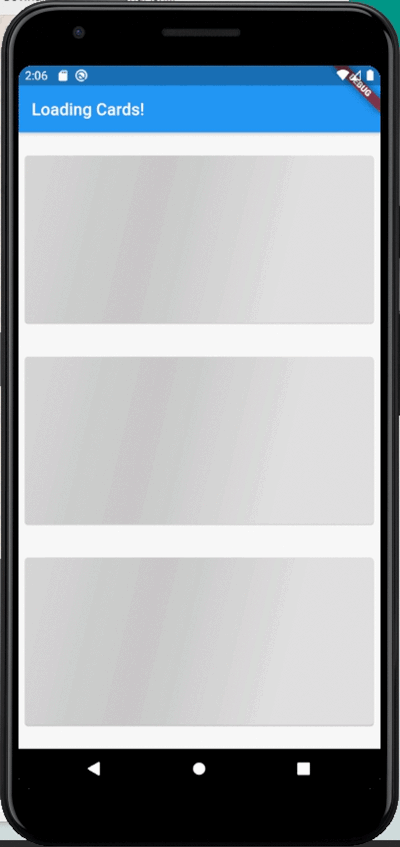
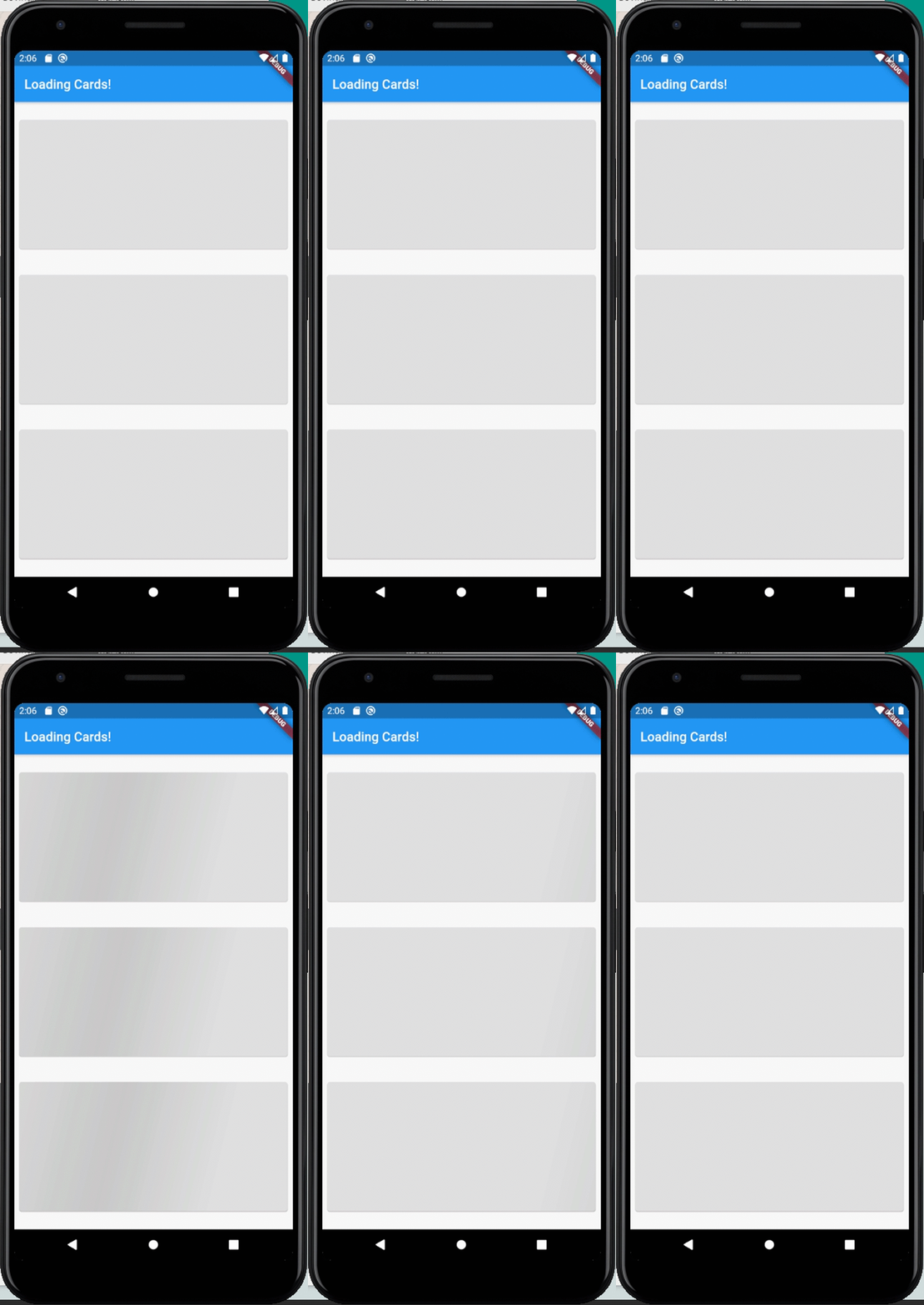
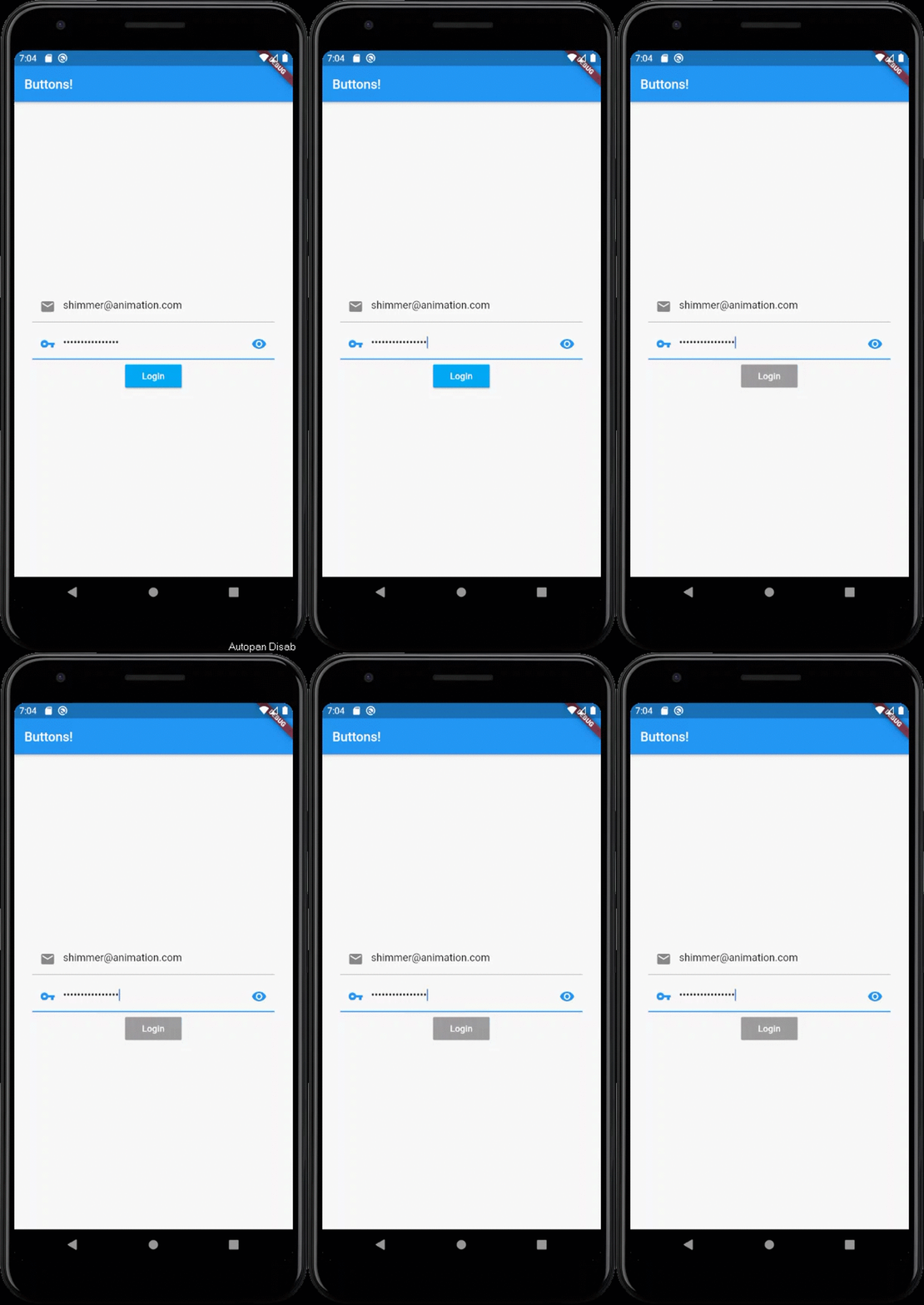
| Full Screen | Loading Widgets | Loading Buttons |
|---|---|---|
 |
 |
 |
Add shimmer_animation to pubspec.yaml of your project:
dependencies:
  shimmer_animation: ^2.1.0
Import it in your Dart code:
import 'package:shimmer_animation/shimmer_animation.dart';
Wrap any widget with Shimmer() widget to apply animaton:
  Shimmer(
    child: Container(
      color: Colors.deepPurple,
    ),
  ),
A number of parameters can be passed to customise the look and feel of this animation:
  Shimmer(
    duration: Duration(seconds: 3), //Default value
    interval: Duration(seconds: 5), //Default value: Duration(seconds: 0)
    color: Colors.white, //Default value
    colorOpacity: 0, //Default value
    enabled: true, //Default value
    direction: ShimmerDirection.fromLTRB(),  //Default Value
    child: Container(
      color: Colors.deepPurple,
    ),
  ),
A detailed API Reference can be found here.
Abhängigkeiten 3 Einträge
{"sdk":"flutter"}{"sdk":"flutter"}^5.1.1Nach Anwendungsfall filtern, Aktivität vergleichen und vor der Nutzung das Originalprojekt prüfen.
“A repository is the most basic element of GitHub.”
GitHub Docs — About repositories ↗