
 v0.1.3
mrx_charts
Einfache, leistungsstarke Flutter-Diagramme mit wunderschönen Animationen.
199Likes 457030-Tage-Downloads160Pub-Punkte
AndroidiOSWebmacOSWindowsLinux
Einfache und schöne glatte animierte Diagramme.

{"sdk":"flutter"}{"sdk":"flutter"}^1.0.0Englischer Projektschnappschuss. Aktuelle Inhalte auf GitHub.
Simple and beautiful smooth animated charts.
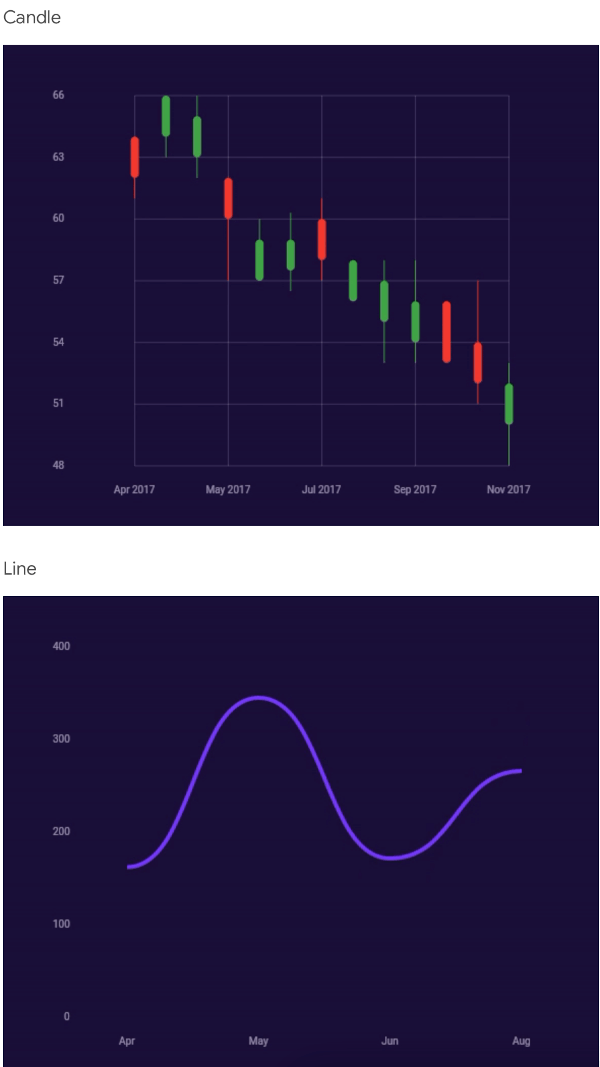
Screenshot1
Screenshot2
Screenshot3
Screenshot4
Screenshot5
Check /example folder for more detailed usage
Chart(
  layers: [
    ChartAxisLayer(
      settings: ChartAxisSettings(
        x: ChartAxisSettingsAxis(
          frequency: 1.0,
          max: 13.0,
          min: 7.0,
          textStyle: TextStyle(
            color: Colors.white.withOpacity(0.6),
            fontSize: 10.0,
            ),
          ),
          y: ChartAxisSettingsAxis(
            frequency: 100.0,
            max: 300.0,
            min: 0.0,
            textStyle: TextStyle(
              color: Colors.white.withOpacity(0.6),
              fontSize: 10.0,
            ),
          ),
        ),
        labelX: (value) => value.toInt().toString(),
        labelY: (value) => value.toInt().toString(),
      ),
      ChartBarLayer(
        items: List.generate(
          13 - 7 + 1,
          (index) => ChartBarDataItem(
            color: const Color(0xFF8043F9),
            value: Random().nextInt(280) + 20,
            x: index.toDouble() + 7,
          ),
        ),
        settings: const ChartBarSettings(
          thickness: 8.0,
          radius: BorderRadius.all(Radius.circular(4.0)),
        ),
      ),
    ]
  ],
)
Developed with passion, by Merixstudio developers.