
 v2.0.0
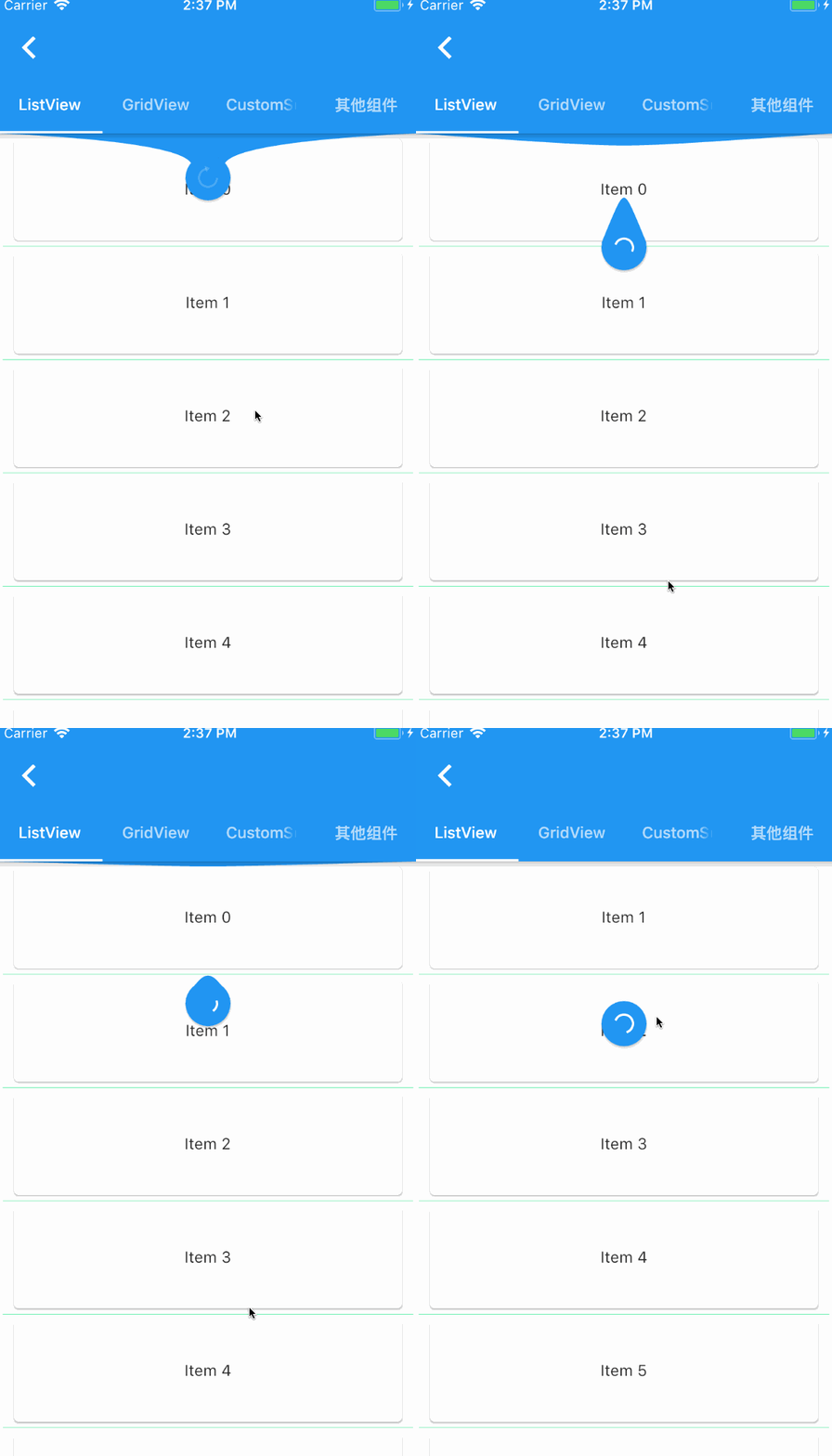
pull_to_refresh
Ein Widget, das dem Flutter-Sroll-Component für Pull-to-Refresh und Pull-up-Laden bereitgestellt wird.
2830Likes 166.00030-Tage-Downloads140Pub-Punkte
AndroidiOSWebmacOSWindowsLinux
Clubhouse-Klon, geschrieben in Flutter mit Firebase/Firestore und Agora-Diensten.
 v2.0.0
Ein Widget, das dem Flutter-Sroll-Component für Pull-to-Refresh und Pull-up-Laden bereitgestellt wird.
Flutter-Plugin des Agora RTC SDKs, mit dem Sie Agora-Videocalls oder Live-Video-Streaming einfach in Ihre App mit nur wenigen Codezeilen integrieren können.
 v3.4.1
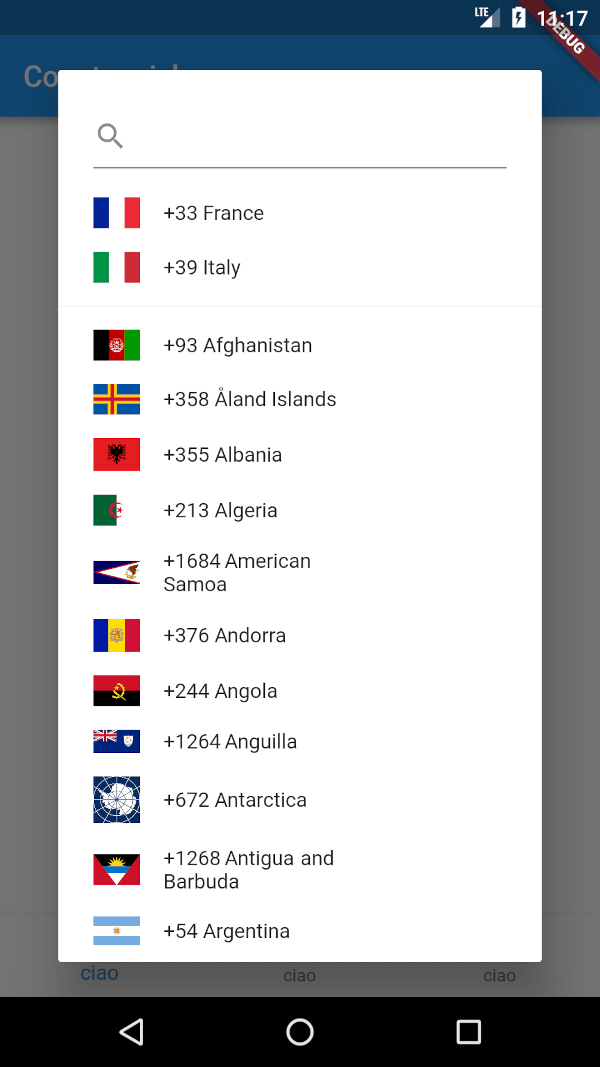
Ein Flutter-Paket zum Anzeigen eines Ländercodes-Auswahl-Widgets. Darüber hinaus ermöglicht es die Auswahl einer Liste bevorzugter Länder sowie die Suche über eine einfache Suchleiste.
Abhängigkeiten 10 Einträge
{"sdk":"flutter"}^1.0.0^3.2.1^5.0.0—^0.4.4^0.12.9^2.0.1^1.6.4{"sdk":"flutter"}Englischer Projektschnappschuss. Aktuelle Inhalte auf GitHub.
Clubhouse clone written in Flutter using Firebase/Firestore and Agora services.
Part 1 - Setup Flutter project and create Clubhouse clone app UI
Part 2 - User login and registration with Firebase
Part 3 - Voice calling functionality with Agora
https://raw.githubusercontent.com/perpetio/clubhouse/HEAD/assets/screenshots/1.gif https://raw.githubusercontent.com/perpetio/clubhouse/HEAD/assets/screenshots/2.gif
agora_rtc_engine: https://pub.dev/packages/agora_rtc_engine
permission_handler: https://pub.dev/packages/permission_handler
firebase_auth: https://pub.dev/packages/firebase_auth
cloud_firestore: https://pub.dev/packages/cloud_firestore
country_code_picker : https://pub.dev/packages/country_code_picker
pull_to_refresh : https://pub.dev/packages/pull_to_refresh
$ git clone https://github.com/perpetio/clubhouse.git
flutter pub get.Create your own Firebase project.
Once your Firebase instance is created, you'll need to enable Phone authentication.
const APP_ID = '';
const Token = '';
const channelName = '';
flutter run or using your IDE's tools.