

 v0.0.3
flutter_device_emulator
Prüfen Sie Ihre Flutter-Widgets in Echtzeit auf mehreren Gerätescreens.
0Likes 4530-Tage-Downloads150Pub-Punkte
AndroidiOSWebmacOSWindowsLinux
ravi84184/flutter_device_emulator open-source repository details.

Englischer Projektschnappschuss. Aktuelle Inhalte auf GitHub.


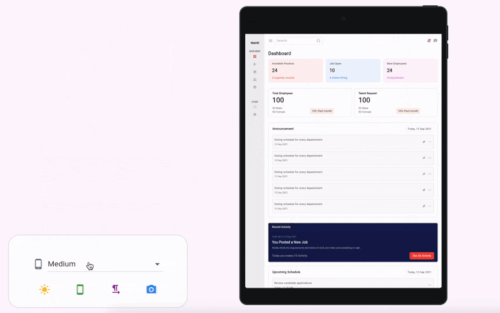
A Flutter package to emulate different device screens and layouts, making it easier to preview and test your app on various device types and resolutions directly within your Flutter app or development environment.
Add the following to your pubspec.yaml:
dependencies:
  flutter_device_emulator: latest_version
Then run:
flutter pub get
Import the package and wrap your app or widget with the emulator:
import 'package:flutter_device_emulator/flutter_device_emulator.dart';

DeviceEmulator(
  builder: (context) => SafeArea(child: HomePage()),
)
See the example/ directory for a complete sample app demonstrating usage and available features.
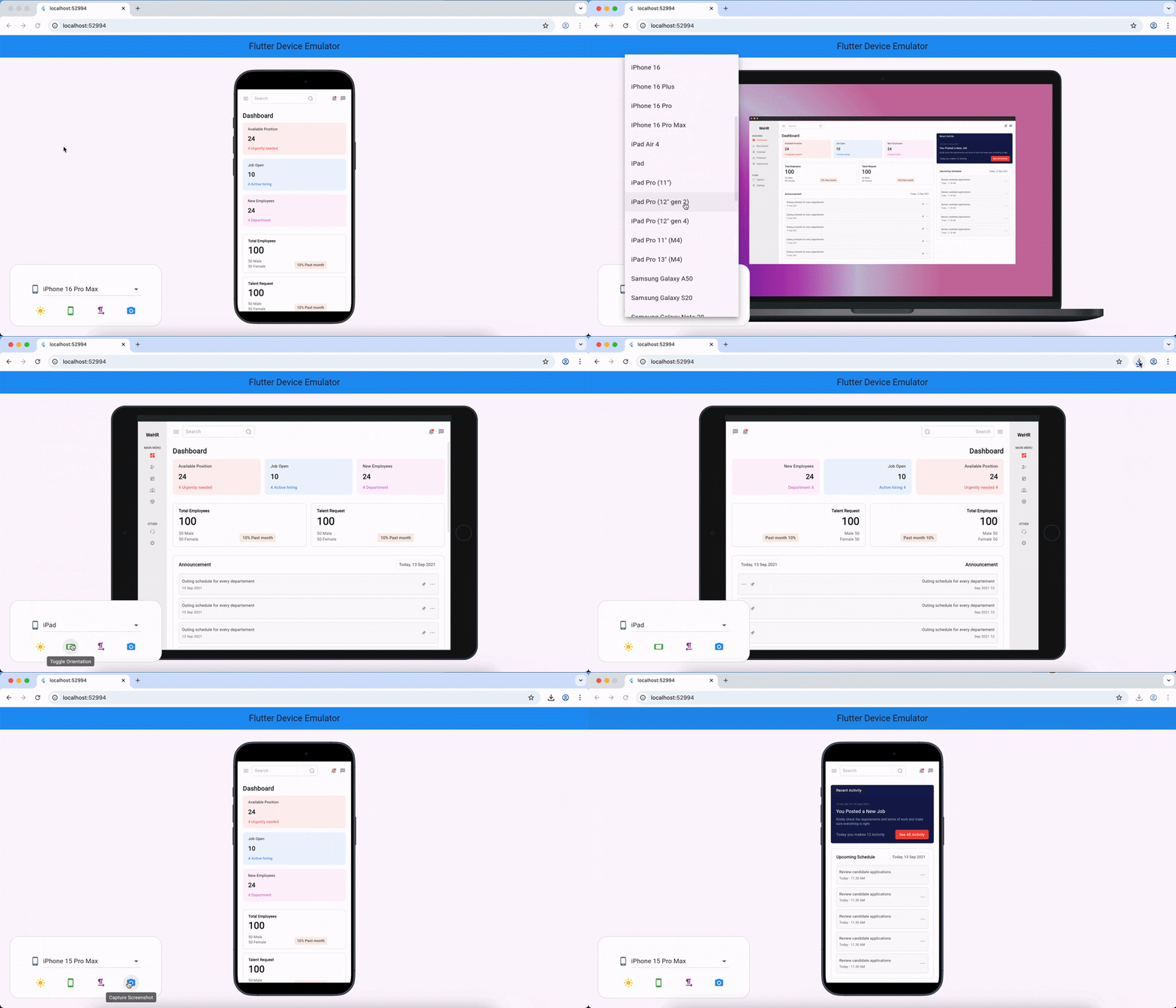
DeviceEmulatorThe main widget to wrap your app for device emulation. Provides controls for device type, orientation, theme, and text direction.
Constructor:
DeviceEmulator({
  required WidgetBuilder builder,
  bool enableThemeToggle = true,
  bool enableOrientationToggle = true,
  bool enableLanguageToggle = true,
  Key? key,
})
Parameters:
builder (required): A function that builds the widget tree to be emulated inside the device frame.enableThemeToggle (default: true): If true, shows a button to toggle between light and dark themes.enableOrientationToggle (default: true): If true, shows a button to toggle between portrait and landscape orientations.enableLanguageToggle (default: true): If true, shows a button to toggle between left-to-right and right-to-left text directions.key: Optional widget key.Features:
Example:
DeviceEmulator(
  builder: (context) => SafeArea(child: HomePage()),
)
For detailed API documentation, see the source code in lib/.
Contributions are welcome! Please open issues or submit pull requests for bug fixes, features, or improvements.
git checkout -b feature/my-feature)git commit -am 'Add new feature')git push origin feature/my-feature)This project is licensed under the MIT License.
Abhängigkeiten 6 Einträge
{"sdk":"flutter"}^1.4.0^1.1.1^2.1.5{"sdk":"flutter"}^5.0.0Nach Anwendungsfall filtern, Aktivität vergleichen und vor der Nutzung das Originalprojekt prüfen.
“A repository is the most basic element of GitHub.”
GitHub Docs — About repositories ↗