

 v1.2.0
ensure_visible_when_focused
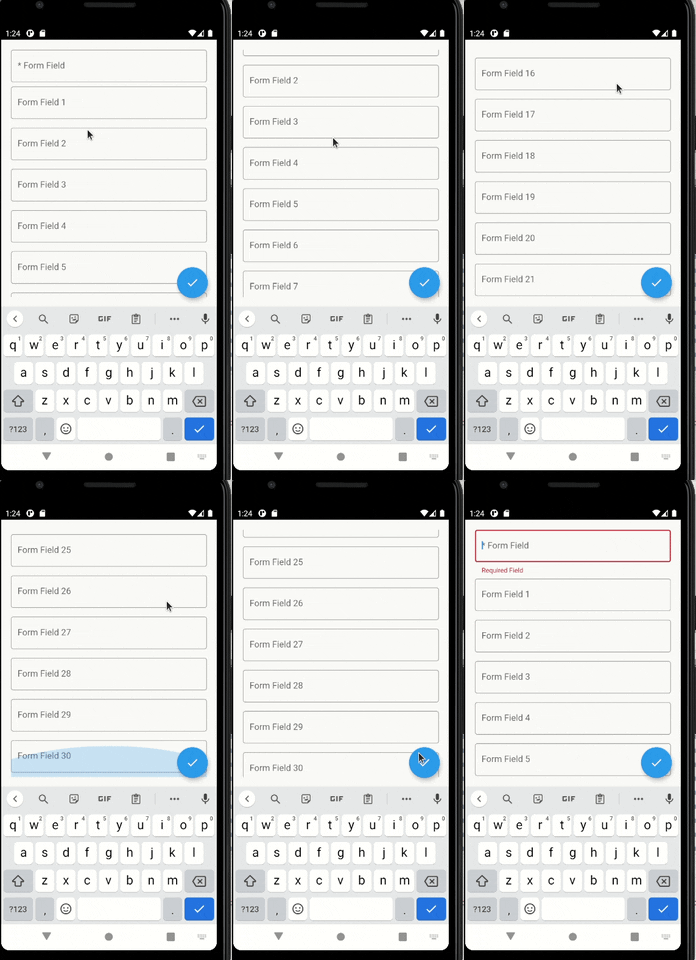
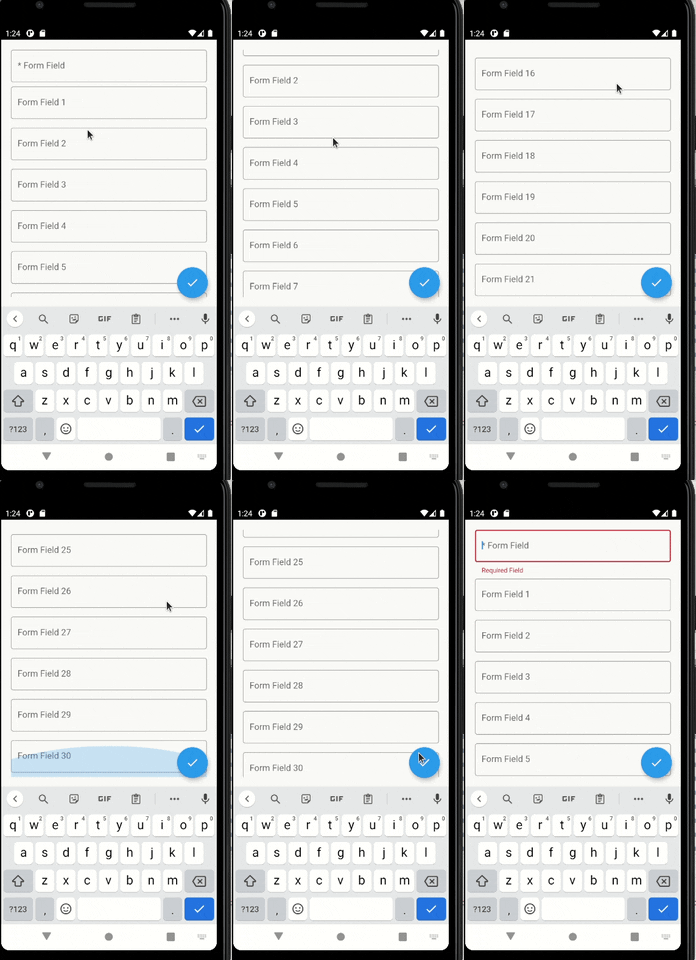
Ein nützliches Flutter-Widget, das jedes Mal zu einem bestimmten Widget scrollt, wenn dieses das Fokus erhält.
53Likes 15.90030-Tage-Downloads160Pub-Punkte
AndroidiOSWebmacOSWindowsLinux
rodrigobastosv/ensure_visible_when_focused open-source repository details.

Englischer Projektschnappschuss. Aktuelle Inhalte auf GitHub.

I was having a hard time scrolling to a specific wdget in a scenario where I had a very large form, with lots of form fields.
I found an issue with no concrete answer https://github.com/flutter/flutter/issues/58877
After digging a litlle deeper I found a solution to this problem https://www.didierboelens.com/2018/04/hint-4 -ensure-a-textfield-or-textformfield-is-visible-in-the-viewport-when-has-the-focus/. Hence the idea of creating and making this widget available.
This widget solves this problem in a very elegant way. You just have to give the same FocusNode of the widget you want to scroll to.
The widget is very simple to use. You need to Wrap your widget on a EnsureVisibleWhenFocused widget. You have to pass the FocusNode of the widget you want to scroll to when it's given focus.
EnsureVisibleWhenFocused(
    focusNode: _focusNode,
    child: TextFormField(
        focusNode: _focusNode,
    ),
)
With the setup above, every time the TextFormField gains focus, a scroll will be made to it.
You can give focus to a field just doing:
_focusNode.requestFocus();
You can configure more things, such as the scroll duration and it's curve.
For any suggestions or bug report please head to issue tracker.
Abhängigkeiten 2 Einträge
{"sdk":"flutter"}{"sdk":"flutter"}Nach Anwendungsfall filtern, Aktivität vergleichen und vor der Nutzung das Originalprojekt prüfen.
“A repository is the most basic element of GitHub.”
GitHub Docs — About repositories ↗