
Pakete, Repositories und App-Kategorien suchen

GitHub-Repositoryschibsted/tweet_ui

tweet_ui

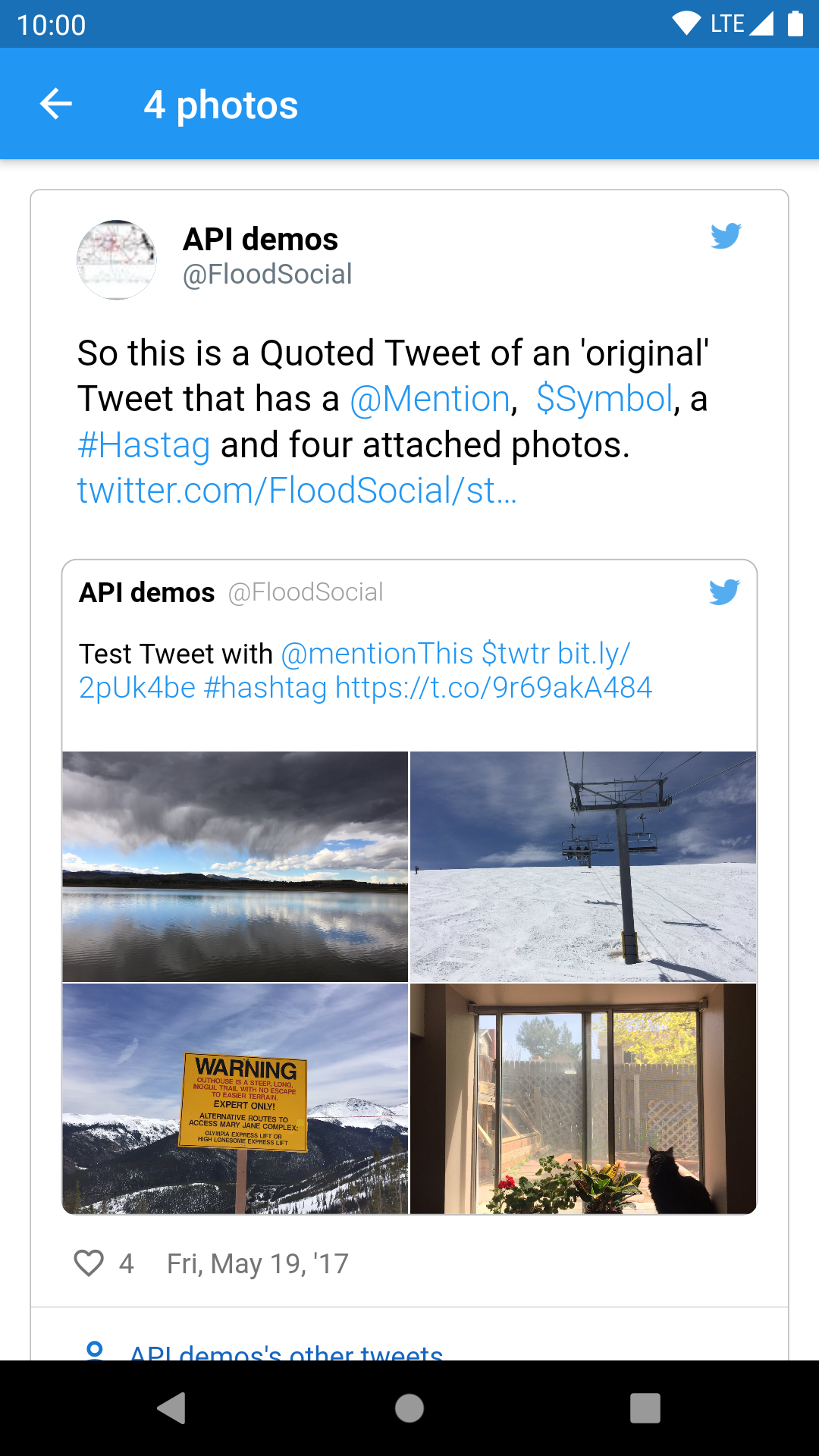
Flutter-Paket zum Anzeigen von Tweets aus einer Twitter-API-JSON (v1 oder v2) auf Android und iOS. Unterstützt Tweets mit 1 bis 4 Fotos, Videos, GIFs, Hashtags, Erwähnungen, Symbolen, URLs, zitierten Tweets und Retweets.

Projektcover von tweet_ui
Sterne
79
Forks
44
Letzter Push (UTC)
23.07.2023
Projektstatus
Aktiv

Original-README

Englischer Projektschnappschuss. Aktuelle Inhalte auf GitHub.

tweet_ui

Flutter Tweet UI - Flutter package that is inspired by twitter-kit-android. Works on iOS and Android.

Getting Started

To use this package add it to the pubspec.yaml file:

tweet_ui: <latest_version>

import it:

import 'package:tweet_ui/tweet_ui.dart';

If you want to show tweets with videos: check the better_player installation site

Video/GIF Tweets don't work on iOS simulators (video_player ios instructions)

finally, create a TweetView from a JSON:

API V1.1
TweetView.fromTweetV1(
    TweetV1Response.fromRawJson(
        jsonFromTwitterAPI
        // {"created_at": "Mon Nov 12 13:00:38 +0000 2018", "id": 1061967001177018368, ...
    )
);
API V2
TweetView.fromTweetV2(
    TweetV2Response.fromRawJson(
        jsonFromTwitterAPI
        // {"data": ["created_at": "2020-09-18T18:36:15.000Z", "id": "1061967001177018368", ...
        // or
        // {"data": {"created_at": "2020-09-18T18:36:15.000Z", "id": "1061967001177018368", ...
    )
);

or a CompactTweetView,

API V1.1
CompactTweetView.fromTweetV1(
    TweetV1Response.fromRawJson(
        jsonFromTwitterAPI
        // {"created_at": "Mon Nov 12 13:00:38 +0000 2018", "id": 1061967001177018368, ...
    )
);
API V2
CompactTweetView.fromTweetV2(
    TweetV2Response.fromRawJson(
        jsonFromTwitterAPI
        // {"data": ["created_at": "2020-09-18T18:36:15.000Z", "id": "1061967001177018368", ...
        // or
        // {"data": {"created_at": "2020-09-18T18:36:15.000Z", "id": "1061967001177018368", ...
    )
);

or a EmbeddedTweetView.

API V1.1
EmbeddedTweetView.fromTweetV1(
    TweetV1Response.fromRawJson(
        jsonFromTwitterAPI
        // {"created_at": "Mon Nov 12 13:00:38 +0000 2018", "id": 1061967001177018368, ...
    )
  darkMode: true,
)
API V2
EmbeddedTweetView.fromTweetV2(
    TweetV2Response.fromRawJson(
      jsonFromTwitterAPI
      // {"data": ["created_at": "2020-09-18T18:36:15.000Z", "id": "1061967001177018368", ...
      // or
      // {"data": {"created_at": "2020-09-18T18:36:15.000Z", "id": "1061967001177018368", ...
    )
    darkMode: true,
)

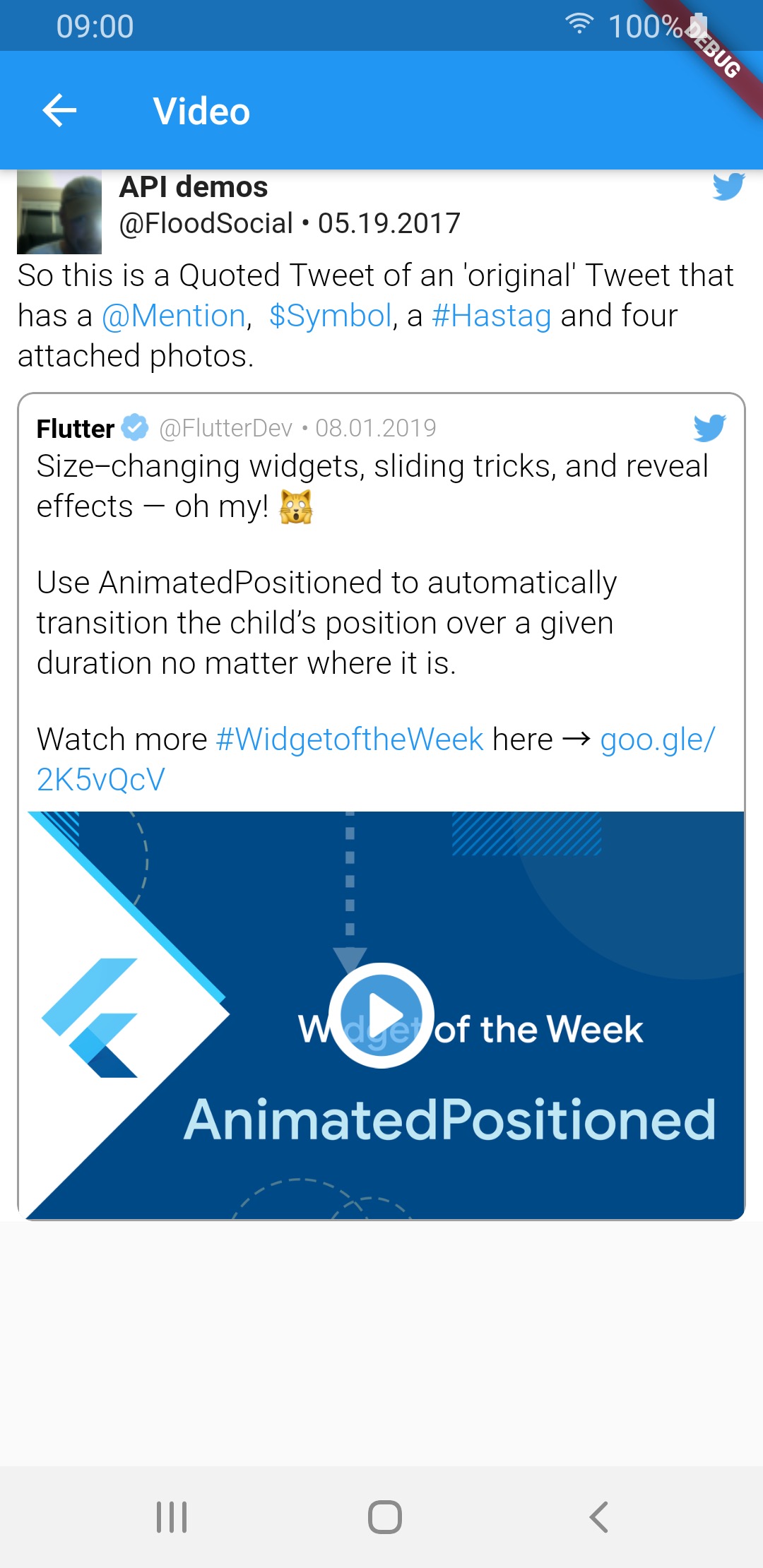
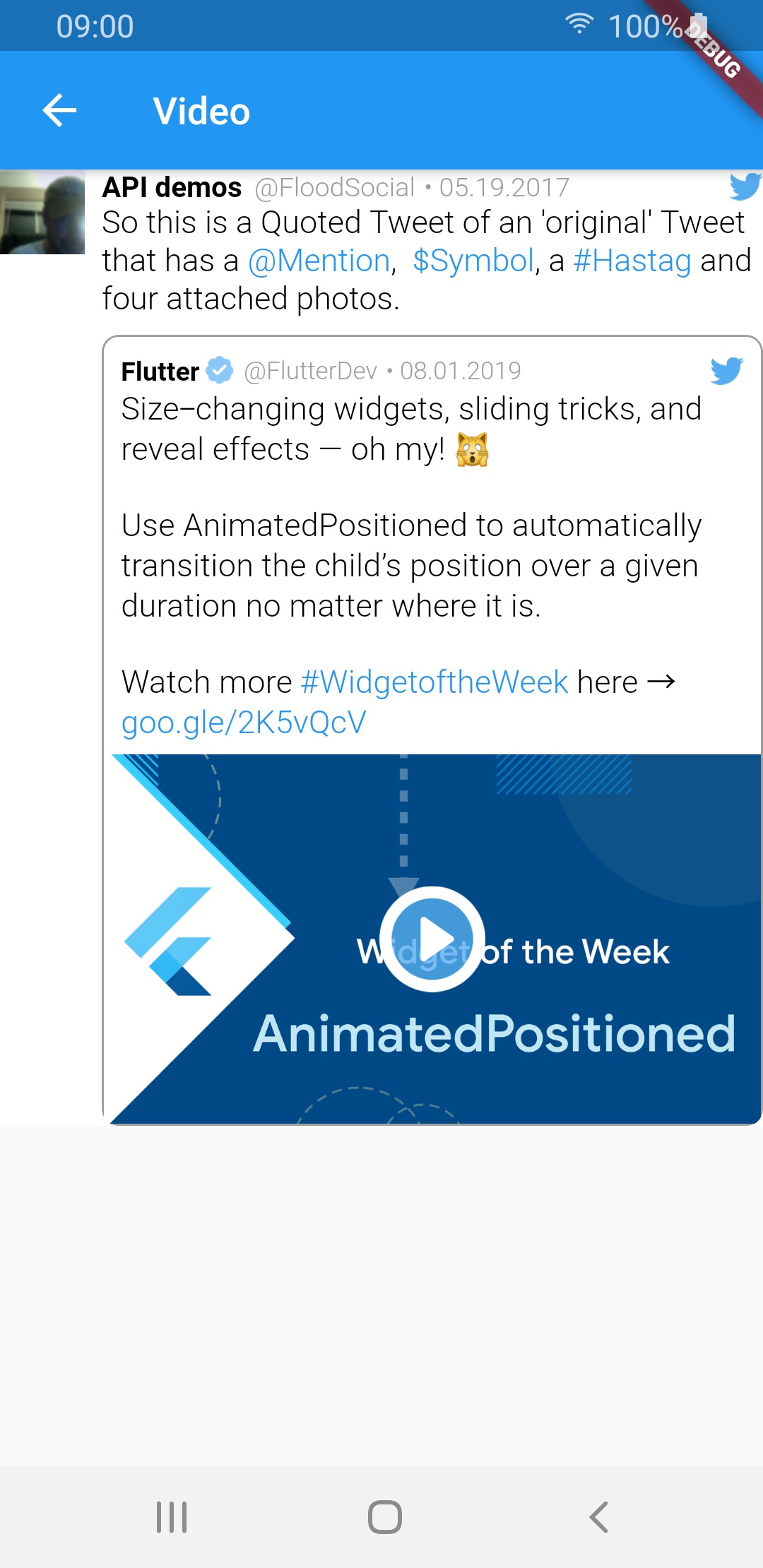
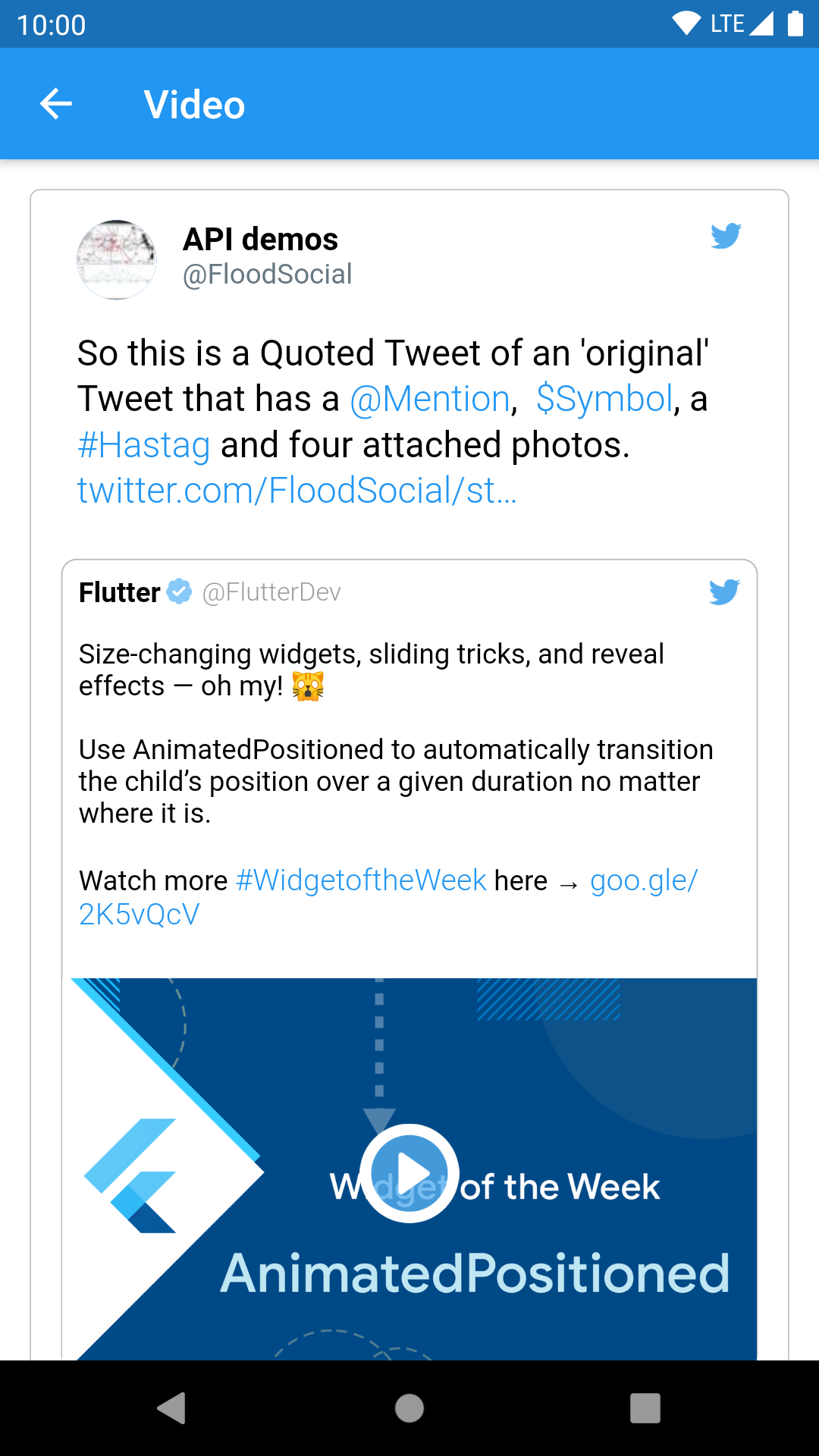
There is also a special QuoteTweetView that is embedded in a TweetView or a CompactTweetView or a EmbeddedTweetView. This depends if a Tweet has a quoted_status value in the JSON.

What tweet view should I create?

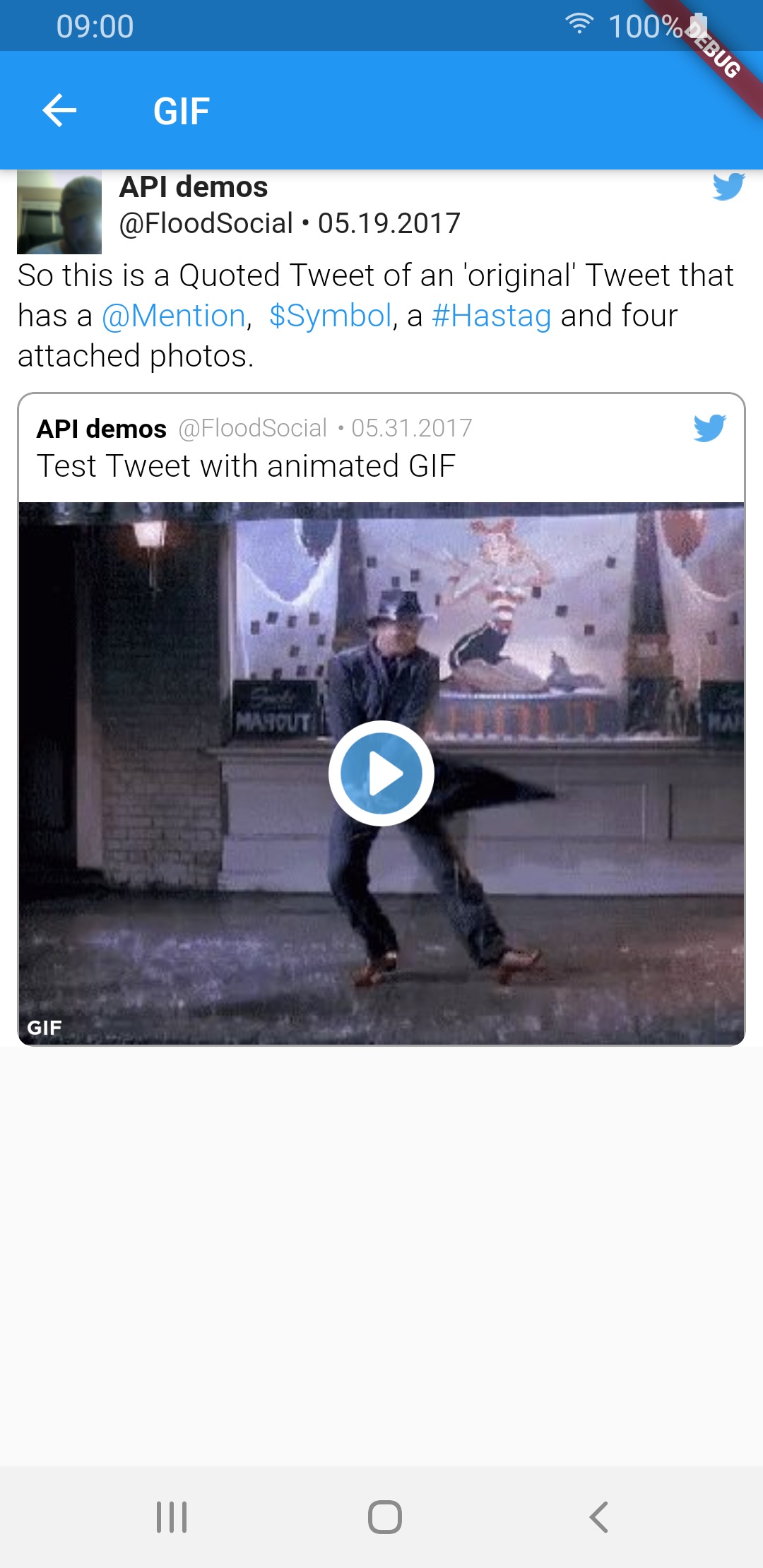
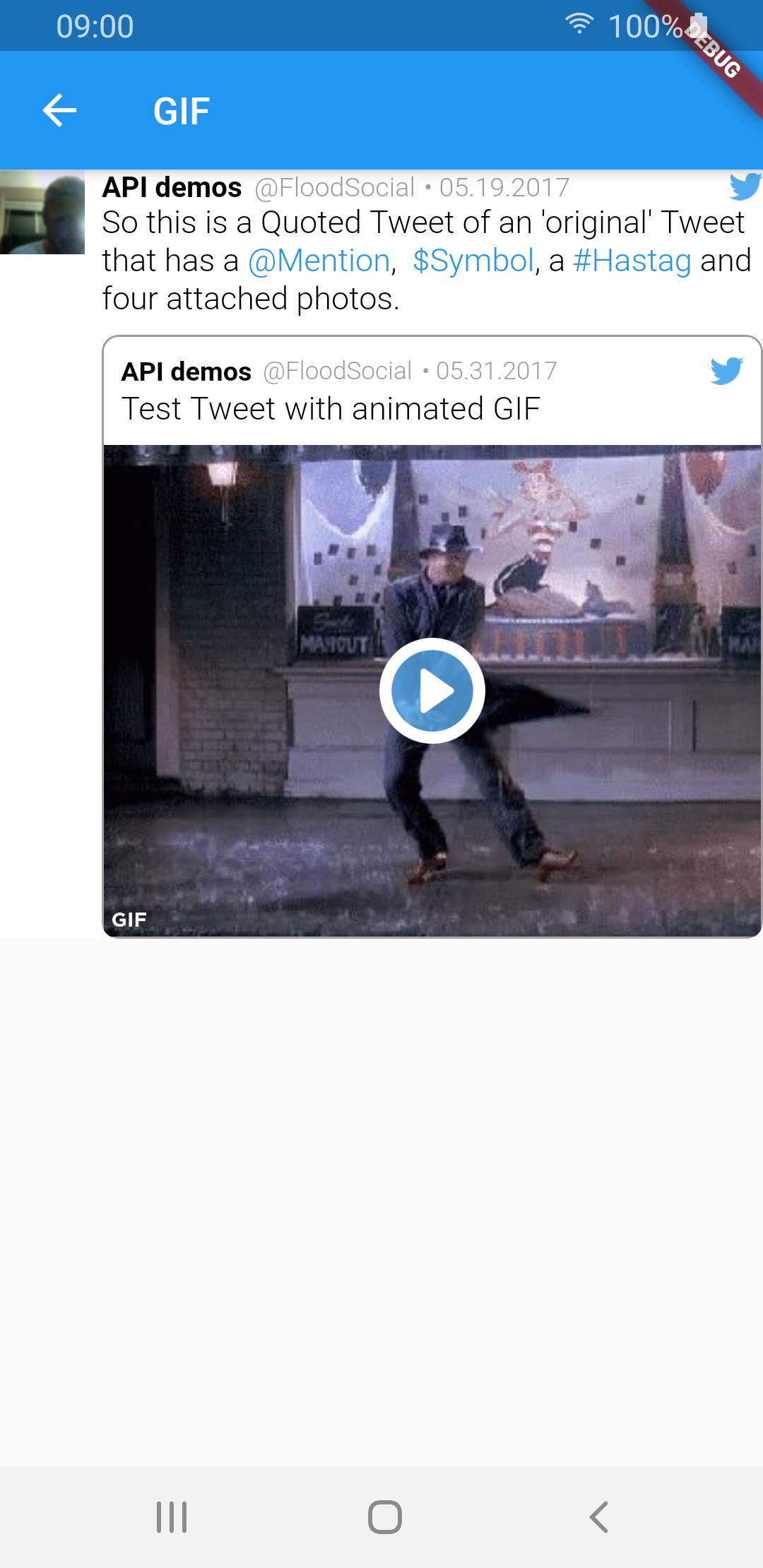
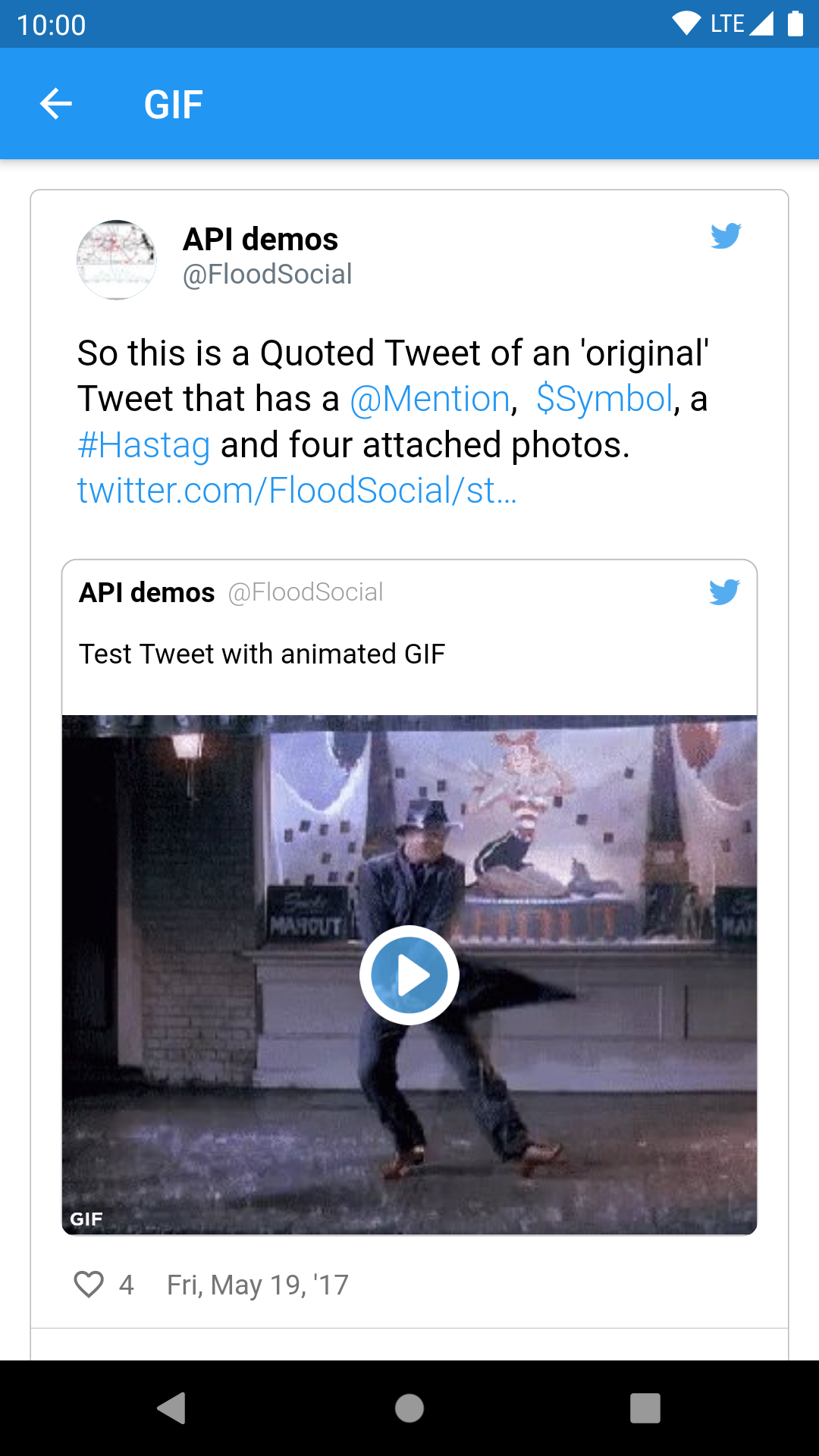
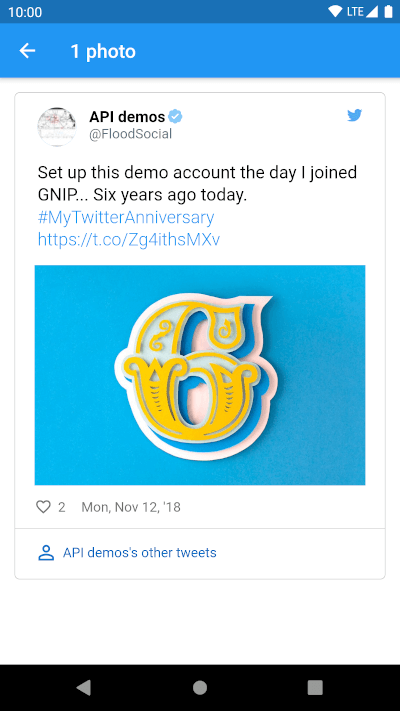
TweetView and CompactTweetView are more customisable, but EmbeddedTweetView looks more modern. Check the screenshots below.

Twitter API V2 know problems

In current version of twitter API (V2 as of 14.02.2022) it is not possible to get video url in tweet response. See the following links for more info:

All other video fields (like size or duration) are available in the response. This means that videos will not work for now.

Need more information? Check our wiki pages!

Colors & styling

Custom callbacks

Custom date format

Video player options

Example of supported view and media types:

Standard tweet views
Media type TweetView CompactTweetView EmbeddedTweetView
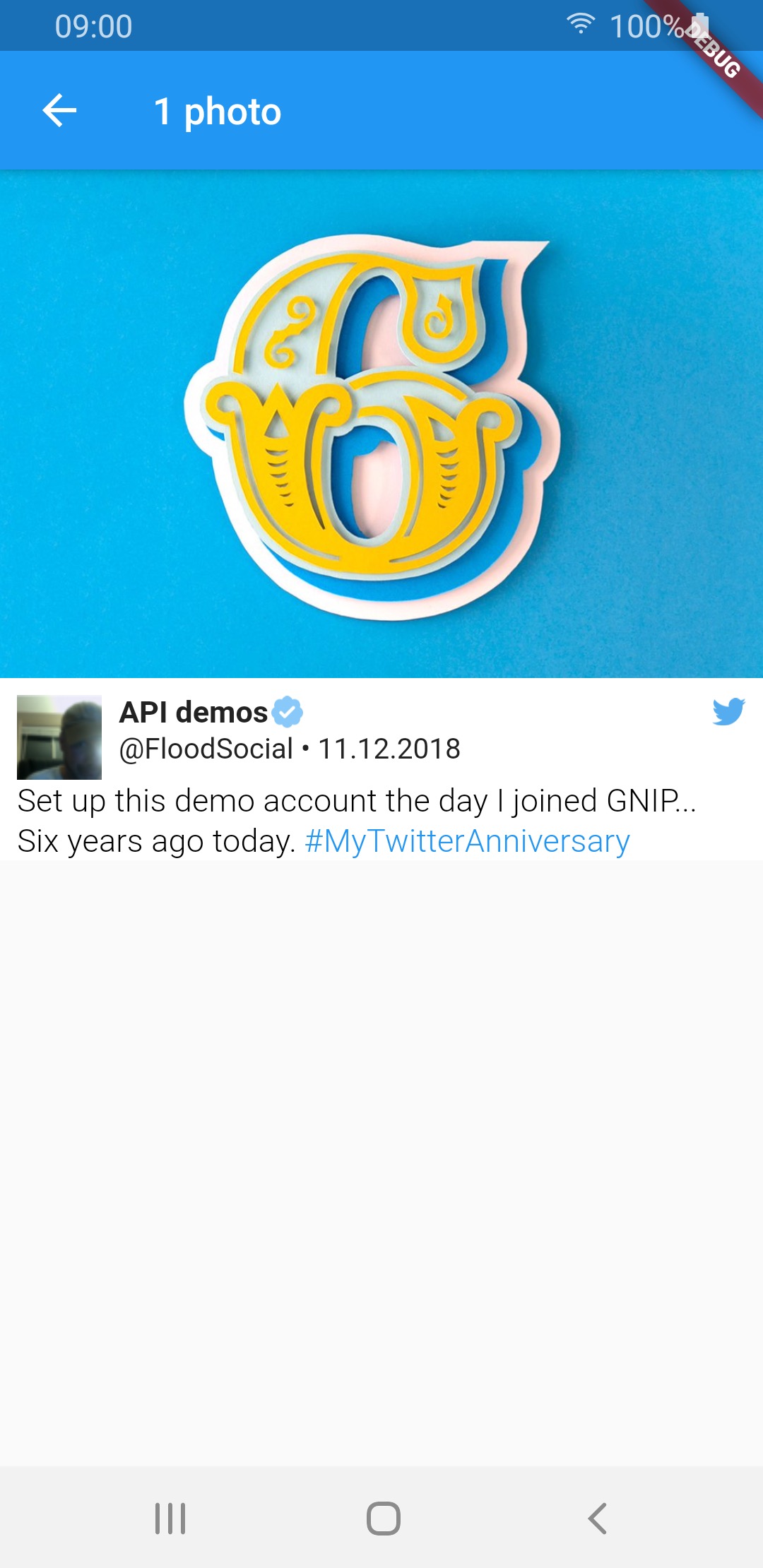
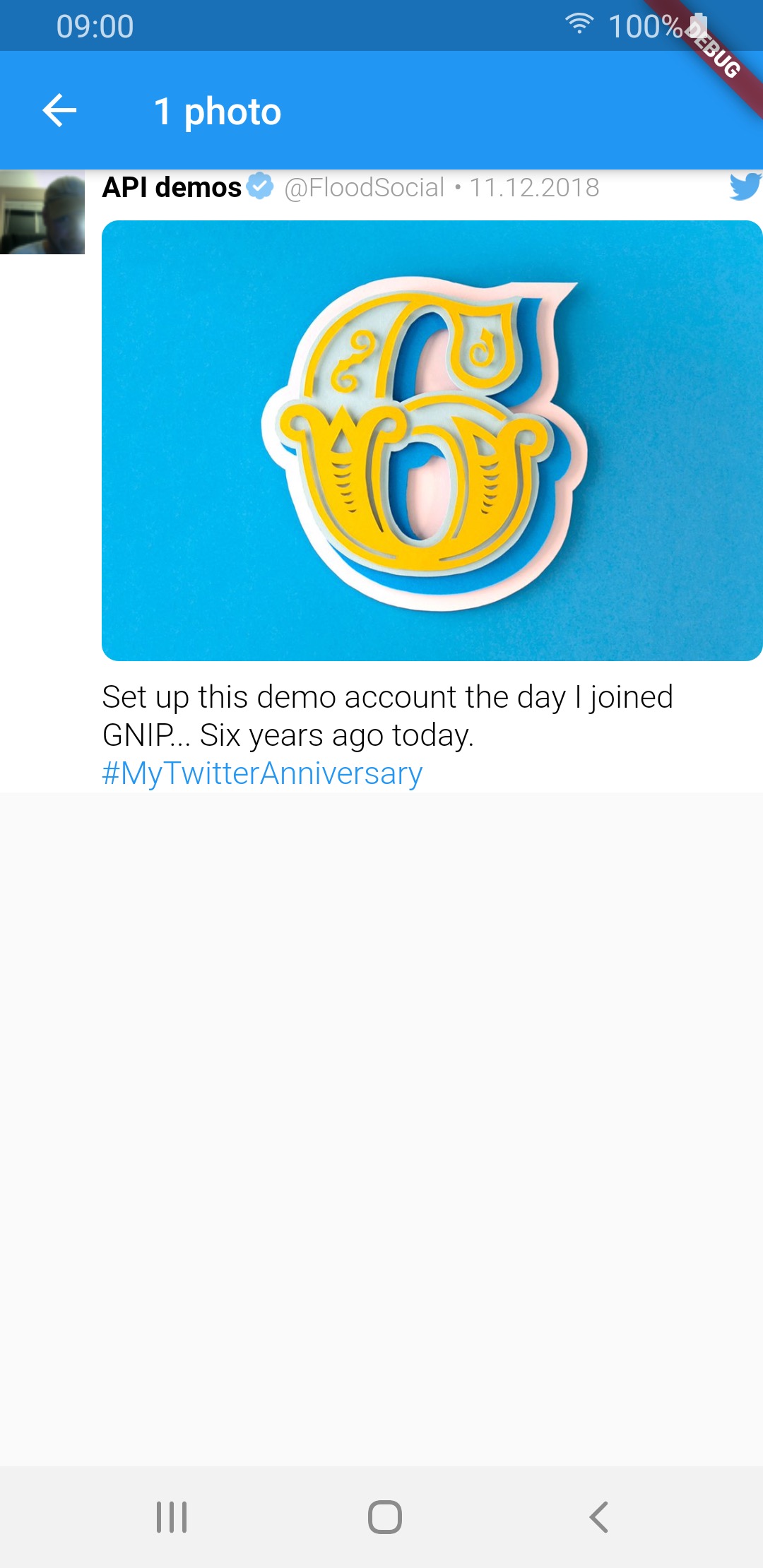
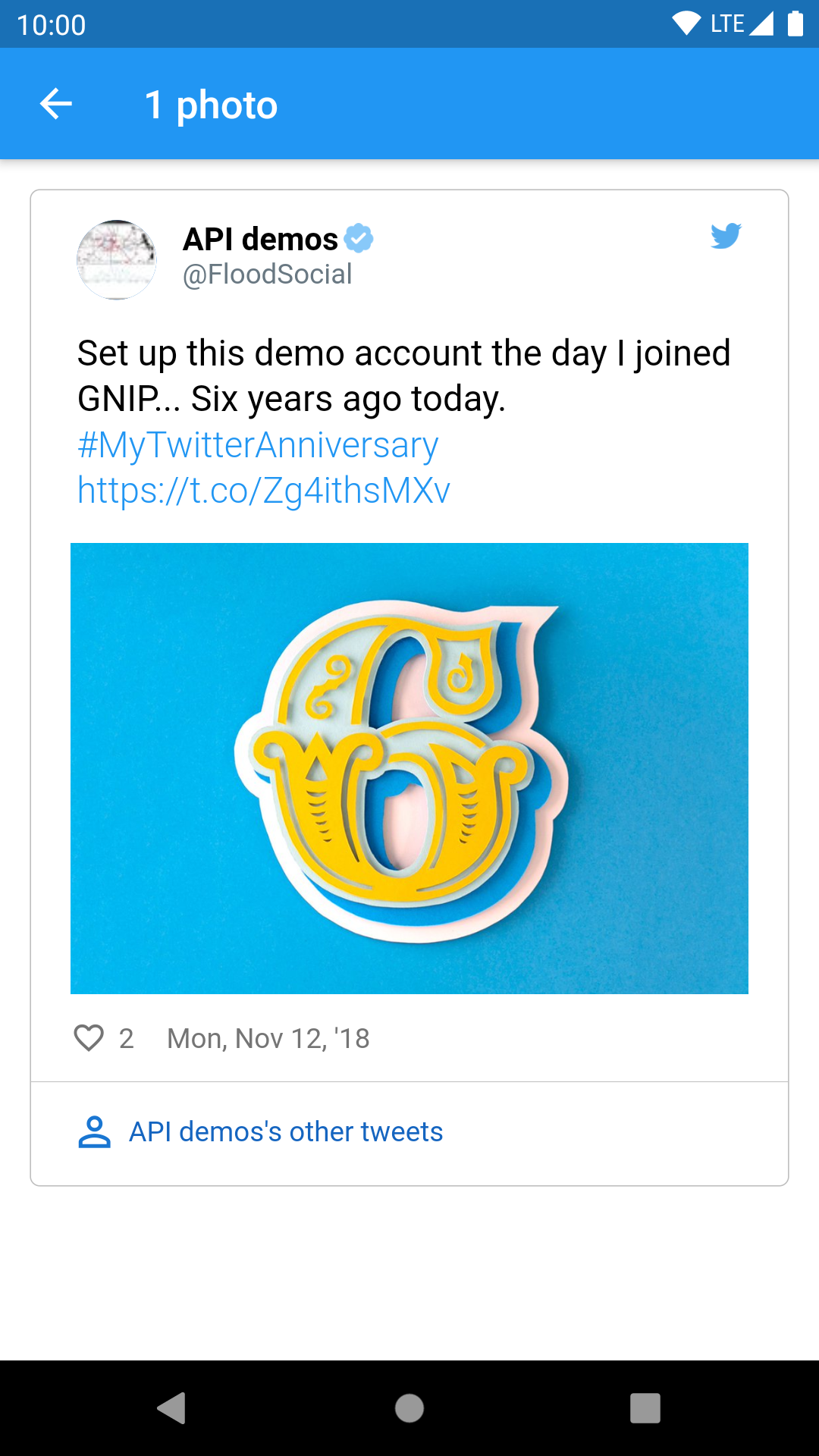
1 photo img img img
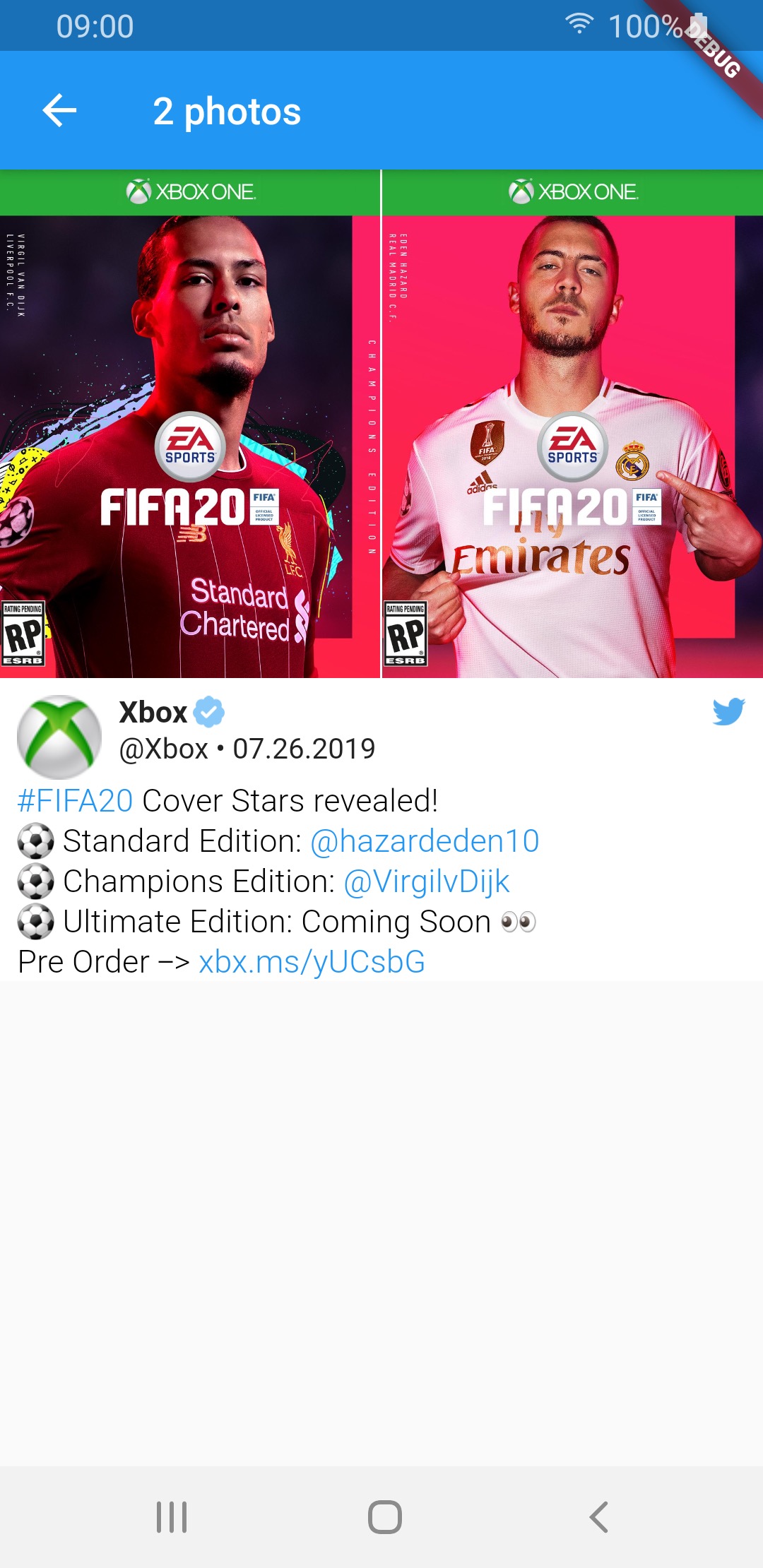
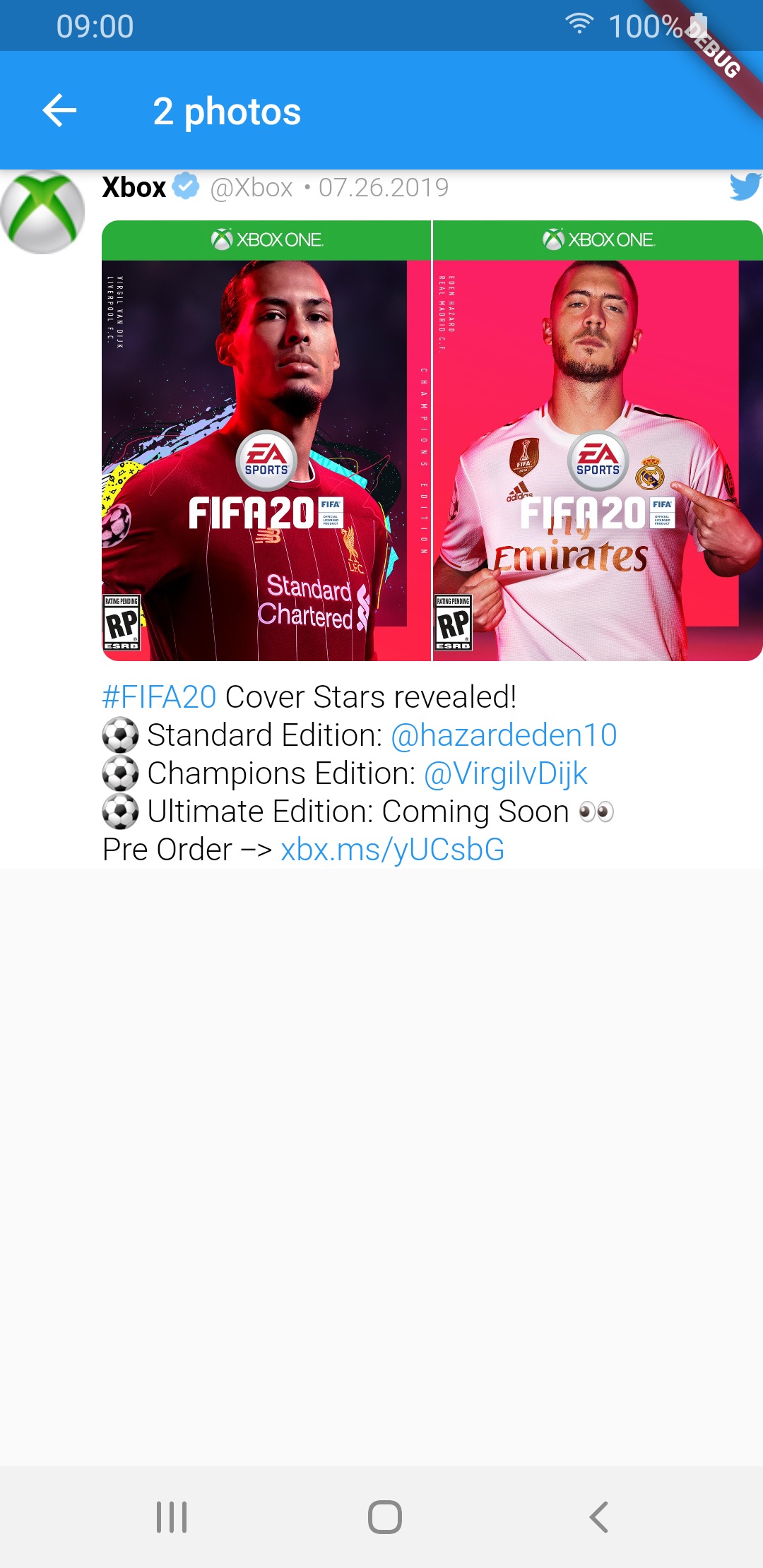
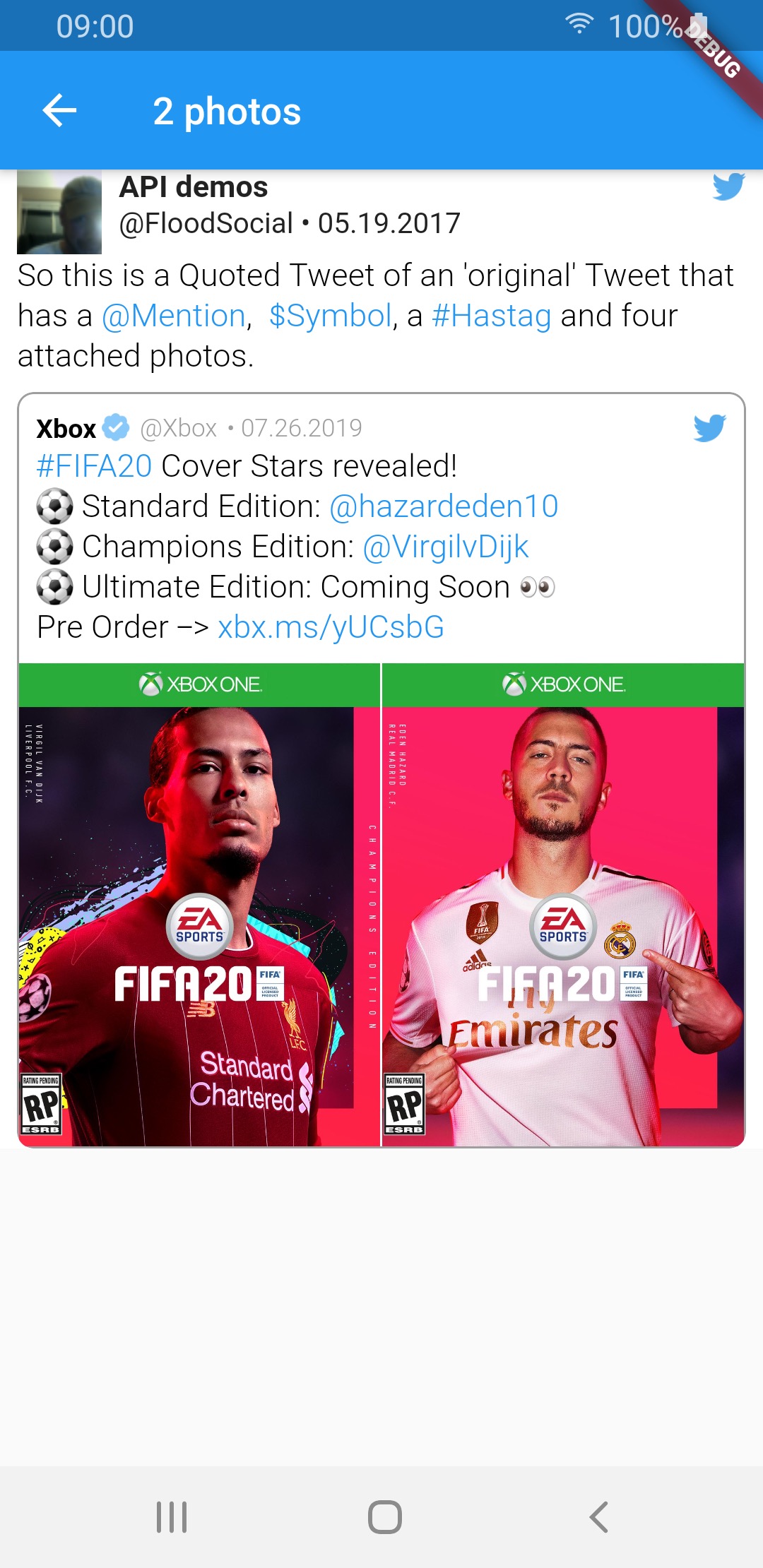
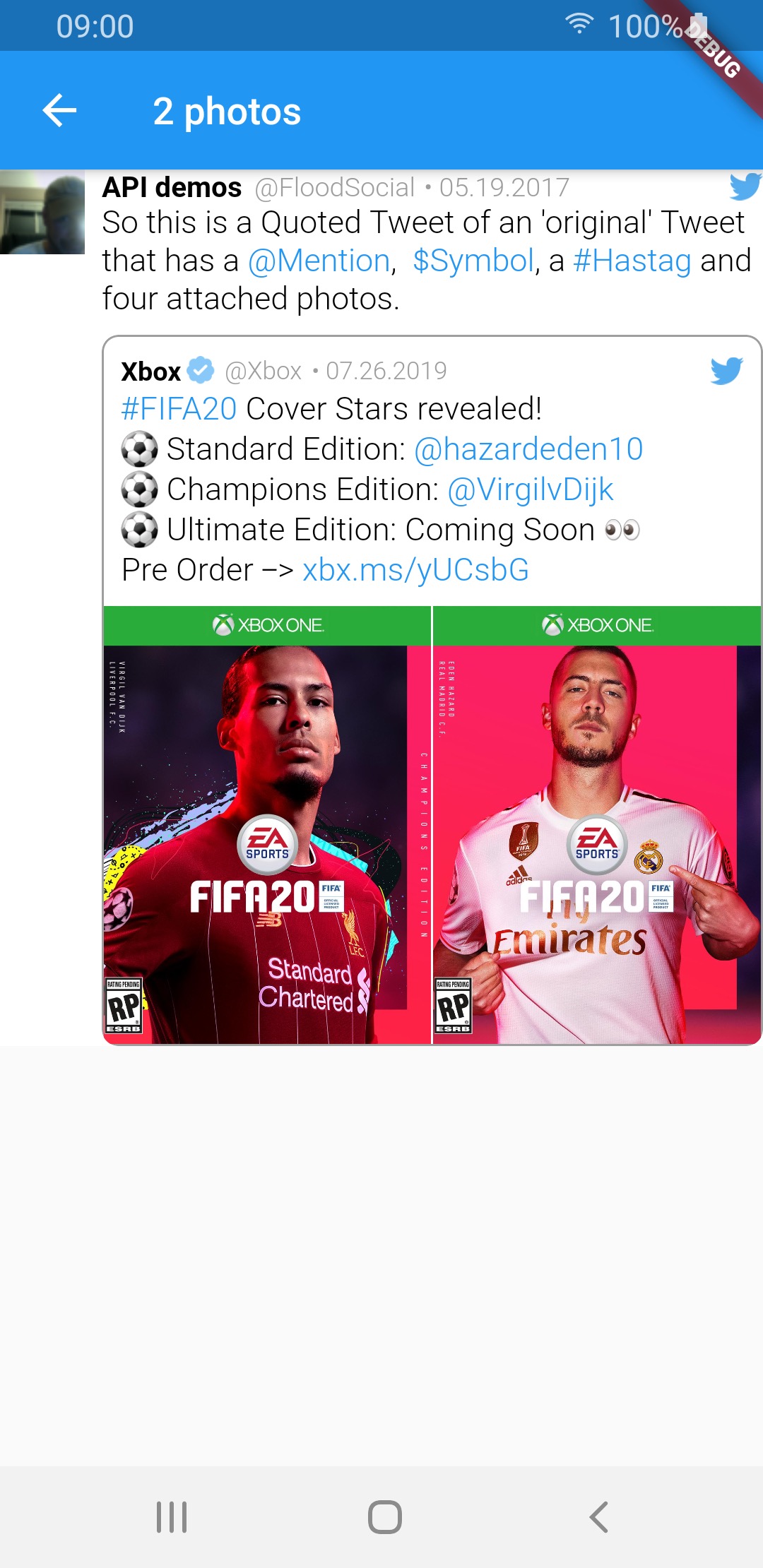
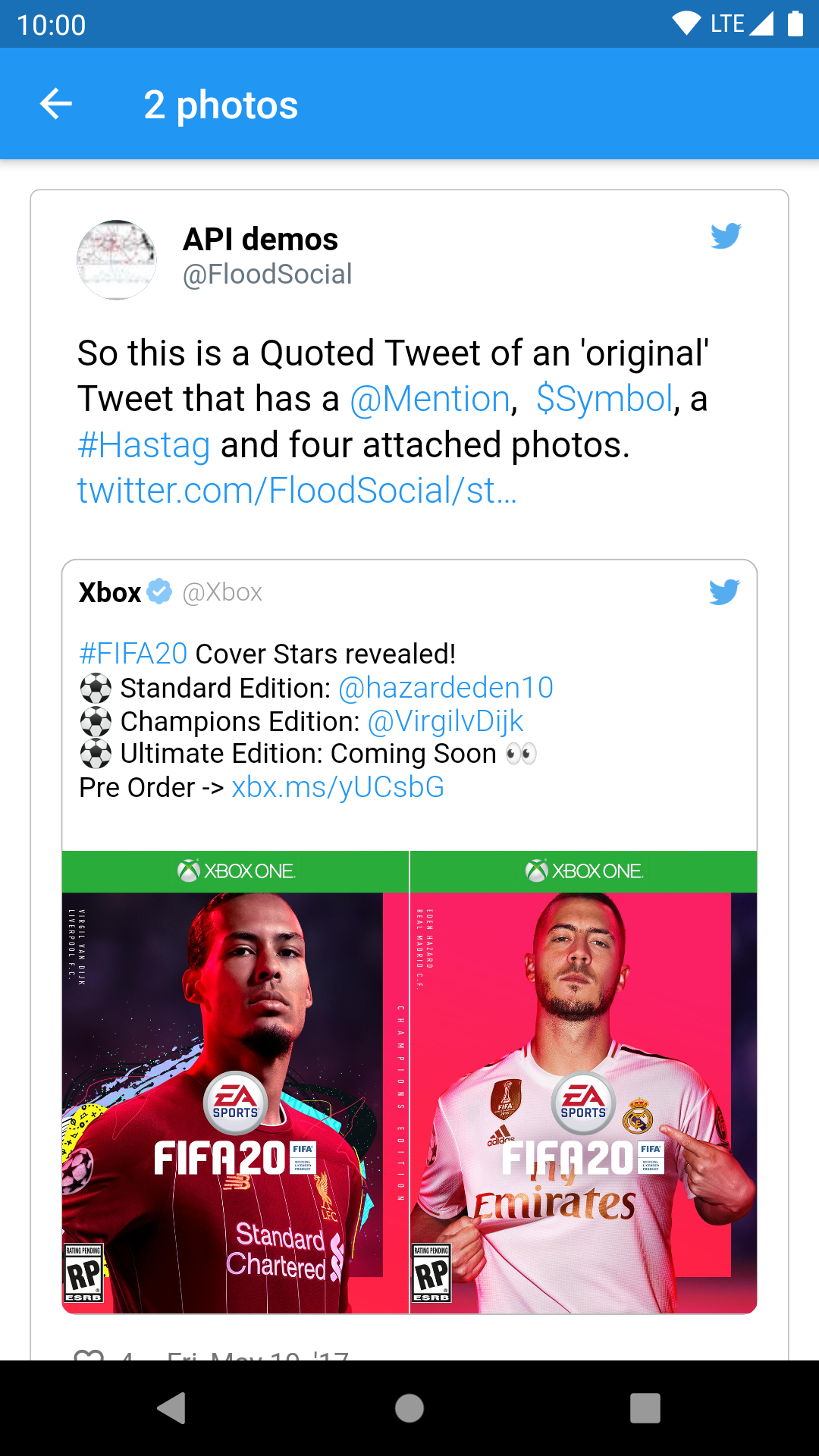
2 photos img img img
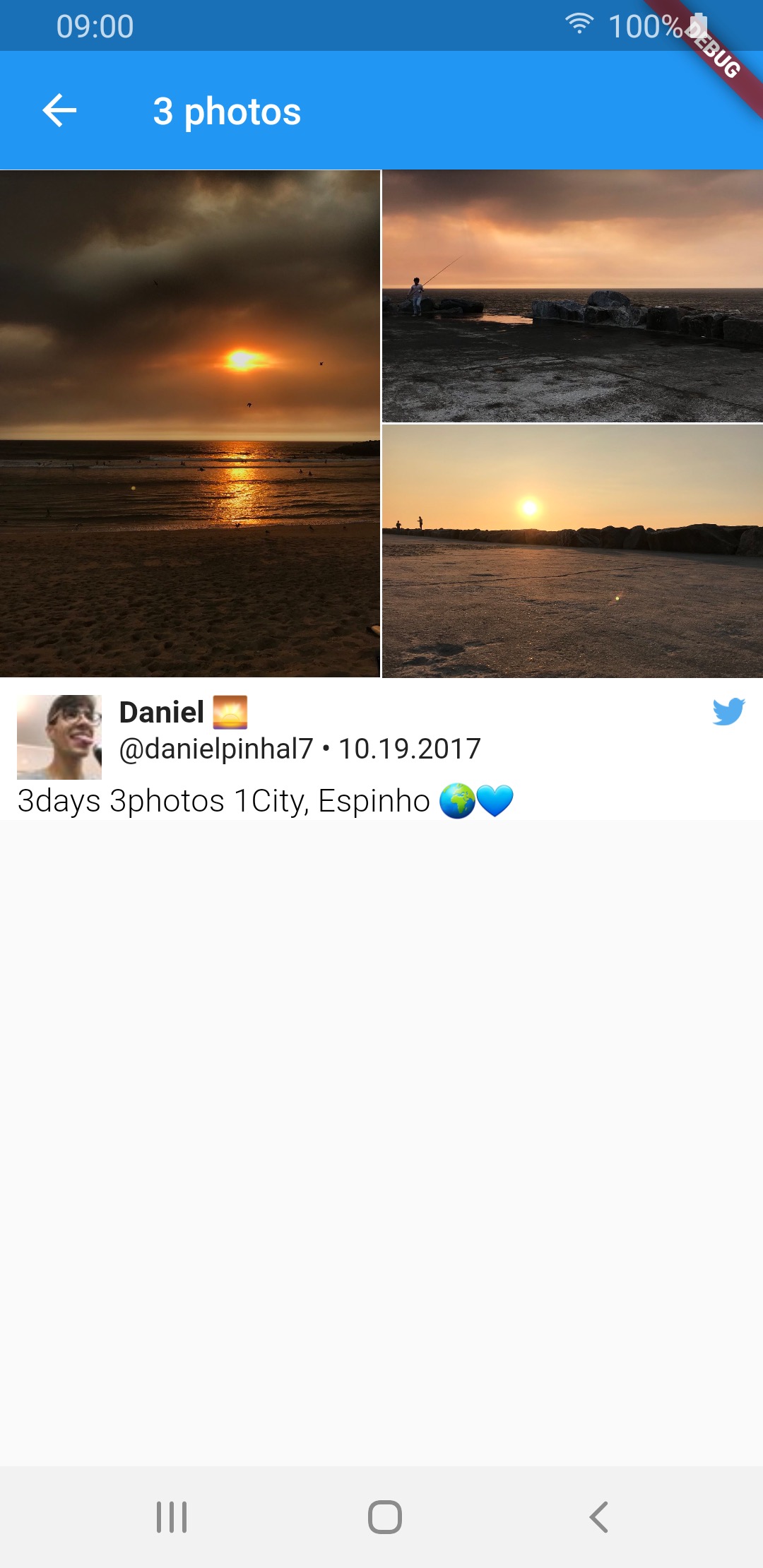
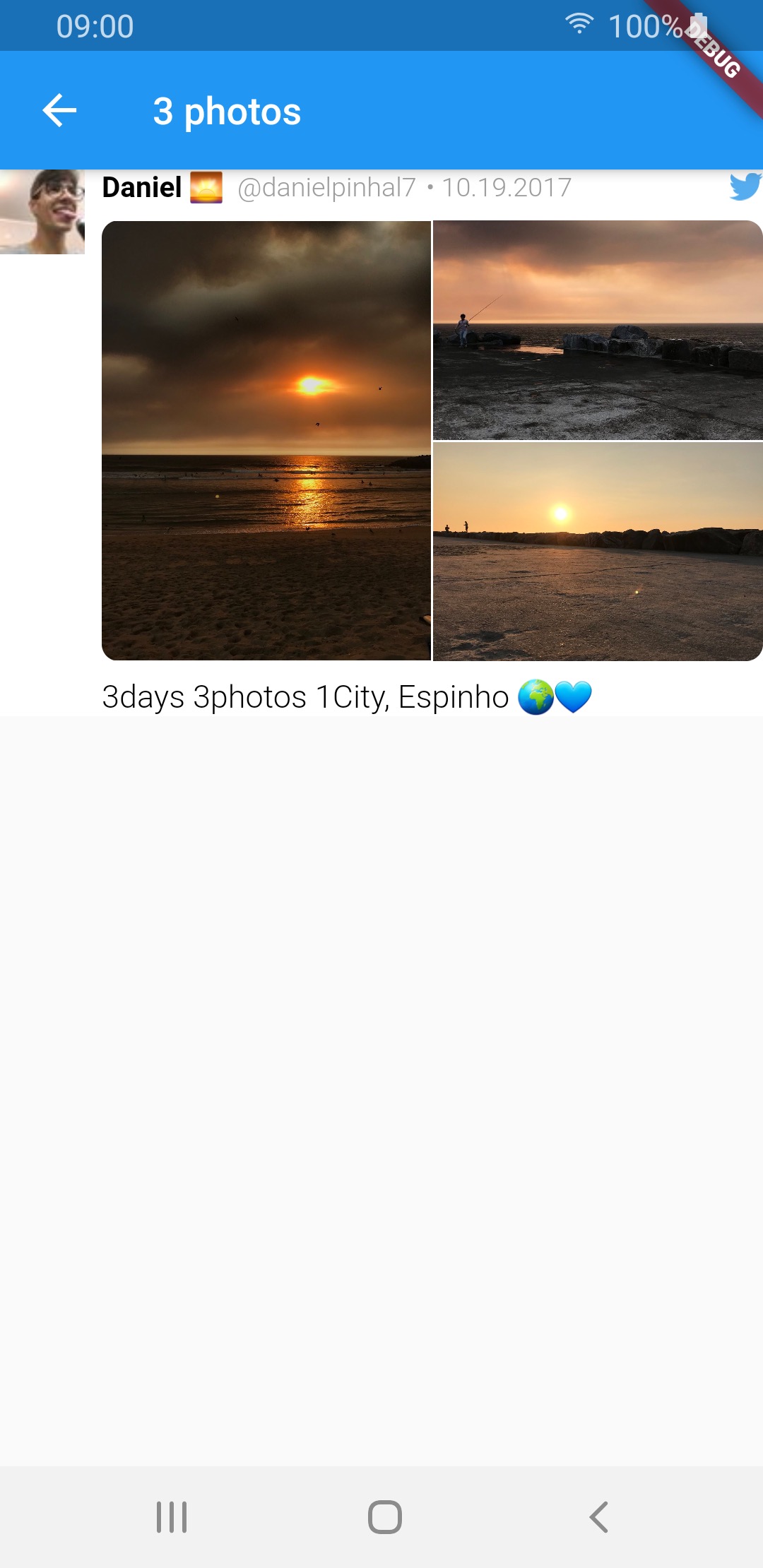
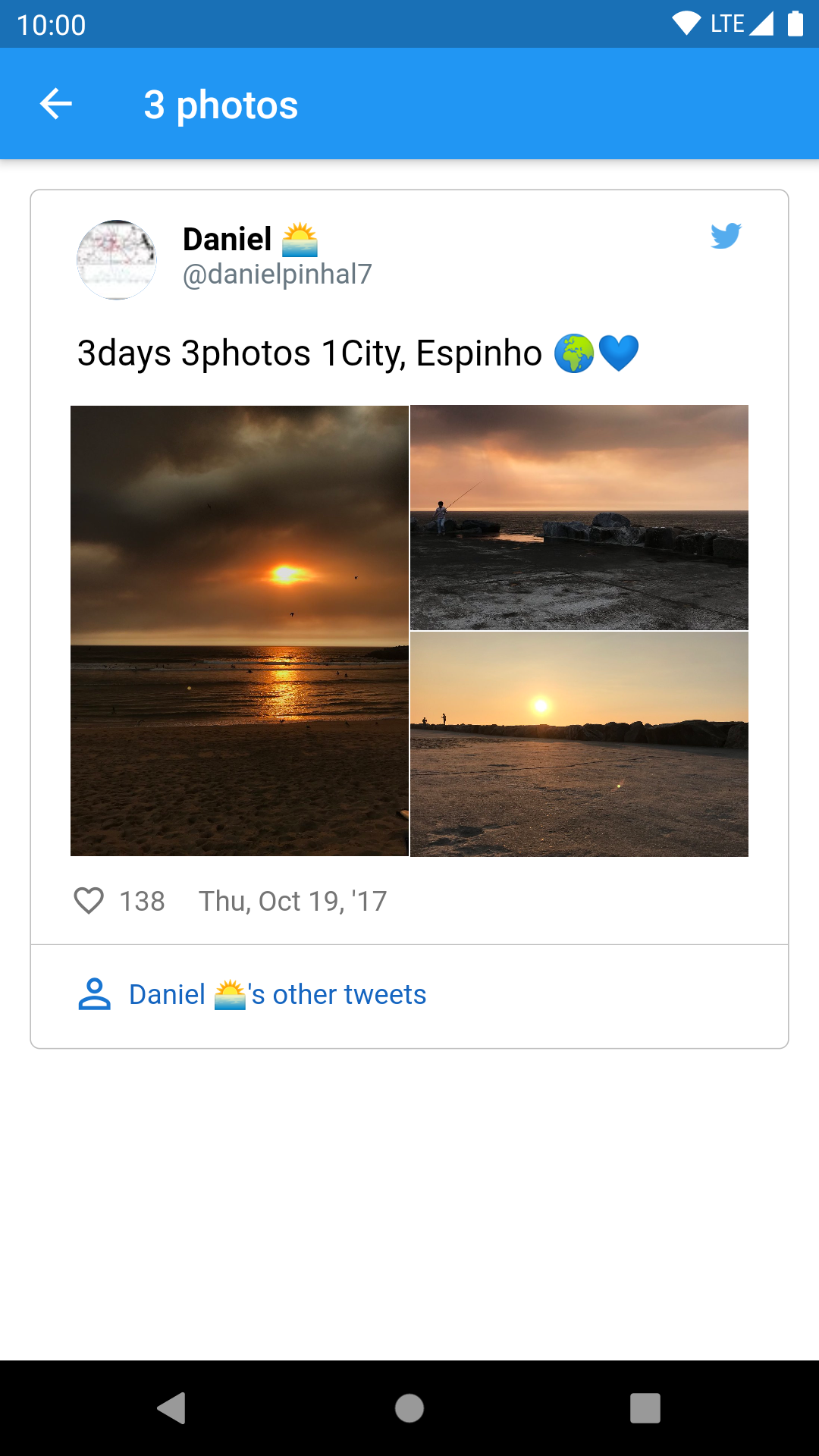
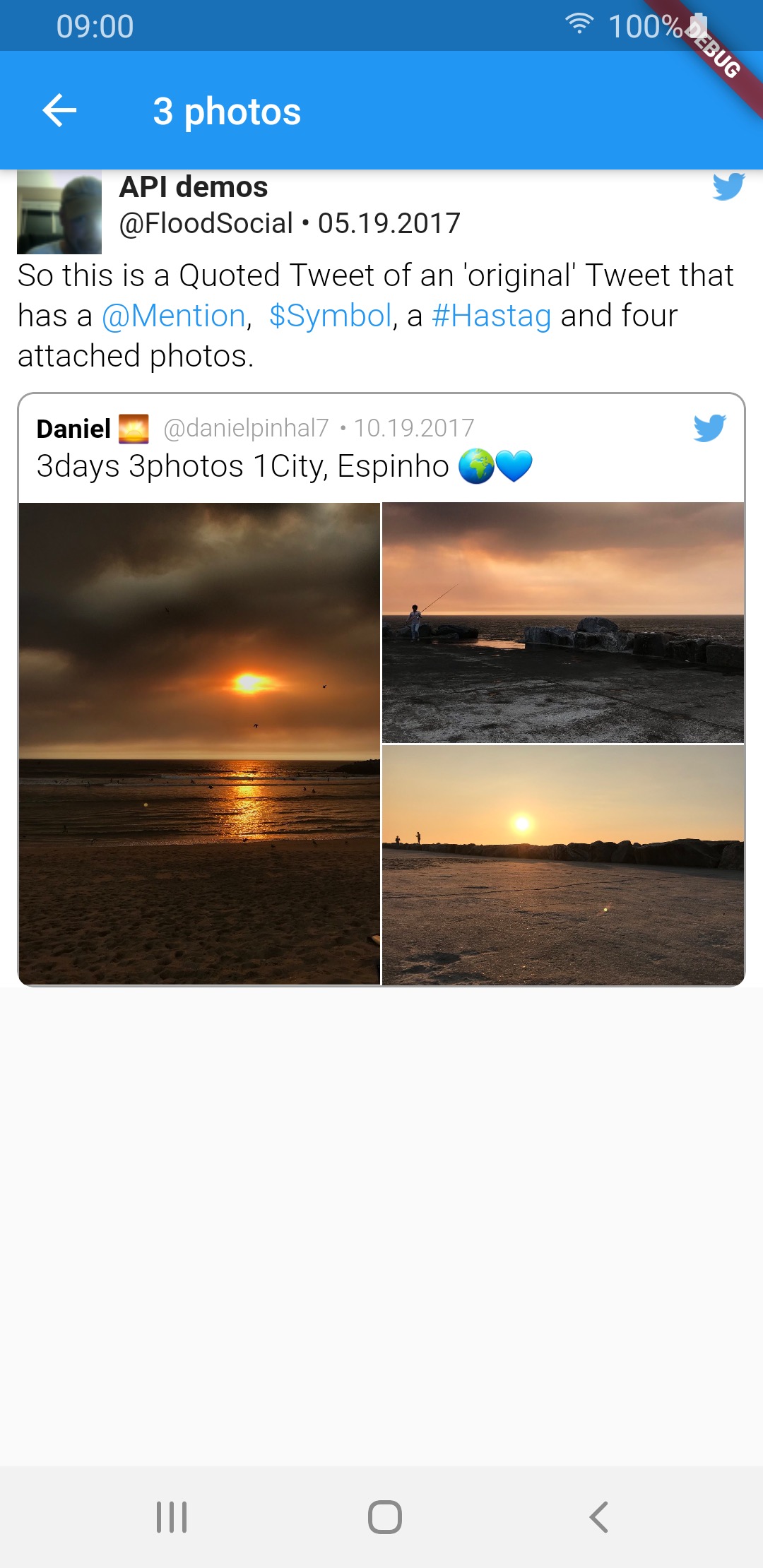
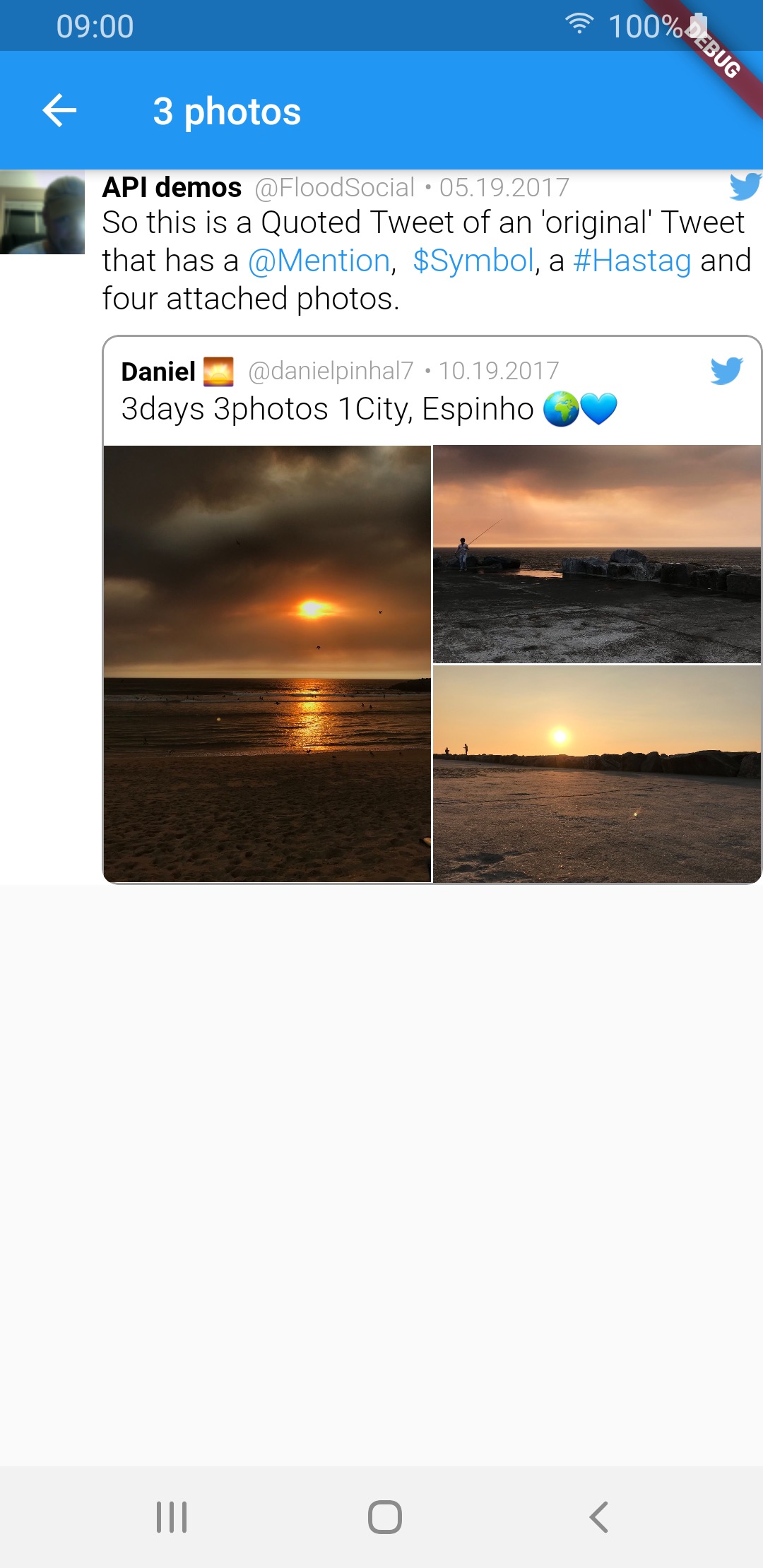
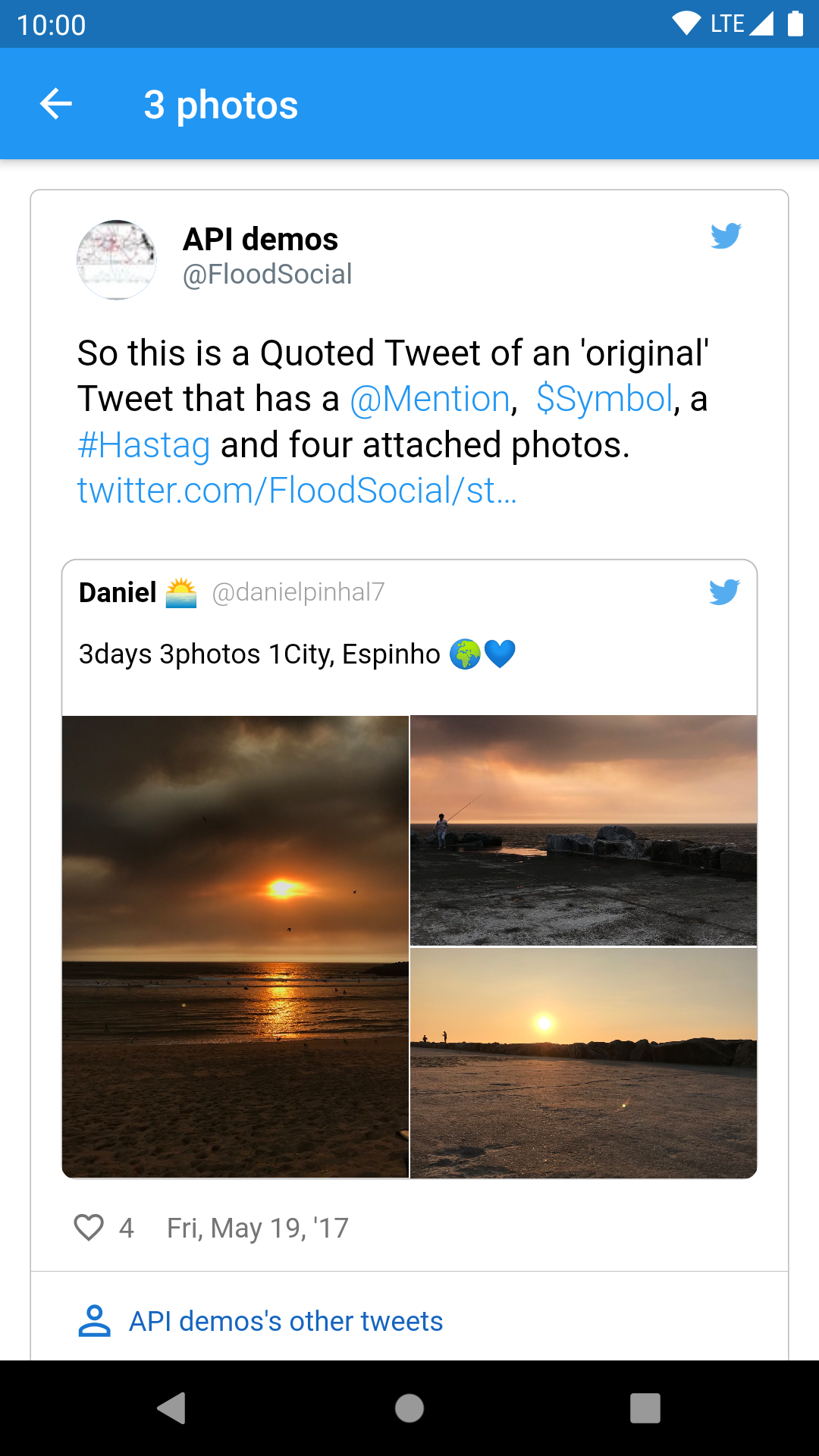
3 photos img img img
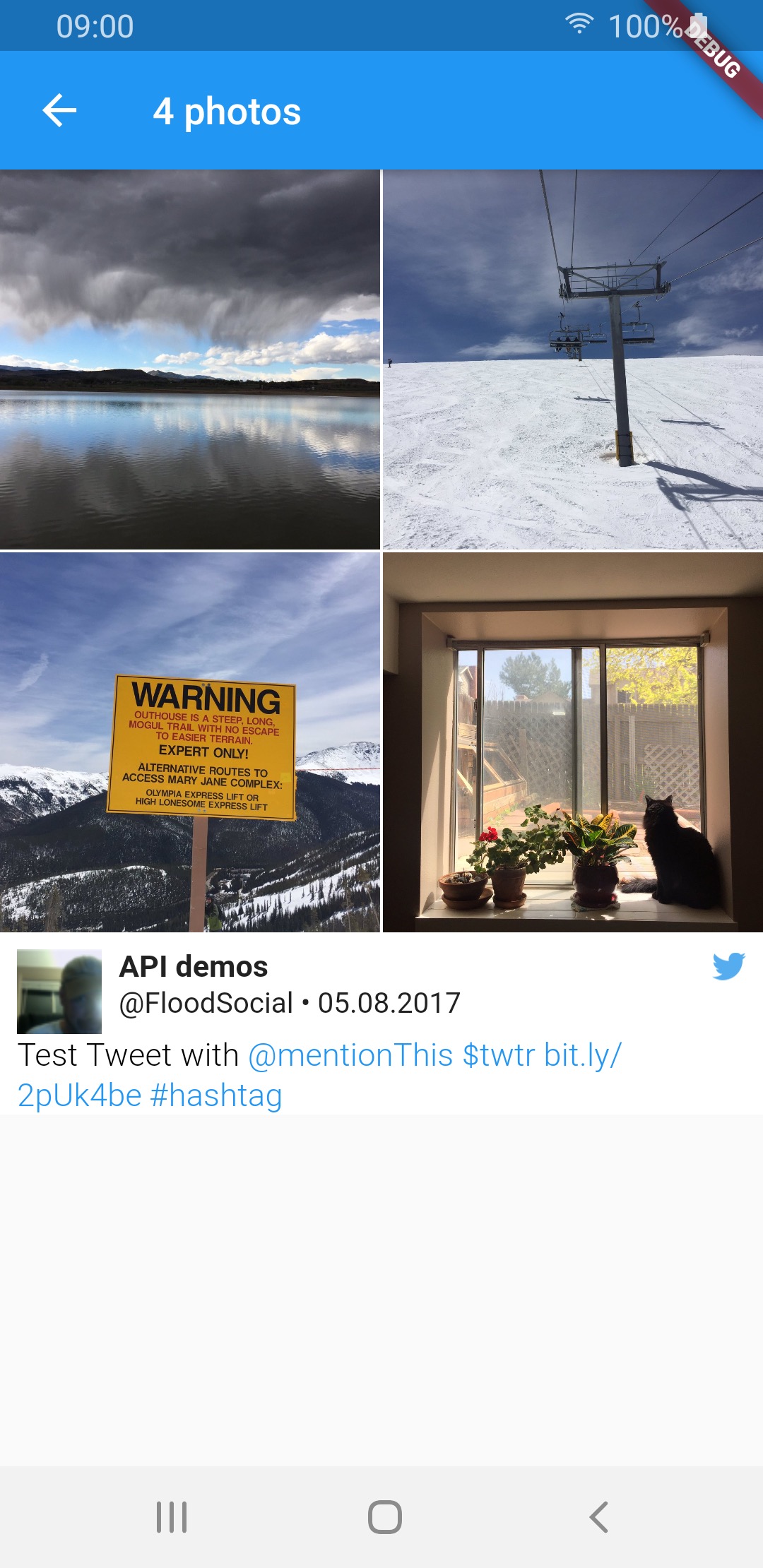
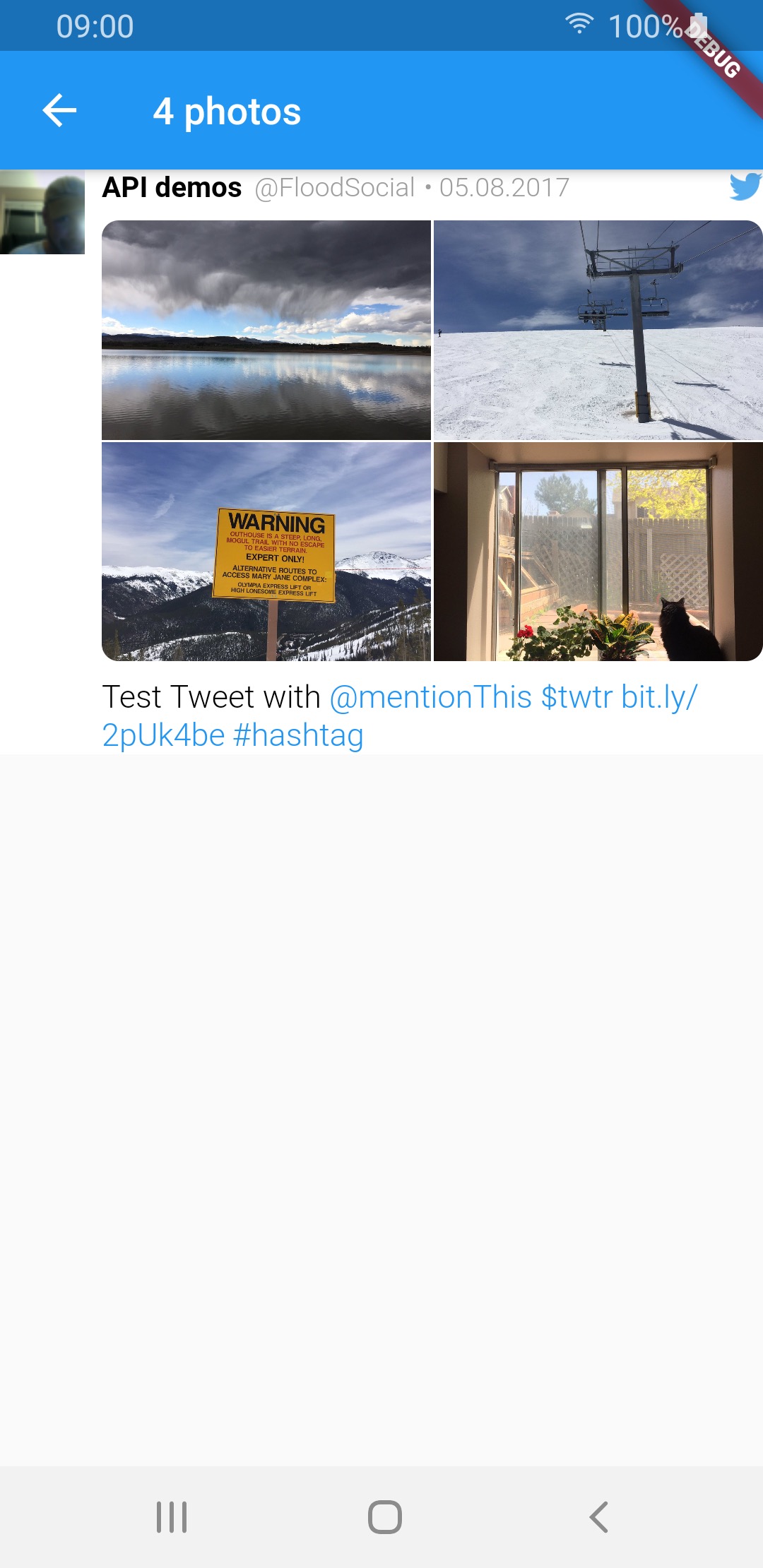
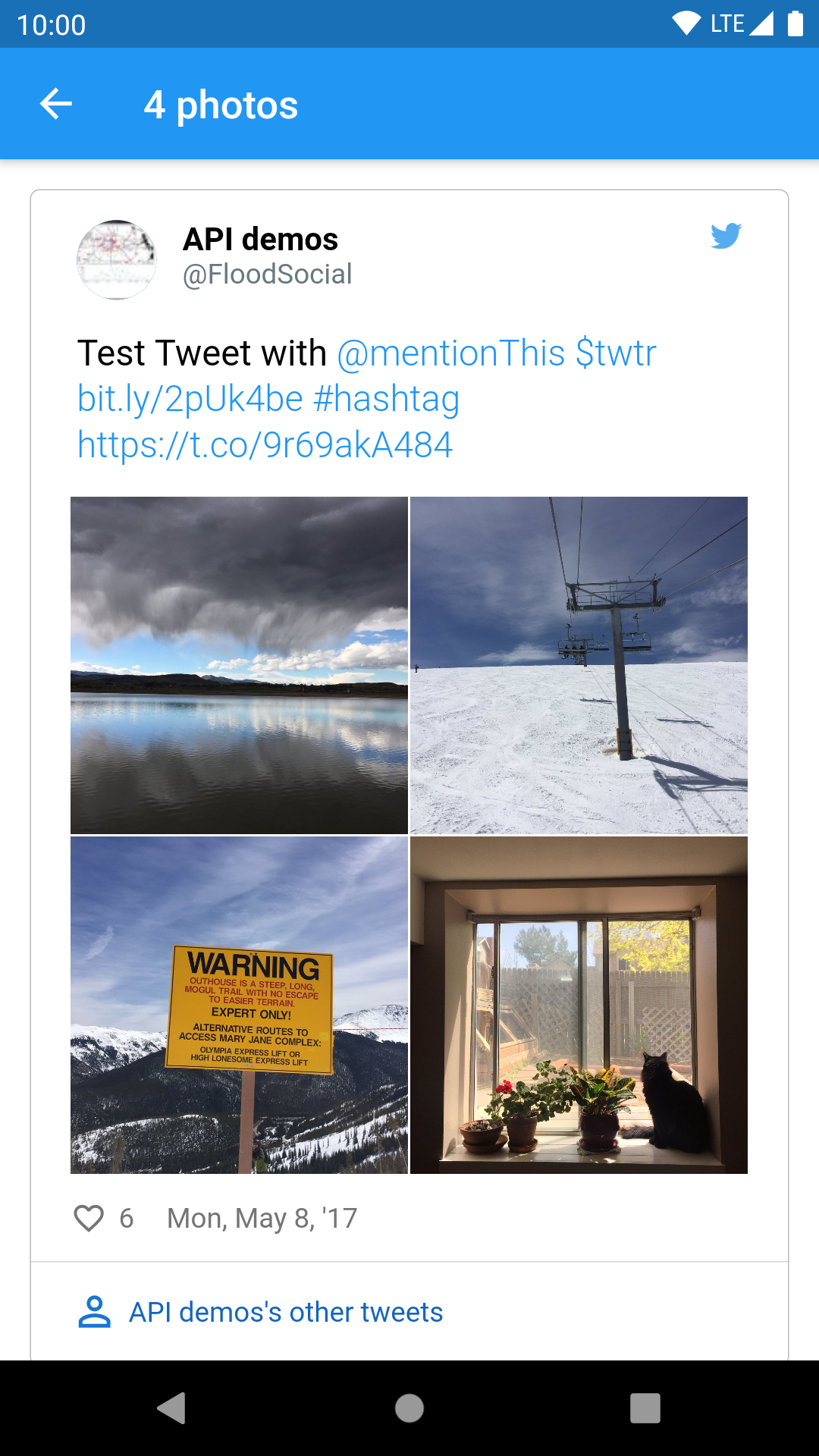
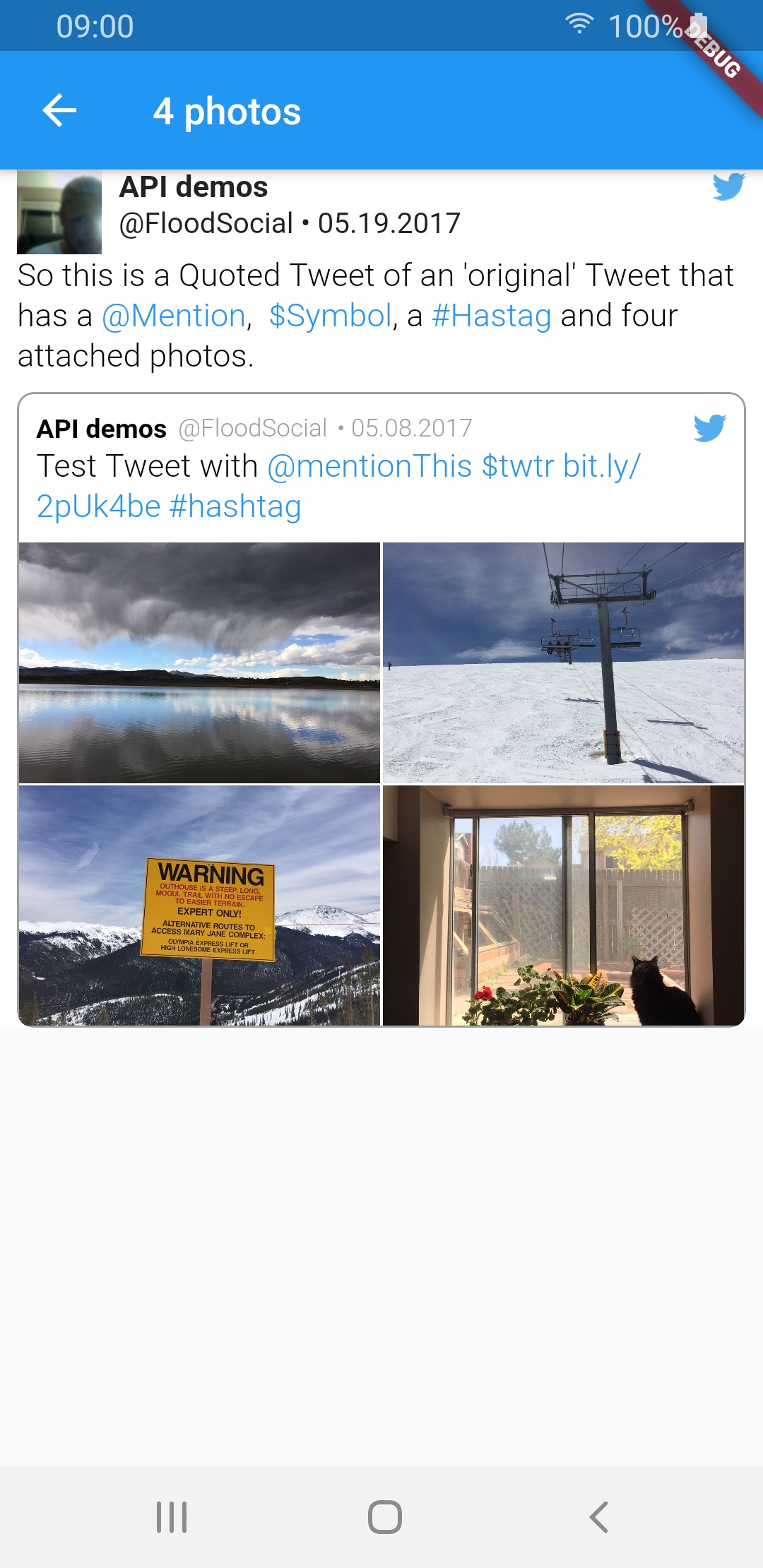
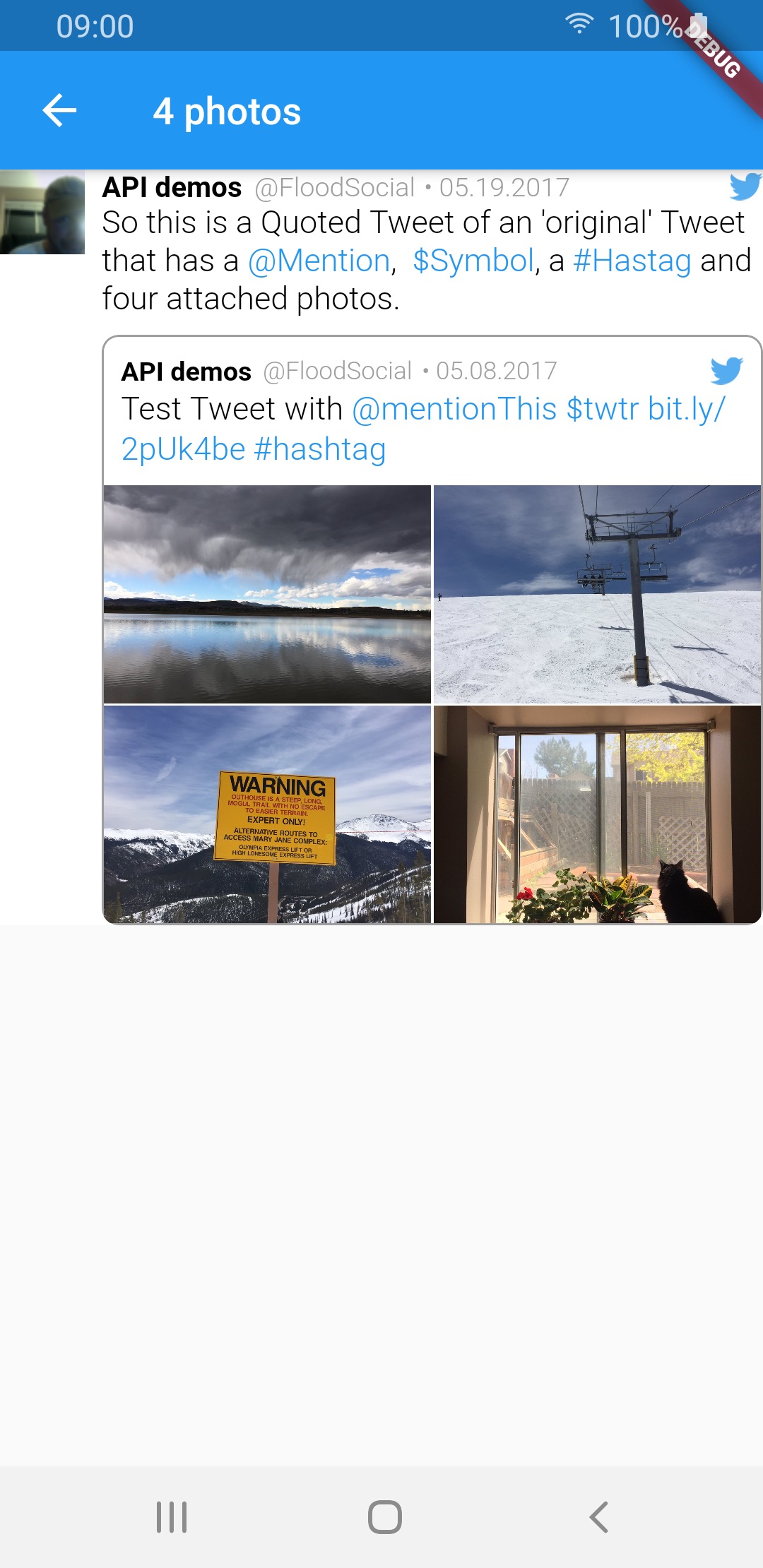
4 photos img img img
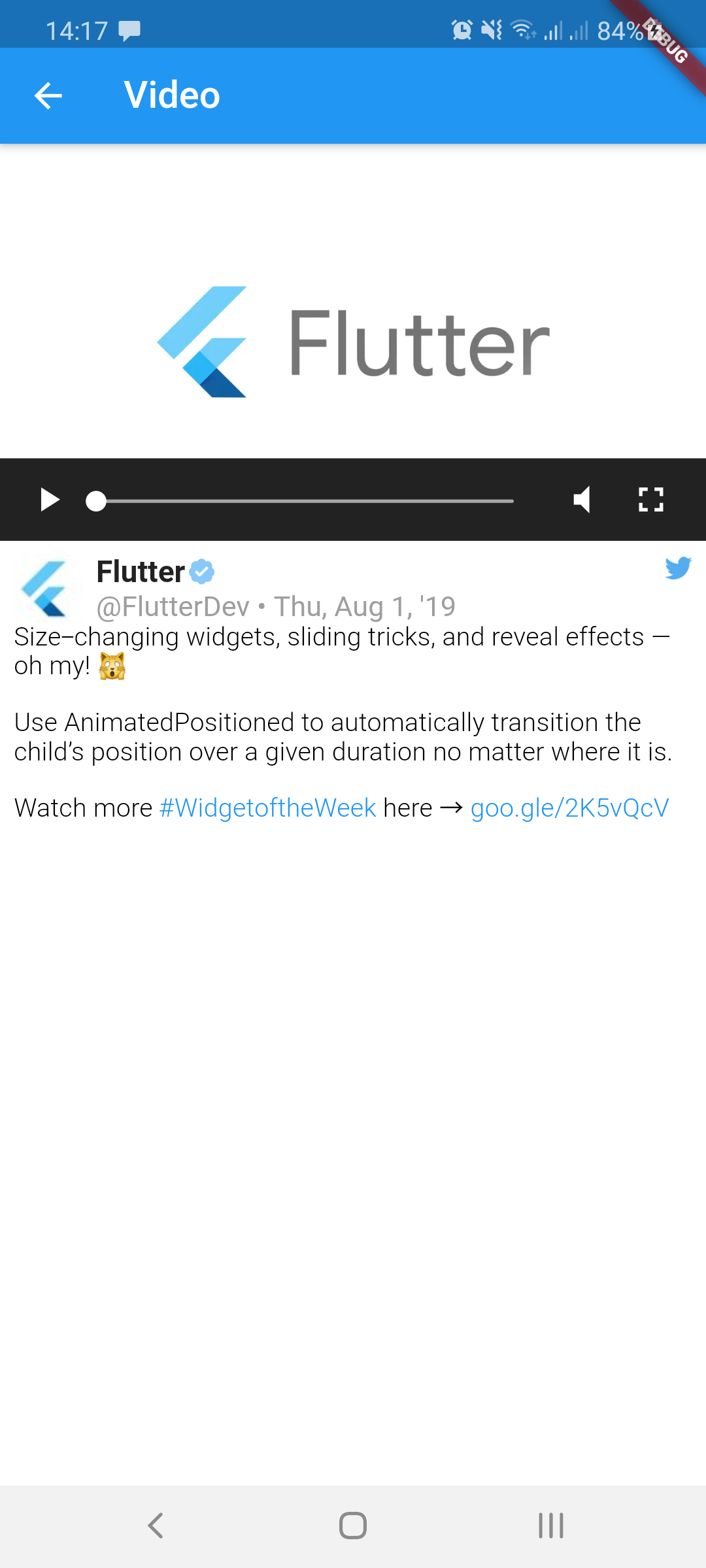
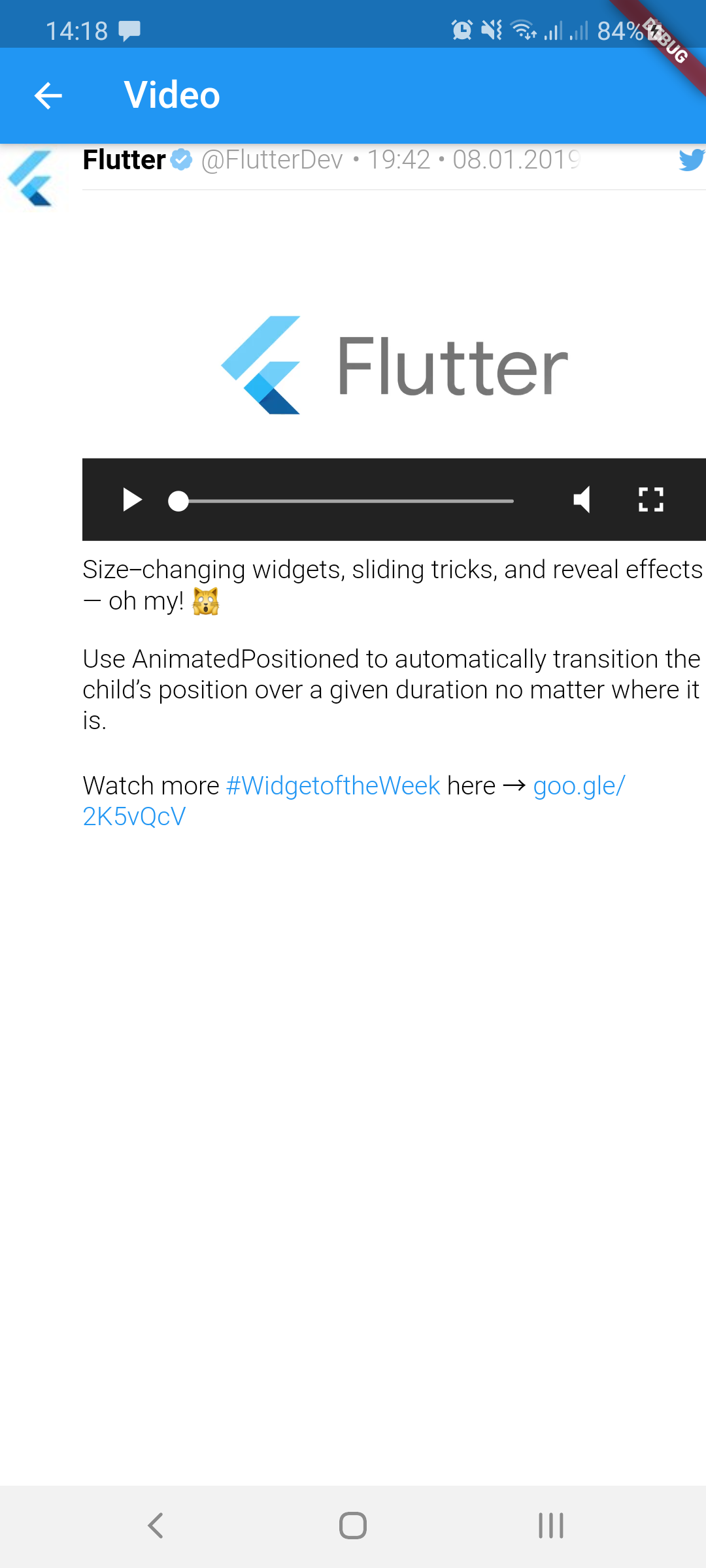
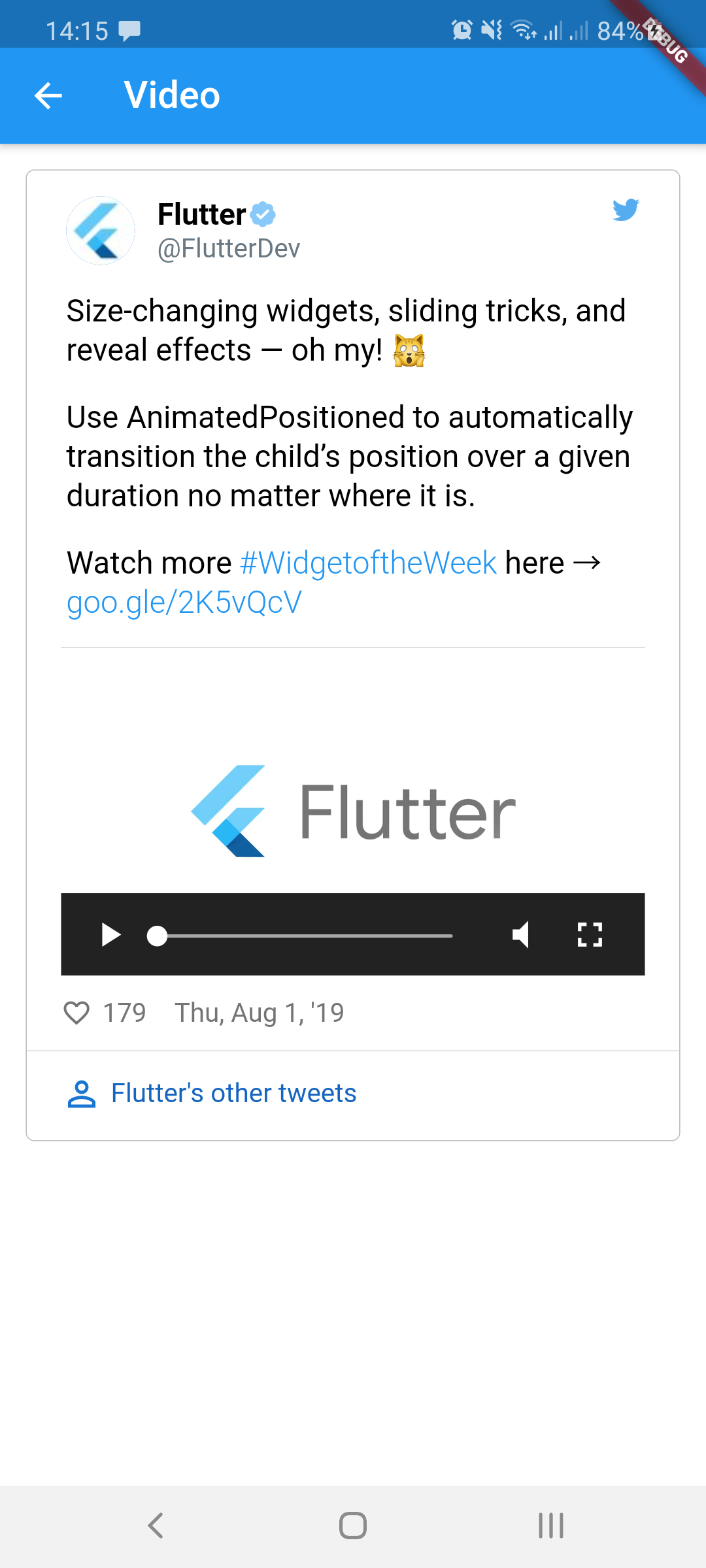
video img img img
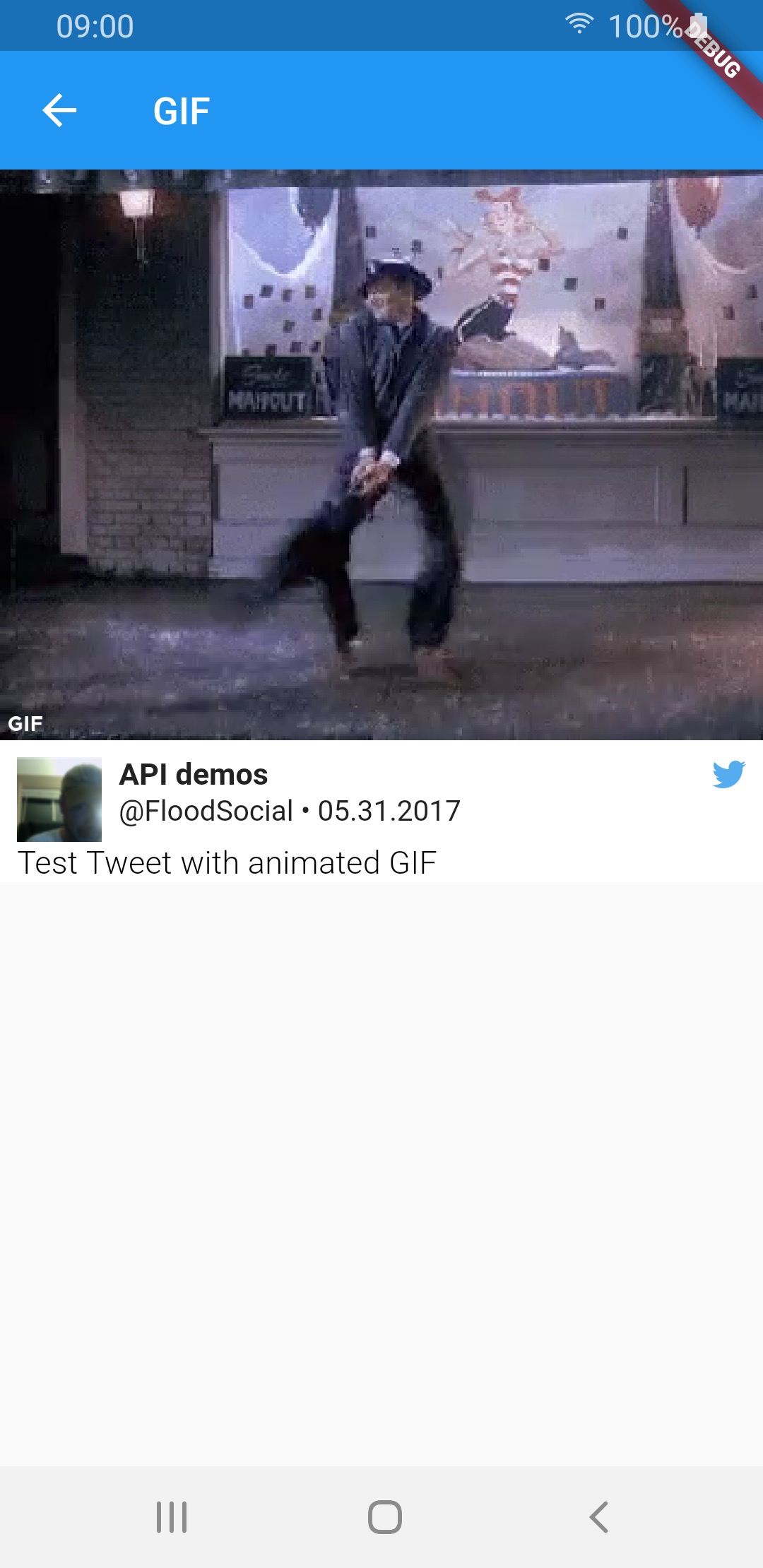
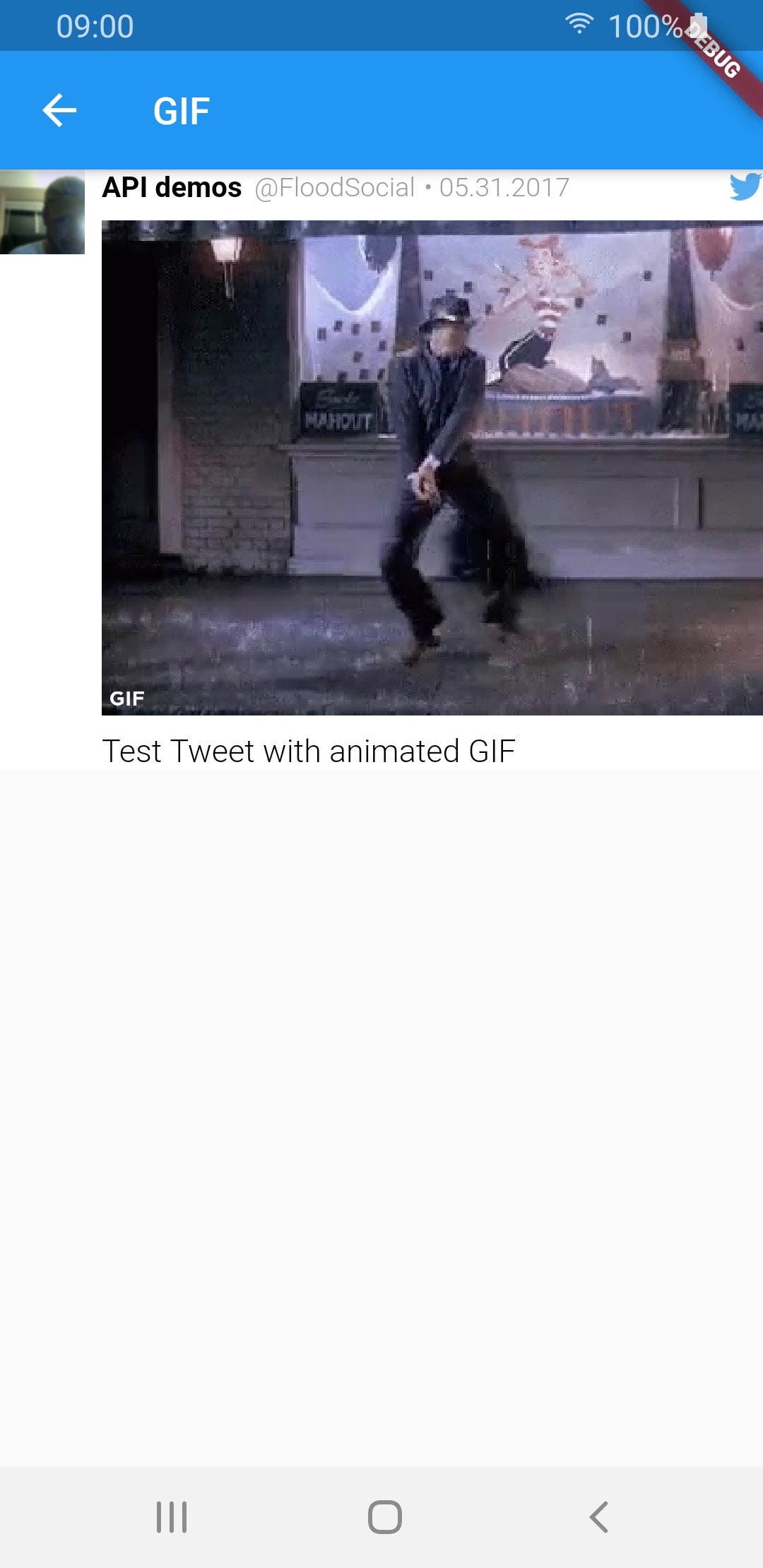
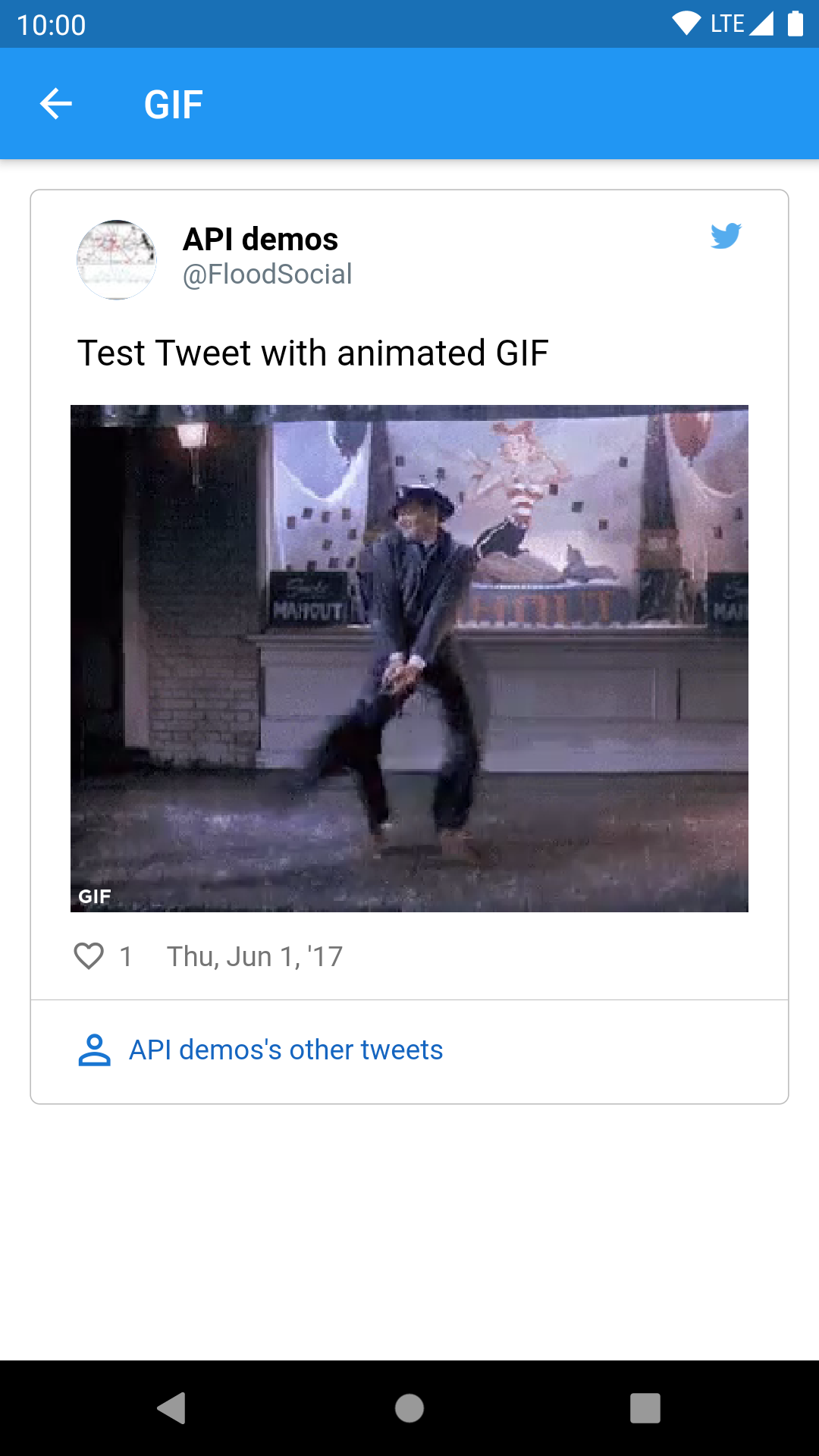
GIF img img img
Quoted tweet views
Media type TweetView CompactTweetView EmbeddedTweetView
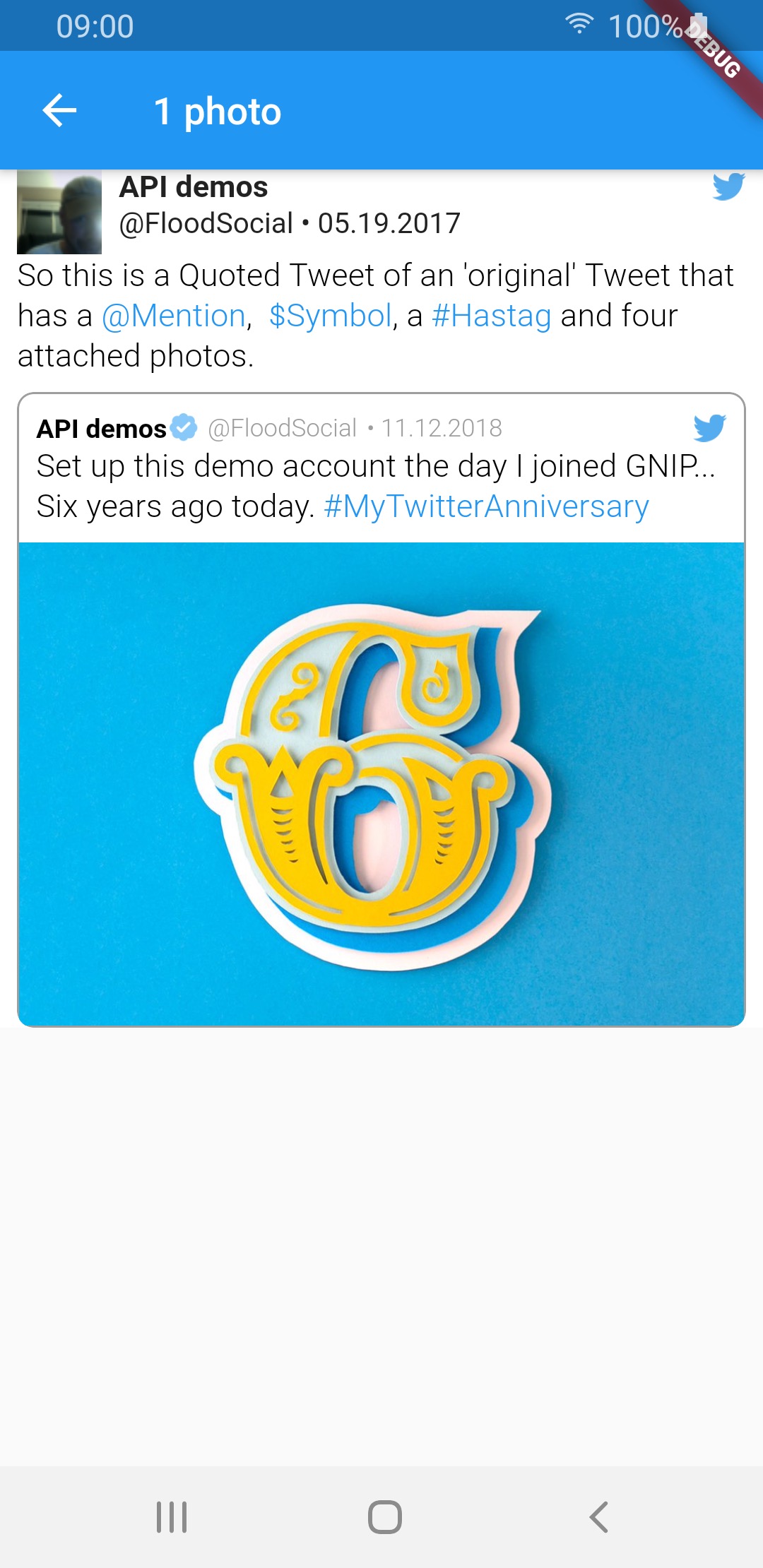
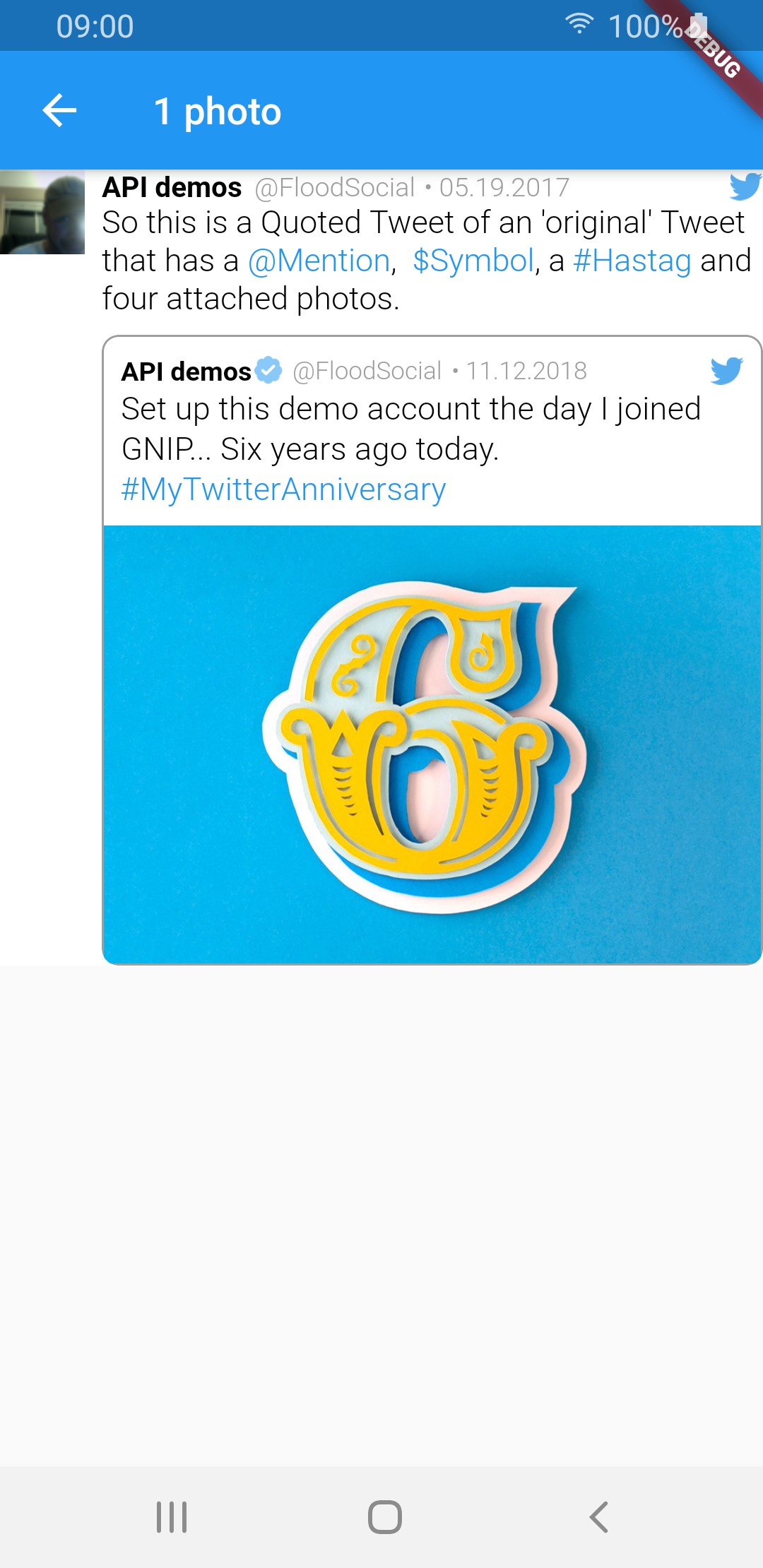
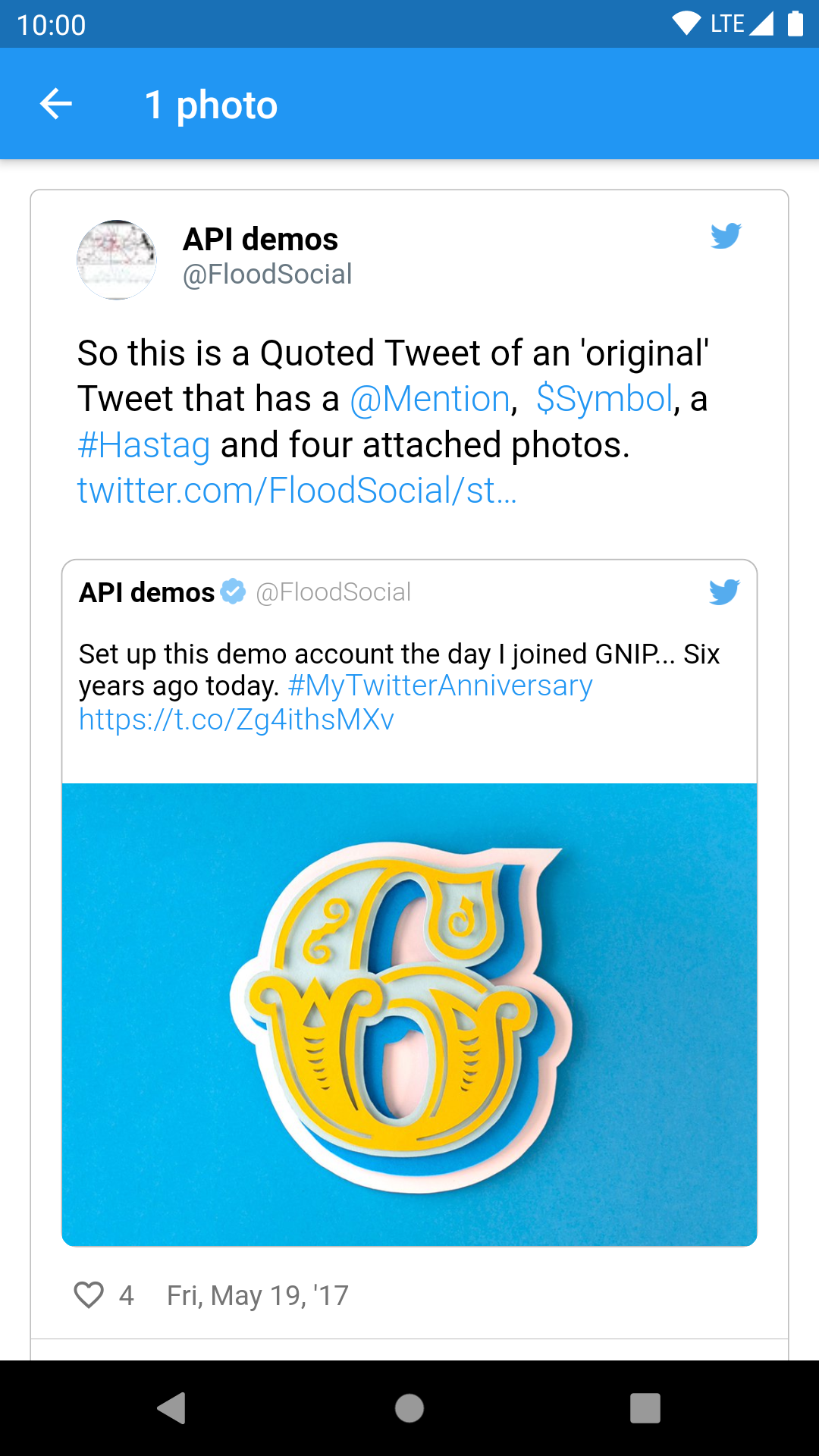
1 photo img img img
2 photos img img img
3 photos img img img
4 photos img img img
video img img img
GIF img img img

Sample tweets use real-life tweet ids but for example purposes, their content was changed.


Thanks for contributing: dasmikko, jamesblasco, tristan-vrt, daver123, ercadev, ivanjpg, escamoteur, ndahlquist, wszeborowskimateusz, robertmrobo
Schibsted GitHub avatar
GitHub-Autor

Schibsted ↗

SprachenDartRubySwiftKotlinObjective-C

Kategorien

Von diesem Repository veröffentlichte Pakete

Verwendete Abhängigkeiten

Abhängigkeiten 13 Einträge

Wie wähle ich ein passendes Repository?

Nach Anwendungsfall filtern, Aktivität vergleichen und vor der Nutzung das Originalprojekt prüfen.

  1. Nach Name, Autor oder Beschreibung suchen und nach Thema eingrenzen.
  2. Sterne, Forks und letzte Pushes vergleichen. Sterne zeigen Interesse, garantieren aber keine Qualität.
  3. Vor der Nutzung README, Lizenz und Issues auf GitHub prüfen.

Quellen und Pflege

“A repository is the most basic element of GitHub.”

GitHub Docs — About repositories ↗