Snapping Page Scroll
A plugin that acts similar to a PageView but either snaps to the closest page or scrolls multiple pages and then snaps, based on how fast the user scrolls.
If the user scrolls faster than a certain threshold, page snapping will be disabled until friction slows the velocity to below that threshold, leading to page snapping being enabled again.
If the user scrolls slower than the threshold, the widget will act like a regular PageView with pageSnapping: true.
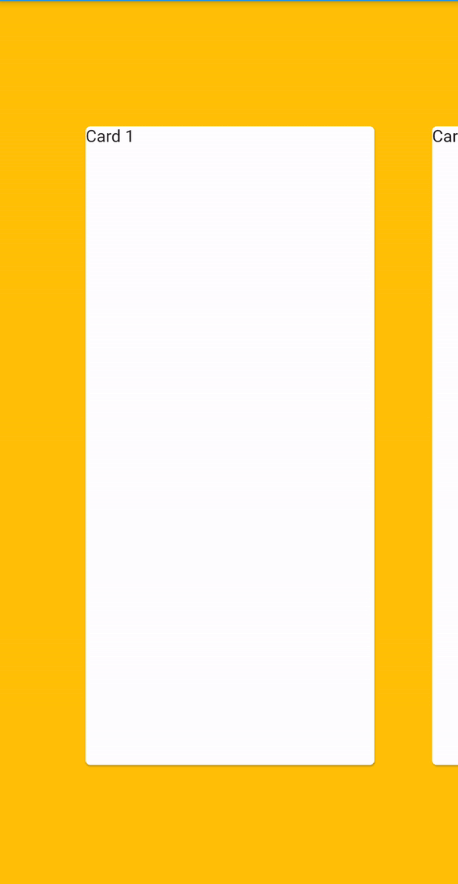
GIF showing how the plugin works
Usage
To use this plugin, add snapping_page_scroll as a dependency in your pubspec.yaml file.
Example
import 'package:flutter/material.dart';
import 'package:snapping_page_scroll/snapping_page_scroll.dart';

void main() => runApp(App());

class App extends StatelessWidget {
  Widget customCard(String text) {
    return Padding(
      padding: const EdgeInsets.fromLTRB(20, 100, 20, 100),
      child: Card(
        child: Text(text),
      ),
    );
  }

  final controller = PageController(
    viewportFraction: 0.75,
  );

  @override
  Widget build(BuildContext context) {
    return MaterialApp(
      home: Scaffold(
        backgroundColor: Colors.amber,
        appBar: AppBar(),
        body: SnappingPageScroll(
          controller: controller,
          children: <Widget>[
            customCard('Card 1'),
            customCard('Card 2'),
            customCard('Card 3'),
            customCard('Card 4'),
            customCard('Card 5'),
            customCard('Card 6'),
          ],
        ),
      ),
    );
  }
}


 v3.1.0