Pakete, Repositories und App-Kategorien suchen

GitHub-Repositorytechvootsolutions/flutter_text_detect_area

flutter_text_detect_area

techvootsolutions/flutter_text_detect_area open-source repository details.

Projektcover von flutter_text_detect_area
Sterne
10
Forks
0
Letzter Push (UTC)
19.08.2026
Projektstatus
Aktiv

Original-README

Englischer Projektschnappschuss. Aktuelle Inhalte auf GitHub.

Flutter Text Detect Area

pub package GitHub stars License: GPLv3 Flutter Compatible Platform


A Flutter plugin that enables text detection from specific areas of an image or live camera preview. Just drag/select the area you want to scan, and let it extract the text using ML Kit.

Perfect for scanning:

  • 🧾 Receipts image
  • 📄 Documents image
  • 📘 PDFs image
  • 🧠 Custom fields in images

🚀 Features

  • 📸 Supports both live camera and gallery image input
  • ✍️ Manual area selection (drag, resize, pan, freeze)
  • 🔁 Detect text once or continuously
  • 📱 Android & iOS support
  • ✅ Simple integration

📦 Installation

Add to your pubspec.yaml:

dependencies:
  flutter_text_detect_area: <latest-version>

Import in your Dart file:

import 'package:flutter_text_detect_area/flutter_text_detect_area.dart';

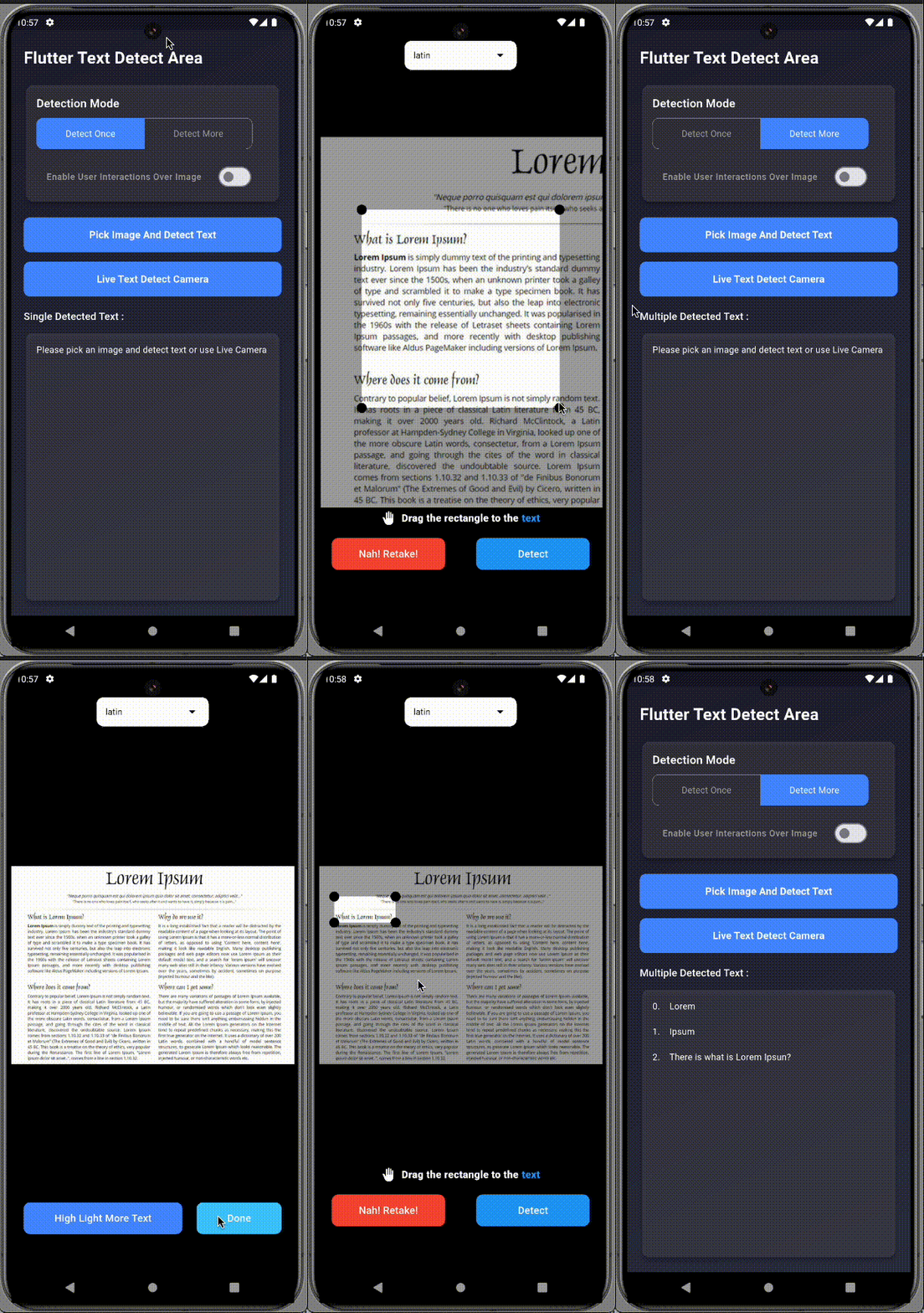
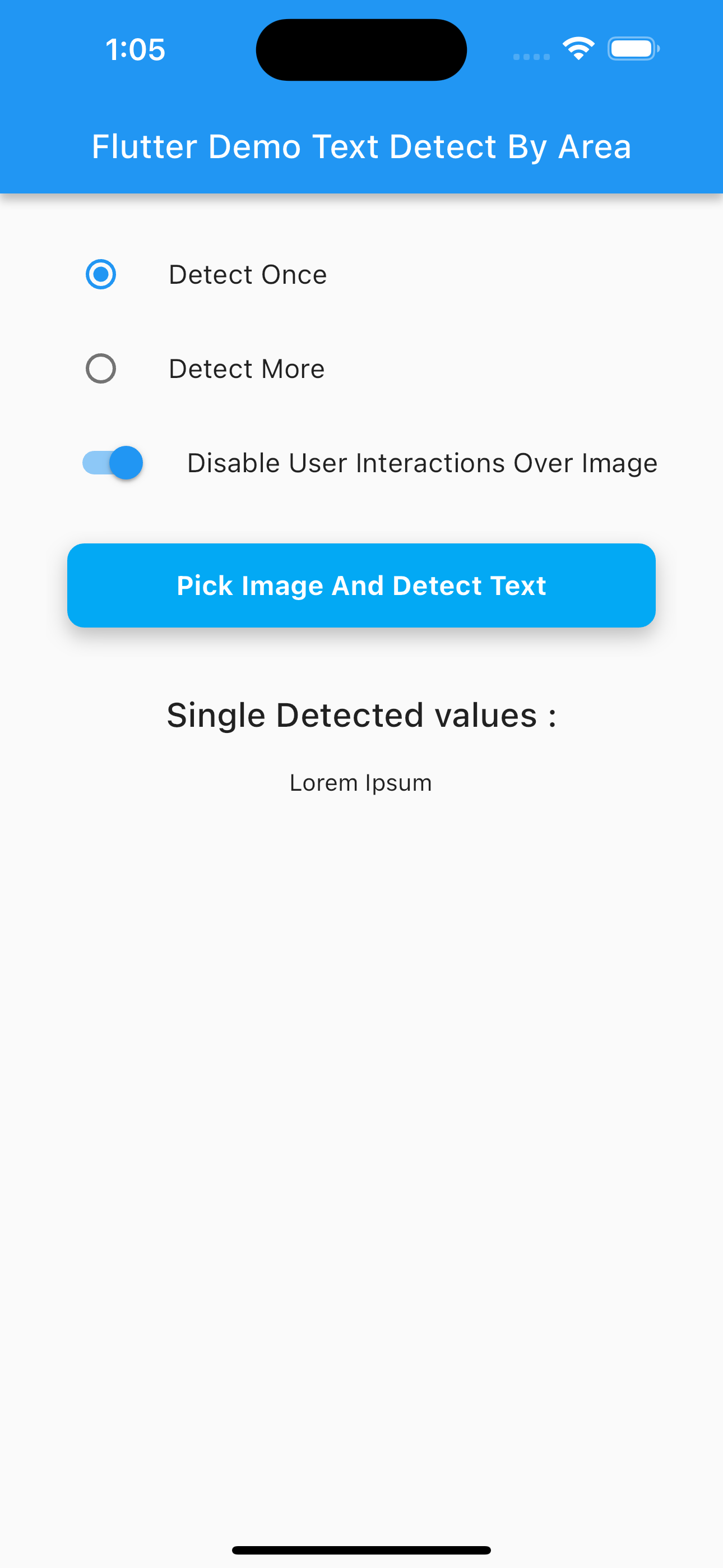
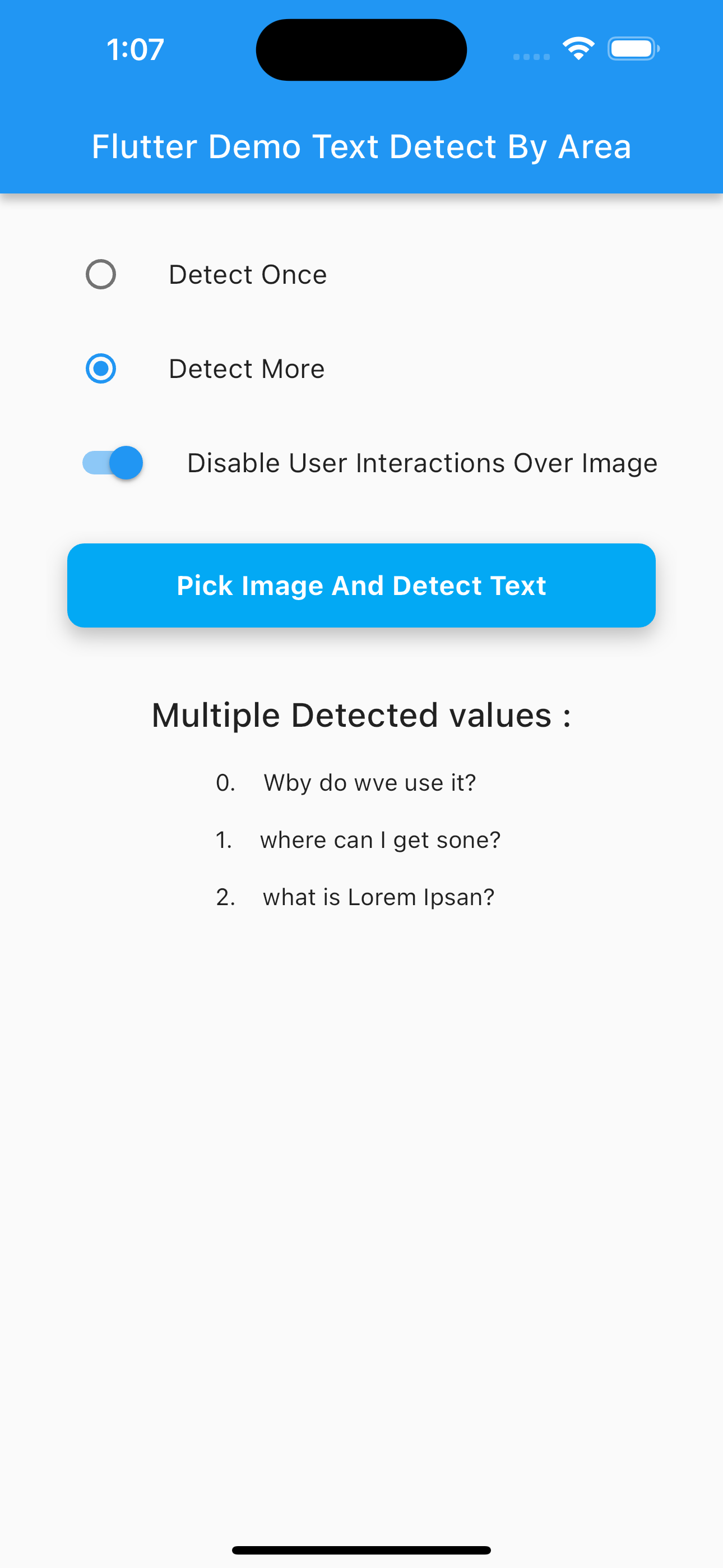
📸 Preview

Pick Image (GIF) Live Camera (GIF)
Pick Camera
Multi Text Detection (PNG) Single Text Detection Camera (PNG)
Multi Single

📂 Image Picker Setup

Use the image_picker package to choose an image:

final pickedFile = await ImagePicker().pickImage(source: ImageSource.gallery);

✨ Example Usage

Navigator.of(context).push(
  MaterialPageRoute(
    builder: (context) => SelectImageAreaTextDetect(
      detectOnce: true, // Set to false for continuous scan
      enableImageInteractions: true,
      imagePath: pickedFile?.path ?? '',
      onDetectText: (value) {
        if (value is String) {
          print("Detected: $value");
        } else if (value is List<String>) {
          for (int i = 0; i < value.length; i++) {
            print("${i + 1}. ${value[i]}");
          }
        }
      },
      onDetectError: (error) {
        if (error is PlatformException &&
            (error.message?.contains("InputImage width and height should be at least 32!") ?? false)) {
          ScaffoldMessenger.of(context).showSnackBar(
            const SnackBar(content: Text("Selected area must be at least 32x32 pixels.")),
          );
        }
      },
    ),
  ),
);

🔐 Permissions

Android (AndroidManifest.xml)
<uses-permission android:name="android.permission.CAMERA"/>
<uses-permission android:name="android.permission.READ_EXTERNAL_STORAGE"/>
iOS (Info.plist)
<key>NSCameraUsageDescription</key>
<string>Need camera access for live scanning</string>
<key>NSPhotoLibraryUsageDescription</key>
<string>Need photo access to pick images</string>

✅ Platform Support

Platform Supported
Android ✅
iOS ✅
Web ❌

🔍 Output Format

  • If detecting once: returns String
  • If detecting multiple areas: returns List<String>

💡 Use Cases

  • Scan receipts for expenses
  • Extract fields from identity cards
  • Detect table content from scanned documents
  • Select and extract from academic papers or books

👨‍💻 Contributors


📄 License

This project is licensed under the GNU GPLv3.

Techvoot Solutions GitHub avatar
GitHub-Autor

Techvoot Solutions ↗

A leading software development company. Our services are web and mobile app design & development, custom software, enterprise software system

SprachenHTMLDartC++CMakeRubySwiftCJavaObjective-CShellKotlin

Von diesem Repository veröffentlichte Pakete

Verwendete Abhängigkeiten

Abhängigkeiten 10 Einträge

Wie wähle ich ein passendes Repository?

Nach Anwendungsfall filtern, Aktivität vergleichen und vor der Nutzung das Originalprojekt prüfen.

  1. Nach Name, Autor oder Beschreibung suchen und nach Thema eingrenzen.
  2. Sterne, Forks und letzte Pushes vergleichen. Sterne zeigen Interesse, garantieren aber keine Qualität.
  3. Vor der Nutzung README, Lizenz und Issues auf GitHub prüfen.

Quellen und Pflege

“A repository is the most basic element of GitHub.”

GitHub Docs — About repositories ↗