
v1.1.5
unicorndial
Erstellen Sie Ihren Fließmenü einfach mit horizontalen oder vertikalen Fließknopf-Listen
79Likes 11930-Tage-Downloads15Pub-Punkte
Keine Plattformdaten
Flutter-Schwebende Aktionstaste mit Geschwindigkeitswahl
Englischer Projektschnappschuss. Aktuelle Inhalte auf GitHub.
Easily create your own floating action button list
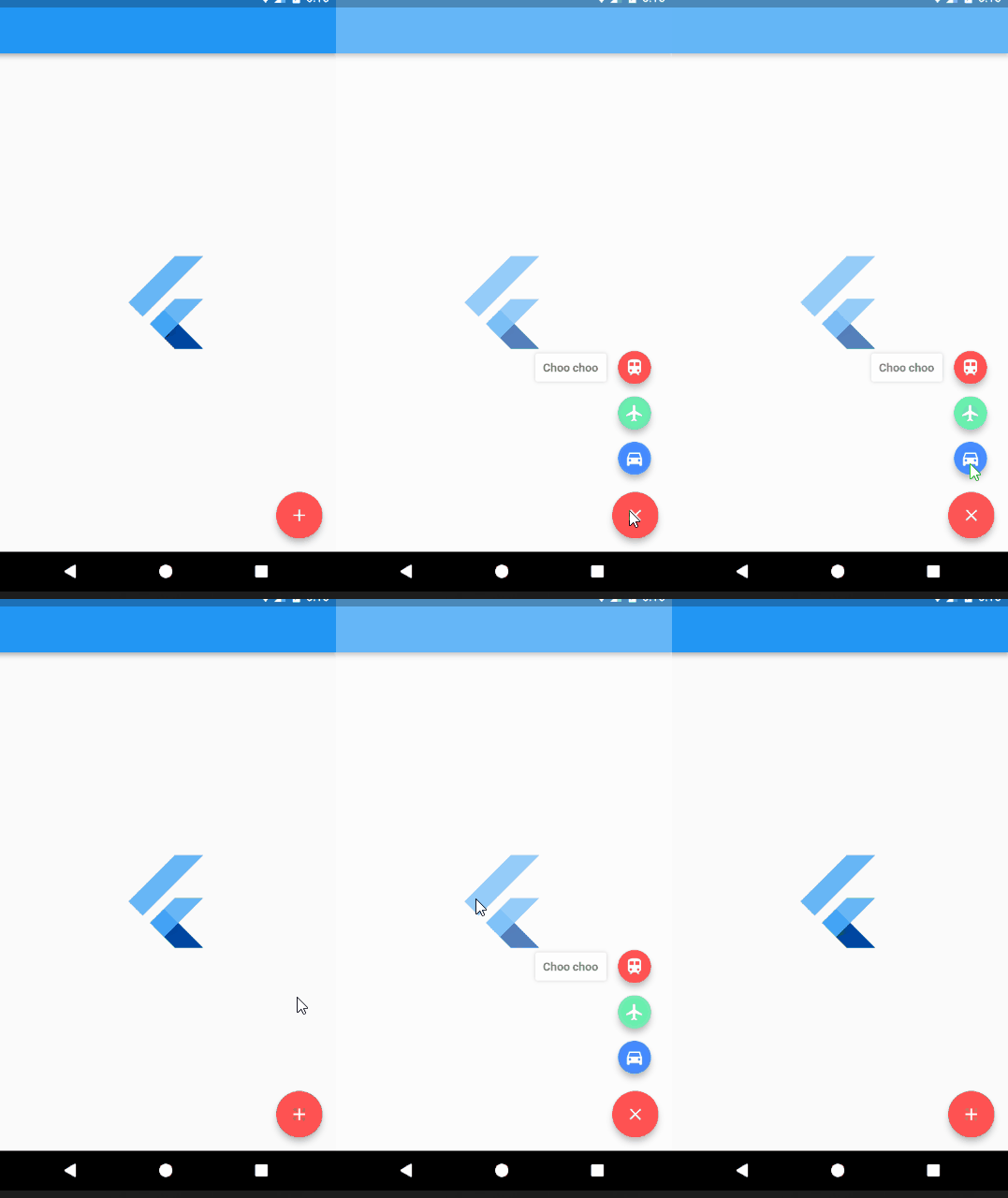
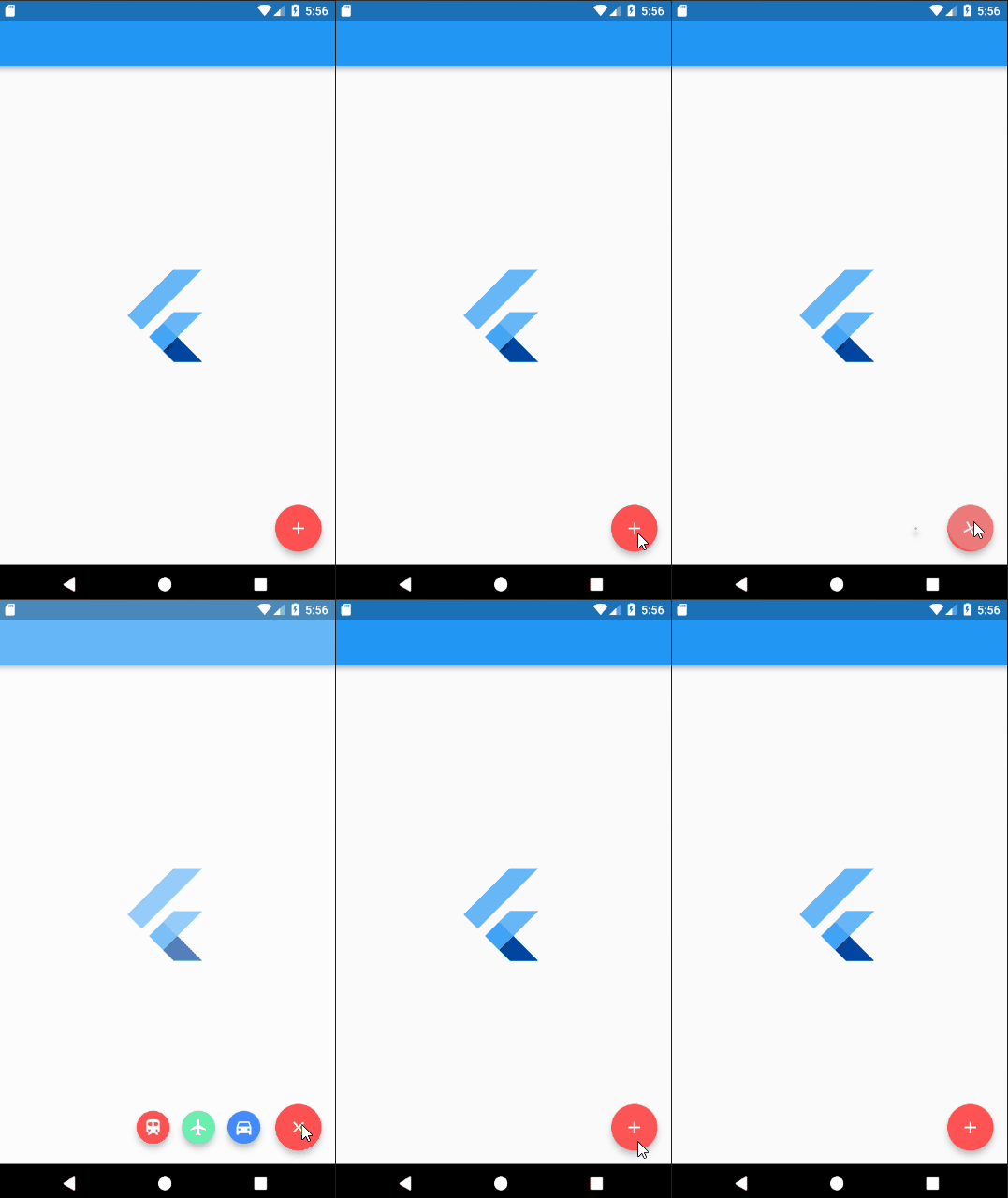
Add UnicornDialer to your pubspec.yaml
unicorndial: "^1.1.5"
UnicornDialer class
int orientation - Vertical or horizontal floating button list
Object parentHeroTag - Main FAB hero tag
Color backgroundColor - Modal background color
Icon parentButton - Starting Icon
Icon finalButtonIcon - Ending Icon (after animation is complete)
bool hasBackground - Background modal is set
Color parentButtonBackground - The main floating button background color
List<UnicornButton> childButtons Floating button list
int animationDuration Rotation and expanding animation duration (in milliseconds)
double childPadding - Right padding on the button label
Function onMainButtonPressed - To be called if set on the UnicornDialer parent widget
bool hasNotch - BottomAppBar support
UnicornButton class
FloatingActionButton currentButton - Floating list button
String labelText
double labelFontSize
Color labelColor
Color labelBackgroundColor
Color labelShadowColor - Label container shadow
bool labelHasShadow
bool hasLabel
Tiago Martins
This project is licensed under the MIT License - see the LICENSE.md file for details

Abhängigkeiten 2 Einträge
{"sdk":"flutter"}{"sdk":"flutter"}Nach Anwendungsfall filtern, Aktivität vergleichen und vor der Nutzung das Originalprojekt prüfen.
“A repository is the most basic element of GitHub.”
GitHub Docs — About repositories ↗