 v11.6.0
flutter_quill
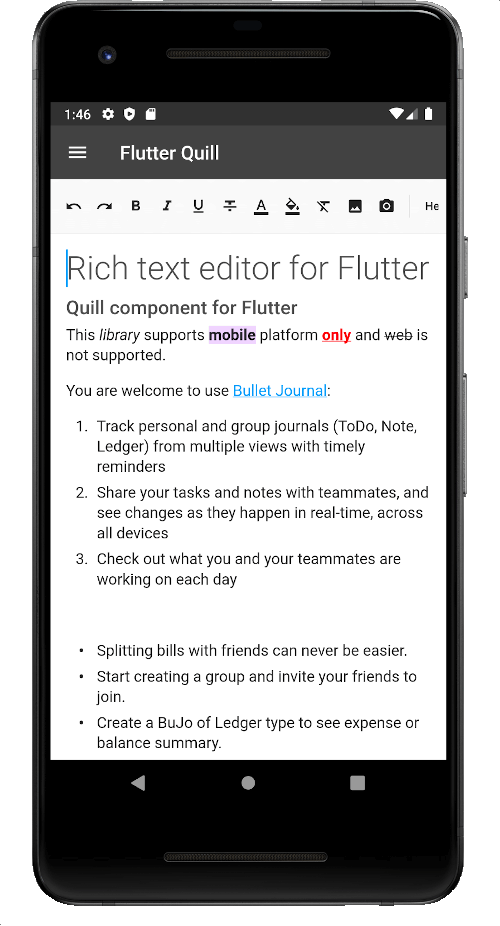
Ein reichhaltiger Texteditor für Android, iOS, Web und Desktop-Plattformen. Es ist der WYSIWYG-Editor und ein Quill-Komponente für Flutter.
2160Likes 333.00030-Tage-Downloads150Pub-Punkte
AndroidiOSmacOSWindowsLinux
Der Virlow Flutter Recorder ist eine Open-Source-Flutter-Anwendung, die aufgezeichnete Audioinhalte transkribieren kann und zudem TL;DR sowie Kurznotizen für Ihre Transkription enthält. Außerdem verfügt er über einen Rich-Text-Editor, mit dem Sie die Transkription bearbeiten und zusätzliche Notizen hinzufügen können.

Englischer Projektschnappschuss. Aktuelle Inhalte auf GitHub.
Version 2.2.0-beta
The Virlow Flutter Recorder is an open-source Flutter application that can transcribe recorded audio, plus it includes TL;DR and Short Hand Notes for your transcription. It also consists of a rich text editor that allows you to edit the transcription plus add any additional notes you require.
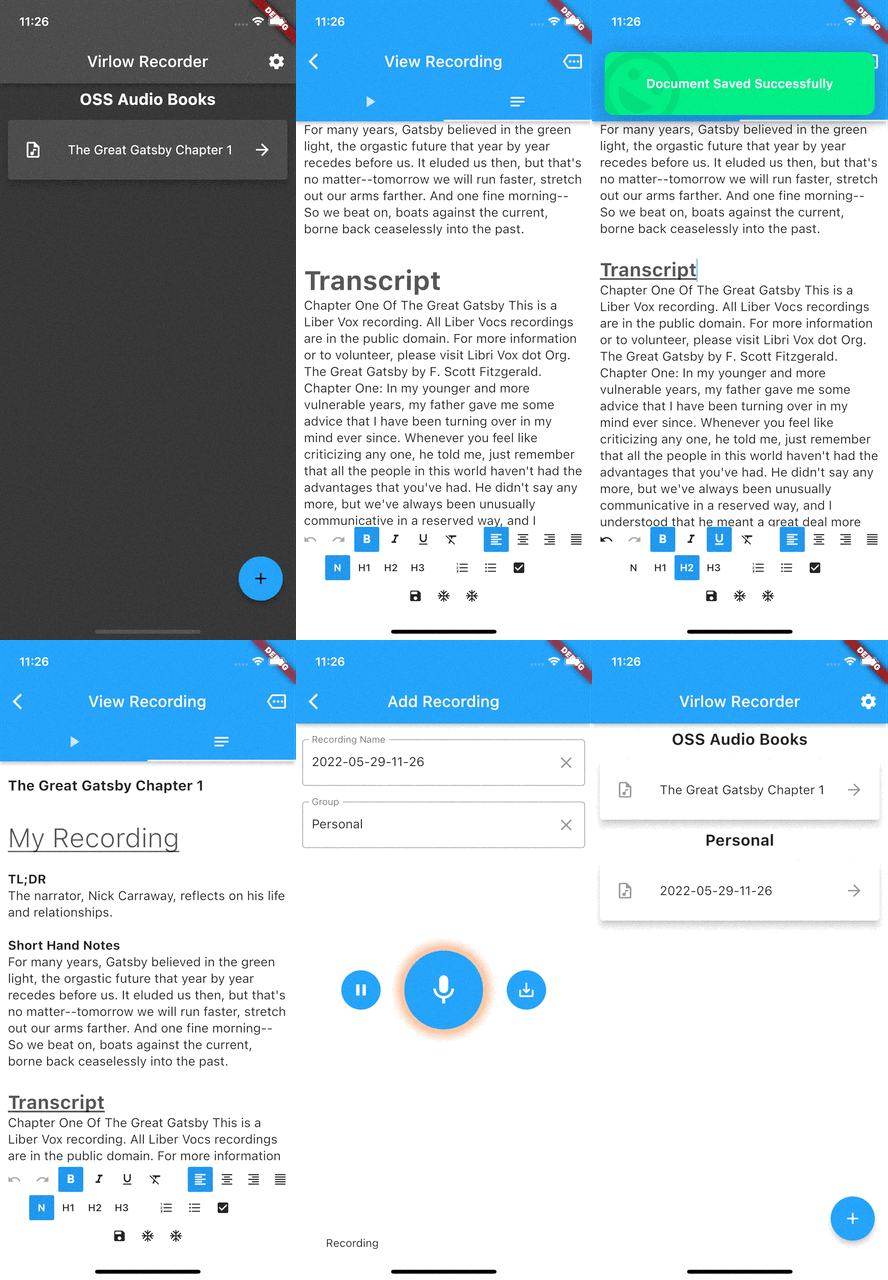
The Virlow Flutter Recorder leverages the Virlow Speech-to-Text API for transcription as well as TL;DR and Short Hand Notes. The Virlow API can automatically convert audio/video files and live audio streams to text with Virlow’s Speech-to-Text APIs. Powered by cutting edge AI models.
Find instructions for setting up your development machine with the Flutter framework on Flutter’s Get started page. The specific steps vary by platform
This project uses the Virlow Speech-to-Text API. You will need to register and generate an API key to use this within your own project.
To run your project, you’ll need to use one of the following options:
Clone this repository.
Update the assets/cfg/app_settings.json with your Virlow API key.
Run flutter pub get.
In VS Code select a platform — for example, the Pixel mobile emulator — and wait while the emulator launches.
Once the emulator is ready, build and run by pressing F5, by selecting Debug ▸ Start Debugging from the menu or by clicking the triangular Play icon in the top right.
Ein reichhaltiger Texteditor für Android, iOS, Web und Desktop-Plattformen. Es ist der WYSIWYG-Editor und ein Quill-Komponente für Flutter.
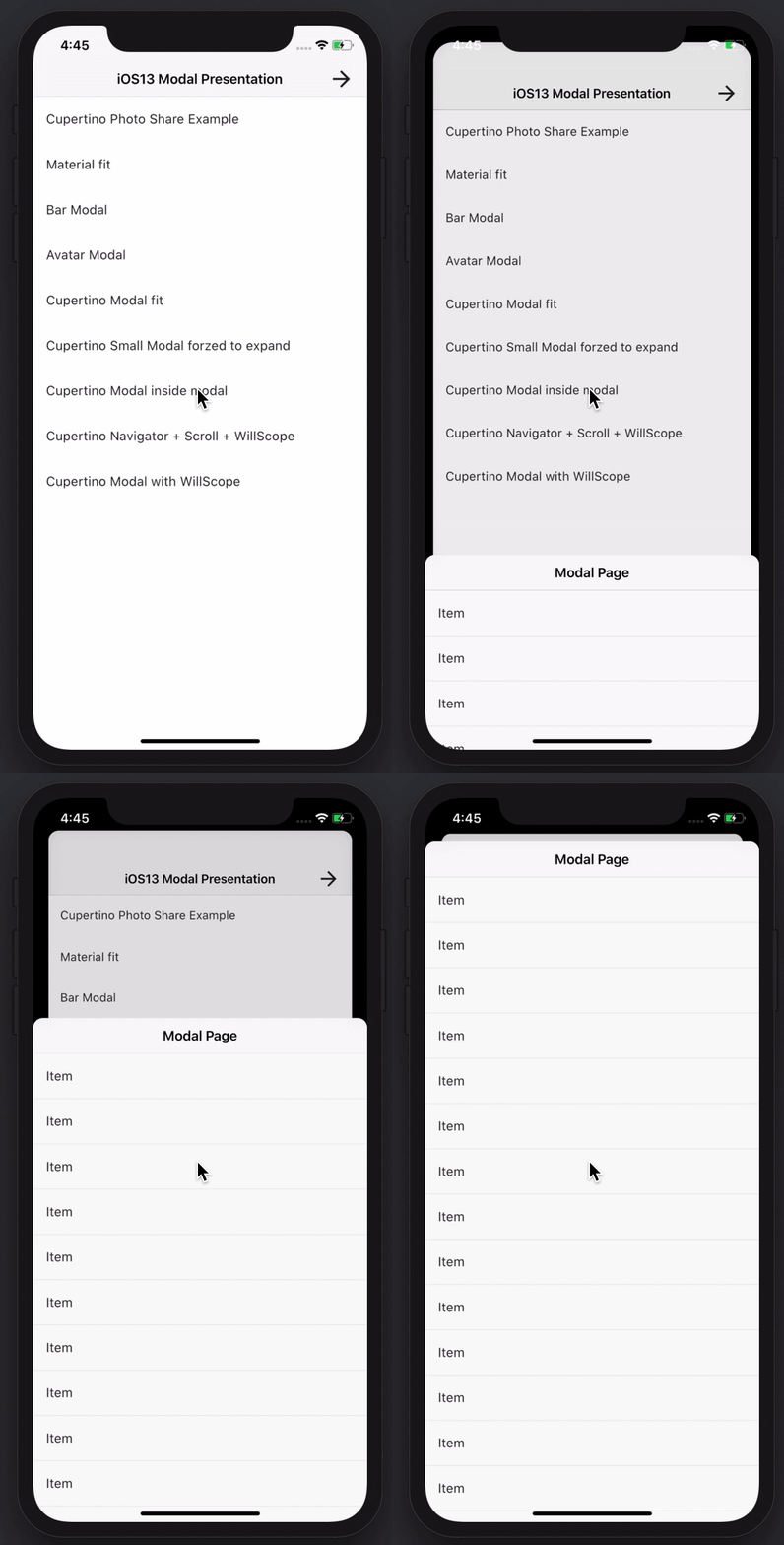
Erstellen Sie beeindruckende und leistungsstarke Modalseiten. Material, Cupertino iOS 13 oder erstellen Sie Ihre eigene Art
Das Amplify Flutter-API-Kategorien-Plugin, das GraphQL- und REST-Vorgänge unterstützt.
Der Amplify Flutter Auth-Kategorie-Plugin mit dem AWS Cognito-Anbieter.
Eine vorgefertigte Anmelde- und Registrierungserfahrung für die Amplify Auth-Kategorie
Das oberste Flutter-Paket für die AWS Amplify-Bibliotheken.
Eine vollständige API für Audio-Wiedergabe und Aufnahme. Mitglied der Familie Tau. Audioplayer, Audiomitschnitt. Für die Ukraine beten.
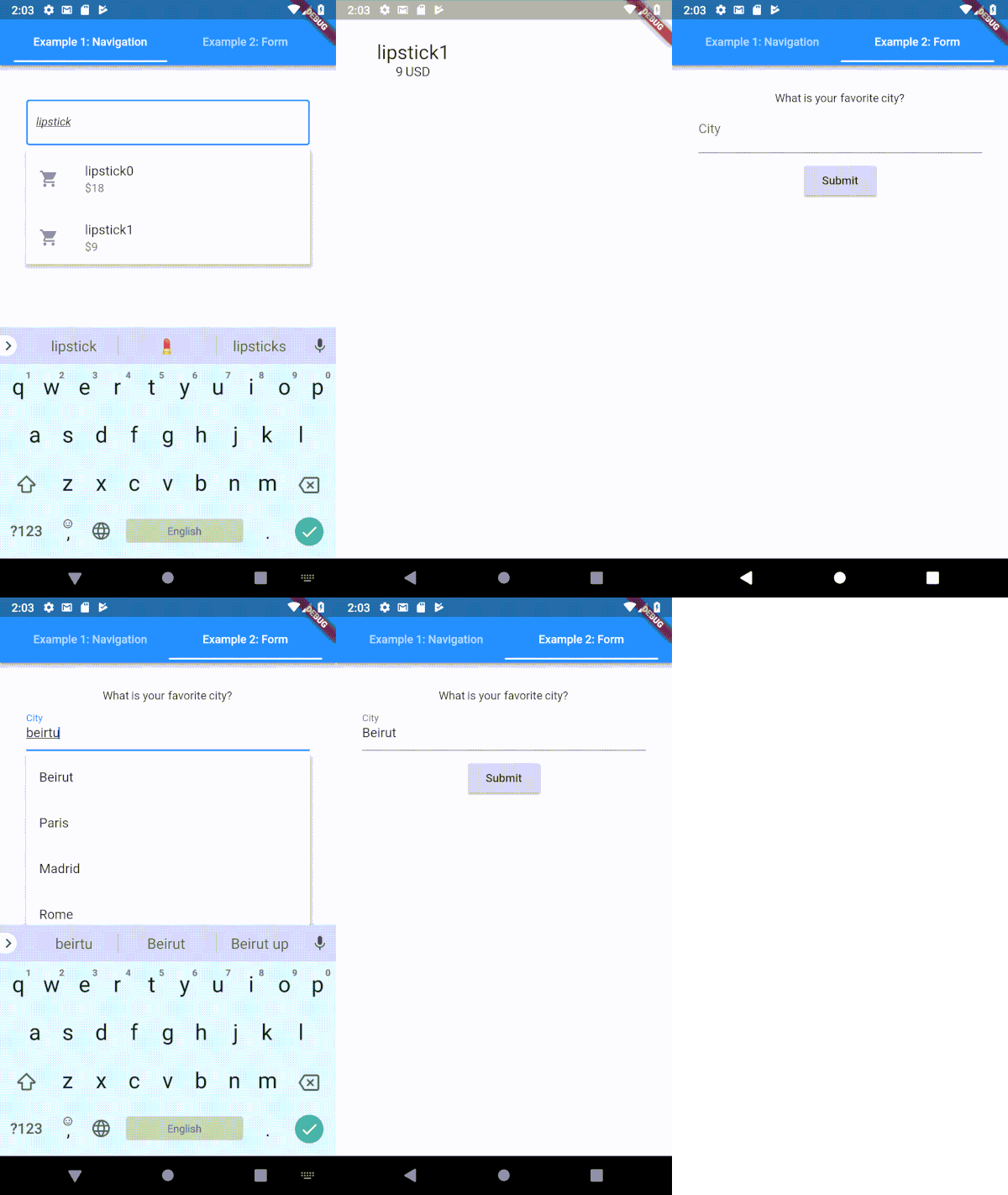
Ein hochgradig anpassbarer Typeahead-(Autocomplete-)Texteingabefeld für Flutter
Dartlang-Port des socket.io-client für Web, Flutter, DartVM
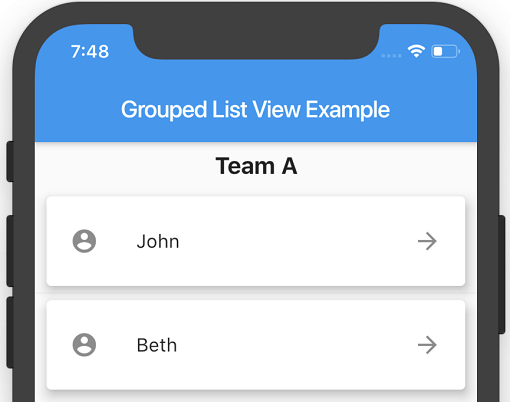
Eine Flutter ListView, bei der die Listenelemente in Abschnitte gruppiert werden können.
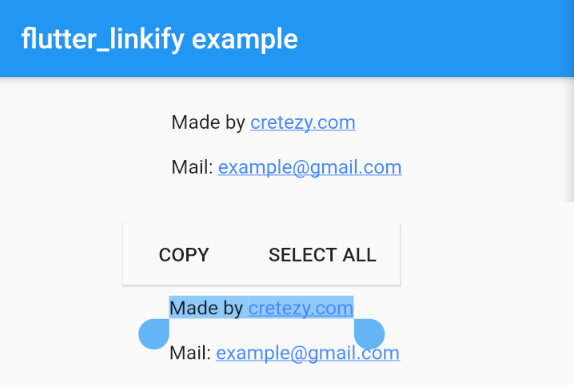
Konvertiert Text-URLs und E-Mails in klickbare Inline-Links im Text für Flutter.
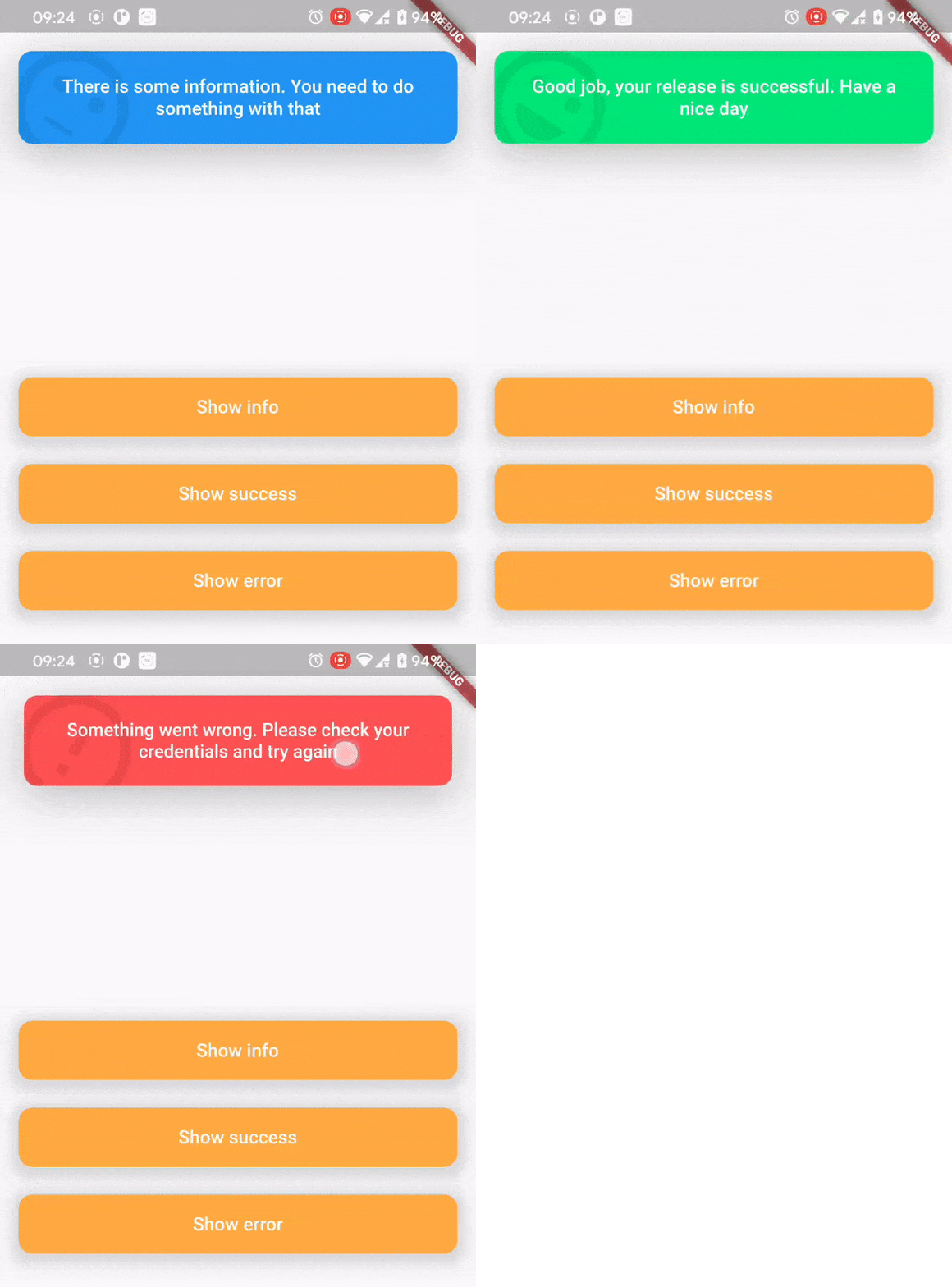
Das Top-Snackbar-Paket wurde für eine angenehme und bequeme Art geschaffen, Benutzer über das Geschehen zu informieren.
Abhängigkeiten 30 Einträge
^0.1.6+1{"sdk":"flutter"}^1.0.4^5.0.2^2.0.0^5.0.3^2.0.0^9.2.13^4.0.0^5.1.1^2.2.1^1.1.0^0.13.4^0.17.0^0.9.21^2.0.1^9.2.0^2.0.0-beta.4-nullsafety.0^1.1.1^6.1.2^3.0.6^0.27.3{"git":{"url":"https://github.com/virlow-voice/flutter-sound-stream"}}^0.6.0^0.6.0^0.2.0^0.6.0^2.1.0{"sdk":"flutter"}^2.0.1Nach Anwendungsfall filtern, Aktivität vergleichen und vor der Nutzung das Originalprojekt prüfen.
“A repository is the most basic element of GitHub.”
GitHub Docs — About repositories ↗