v4.0.1badges
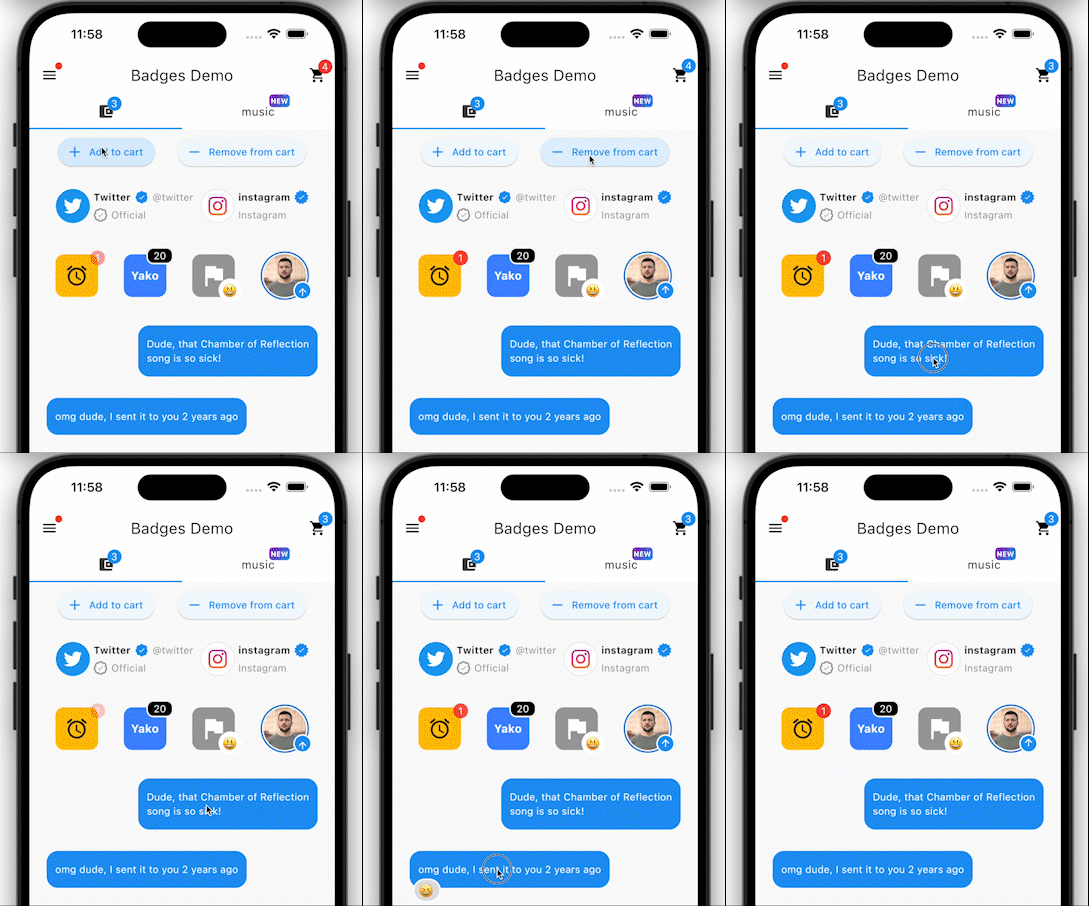
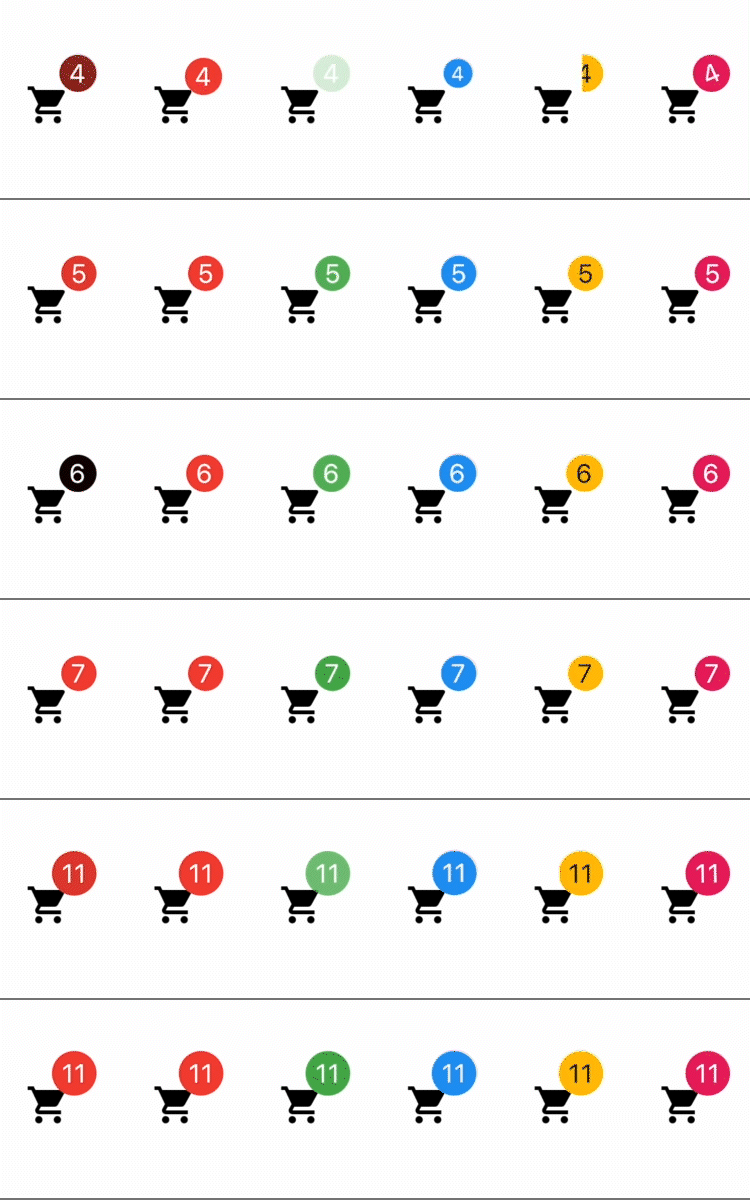
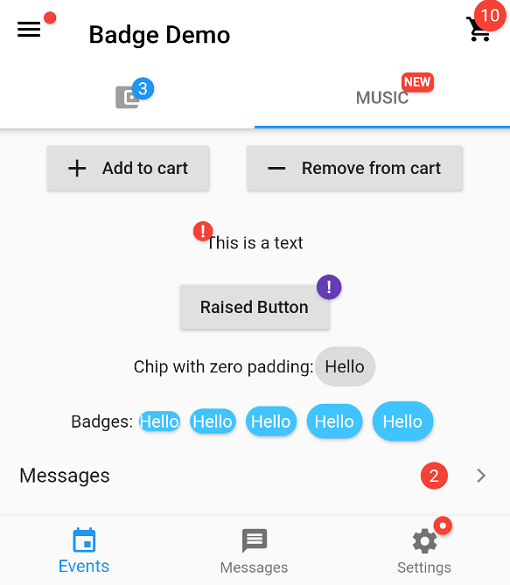
Ein Paket zum Erstellen von Badges. Badges können als zusätzlicher Marker für jedes Widget verwendet werden, z. B. die Anzahl von Artikeln in einem Einkaufswagen anzeigen.
Ein Flutter-Paket zum Erstellen von Abzeichen.
Englischer Projektschnappschuss. Aktuelle Inhalte auf GitHub.


In your pubspec.yaml
dependencies:
badges: ^3.2.0
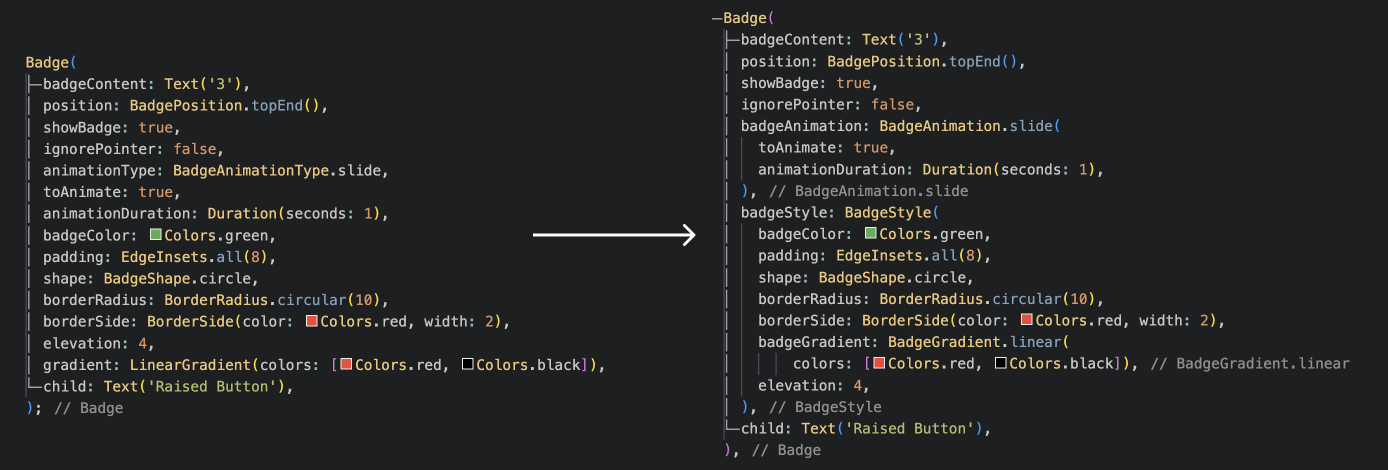
Attention! In Flutter 3.7 the Badge widget was introduced in the Material library, so to escape the ambiguous imports you need to import the package like this:
Option 1: namespace prefix
import 'package:badges/badges.dart' as badges;
and then use the "badges.Badge" widget instead of the "Badge" widget. The same for all the classes from this package.
Option 2: hide Flutter's Material Badge widget
import 'package:badges/badges.dart';
import 'package:flutter/material.dart' hide Badge;
badges.Badge(
badgeContent: Text('3'),
child: Icon(Icons.settings),
)
badges.Badge(
position: badges.BadgePosition.topEnd(top: -10, end: -12),
showBadge: true,
ignorePointer: false,
onTap: () {},
badgeContent:
Icon(Icons.check, color: Colors.white, size: 10),
badgeAnimation: badges.BadgeAnimation.rotation(
animationDuration: Duration(seconds: 1),
colorChangeAnimationDuration: Duration(seconds: 1),
loopAnimation: false,
curve: Curves.fastOutSlowIn,
colorChangeAnimationCurve: Curves.easeInCubic,
),
badgeStyle: badges.BadgeStyle(
shape: badges.BadgeShape.square,
badgeColor: Colors.blue,
padding: EdgeInsets.all(5),
borderRadius: BorderRadius.circular(4),
borderSide: BorderSide(color: Colors.white, width: 2),
borderGradient: badges.BadgeGradient.linear(
colors: [Colors.red, Colors.black]),
badgeGradient: badges.BadgeGradient.linear(
colors: [Colors.blue, Colors.yellow],
begin: Alignment.topCenter,
end: Alignment.bottomCenter,
),
elevation: 0,
),
child: Text('Badge'),
),


and more to come!
Abhängigkeiten 3 Einträge
{"sdk":"flutter"}{"sdk":"flutter"}^6.0.0Nach Anwendungsfall filtern, Aktivität vergleichen und vor der Nutzung das Originalprojekt prüfen.
“A repository is the most basic element of GitHub.”
GitHub Docs — About repositories ↗